Customer Ratings & Reviews

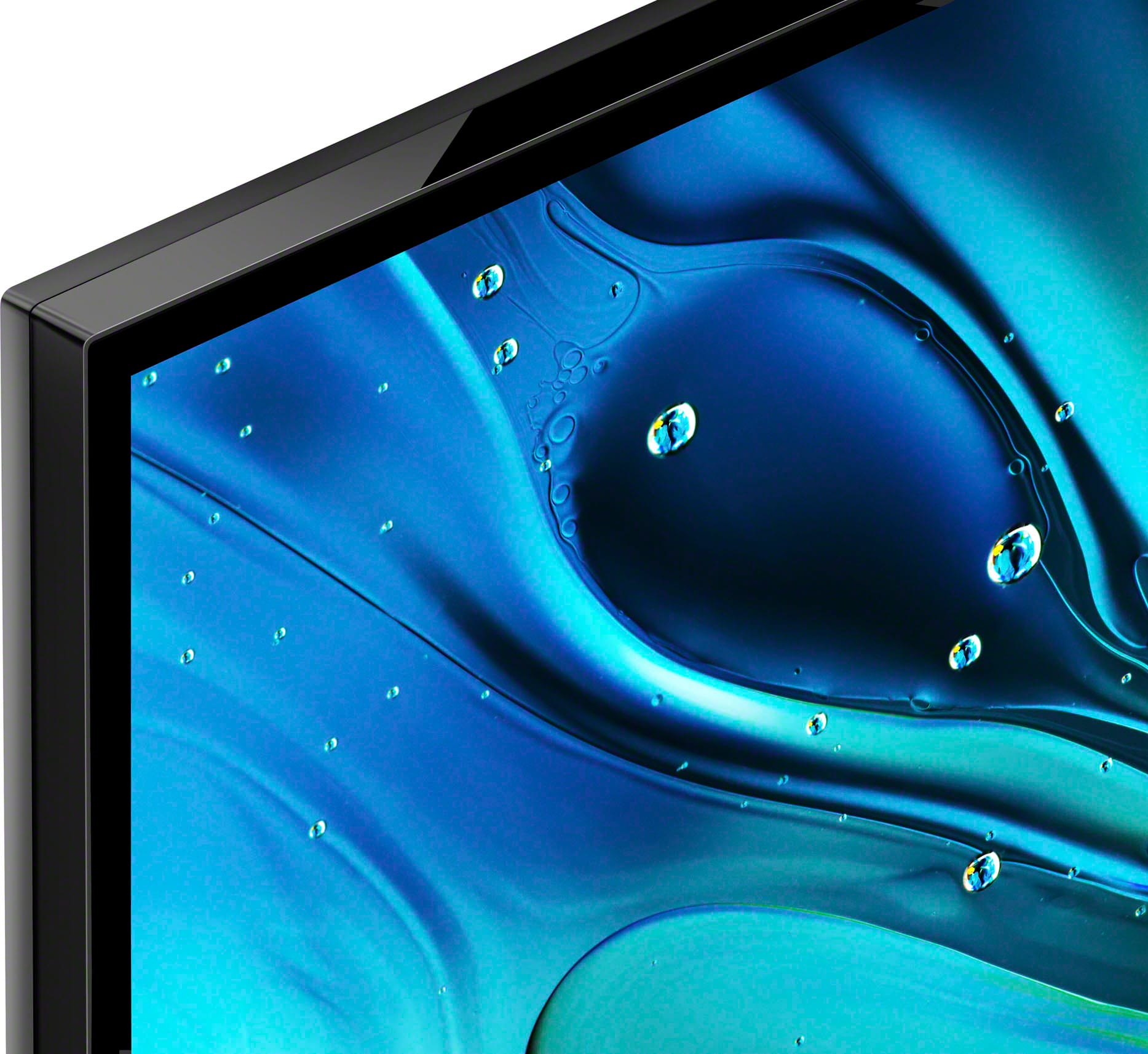
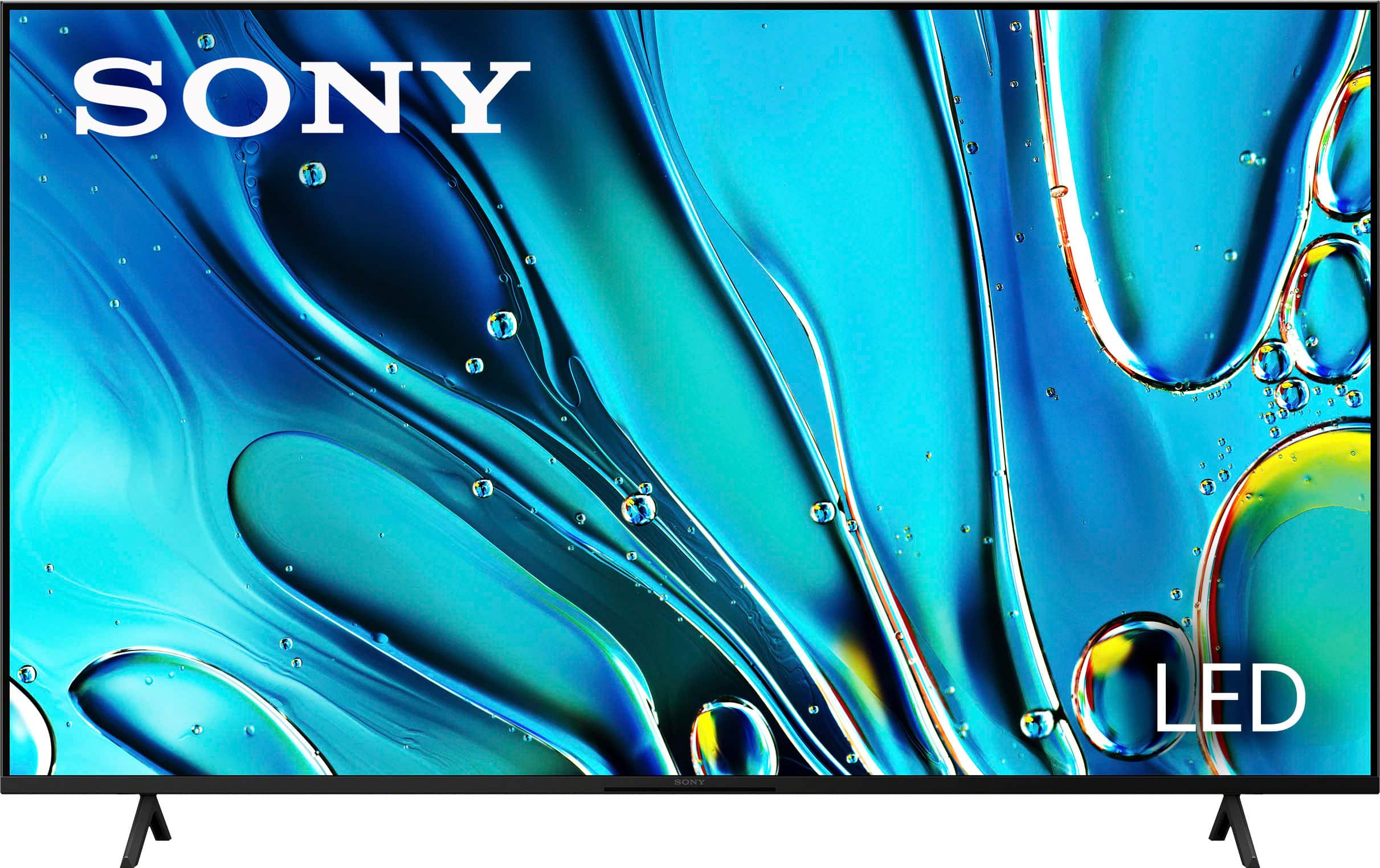
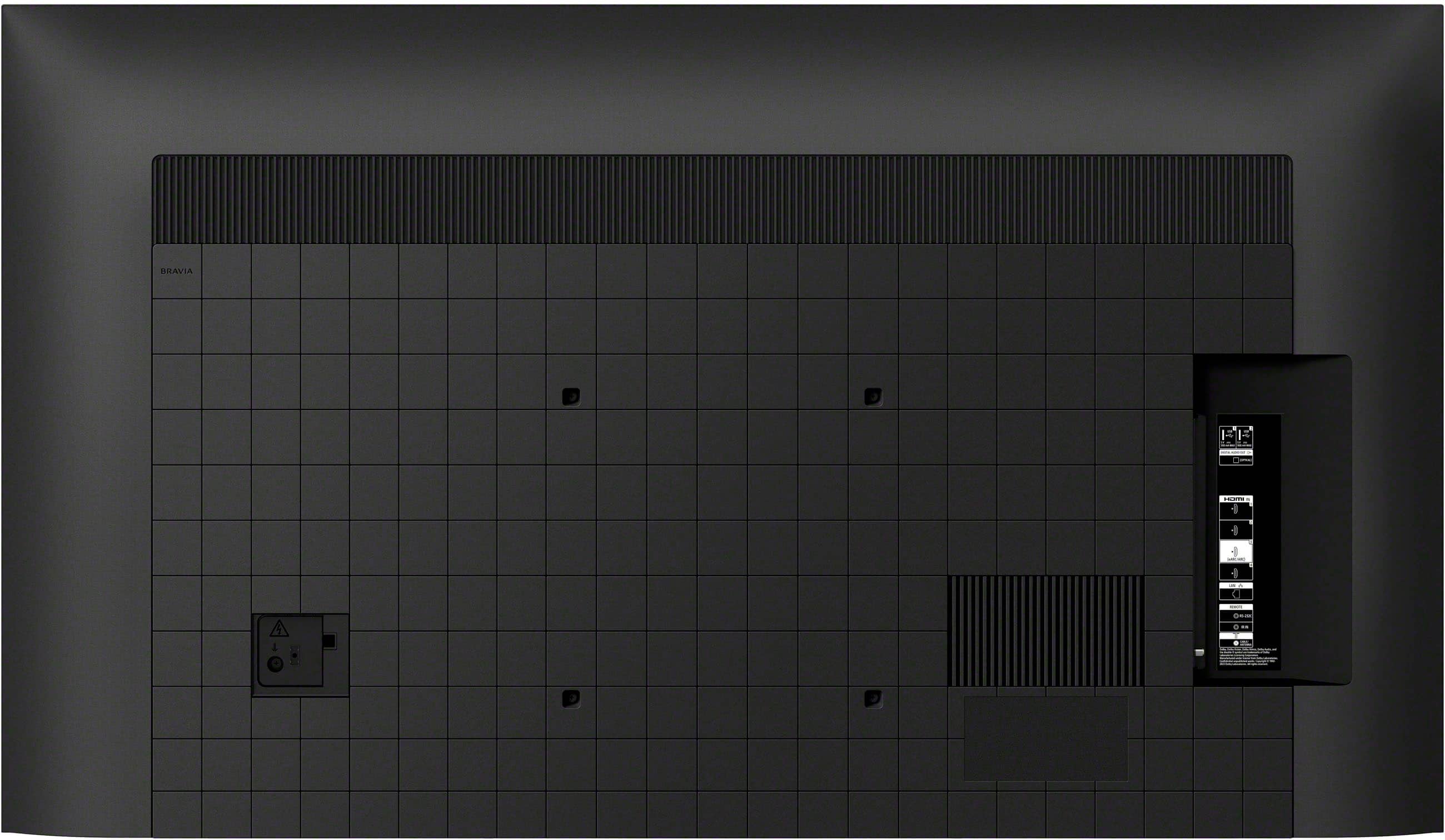
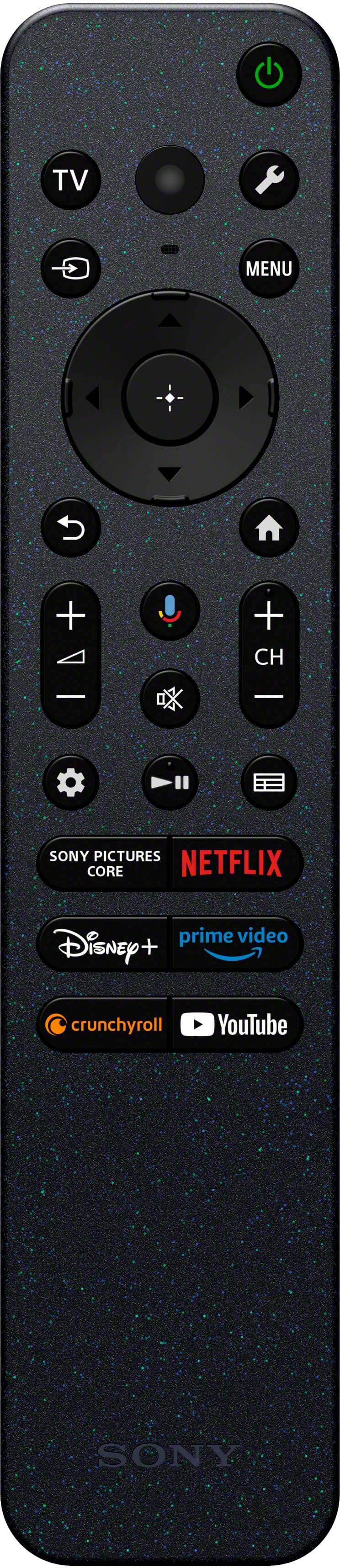












- Model:
- K55S30
- SKU:
- 6578581
Rating by feature
- Picture Quality
Rating 4.8 out of 5 stars
- Sound Quality
Rating 4.5 out of 5 stars
- Brightness
Rating 4.8 out of 5 stars
Customers are saying
Customers are delighted by the outstanding picture quality, ease of use, and vibrant color that the 55" Class BRAVIA 3 TV offers. The effortless setup process is also appreciated. However, some customers have expressed concerns regarding the TV's software and its connectivity with certain devices.
This summary was generated by AI based on customer reviews.
- Pros mentioned:Sound quality
New TV
||Posted . Owned for 1 month when reviewed.This reviewer received promo considerations or sweepstakes entry for writing a review.I did not have the TV for too long. Sound quality was great but picture was not the same as seen in the store. I was disappointed since Sony are have a good reputable name. TV was returned. Later I was told by another Store that you would have seen good picture quality if you streamed in 4K. I did not know that if I would have I would not have returned the TV. I ended up getting a Samsung QLED. Picture quality is great.
No, I would not recommend this to a friendBrand response from SonyListens
Posted .Hi there!
We appreciate you taking the time to share your experience. It's great to hear that the sound quality hit the mark for you, even if the picture didn't quite match what you saw in the showroom before the return.
The store's later advice was spot on—streaming in native 4K is the best way to see the full potential of a Sony TV. While the BRAVIA 3 uses a powerful processor to clean up lower-resolution content, a 4K signal provides the millions of extra pixels needed for that ultra-sharp "window to the world" look you see in professional store demos.
Feedback like yours is incredibly helpful in reminding everyone that the right high-quality source makes all the difference in getting that premium cinematic feel at home.
Thank you for considering Sony!
Regards,
Dominick
Good Picture. Bad Software
||Posted . Owned for 1 month when reviewed.This reviewer received promo considerations or sweepstakes entry for writing a review.nice picture. software is glitchy. change channels too fast, it locks up. Have to restart tv. Can not go straight to C.C. Have to drill down. MUTE tv turns off sound bar after short period. Surfing Very slow. Update did Not fix. Using OTA antenna. Purchased mainly for Wide viewing angle. Next model up did not have.
I would recommend this to a friendBrand response from SonyListens
Posted .Hi nope, Thank you for sharing your experience with the BRAVIA 3. We sincerely apologize for the issues you’ve encountered and understand how frustrating this can be. Here are some steps that might help improve your experience: Software Glitch and Channel Lock-Up: Perform a factory reset. Closed Captions (C.C.) Accessibility: If you're remote doesn't have a dedicated button for C.C., you can acess it by pressing the MENU button to access the Control Menu, then select the CC/Subtitle option. For more detailed information about Closed Caption/Subtitle, you might find this link helpful: https://www.sony.com/electronics/support/articles/00244799?utm_source Sound Bar Mute Issue: Adjusting HDMI CEC settings or using an HDMI CEC-less adapter might resolve this issue. https://www.sony.com/electronics/support/articles/00161073?utm_source Slow Surfing: Performing a factory reset, or reconnecting to the internet may improve responsiveness. OTA Antenna Usage: For better OTA performance, we recommend repositioning the antenna to ensure optimal signal reception. Hope this information helps! If you need further assistance or have additional concerns, may we contact you directly? If so, please email the following information to socialsupport@am.sony.com. Apologies if you've already shared this information with customer service — we just want to ensure we have your most accurate details: Full Name: Best Buy Username: Telephone Number: Additional Information regarding your experience with the BRAVIA 3. Thank you for your patience, and we look forward to improving your experience! Sincerely, Maria
CEC issues
||Posted .This reviewer received promo considerations or sweepstakes entry for writing a review.have had other Sony models with no cec issues, but this does not place nicely with Apple TV boxes.
No, I would not recommend this to a friendBrand response from SonyListens
Posted .Hi Mulvone19,
Thanks for sharing your feedback! We're sorry to hear you're experiencing CEC issues with your BRAVIA 3 and Apple TV box, especially since you've had a seamless experience with other Sony models before.
CEC can sometimes be finicky between different brands, but there are a few things you can try to get them working together smoothly: Ensure that your TV's firmware is up to date, try a different HDMI port on the TV and power cycle all your devices ( unplug them from the wall for about 30 seconds before plugging them back in).
If the problem persists, please don't hesitate to contact our official support team. They can provide more in-depth troubleshooting to resolve this for you. Here's the link: https://us.esupport.sony.com/support/s/support-contact?language=en_US&category=tv
Thanks for choosing Sony!
Sincerely,
Jenn | Sony Social Media Team.
First TV broken, subsequently replaced by Best Buy
||Posted . Owned for 2 weeks when reviewed.This reviewer received promo considerations or sweepstakes entry for writing a review.The first TV I received have issues with pixels showing and kept losing the network connection. I did call Best Buy to tell them about my dissatisfaction and they did replace the TV at no charge.
No, I would not recommend this to a friendBrand response from SonyListens
Posted .Hi JuliaS, we appreciate your feedback and are sorry to hear that your first TV had issues. We're glad to hear now that you were able to get a new replacement! Your experience is important to us, and we strive to deliver the best quality possible. Thanks for choosing Sony. Regards, - Dominick
turning on TV problem
||Posted . Owned for 2 weeks when reviewed.This reviewer received promo considerations or sweepstakes entry for writing a review.we bought the TV and it was great until there was problem turning back on the TV. we have reset the power plug and still not working. called Best Buy (Geek Squad) about the problem and we had it replaced, and they installed it for us. It is now working so far
I would recommend this to a friendBrand response from SonyListens
Posted .Hello Gerrardjmanlongat,
Thank you for considering Sony products.
We sincerely apologize for the inconvenience you experienced with your K55S30 TV’s power issue. This is certainly not reflective of the quality standards we strive to uphold. We appreciate you taking the time to share your feedback and are glad to hear that the replacement unit is currently working well. Please rest assured that we will forward your comments to our dedicated Sony team for review as we continue to improve our products. Thank you for your patience and understanding.
Best regards,
-Fred
Sony TV not what expected
||Posted . Owned for 1 month when reviewed.This reviewer received promo considerations or sweepstakes entry for writing a review.Picture quality and sound is not what expected. I expected more from Sony.
No, I would not recommend this to a friendBrand response from SonyListens
Posted .Hi ElizaC,
We're so sorry to hear that your new BRAVIA 3 isn't living up to your expectations.
Since the quality isn't where it should be, there might be a setting that needs adjusting. We really want to help get this fixed for you.
Please reach out to our support team so they can take a closer look and walk you through a solution. You can find their contact details here: https://us.esupport.sony.com/support/s/support-contact?language=en_US&category=tv
Thanks for considering Sony and sharing your feedback.
Warm regards,
Estefany
Affordable for entry level for SONY
||Posted . Owned for 1 month when reviewed.This reviewer received promo considerations or sweepstakes entry for writing a review.Good tv for entry level and affordability. Value price cannot be beat
I would recommend this to a friendBrand response from SonyListens
Posted .Hello HermiloQ,
Thank you for choosing Sony.
We're honored to hear that you recognize the K55S30 TV as a great option for entry-level affordability with unbeatable value. We appreciate your honest 3-star rating and encourage you to reach out to our team if any issues arise. We're committed to helping you enhance your experience and are here to support you every step of the way. You'll find all the necessary contact options and resources at this link: https://us.esupport.sony.com/support/s/support-contact?language=en_US&category=tv. Thank you for sharing your feedback!
Best regards,
-Fred
Too Complicated
||Posted . Owned for 1 week when reviewed.This reviewer received promo considerations or sweepstakes entry for writing a review.Way too complicated to start up the TV Need a google account Would never buy again but the picture is excellent
No, I would not recommend this to a friendBrand response from SonyListens
Posted .Hi JohnZ,
Thank you for the feedback on your experience with your BRAVIA 3. While we're glad that you like the excellent picture quality, we're sorry you've been running into difficulty setting up the TV. The Initial setup starts when you first turn on your Google TV after purchasing it or after a factory data reset was performed. During the Initial setup, you can connect to the internet, add Google accounts to use Google TV apps, and perform tuning to receive TV broadcasts. You can also choose Basic TV when you set up your Google TV and enjoy some basic functions of the Google TV even without a Google account logged in. Only pre-installed apps on your TV are available and you can't install other apps. To use the full functionality and get the most out of your Sony's Google TV - like downloading new apps from the Google Play Store - logging in to a Google Account is needed.
Note:
A limited number of apps like Netflix, Prime Video, YouTube, and Disney+ are available in Basic TV. If you want to install other apps, you need to log in to your Google account and switch from basic TV to Google TV.
For more on 'What functions of the TV require a Google Account?', refer to this link: https://www.sony.com/electronics/support/articles/00115361
For future reference, we can offer assistance on how to set up or operate the features and functions of your Sony TV by visiting our Sony Support website to download the help guide and look for additional information about your product. Also, you can chat with one of our agents who would be glad to help.
In any case that you need more information or technical assistance with our product, please feel free to contact us and we'll be more than happy to assist you. Please email the below information to socialsupport@am.sony.com.
Apologies if you disclosed some of this information in your review and to customer service, we just want to ensure that we have your accurate details at the time of communication.
Full Name:
Best Buy Username:
Telephone Number:
Sony Model Number:
Additional Information regarding your experience with the BRAVIA 3:
We are sorry for the inconvenience and hope to speak to you to resolve this matter.
Sincerely,
Jess
I was expecting better from Sony.
||Posted . Owned for 1 month when reviewed.This reviewer received promo considerations or sweepstakes entry for writing a review.Very slow to start, several times d\when I change the channel, the picure did not change, I have to turn off and on, to get the right picture. Also t Sony need to do better with the remote control
No, I would not recommend this to a friendBrand response from SonyListens
Posted .Hi MagogG, thanks for sharing your thoughts on the Sony - 55" Class BRAVIA 3! We are truly sorry to hear you're experiencing issues with the remote and that the TV is low during the start. He are some steps and recommendations to resolve the problem:
1- Restart the TV, you can press and hold down the power button on the remote for 5 seconds and then select restart
2- Power reset your remote, take the batteries out and press every button twice, then place them back in and make sure you always have fresh batteries in it
3- Make sure your TV is up to date, you can go to Settings > system > about > system software update> update the software
We hope these steps help in improving the performance of your unit, if the issue persist do not hesitate to contact our technical support team at: https://us.esupport.sony.com/support/s/support-contact?language=en_US&category=tv
Best regards, -Dominick
Review
||Posted . Owned for 3 weeks when reviewed.This reviewer received promo considerations or sweepstakes entry for writing a review.Picture was much better in store. Does not adjust well to brighten up picture.
No, I would not recommend this to a friendBrand response from SonyListens
Posted .Thank you for sharing your feedback, LindaM.
We are sorry to hear that the picture quality of your K-55S30 television isn't performing as well in your home environment as it did in the store, and that you are having trouble with brightness adjustments.
The lighting conditions in a retail setting are often very different from a home, and sometimes the default picture mode isn't the best fit. We want to make sure you're getting the best possible image.
We highly recommend trying a different Picture Mode (like 'Vivid' or 'Standard') and also looking for the Ambient Light Sensor setting within the picture menu. Disabling or adjusting this setting can often give you more control to brighten the screen to your liking.
If you continue to have trouble, please feel free to reach out to our support team directly. We are here to help you optimize the picture to your room!
Best regards,
Gus,
Sony Social Media Team
Tv
||Posted . Owned for 1 week when reviewed.This reviewer received promo considerations or sweepstakes entry for writing a review.It’s worked so far after 2 weeks… and needed 17 more characters
No, I would not recommend this to a friendBrand response from SonyListens
Posted .Hi Bause,
Thank you for sharing your great experience so far with your new BRAVIA 3 TV! In case you need help with the TV, feel free to contact us and we'll be gladly to assist. You may reach out to us by sending an email feel free to contact us by sending an email to socialsupport@am.sony.com with the following:
Name:
Best Buy Username:
Telephone Number:
Model Number:
Issue:
If you feel that our product has been of value to you, we kindly request and encourage you to change your previous star rating to be more positive. Thanks again for purchasing Sony! - Kris
tv is great but mine had a glitch
||Posted . Owned for 3 weeks when reviewed.This reviewer received promo considerations or sweepstakes entry for writing a review.tv did not work well after 10 days, maybe it hit a bump before delivery but overall i had to return the tv. service was wonderful, almost as god as chewy.
I would recommend this to a friendBrand response from SonyListens
Posted .Hi AnnamarieB,
Thanks for your feedback. We're truly sorry to hear that your K-55S30 didn't work well after just 10 days and that you had to return it.
Thanks again for letting us know about your experience. If you decide to try another Sony product in the future, we hope to provide you with a seamless experience from the start.
Thank you for considering Sony products and for letting us know about this issue.
Best regards,
Stephanie
Television
||Posted . Owned for 5 months when reviewed.This reviewer received promo considerations or sweepstakes entry for writing a review.Not top of the line, but you get what you pay for.
I would recommend this to a friendBrand response from SonyListens
Posted .Hi AdonisD,
Thanks for your feedback on the K55S30 (BRAVIA 3). We understand it's not top-of-the-line, but it's designed for a balance of features and affordability. It includes the 4K HDR Processor X1™ and 4K Ultra HD resolution for improved picture quality, plus Smart TV capabilities with Google TV for access to apps and streaming. We hope you enjoy the K55S30's features and value!
Thank you for choosing Sony!
- Romeo
Wait a few months
Posted .This reviewer received promo considerations or sweepstakes entry for writing a review.I bought 3 of these, and all 3 have the same problem, it will just sit there when you try to open an app. Geek squad came out, and well, if the software is up to date, all you can do is restart it, which he said I should only have to do every 3 months or so. I have to do it every morning! It just gets annoying after a while. Everything else about the TV is great, just the inner workings need help.
No, I would not recommend this to a friendBrand response from SonyListens
Posted .Hi Frustrated,
This is not the experience that we want you to have. Sony's commitment to customer satisfaction is our top priority. Aside from performing a power reset and updating the TV software, make sure that you have a fast and stable Internet connection. You may also refer to the troubleshooting steps on this link to help resolve the issue:
https://www.sony.com/electronics/support/articles/00108468
If by resetting the TV to factory settings still doesn't resolve the issue, please let us know. You can contact our product support team via phone call or chat through this link so we can provide further assistance:
https://us.esupport.sony.com/support/s/support-contact?language=en_US&category=tv
You can also email us at socialsupport@am.sony.com with the following details:
Name:
Username:
Model Number:
Issue:
Telephone Number:
-Ralph
Sony tv
Posted .This reviewer received promo considerations or sweepstakes entry for writing a review.Great tv xxx. Xxxxxxxxxx xxxxxxxxxxxxxx xxxxxxxxxx
I would recommend this to a friendBrand response from SonyListens
Posted .Hello DavidT,
Thank you for your feedback on the K55S30 TV! We're delighted to know that you find it to be a great television. However, we noticed that you rated it three stars, which generally indicates areas for improvement. We would love to gain a deeper understanding of your experience. If there are particular features or aspects of the TV that you feel could be enhanced, please share your thoughts with us. Your insights are invaluable in helping us enhance our products and services.
Best regards,
-Fred