Customer Ratings & Reviews









- Model:
- K55XR80
- SKU:
- 6578569
Rating by feature
- Picture Quality
Rating 4.9 out of 5 stars
- Sound Quality
Rating 4.6 out of 5 stars
- Brightness
Rating 4.8 out of 5 stars
Customers are saying
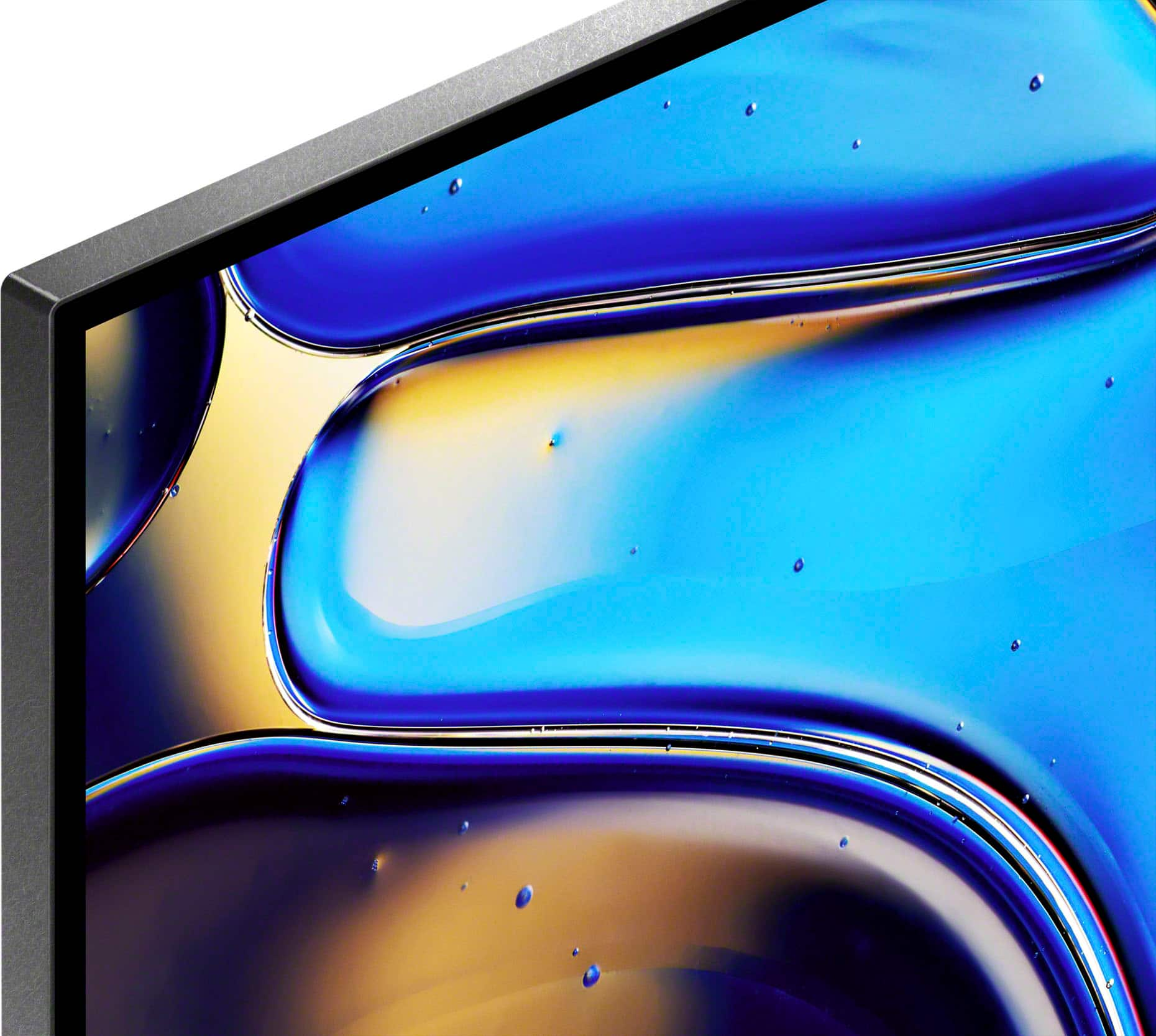
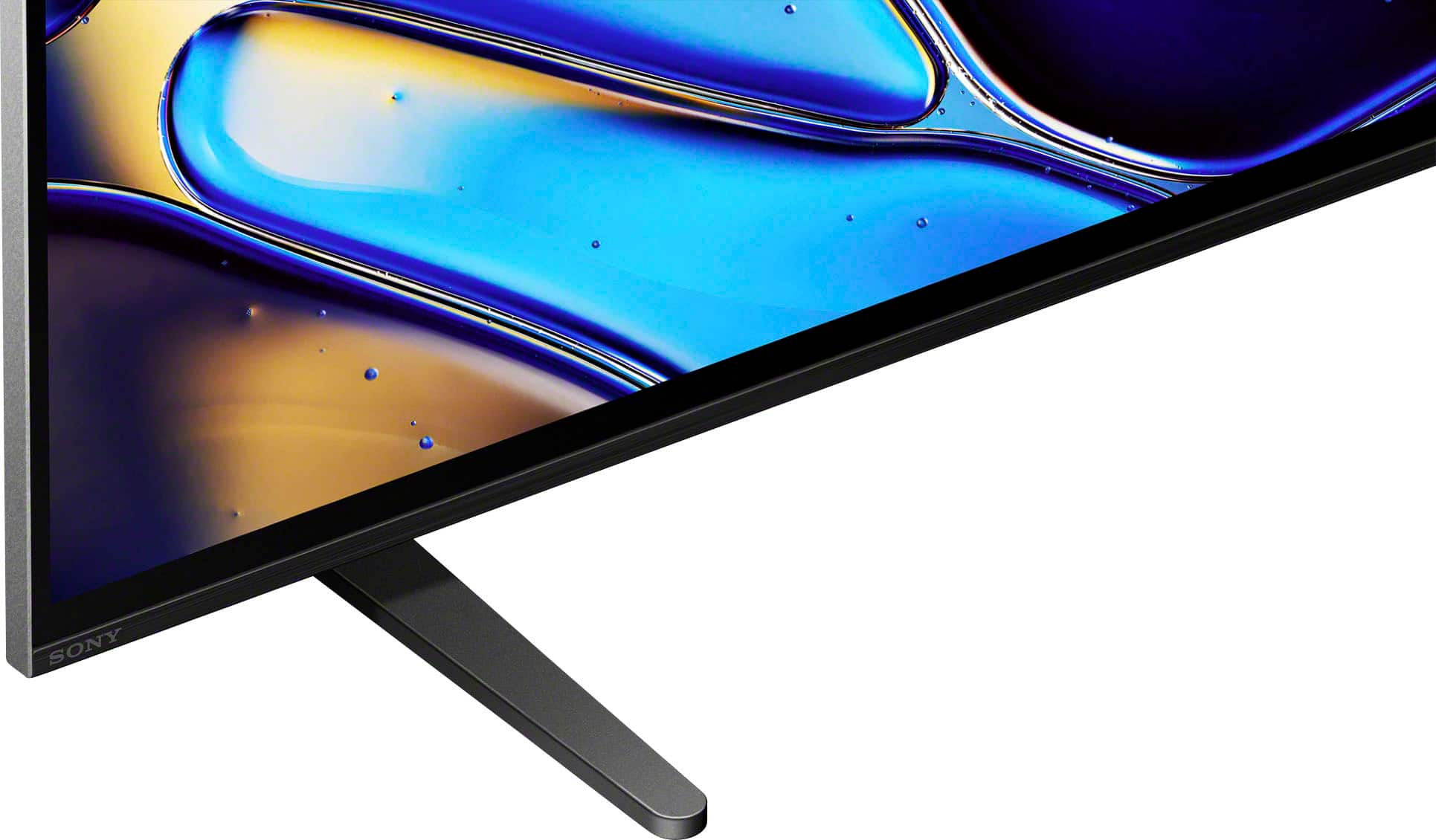
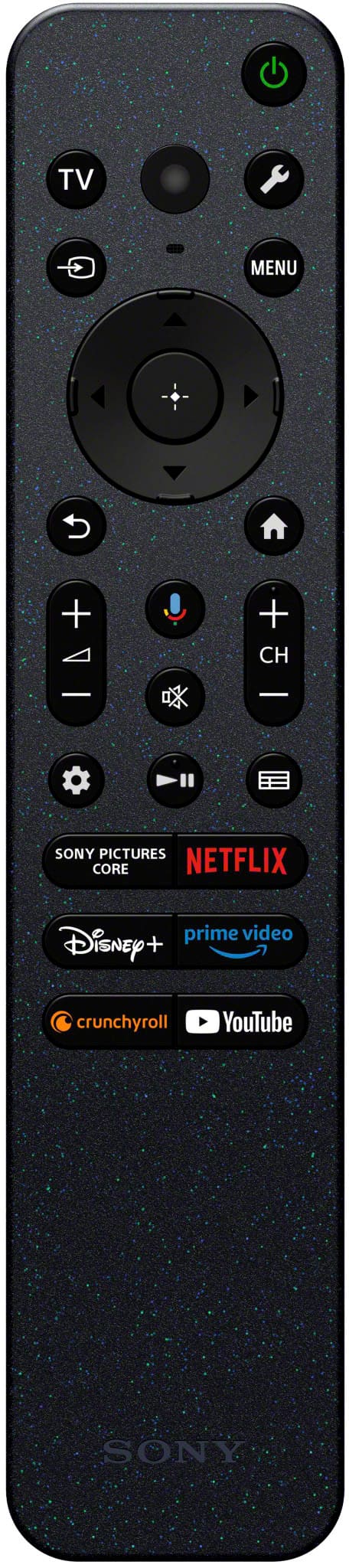
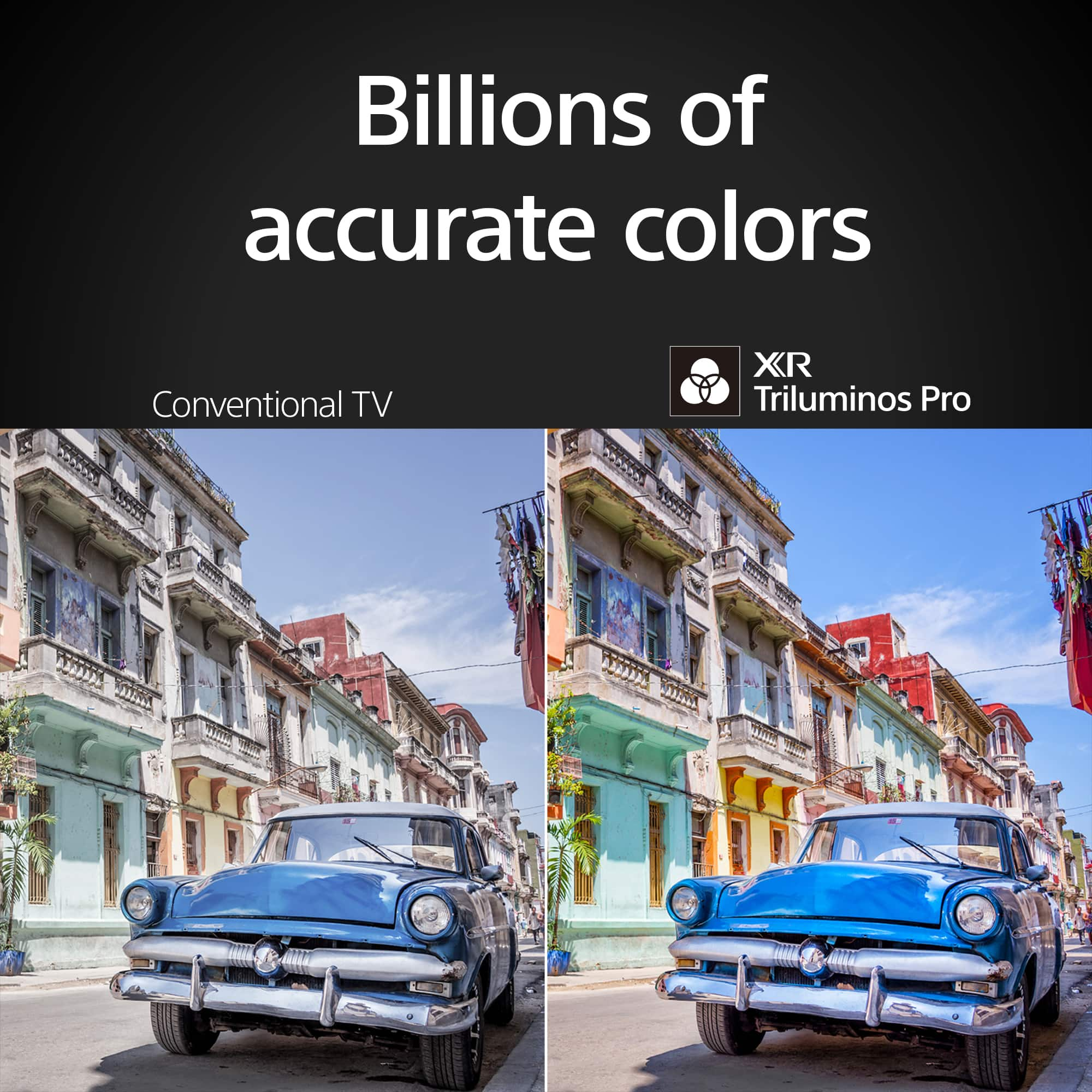
Customers are positive about the superb picture quality and tremendous detail of the 55" Class BRAVIA 8 OLED 4K UHD Smart Google TV (2024). Many users also appreciate the vibrant colors and brilliant contrast. The TV is also praised for its ease of use and great OLED quality. However, some customers feel the remote and software could use some updating.
This summary was generated by AI based on customer reviews.
- Pros mentioned:Picture quality
Some issues.
||Posted . Owned for 3 weeks when reviewed.This reviewer received promo considerations or sweepstakes entry for writing a review.This TV while it has a good picture has some very strange idiosyncrasies that cause it to just shut down without any warning, and you have to figure out some weird AI trick to get it to come back on. If this continues to happen it will have to be returned to the store. And we'll try something else.
No, I would not recommend this to a friendBrand response from SonyListens
Posted .Hi PatrickG,
We’re sorry to hear about these power issues. To fix this, please try a power reset by unplugging the TV for 60 seconds and ensure your firmware is updated to the latest version. We also recommend disabling "Eco" or "Idle TV Standby" settings to prevent unexpected shutdowns.
Thanks for choosing Sony.
Best regards,
Eliab
- Pros mentioned:Picture quality
Nice tv but freezes constantly
||Posted . Owned for 3 weeks when reviewed.This reviewer received promo considerations or sweepstakes entry for writing a review.Wanted to love this TV- BUT we have it hooked up to our satellite box and ever since day 2, the tv has frozen and gone black every few days. The only way to get it back is to unplug it. We have tried everything- used HDMI 2.0 and 2.1 cords (new), swapped the HDMI cord with one from another tv that we know works, changed the input port being used, swapped the satellite box with another. Nothing has worked. Best Buy tech was supposed to come out but he called ahead and suggested we just return the tv, since we’re in the holiday return window. One last cord change- if it happens again we will return. Too bad- nice tv otherwise but there’s no way a three-week old tv should need to be reset 10 times already.
No, I would not recommend this to a friendBrand response from SonyListens
Posted .Hi PeggyD, Thank you for sharing your experience with us. We sincerely apologize for the inconvenience you have faced with your Sony BRAVIA 9. For freezing issues, please follow the troubleshooting steps on this link: https://www.sony.com/electronics/support/articles/00141896
If you are unable to resolve your concern, please email us at socialsupport@am.sony.com with the following details:
Name:
Username:
Model Number:
Issue:
Telephone Number:
Sincerely,
Sam
- Pros mentioned:Picture quality
Nuisance Gliches
||Posted . Owned for 1 month when reviewed.This reviewer received promo considerations or sweepstakes entry for writing a review.Had to exchange. TV turned on and off by itself multiple times in a row. Picture froze. Kept rebooting on initial turn on or Sony banner would appear even though setting was set to return to last input. Periodically disconnected from WiFi and reconnected. Cable brought out new box but did not resolve issue. Best Buy was great with the exchange…delivered…mounted…set up…removed tv at no cost to me. Above and beyond service! I still have concerns with new set. Intermittent turn on issues…picture flashes on and off…must turn off TV and restart…notification that updates available…do update…next day notification that updates are available again! Just a nuisance! Hopefully I can get Geek Squad to trouble shoot! The picture on this TV is great…wonderful color and brightness. Putting aside the gliches, I am enjoying the entertainment this TV provides! Reluctant to suggest buying if you are not tech savvy.
No, I would not recommend this to a friendBrand response from SonyListens
Posted .Hi JoyceT,
Thank you for the review and we do apologize for the inconvenience. Your feedback is greatly appreciated. If you need further assistance, please email us at socialsupport@am.sony.com with the following details:
Name:
Best Buy Username:
Model Number:
Issue:
Telephone Number:
Thank you for choosing Sony!
-David
- Pros mentioned:Picture quality
TV
||Posted . Owned for 1 month when reviewed.This reviewer received promo considerations or sweepstakes entry for writing a review.Sony Bravia TV has wonderful color, sharp picture and sound. unfortunately, it is not a user friendly tv set. It is very difficult to set it up. I am having trouble with a tv that is smarter than I am.
I would recommend this to a friendBrand response from SonyListens
Posted .Hi JohnP, Thank you for your review of the Sony Bravia 8 TV. We're thrilled to hear that you are enjoying the wonderful color, sharp picture, and sound quality of your TV. We understand that setting up a new TV can sometimes be challenging, and we apologize for any difficulties you have experienced.
To assist you further, we have a variety of resources available to help make the setup process easier. You can find detailed setup guides and how-to videos on our support website (https://www.sony.com/electronics/support/), which cover everything from initial setup to connecting external devices and using advanced features.
If you continue to have trouble, please don't hesitate to reach out to our customer support team for additional assistance. You can email us at socialsupport@am.sony.com with the following details:
Name:
Username:
Model Number:
Issue:
Telephone Number:
Thank you for choosing Sony! -Sam
Random Reboot
||Posted . Owned for 1 month when reviewed.This reviewer received promo considerations or sweepstakes entry for writing a review.My previous front room Sony TV worked just fine. We cut the cable and needed a smarter TV in the bedroom to support the new option we went with. The older Sony in the bedroom did not support the TV option we went with but still works fine. Therefore, we bought this one and did some rotation of TVs. During the first week it rebooted a couple times, back-to-back, while watching a show. The next day it rebooted agin without user input. I went to setting and shut off any engery saver option I could fine. It was fine for the next month. Now it is doing it again on a daily basis. Not sure what to think other than see what Best Buy and Sony will do for me. Kind of sounds like a power supply probelm. I am a Best Buy and Sony guy. Have had a Sony TV for 40+ years. Yes those were heavy tube TVs back then. I have been buying my electronics from best buy since they opened. I a hoping for a good outcome from Sony and Best Buy. Hpoing to come back and give a positive update
No, I would not recommend this to a friendBrand response from SonyListens
Posted .Hi teceditor,
Thanks for sharing your review and experience with the BRAVIA 8 TV. It's unfortunate that the TV reboots on its own. For optimum performance, make sure that the software version is up-to-date. You may also refer to the troubleshooting steps on this link to help resolve the issue:
https://www.sony.com/electronics/support/articles/00032613
Hope this helps. If still not resolved or you need further assistance, please email the below information to socialsupport@am.sony.com.
Name:
Username:
Model Number:
Issue:
Telephone Number:
Or contact our product support team via phone call or chat through this link:
https://us.esupport.sony.com/support/s/support-contact?language=en_US&category=tv
Sincerely,
-Ralph
Disappointed
||Posted . Owned for 1 month when reviewed.This reviewer received promo considerations or sweepstakes entry for writing a review.I used to love the quality of Sony TVs, but the last one I purchased didn't last 5 years (bad tuner). But I thought that was an anomaly and I purchased this one, a more expensive model. I am disappointed with the brightness when in the cable mode. I have seen a few glitches, I think this one will have end up having tuner issues as well. This might be my last Sony.
No, I would not recommend this to a friendBrand response from SonyListens
Posted .Hi Donita,
Thank you for your time writing this review. While we're glad that you like most of the features, we regret to hear that you're having some issues with your Sony BRAVIA 8 TV. Having read your review regarding the brightness when in the cable mode, please give us more information about the situation you are facing with your setup so we can better assist you.
Picture mode settings provide preset adjustments for the type of picture you are viewing. Picture settings also allow a wide array of changes to color, contrast, clarity, and brightness that can improve the viewed content on your Google TV. The picture quality may improve if you change it in [Picture] under [Settings].
For more information, please visit the link here: https://www.sony.com/electronics/support/televisions-projectors-oled-tvs-android-/xr-65a80l/articles/00190409
If you need more information or technical assistance with your product, please feel free to contact us and we'll be more than happy to assist you. You may send us an email at socialsupport@am.sony.com with the following:
Apologies if you disclosed some of this information in your review and to customer service, we just want to ensure that we have your accurate details at the time of communication.
Full Name:
Best Buy Username:
Telephone Number:
Sony TV Model Number:
Additional Information regarding your experience with the BRAVIA 8:
Regards,
Jess
Not what I thought it would be.
||Posted . Owned for 2 months when reviewed.This reviewer received promo considerations or sweepstakes entry for writing a review.I got the Sony Bravia 8 because it has a reputation for being a really good gaming tee but unfortunately it wasn't. One thing that Disturbed me the most is every single time it detected a TV. It would go straight into Dolby vision and when it's in dilby vision it wouldn't allow me to make any kind of adjustments with contrast or brightness or color or anything. At the same time I had to do an a lot of adjustments in order to regulate the picture settings for SDR and HDR. It was a lot of work and not worth it. So I exchanged it for the LG G4 with which I'm extremely happy!
No, I would not recommend this to a friendBrand response from SonyListens
Posted .Hi Yogitim, thank you for taking the time to share your experience with the Sony - Bravia 8. We're sorry to hear it didn't align with what you were hoping for, especially in terms of gaming and picture control. Your feedback is incredibly important to us.
Regarding Dolby Vision, this format is designed to automatically optimize picture settings for the best possible image based on the content. Because of this, certain manual adjustments are limited. We understand this can be frustrating, especially if you prefer more hands-on control. We also hear your concerns about the effort required to fine-tune SDR and HDR settings, and we appreciate you highlighting that. We truly hope to have the opportunity to earn your trust again in the future. Thank you for considering Sony! Best regards, -Dominick
Color
||Posted . Owned for 1 month when reviewed.This reviewer received promo considerations or sweepstakes entry for writing a review.Color on people faces pickup the background color and it reflects on there face.
No, I would not recommend this to a friendBrand response from SonyListens
Posted .Hi JoyceB, Thank you for your feedback on the BRAVIA 8. We apologize for the issue you're experiencing with the color on people's faces picking up the background color and reflecting on their faces.To address this issue, we recommend the following steps:
Adjust Picture Settings: Go to the TV's picture settings and try adjusting the color balance, brightness, and contrast. Sometimes, tweaking these settings can help reduce the color reflection issue.
Check for Firmware Updates: Ensure that your TV's firmware is up to date. Manufacturers often release updates that can fix bugs and improve performance.
Optimize Viewing Environment: Make sure the TV is not placed in a location with excessive light or reflective surfaces, as this can affect the picture quality.
If you’re interested you can schedule a one-on-one consultation with our experts here: https://electronics.sony.com/one-on-one-consultation?utm_campaign=ooclink_rsiyt_20201026&utm_source=youtube&utm_medium=social_organic&utm_content=rsi&cid=sco-na-3351
Hope this helps and thanks for choosing Sony! -Sam
Bad TV
||Posted . Owned for 1 month when reviewed.This reviewer received promo considerations or sweepstakes entry for writing a review.The tv keeps freezing up to the point it needs to be unplugged and reset every-time. I called geek squad and all they want me to do is uninstall everything.
I would recommend this to a friendBrand response from SonyListens
Posted .Hi Dilligaf, we're truly sorry to hear about the freezing issues you're experiencing with your Sony - BRAVIA 8. That's definitely not the experience we want you to have, and we appreciate you bringing it to our attention.
To help resolve this, we recommend the following steps:
1. Make sure your TV's software is up to date by going to settings > system > about > system software update > update your TV software
2. Clear the cache data of your TV, while in settings go to system > storage > internal shared storage > cached data > clear
3. Turn on Simple IP control, select settings > network and internet > home network > IP control > Simple IP control > turn it on
We hope these steps can help you to improve the performance of your TV. If the problem persists we strongly encourage you to contact our technical team through: https://us.esupport.sony.com/support/s/support-contact?language=en_US&category=tv
Thank you for considering Sony products!
Regards,
Dominick
- Pros mentioned:Picture quality
hd tv
||Posted . Owned for 1 week when reviewed.This reviewer received promo considerations or sweepstakes entry for writing a review.this was a vary good picture but the sound could be better
I would recommend this to a friendBrand response from SonyListens
Posted .Hi DuanejE, Thank you for sharing your feedback on your Sony BRAVIA 8! While we're glad you like the excellent picture quality of this TV, we regret to hear that the built-in sound did not live up to your experience. You can configure various settings related to the TV’s sound such as sound quality, volume level, sound mode, etc. according to your preferences to improve and boost the overall listening experience on your TV. For more details, please refer to this link:
https://helpguide.sony.net/tv/iusltn1/v1/en-003/01-03-09_02.html.
If you are unable to resolve your concern, please email us at socialsupport@am.sony.com with the following details:
Name:
Username:
Model Number:
Issue:
Telephone Number:
Thanks for choosing Sony! -Sam
Ok thought it’d be better
||Posted . Owned for 3 weeks when reviewed.This reviewer received promo considerations or sweepstakes entry for writing a review.For all the hype the salesman gave us, disappointed. Programming is weird and their live tv is still written in Spanish with no way to change
No, I would not recommend this to a friendBrand response from SonyListens
Posted .Hi CindyS, thank you for your feedback! We're sorry you're not satisfied with the BRAVIA 8; we completely understand your frustration. The language settings are easily adjustable, and we'd be happy to guide you through this process and any other settings you need to change on your TV. Please send us an email at socialsupport@am.sony.com with your name, username, TV's model number, issue and telephone number. Thank you for choosing Sony. Best regards, -Jenn.
sony TV review
||Posted . Owned for 1 month when reviewed.This reviewer received promo considerations or sweepstakes entry for writing a review.the TV keeps shutting off and sometimes has a split top and bottom screen when tuned on we have called the Best Buy and SONY hot lines with little success
No, I would not recommend this to a friendBrand response from SonyListens
Posted .Hi PatW,
Thank you for the review and we're sorry to hear what happened with your TV. Power reset the unit, simply unplug the unit and wait 1-2 minutes then plug the device back in and power on
For us to better assist you, please email us at socialsupport@am.sony.com with the following details:
Name:
Best Buy Username:
Model Number:
Issue:
Telephone Number:
-David
Bravia 8
||Posted .This reviewer received promo considerations or sweepstakes entry for writing a review.TV keeps rebooting during viewing. Picture quality not much better than my 2008 Sony. Picture is too dark. Sorry I made this purchase.
No, I would not recommend this to a friendBrand response from SonyListens
Posted .Hi user693993, We are sorry to hear that you are expriencing issues with your Sony Bravia 8 TV. We'd love to troubleshoot the issue and make this a better experience for you.
In the meantime, please make sure that the TV is updated with the latest software update please check on this link for the software update https://www.sony.com/electronics/support/oled-tvs-android-bravia-8-xr80-/k-65xr80/software/00346878
Also, please check if the issue occurs on certain applications or if it happens when you are watching from a certain input or channel.
May we contact you to help? If so, please email the below information to socialsupport@am.sony.com
Apologies if you disclosed some of this information in your review and to customer service, we just want to ensure that we have your accurate details at the time of communication.
Full Name:
Username:
Telephone Number:
Model Number:
Issue:
Regards,
Carl
Dissapointed
||Posted . Owned for 1 month when reviewed.This reviewer received promo considerations or sweepstakes entry for writing a review.My older Samsung has a better picture and much easier to use
No, I would not recommend this to a friendBrand response from SonyListens
Posted .Hi, Dissapointed,
Thanks for lettings us know your experience with your Sony BRAVIA TV. Feedback is well received and it will definitely help us for future references, as Sony always strives to deliver the best quality products.
Thank you for considering Sony products. Have a nice day!
-DiegoV
TV Install
||Posted . Owned for 2 months when reviewed.This reviewer received promo considerations or sweepstakes entry for writing a review.TV works fine but the installation left a lot to be desired. The TV does not sit straight on the wall which is disappointing.
I would recommend this to a friendBrand response from SonyListens
Posted .Hi Deal, Thank you for your feedback on the BRAVIA 8. We're glad to hear that the TV is working fine for you. And we apologize for the inconvenience caused by the installation process. It is disappointing to know that the TV does not sit straight on the wall. We recommend reaching out to your wall mount installer to address this issue. Thanks for choosing Sony! -Sam
TV Setup Incomplete
||Posted . Owned for 3 weeks when reviewed.This reviewer received promo considerations or sweepstakes entry for writing a review.TV is fine, but setup was marginal. Had to get Grande/Astound to complete setup so could use TV.
I would recommend this to a friendBrand response from SonyListens
Posted .Hi PeterJ, Thank you for your feedback on the Bravia 8. We appreciate your comments and are glad to hear that you are satisfied with the TV itself. We apologize for the inconvenience you experienced during the setup process. Your input is valuable to us, and we will use it to improve our setup instructions and support. Thanks for choosing Sony! -Sam