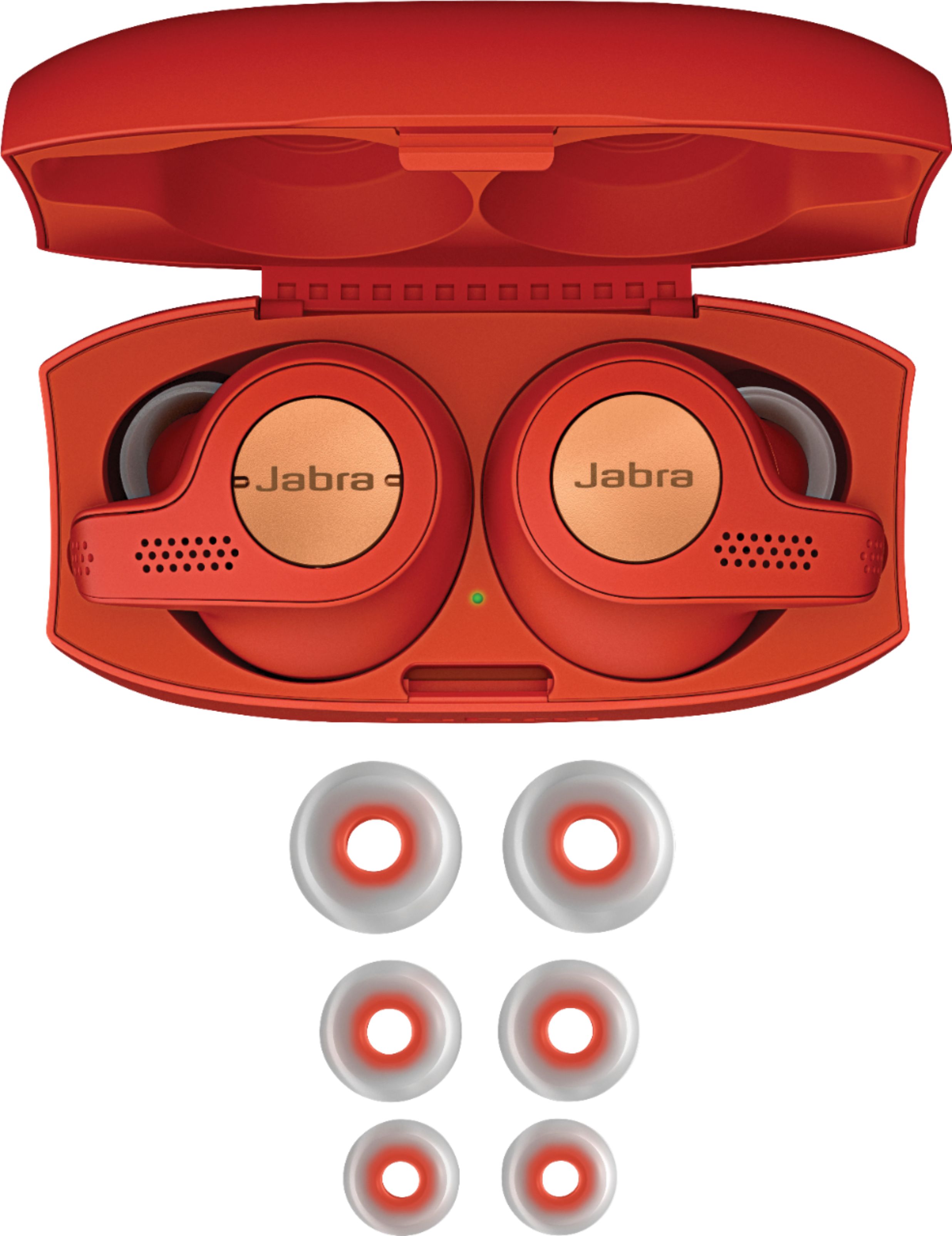
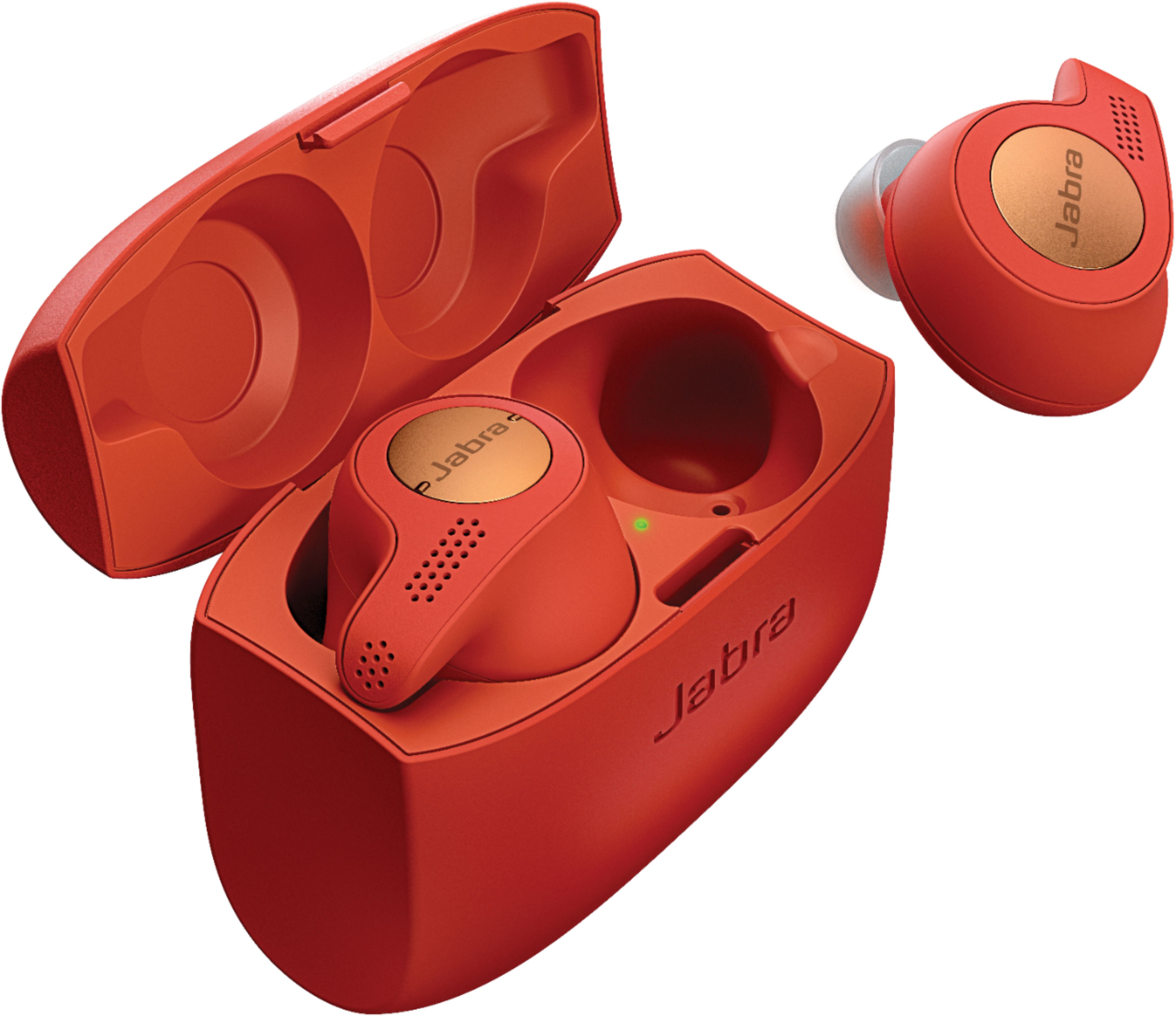
A:AnswerTo add to the question, while charging the headphones, the indicator light under the charger will either be solid or slowly go from bright to off then repeat... I can't figure out what that is trying to tell me... Anyone?
A:AnswerI have had these for about a month, and while I have never tried the Elite 65T, I sweat profusely while exercising, and after about two miles they start to work free in my ears, to the point the left has fallen out. I’ve tried all the different tips, including foam tips and they still start to slip after about 30 to 45 minutes of exercise. Kind of disappointed, in that the more I sweat the more the left earbud starts to pop and crack. Not sure why, I contacted Jabra and they told me to turn off Auto-pause, but that didn’t resolve the issues.
Hope this helps
A:AnswerI have both. (The second pair is for my wife). They are the same size, shape and weight. Besides slight color differences, the Active have a rubberized texture on the earbuds and on the charging case. The manufacturer's web site also indicates that it has a motion sensor, but I have not seen any difference when using the iOS app.
The silicon gel pieces look the same as the standard model. Battery life and other features are the same.
I've been using the standard model since it came out and the Actives for a few days, and didn't notice any difference in how they fit on my ears.
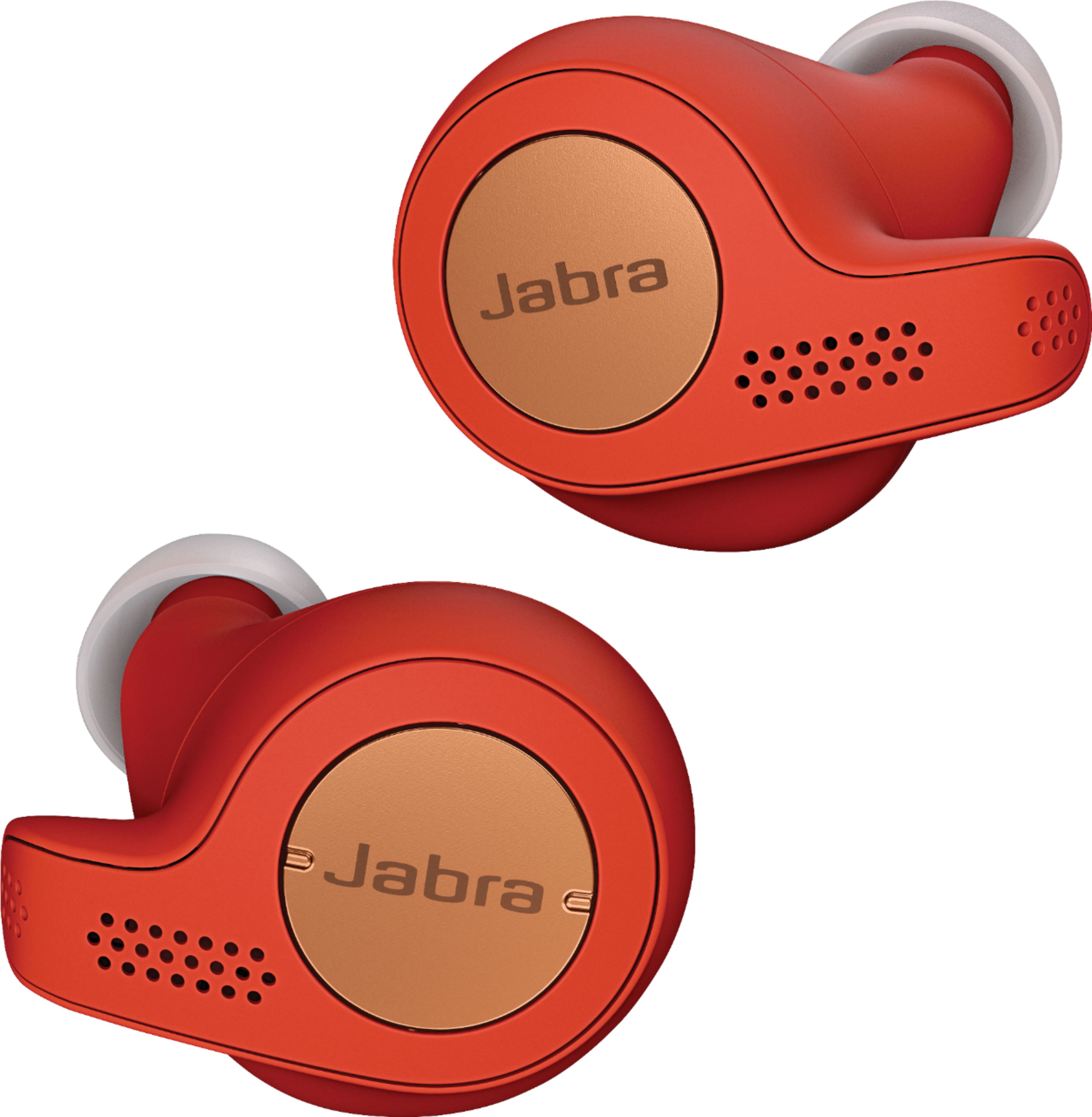
See the pictures of both models side by side. Active are on the right
A:AnswerHello there: The Elite Active 65t is IP56 rated, meaning it is water resistant but not fully waterproof. For this reason, we do not recommend using in the shower.
A:AnswerHello Joe - Both the left and right earbuds of the Jabra Elite Active 65t have microphones, so both will be used during calls to pick up your voice. Only the right earbud can be used independently, either for calls or music. The left earbud requires the right earbud to be in place for it to function properly. We have replacement earbuds available on our website in case you lose an earbud, as well.
A:AnswerCan someone list step by step on how to connect these to my IPad Pro since the iPad doesn’t recognize the Jabra when I turn on the iPads Bluetooth?
Thanks.
A:AnswerThe Bose has a slight edge in sound quality, but the constant connectivity issues that it has, with left earbuds disconnecting from the right, lip sync lag when watching movies, and the huge earbuds sticking out of your ear, makes it inferior to the Jabra’s. The Jabra Elite 65t or Active version, is a all around better earbud than the Bose version with the rock solid Bluetooth 5 connectivity,. Better battery life, no connection issues, no lip sync issues, customizable app to select equalizer settings, how much ambient sound to let in, 4 speakers for clear call voice quality.
A:AnswerNot sure if you are referring to the wind noise the microphone picks-up or that you can hear wind over your music or calls due to noise leakage? Either way these do a more than adequate job of eliminating ambient sounds, but to be clear you will still hear faint sounds from your environment. As for listening to calls these worked extremely well and you will find that in a blustery wind you could still have great 2 way communication as the microphones attempt to limit other sounds.
A:AnswerHey Thaddeus,
The hear through tech is very cool. It allows you to hear everything going on in your surroundings by using the microphones in the earbuds. So say you're on a bus or waiting for one, you'll be able to hear everyone around you and all that jazz. Anytime I'm around public places I have it on for an added sense of safety. I can easily talk with people when I pause my music and get back to the music without taking the earbuds out.
A:AnswerThe left ear bud has volume and track controls. The right bud is the main bud, has controls for play/pause/hear through and answering calls and can be used on it's own. The left bud cannot.
A:AnswerLooks like Black is a BestBuy exclusive color for the Active version, and the titanium/blue color can be purchased from Jabra and elsewhere at the end of May 2018. Not sure if BestBuy will get other colors.
A:AnswerOnce you down load the updated app you can answer with you voice. When someone calls, it announces who they are from your phone book then the voice will ask you do you want answer or decline. Very cool.
A:AnswerI can confirm they have no magnetic connectors and will fall out if the case is opened (upside down). However you have to squeeze the case from the sides to open, I don't think the case is likely to open accidentally.
A:AnswerHello Josh - To reduce ambient noise, the latest generation of Jabra true wireless earbuds offers four-microphone technology—two microphones placed in each earbud—which point toward the user’s mouth and pick up the voice. To give the best possible audio quality on the receiving end of a call, digital signal processing is used to remove background noise, such as wind when the earbuds are used outdoors, and office noise when they are used indoors.
True wireless earbuds perform well for music and calls in many different environments. However, the design and wearing style of the earbuds, with the microphones located in the ears rather than next to the mouth, may in some situations present a challenge picking up voice or filtering out background noise, compared with Jabra products that have a different design and wearing style. Other products may offer higher levels of noise reduction on the receiving end of a call because the microphones are placed closer to the mouth, for example in a boom arm or on a cord.
Depending on the amount of ambient noise in your location, you may also want to look at our BlueParrott line of products, some of which block out up to 96% of your surrounding sound. Thank you.
A:AnswerYes and no, absolutely they are not intended as a hearing aid for those that are in real need, but I have noticed that the voice thru function does allow me to hear people amplified and more clear then normal.
A:AnswerHi, I found an expert test that showed the following results (Source: RTIngs.com):
Overall Attenuation : -26.06 dB
Bass : -13.24 dB
Mid : -19.62 dB
Treble : -45.64 dB
Self-Noise: 21.55 dB
The isolation performance of the Jabra Elite Active 65t is good. In the bass range, where the rumble of airplane and bus engines sit, they achieved almost 13dB of isolation which is above-average. In the mid-range, important for blocking out speech, they reduce outside noise by more than 20dB, which is very good. In the treble range, occupied by sharp S and T sounds, they isolate by more than 45dB, which is excellent.
From personal experience, these have blocked out all outside noise when desired with moderate volume. The app also has a "Focus Mode" that will play various ambience sounds like white noise, pink noise, waterfall, and numerous other sounds to drown out the outside world. I like this feature when I don't want to listen to music but I don't want to hear the outside world either.
A:AnswerHello Rmf12, The Jabra Elite Active 65t does have PBAP, or Phone Book Access Profile. SO it will be able to use your phone book to announce callers. You will need to have the names loaded into your phone book first. Thank you for your question.
A:AnswerI think any type of headphones would be uncomfortable in your ear while you are trying to sleep. But to answer your question, i don't think with these headphones is a good idea since both earpieces have side buttons and can be pressed to change, pause (music) or answer calls, and sleeping on your side with them on might set it off. And you can't have just one on. Taking one off shuts the other off. Wish it didnt do that. But they do work excellent and are great to use while exercising.