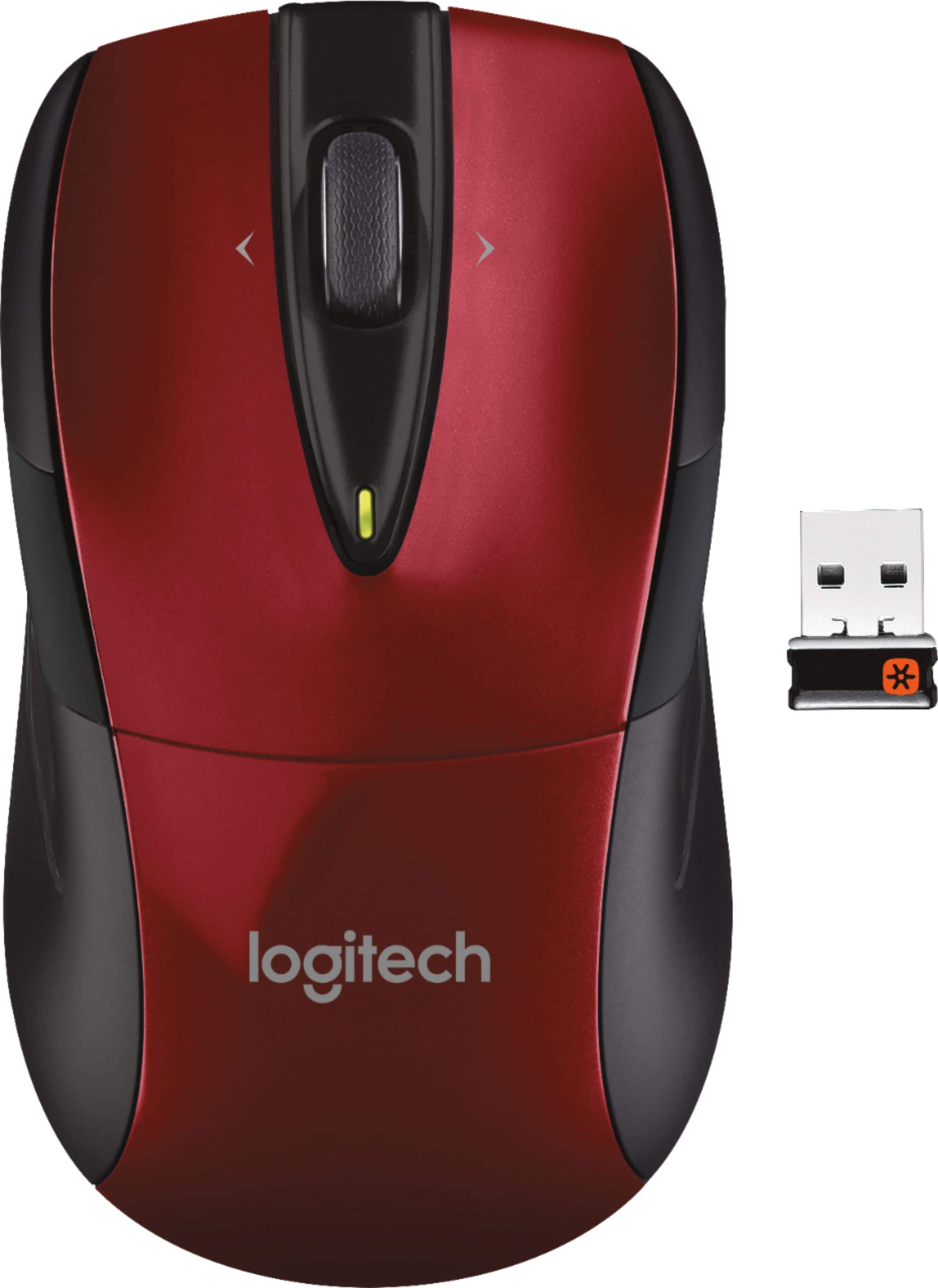
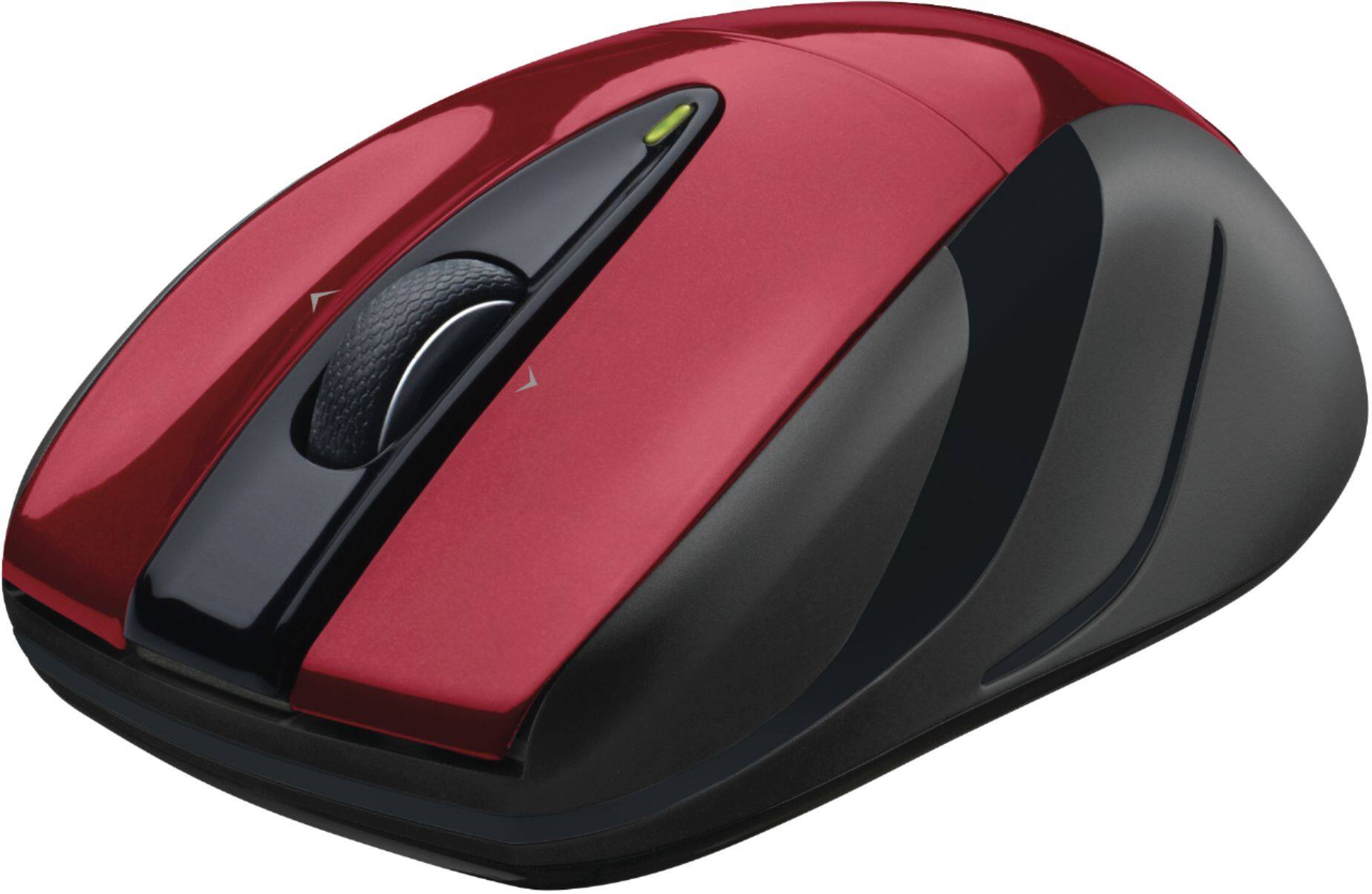
A:AnswerThere are three "buttons", one of which is the scroll wheel. Check out the Logitech Quick Start Guide for description of the buttons. http://www.logitech.com/assets/42322/m525-quick-start-guide.pdf. The buttons can be programmed.
A:AnswerThe M525 is designed for Windows, Mac and Linux, but yes it will work with Chromebooks as well. You'll just need a free USB port on your Chromebook to plug the wireless receiver into.
A:AnswerHello, yes this mouse uses the Unifying receiver just like the MX keys. You will just need to download some software in order to configure the USB receiver to do so. Here is the link https://support.logi.com/hc/en-us/articles/360025297913.
A:AnswerFirst, try the Unifying USB receiver on another USB port. If that does not do the trick, visit Lenovo's website and see if there are new USB port drivers available. You will also want to updating the firmware on your mouse here https://support.logi.com/hc/en-us/articles/360024697154--Downloads-Wireless-Mouse-M525 If those solutions don't fix the issue, your M525 mouse has a 3-year warranty through Logitech and you can contact us at the same support page to start a claim.
A:AnswerYou can connect your devices by downloading the Logitech Unifying software: http://support.logitech.com/en_us/software/unifying
I believe you can connect up to 6 devices at a time.
A:AnswerThis mouse is an optical mouse. It uses a laser to sense motion. When you say "skip" do you mean the pointer sometimes does not respond or do you mean the mouse physically skips off the mouse pad? If the pointer sometimes does not respond, it could be some software problem. This mouse, the "Anywhere MX" seems to work on all surfaces unlike other optical mice. I use mine on a glass surface which many optical mice do not work on and I love it. Since this is a laser optical device, consider that it is possible if your mouse pad has a strange reflective surface, like a bumpy 3D image, that the laser might diffuse in an unusual pattern that the sensor cannot pick up. Try different mouse pads. If your mouse skips even on a regular table top, it is probably a software problem (where one program is trying to do something that is not compatible with your mouse software) or radio interference (wireless uses radio signals as do cellular phones and other wireless devices). Good luck.