A:AnswerI compared the two side by side with settings the same at a distance that mimics the distance I view TV in my home. and at that distance I could not tell the difference between the two. As I got further away (20-25 feet), one could easily see that the Q90 had a brighter picture. I chose the Q80 for the following reasons:
1. No discernible difference in picture quality at normal home viewing distances
2. The Q90 has a better audio system but I use a home theater for audio so that would be a waste
3. The Q80 has all connections on the back of the set like TVs have always had. The Q90 uses the One Connect box where a separate box has all the smarts and connections with a single cable bringing power and video to the set. The box is not tiny but smaller than any other component (more like a large brick!) but you need to find a place to hide it. I wasn’t looking to add another component to my system and I was concerned about heat inside a cabinet. The Q80 barely gets warm.
If you can't see the difference why pay the extra money?
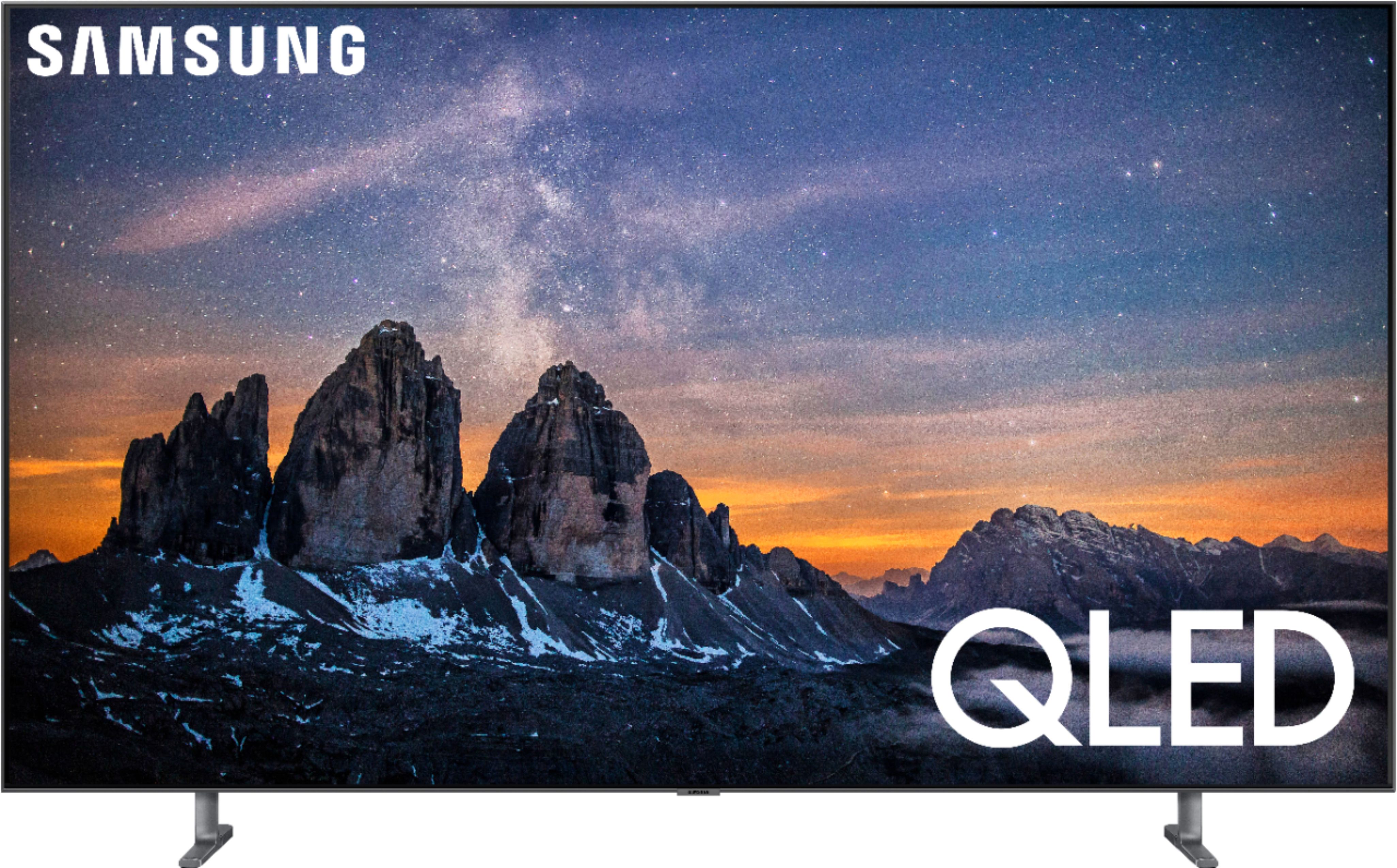
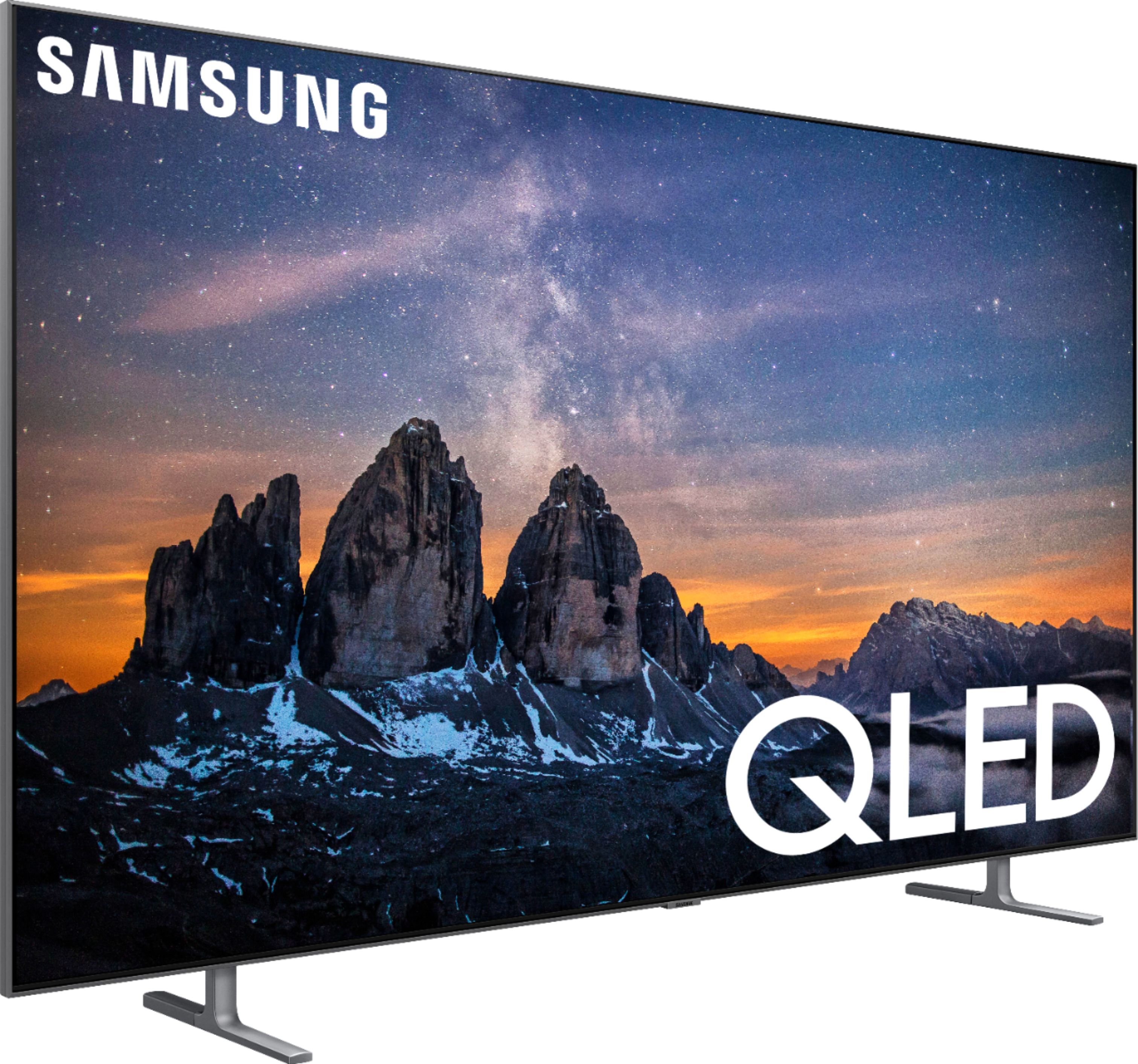
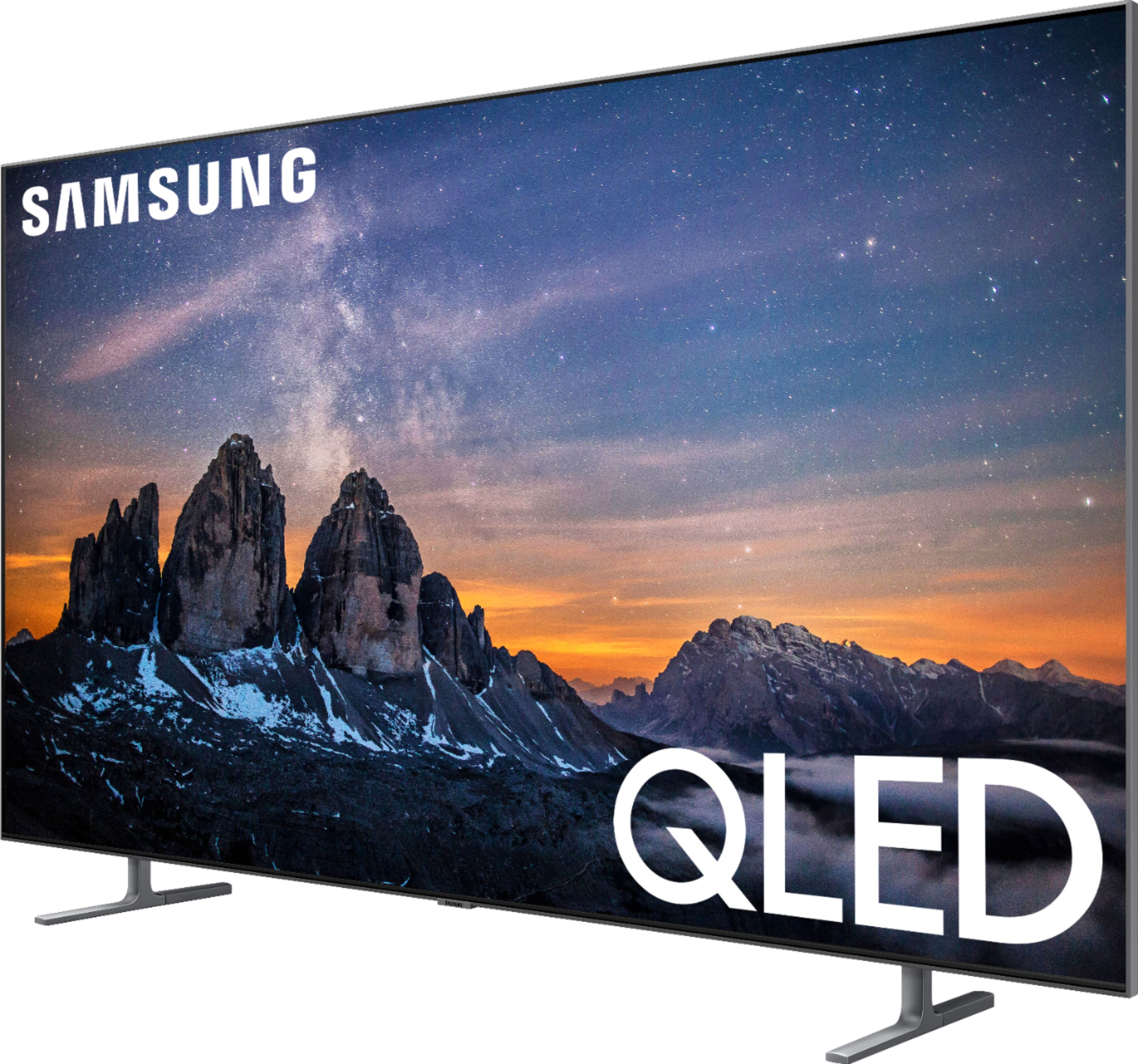
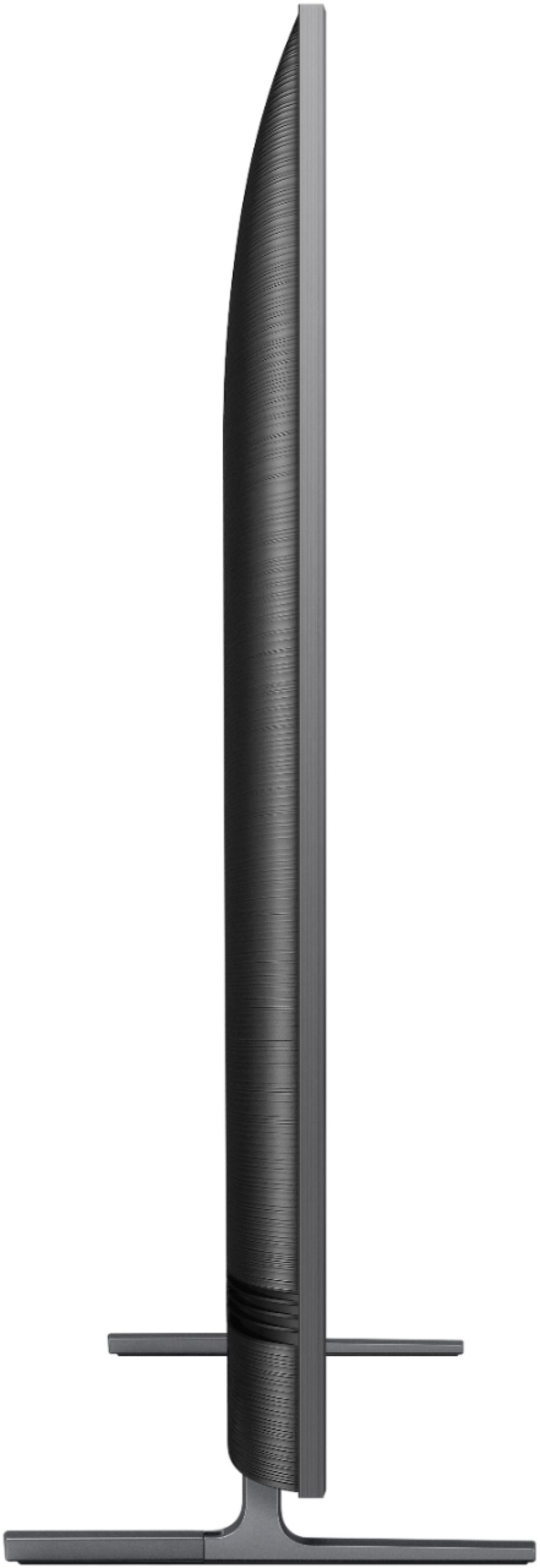
A:AnswerYes. With the legs attached while sitting on a stand, the legs spread 47 5/16” total width (outside edge to outside edge). The total depth of the legs from front to back is 14 1/4”.
A:AnswerI haven't tried this yet on mine. Just had it three days, BUT the manual says you can do this with a secondary source that is plugged into one of the inputs like over the air tv, Blu-ray player, and possibly a streaming device like Fire Stick etc. Download the manual. It is ALL in there.
A:AnswerIt’s my understanding that Samsung only makes the no gap wall mount for the Q90 series. Not for the 80. Some have used a wall mount by Sanos, which provides a gap of perhaps half inch or less,
A:AnswerThey make a brace that attaches to the back mounting holes and then on to your cabinet. Some are just straps and a few are a bar was makes the tv rock solid. A good one costs $30-$100. Might seem like a lot but so much cheaper than a new tv.
A:AnswerThat I'm not sure but we got the newest. It lasted 3 weeks and back bulb burned out. Samsung hasn't been the best to work with and unfortunately my husband didn't take out extended warranty so Best Buy wont do anything to help.
A:AnswerI have the N950 sound bar and it plays Dolby Atmos through the tv arc. On my other Samsung tv, I had to switch to my Xbox one x and use Netflix on it to get Dolby Atmos.
A:AnswerQLED, WILL NOT BURN IN! Just like LCD-LED TV didn't burn in.
OLED, is a different animal, OLED supplies it's own light for each pixel so there is no backlight. Im not sure which layer of the stack breaks down to cause the shadow [burn in] but it CAN'T BE FIXED.
Now the Qled uses LEDS to supply the light either from the edge or behind. The Qled stack has a layer of Quantum Dot material layered in the stack and that.will never burn in.
OLED is fantastic but not worth the strong possibility of burn in for the money spent.
A:AnswerSame thing happened to me. I thought I was safe to wait and now the first available date is 1/20/20??? Keep me posted if you find out that they're arriving sooner.
A:AnswerNo problems. We use external streaming devices and we do not use voice. We pretty much ignore the “smart” features. No Ill effects. We set up the picture settings on movie for 4K streaming and on natural for regular tv with most of the auto picture functions off. Particularly, turn off auto dimming room light sensor and energy conservation. Both Consumer Reports and Soundand Vision magazine online have reviews of the Q80 with instructive lists of expert settings.
The tv is spectacular and a real bargain at Black Friday prices.
A:AnswerThis Samsung is beautiful. It does everything that it says. I’m a big review looker to find the best of anything and I can assure you this TV won’t disappoint