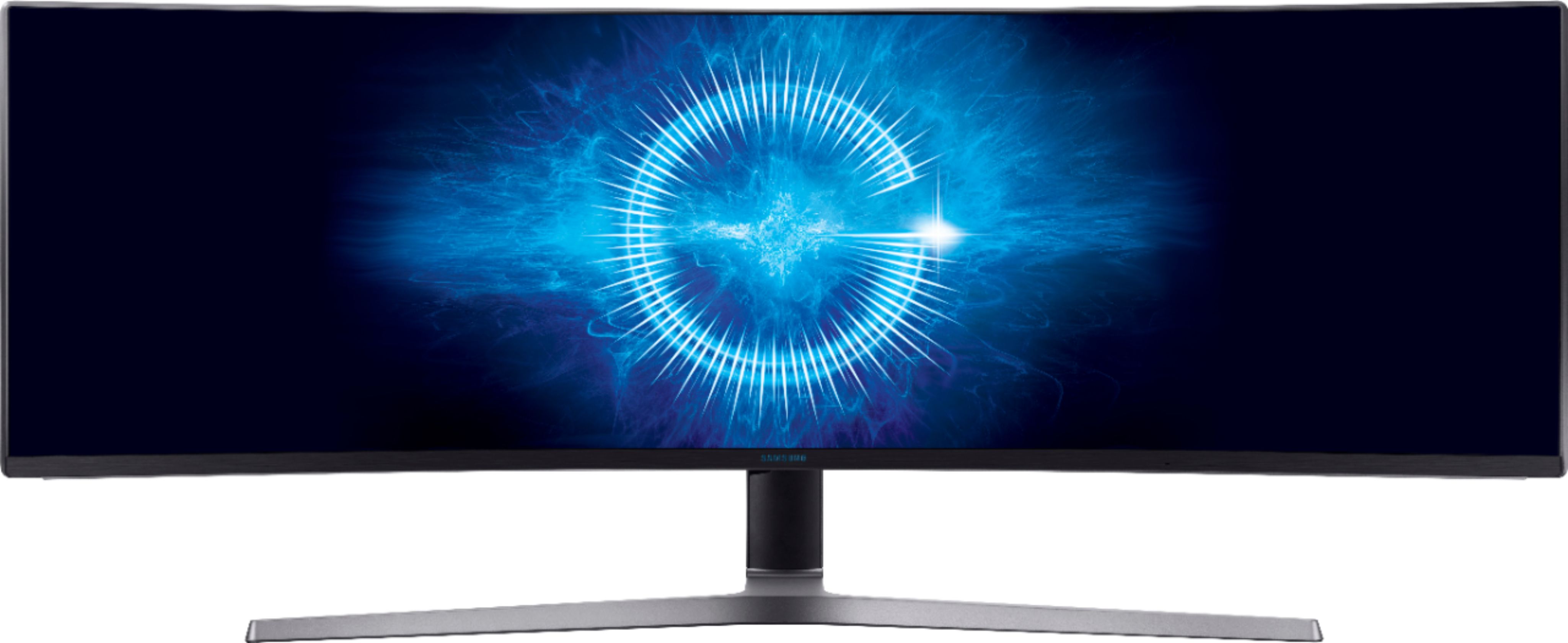
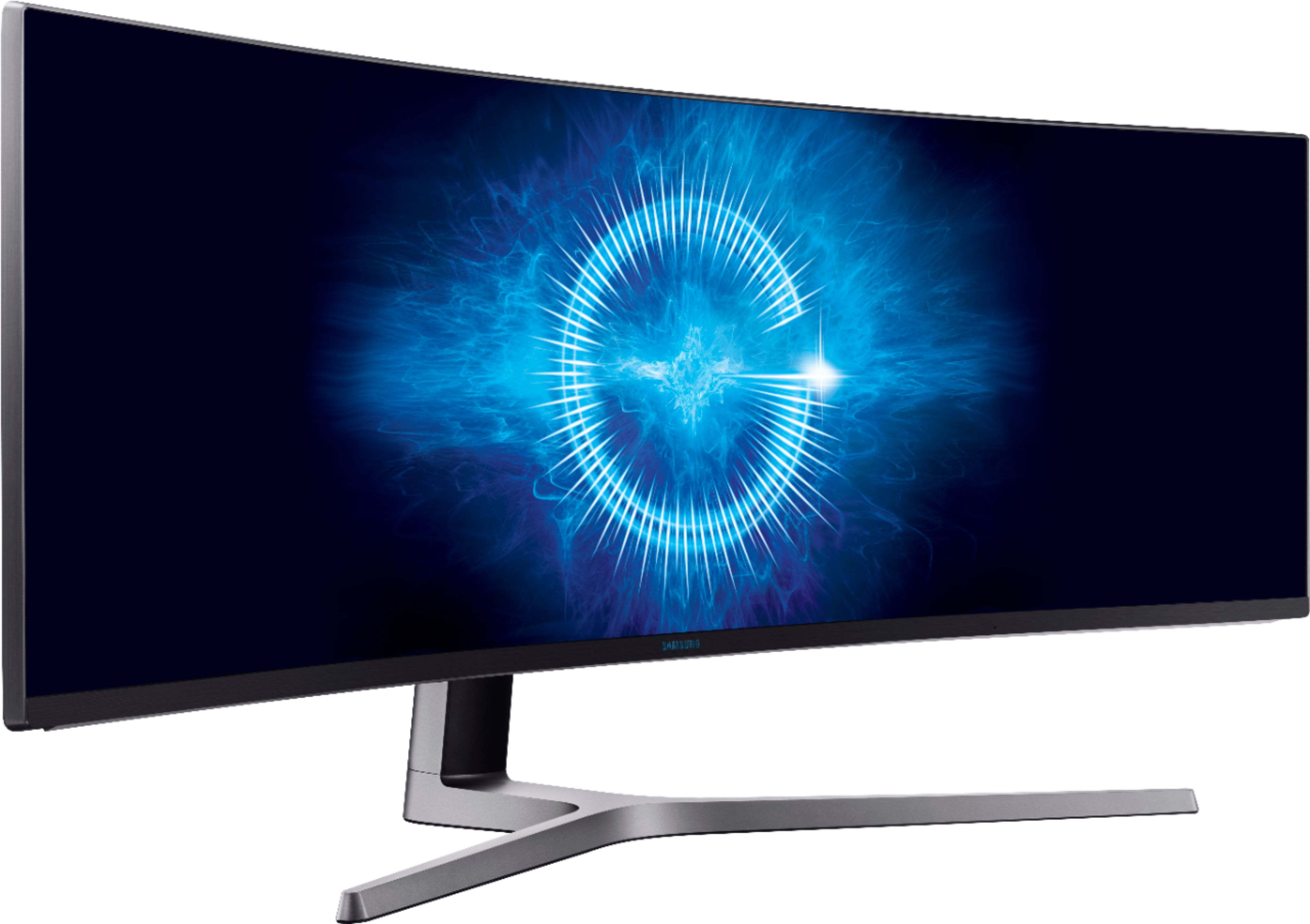
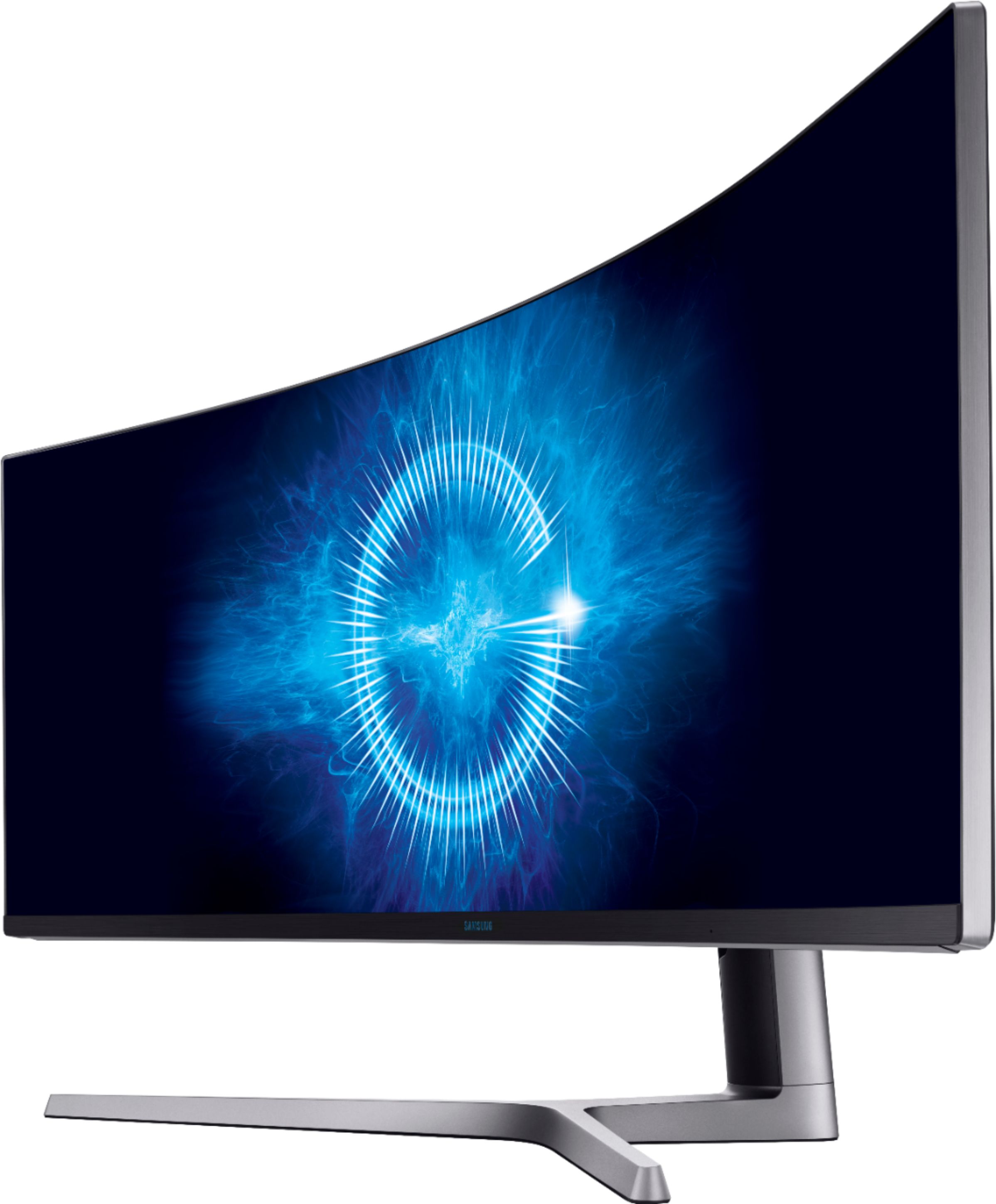
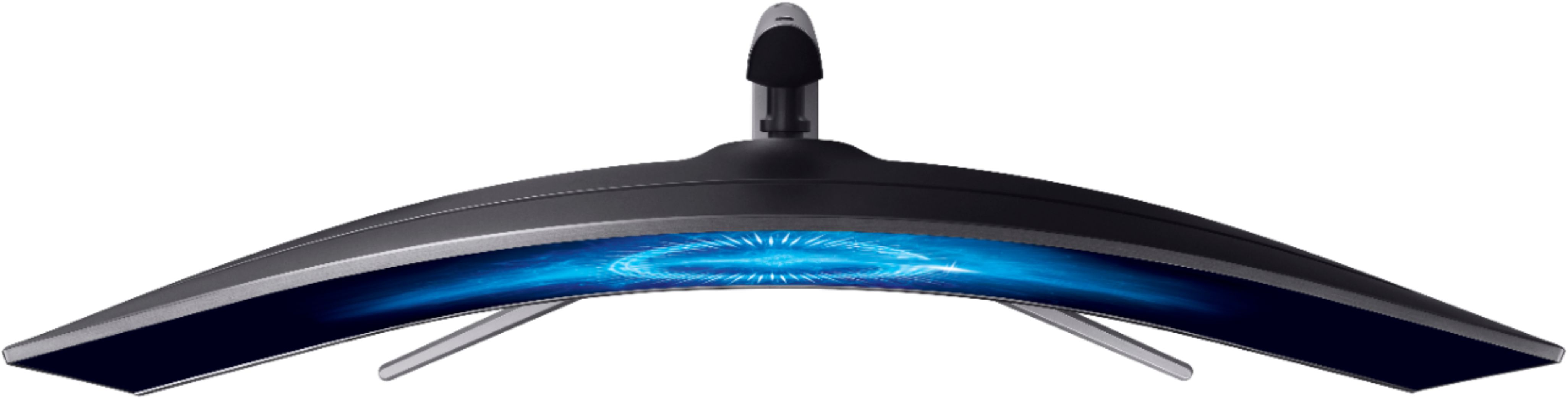
A:AnswerI am using a MacBook Pro (2018) with the monitor and my only concern is that the screen resolution is not that great. I have tried HDMI and DisplayPort cables - no difference. I am looking for a software solution to help improve the resolution- but no luck as of yet.
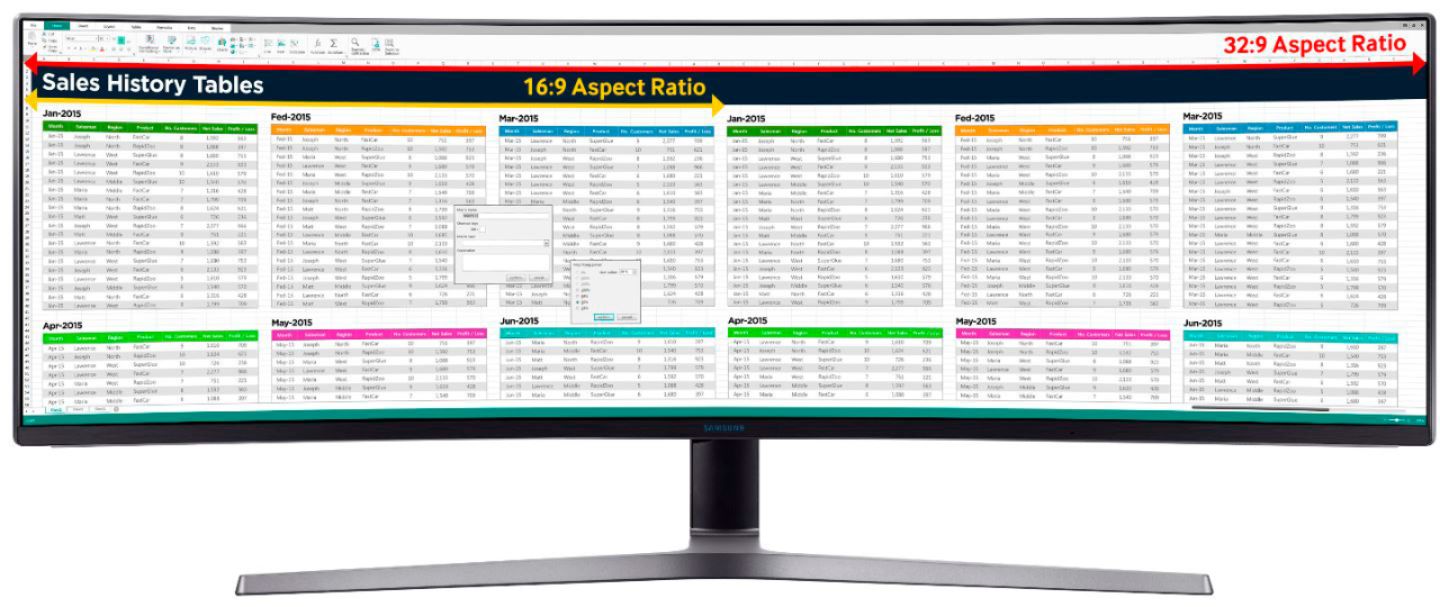
A:AnswerYou can have several full spreadsheets open at once. Truly a great productivity tool. I can have a word file, Outlook open, a spreadsheet and a browser open and not have to move a thing to see each of them.
A:AnswerNo, not technically. Full HD is commonly defined as 1920x1080 and 4K is commonly defined as twice that in both horizontal and vertical.
This monitor is 3850x1080. This is equivalent to 2 Full HD monitors side by side, and really designed for that purpose so you don't have to split across 2 monitors.
To be considered 4K, it would also need double the resolution in the vertical, so 3840x2160 instead of 3840x1080.
You could play Minesweeper on one half at Full HD and something else on the other half also at Full HD.
A:AnswerHi,
When I purchased the monitor I was having problems with setting up multiple screens. I thought that the monitor would have came with a screen splitting app, which it did not. I contacted Samsung and was able to get their app called Easy Setting Box. Here is the link they provided me:
https://displaysolutions.samsung.com/support/resources/product-support/easy+setting+box
I hope this helps!
A:AnswerDid you install the software from Samsung’s website to allow different inputs/display areas?
Are you using the same display font scale: small 100%; medium 125%; large 150%; in the personalization settings?
Did Windows 10 change the display resolution or aspect ration to 4:3 or 16:9?
Your question is very generic, but those are the first things I’d try.
A:AnswerYes, it comes with the required hardware to mount via VESA 100 x 100. It's just over 26 pounds though, so make sure you get a mount to support that.
A:AnswerYou might want to so a research because I have heard rumors about the macbook pro not displaying the correct 32:9 screen ratio. Just check the video card in your macbook if it supports that ratio. You might just end up with 21:9 ratio and will have black spaces on the sides.
A:AnswerNo not on full screen. The maximum supported resolution for your GPU is 2560x1600. This screens native resolution is 3840x1080, but you could set it to a smaller aspect ratio and use it until you upgrade your computer.
A:AnswerYes it will work. Check and see the highest resolution of your graphic card and check the highest resolution of your monitor. This is helpful to get the best resolution of your monitor. So if your graphic card exedes the resolution of you monitor. You can set your monitor to the highest resolution.
A:AnswerYes. You can show two different sources on the screen at the same time, side by side. You can also adjust it so that one display takes up 2/3s of the screen or half the screen. Really convenient.
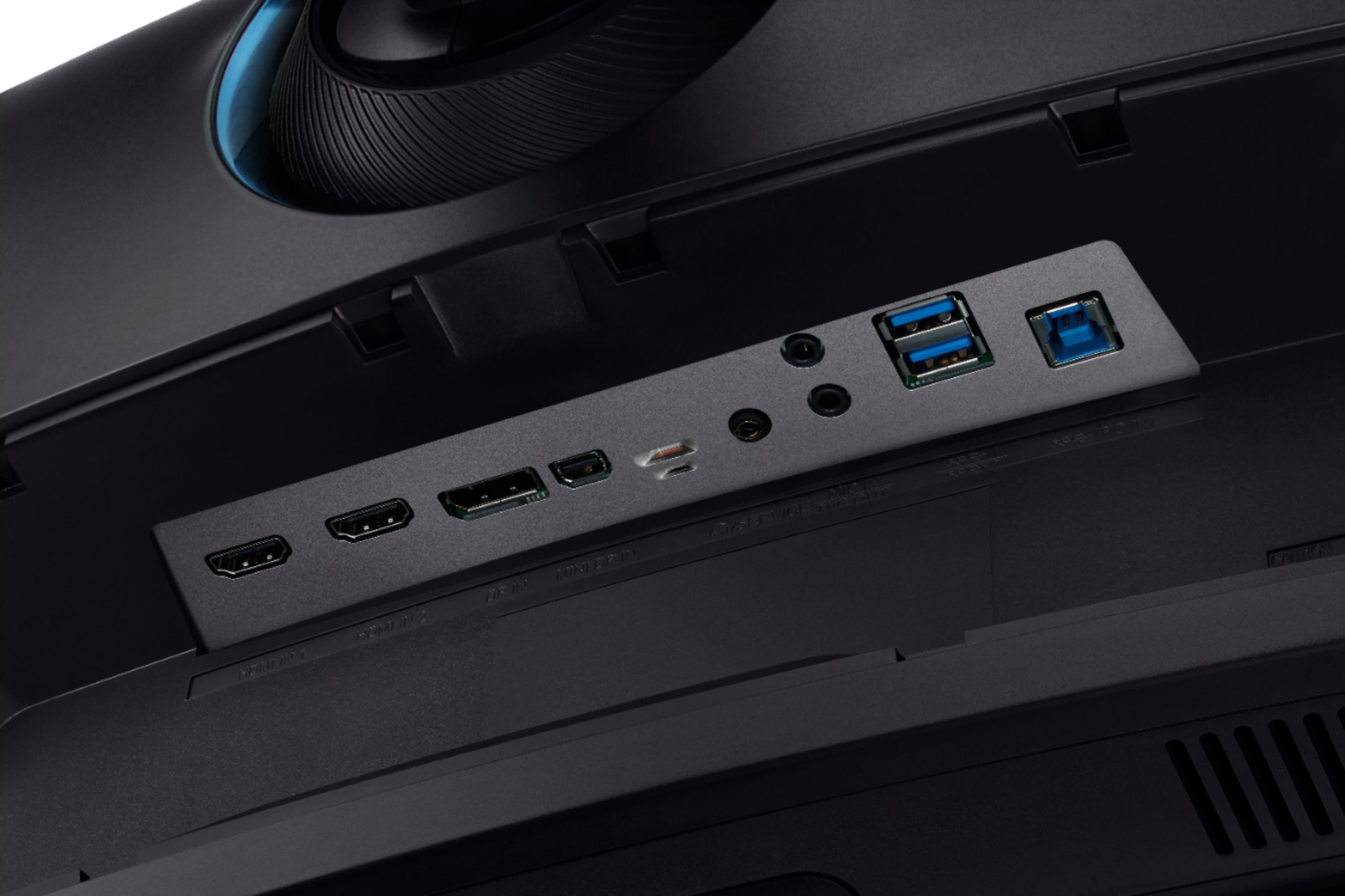
A:AnswerIt does not have an SVGA in, if that's the only video out this laptop has. But it has HDMI 2X and display port inputs. As far as a gaming monitor goes, it's top-notch. But if you were using it for other functions, say to watch Netflix or as work space, this is an amazing monitor. You can have 3 separate windows up from three different applications and each look as if they are in their own monitor. It's like have 3X monitors in one unit.