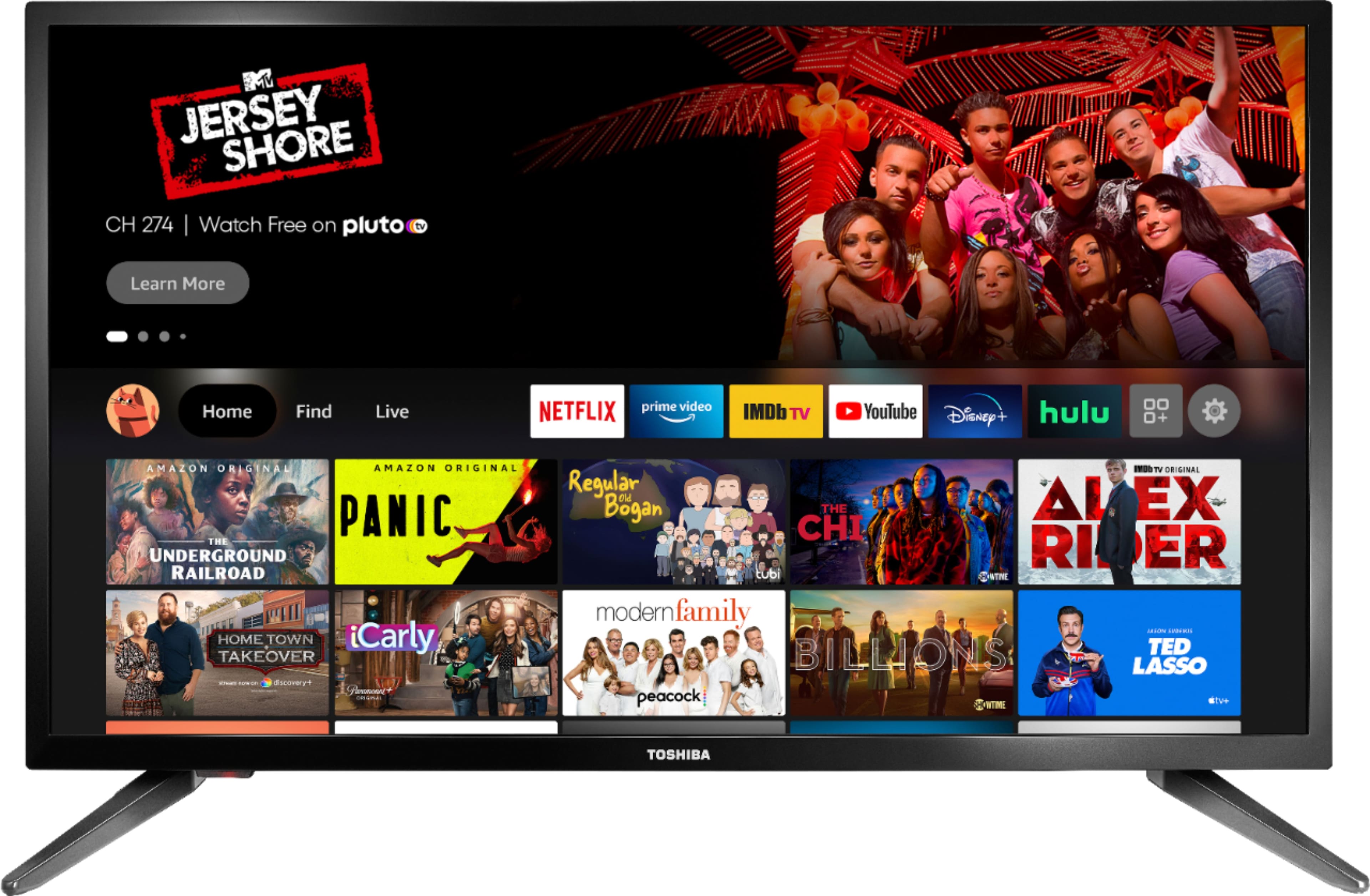
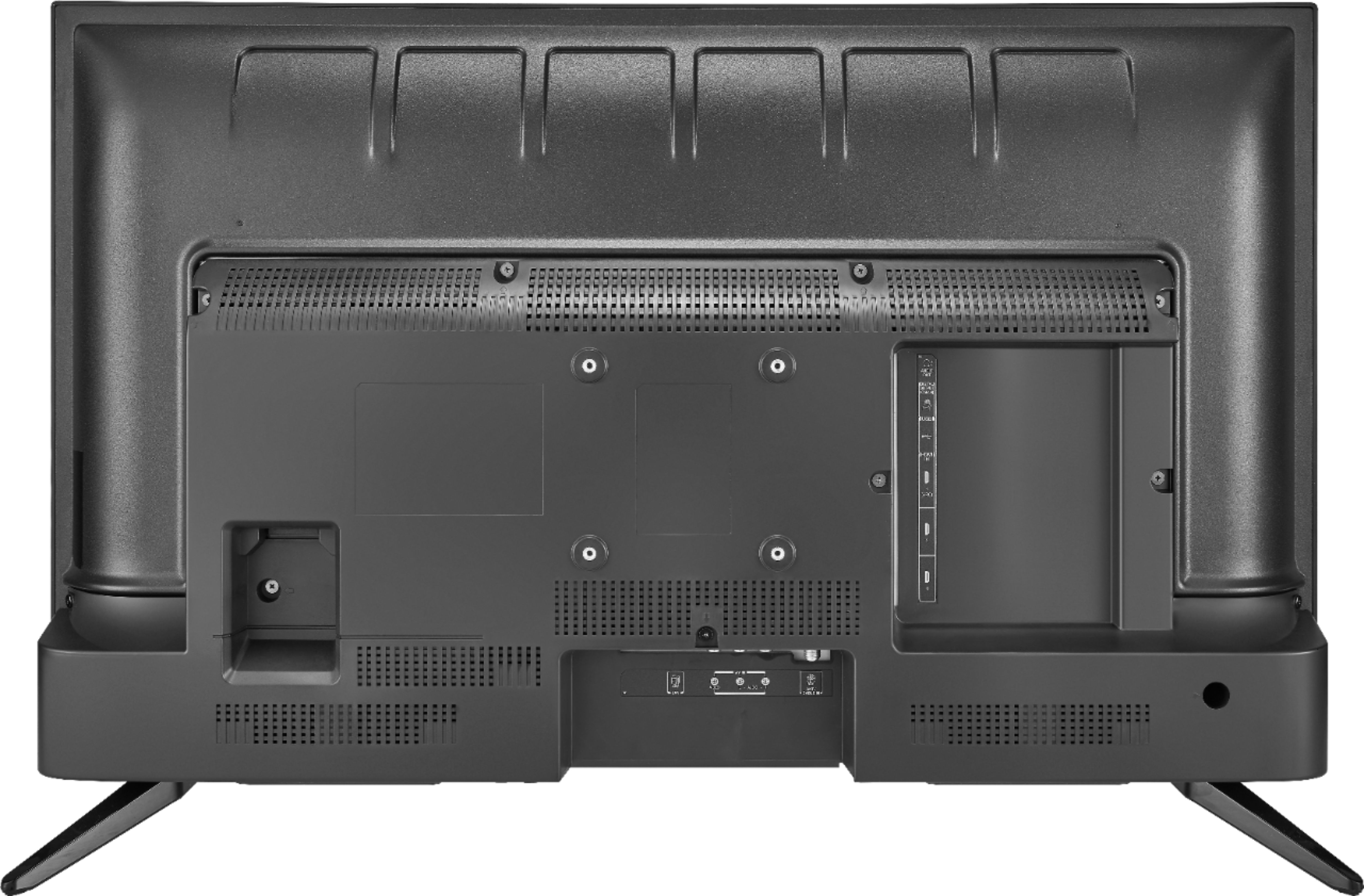
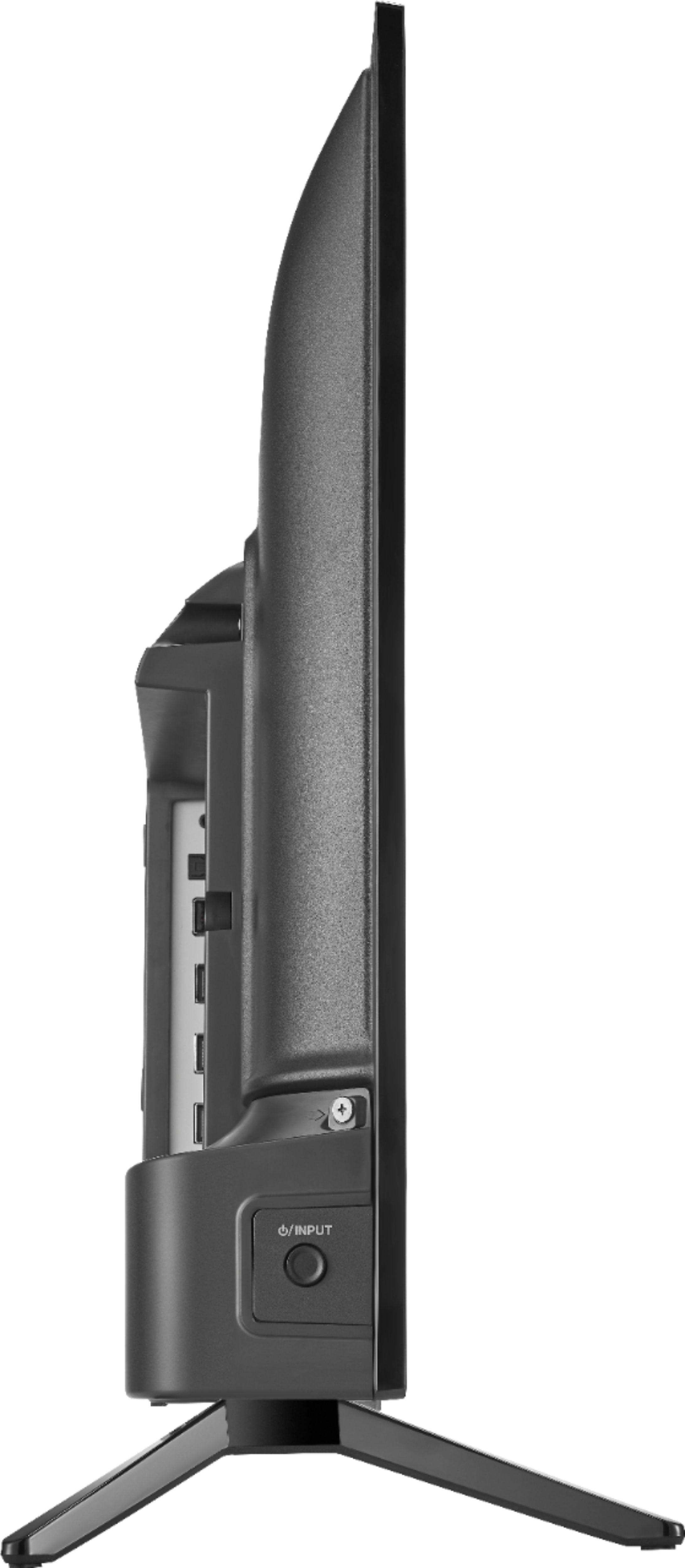
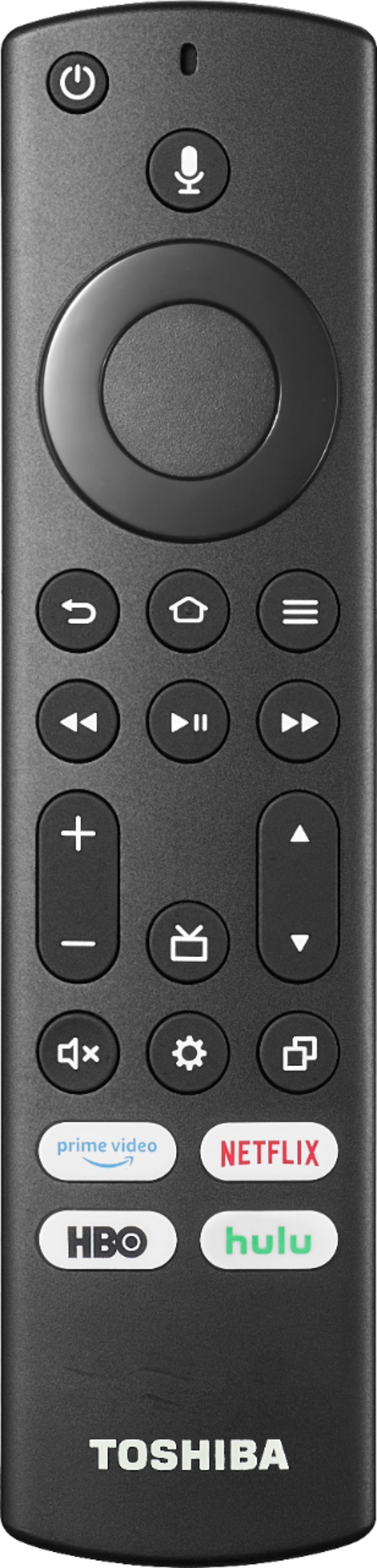
A:AnswerThis is a Smart TV, you don't need an external streaming device to watch Netflix and Prime Video. An antenna is required if you want to watch free over-the-air broadcasts from your local channels.
A:AnswerTry the Power On feature, when enabled, the TV turns on displaying the last used input. To activate it, go Home > Settings > Display & Sounds > Power On and select Last Input.
A:AnswerYou can download the Disney + app.
Unfortunately the HBO Max app is not available for download.
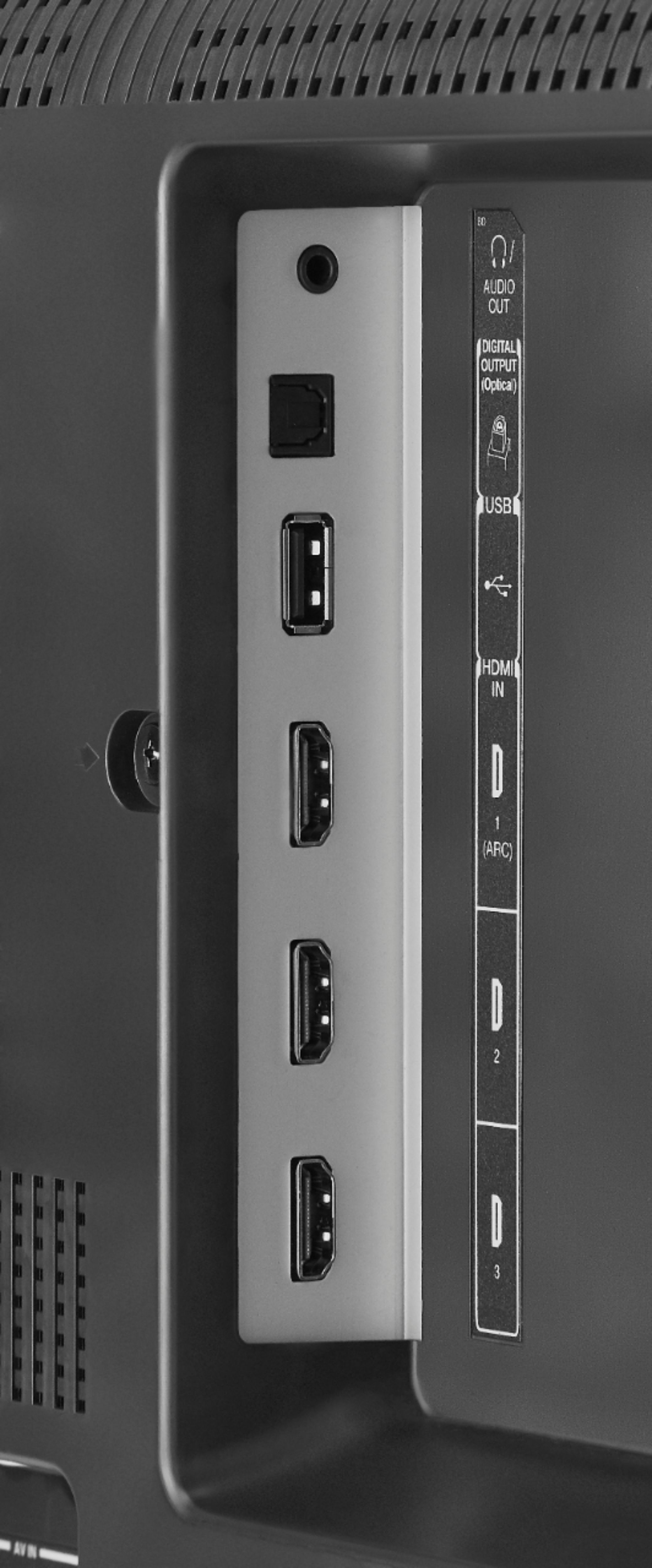
You can connect an Apple TV box to the TV using an HDMI cable.
A:AnswerYou can use your phone hotspot to get a WiFi connection for the tv and then it should work as normal. However your signal strength of your phone can cause latency.
A:AnswerNo, this TV doesn't include an Antenna in the box.
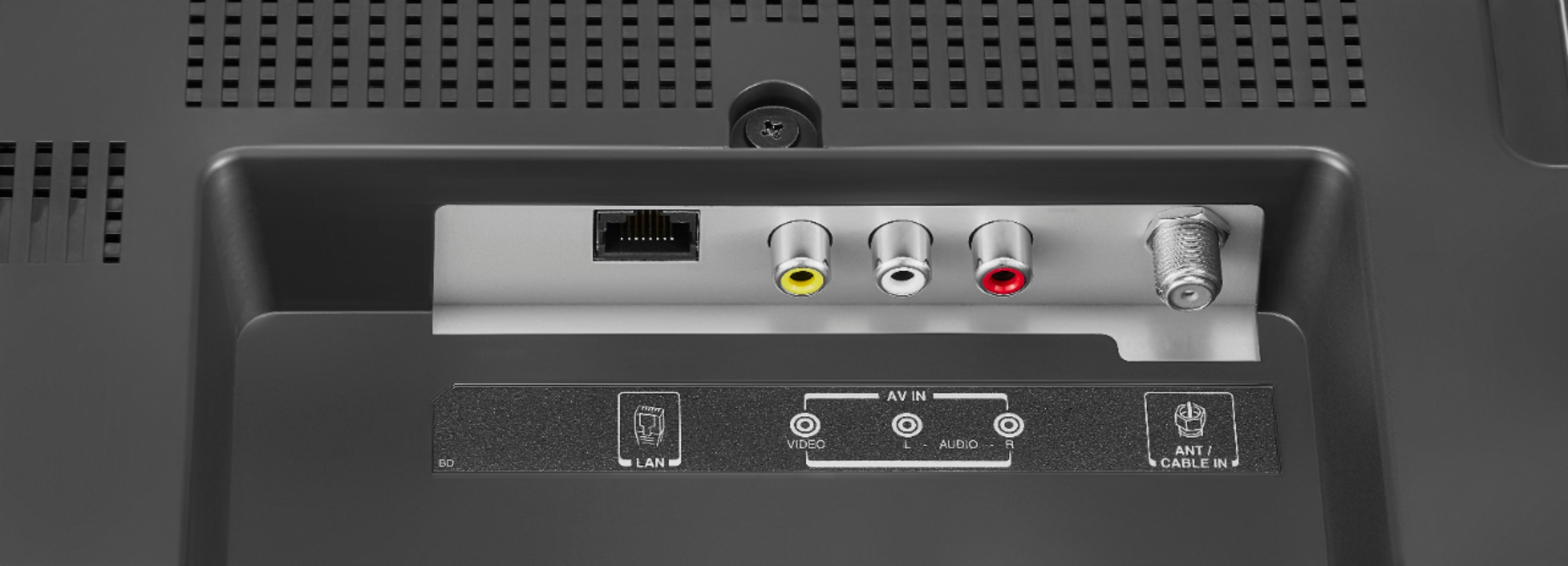
This TV has a built-in TV Tuner, you can hook up an Antenna to watch free over-the-air broadcasts from your local channels.
A:AnswerTry the Power On feature, when enabled, the TV turns on displaying the last used input. To activate it, go Home > Settings > Display & Sounds > Power On and select Last Input.
A:AnswerA Fire TV Stick is connected into a TV and it allows you to stream more than 1 million movies and TV episodes from Netflix, Prime Video, Disney+, Peacock, and more, plus listen to millions of songs. Subscription fees may apply.
You do not need an external Fire TV Stick with this TV because it has the Fire OS already built-in.