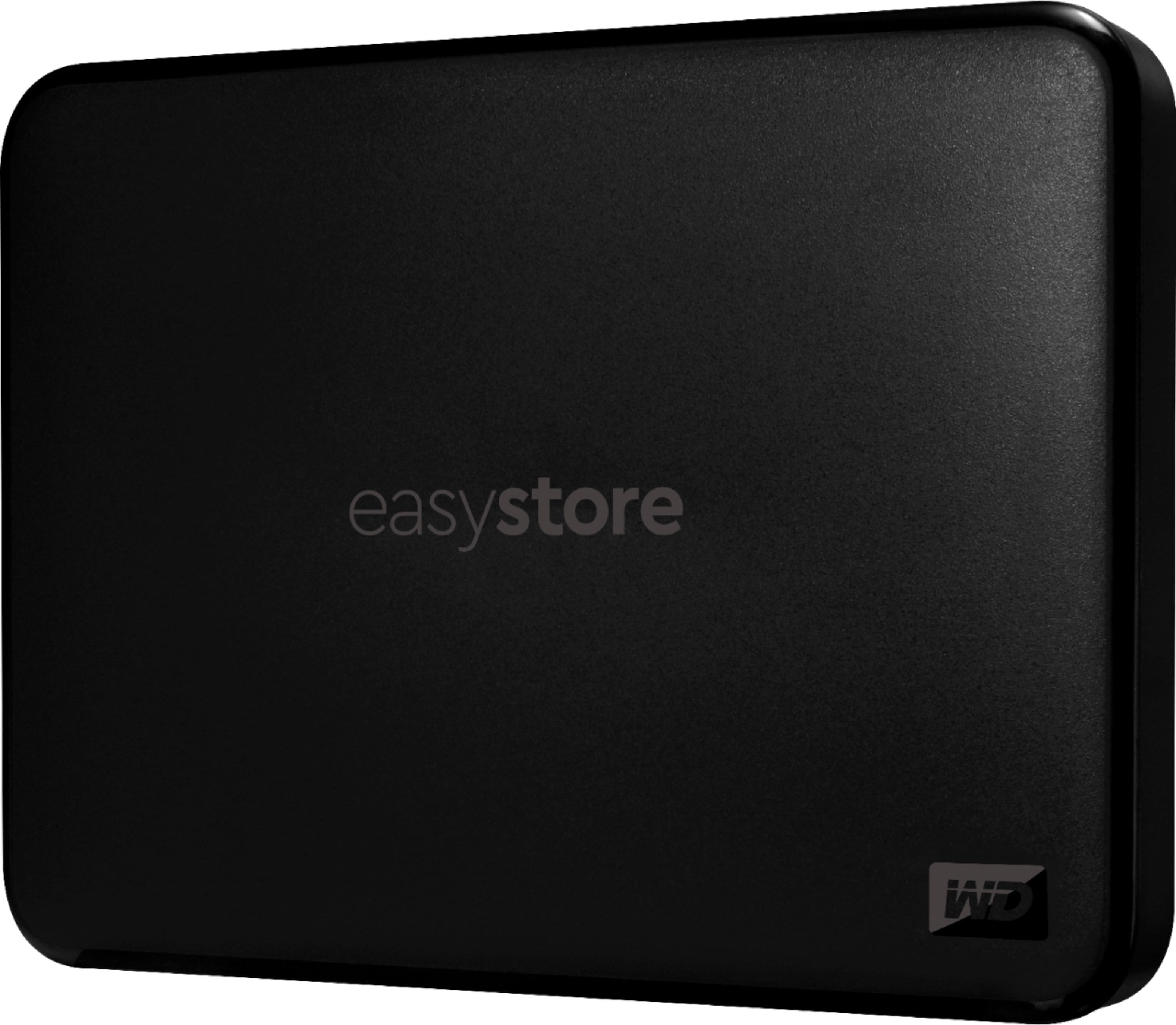
A:AnswerYes you can download free cloning software from Western Digital Website in the software download section. They have their own version of Acronis True Image that can be used to image a hard drive to the ssd.
A:AnswerHi KYCat,
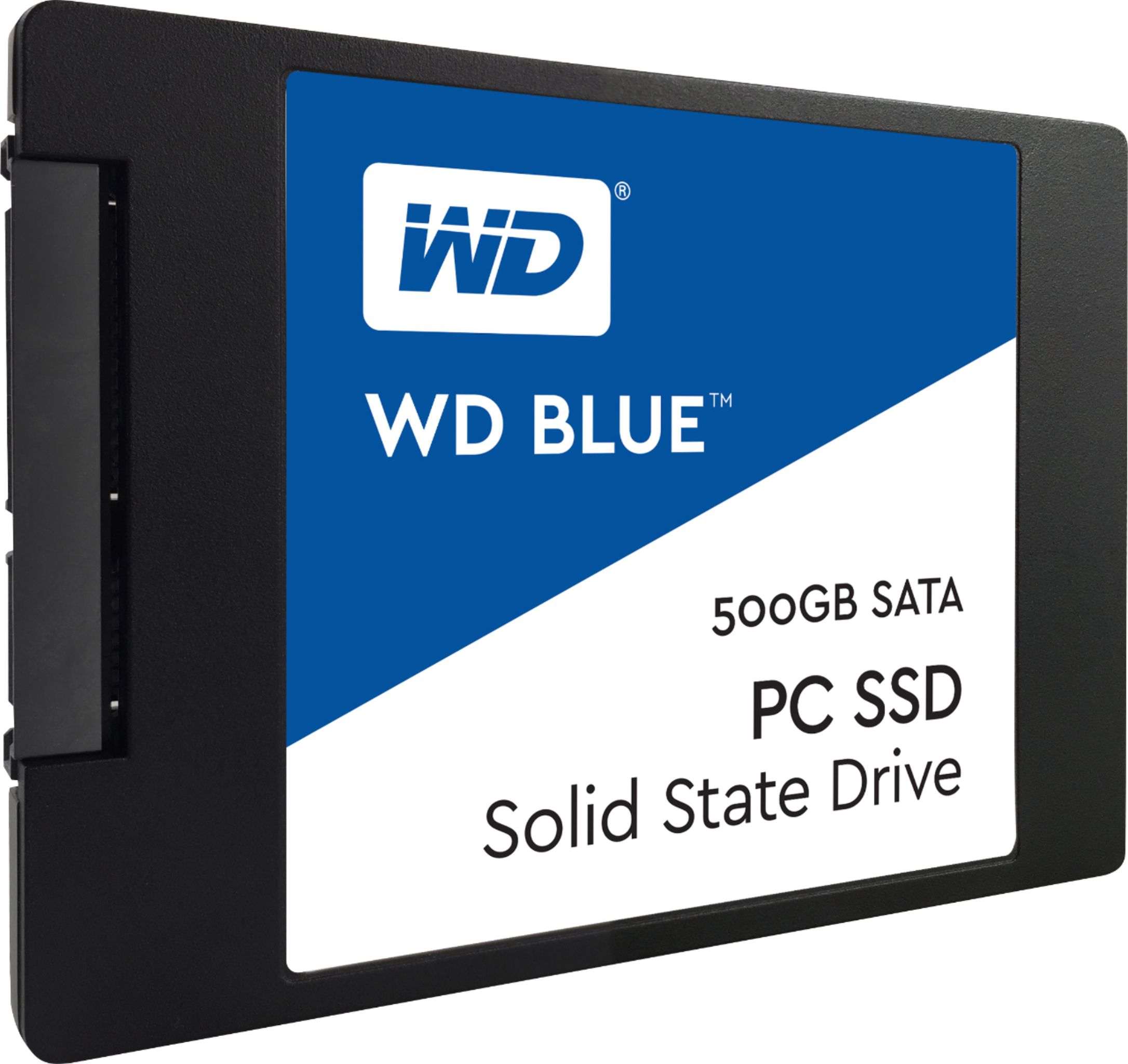
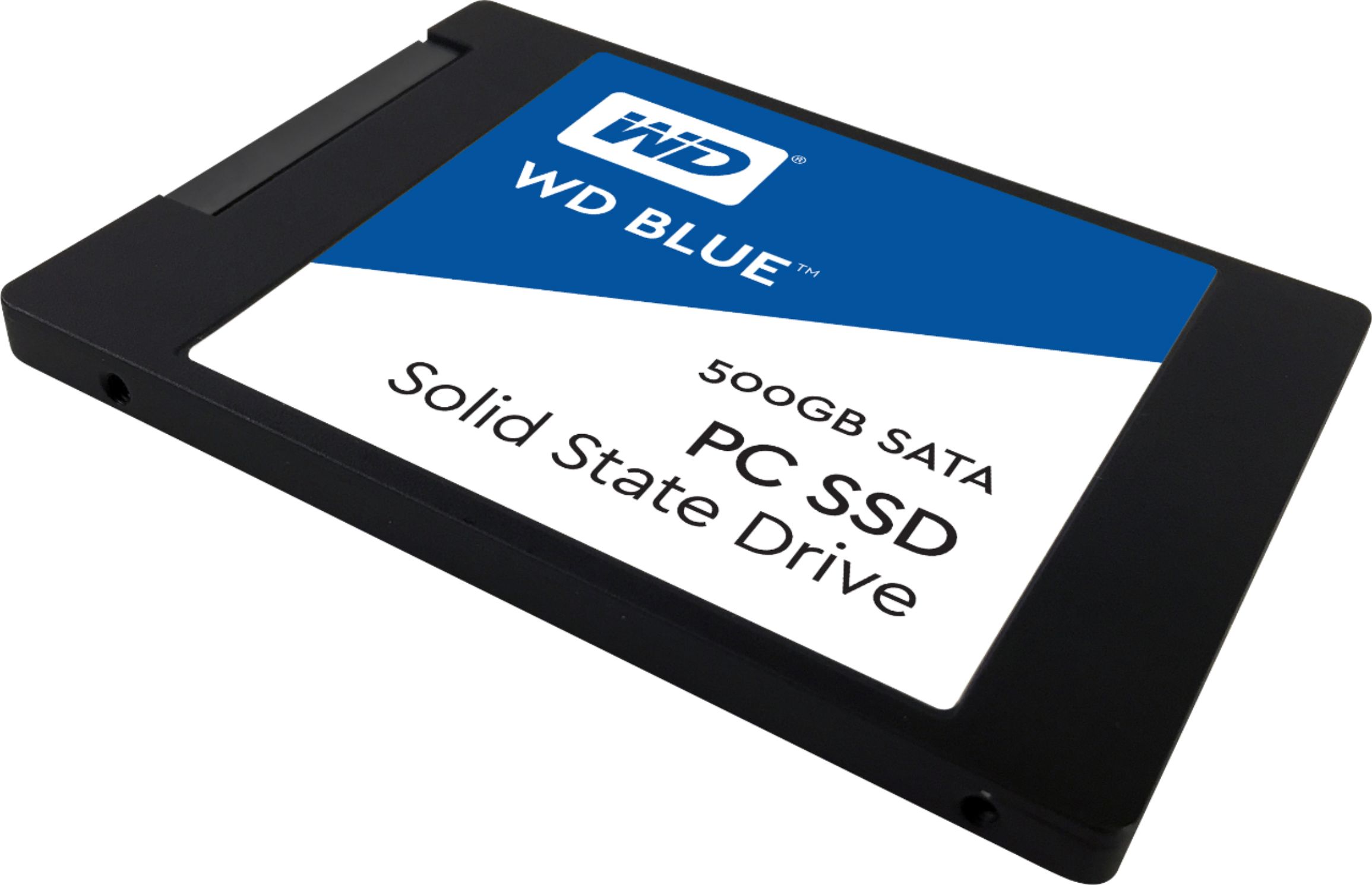
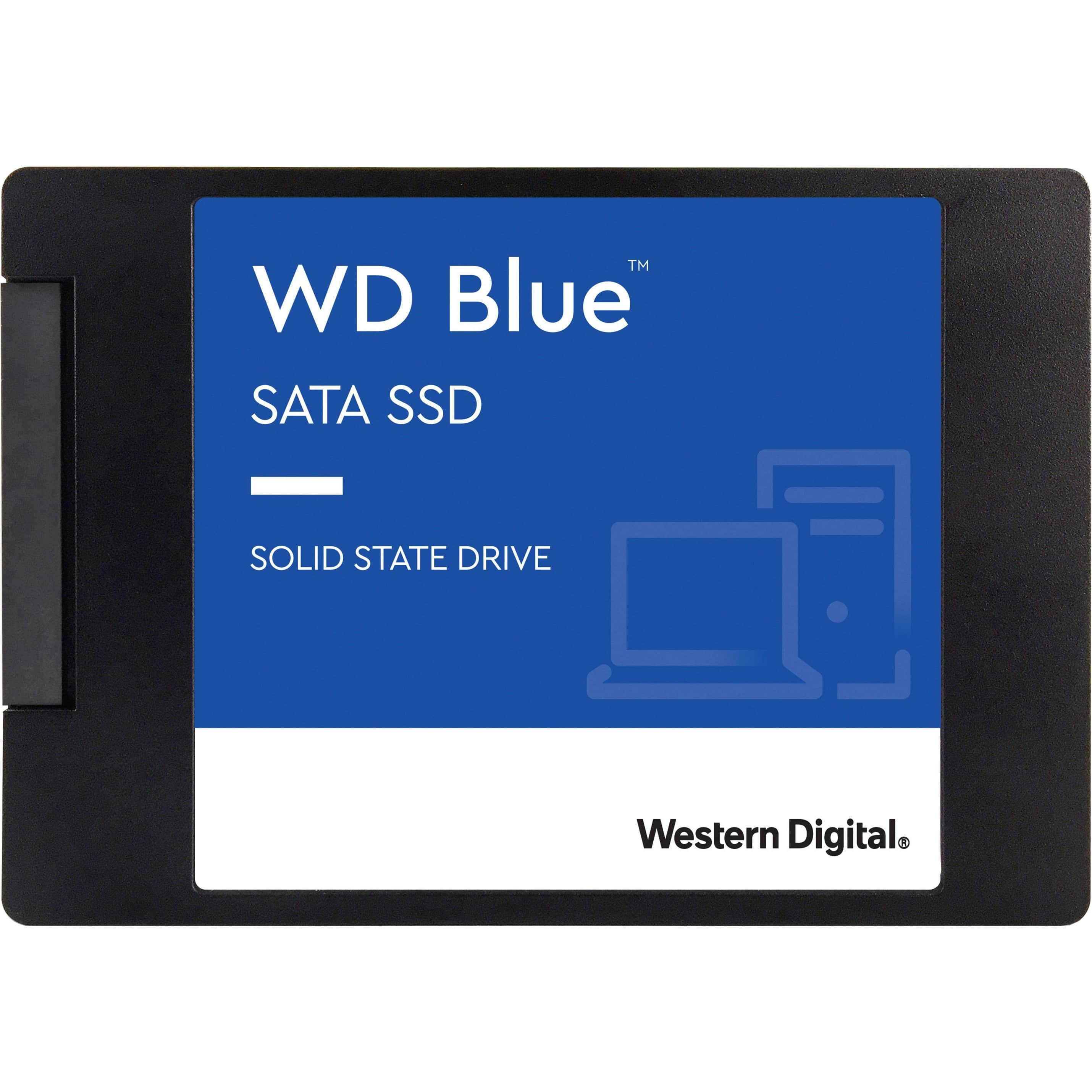
Please know that WD Blue SSD comes with SATA III 6 Gb/s interface. It is available in 2.5 Inch as well as M.2 2280 both form factors. Please check with the laptop vendor whether WD Blue SSD will fit and support the laptop. WD Blue SSD: https://support-en.wd.com/app/products/product-detail/p/276 Need Help? Please see our "'Contact Us" page for information.
A:AnswerSorry, answered on wrong product. I bought a USB thumb drive and it was showing that picture but asking a question on an SSD.
I looked up your computer online. it looks like there are four SATA connections on the motherboard. Two tan, one light blue, one dark blue. As long as one is free you are looking good. Next, you need a free power connector. Lastly, you likely need to purchase a mounting kit. It does not appear that there is a standard SSD bay and you will need to install it in standard drive bay, so in turn, you need the mounting key.
A:AnswerYes, it should. I have installed 3, one in a desktop, an all-in-one, and a laptop. If it didn’t seat correctly I used some electrical tape (as little as possible) to secure it.
Do you have the old HD to compare it to? Maybe make an appointment with BestBuy and go into the store. Walmart has them too.
A:AnswerYes, I installed it in my 2012 Macbook Pro. I would find a SATA cable, plug it in to your Macbook and clone your existing HDD, use a small Phllips Head screw driver to remove the bottom plate, unscrew the mounting bracket, insert the pegs from your old HDD to the new SSD using a torx screw (very small) and put the plate back on and that's it. Very simple and painless process
A:AnswerNo, it doesn't fit in newer Macbooks. Years ago, Apple used 2.5" SATA notebook hard disk drives. Recently (probably in the last 5 years honestly) they switched to SSD, specifically the M.2 form factor. Yes M.2 is also SSD, but it does not use the 2.5" SATA form factor, and as such, this Western Digital SSD would not fit.