Customer Ratings & Reviews
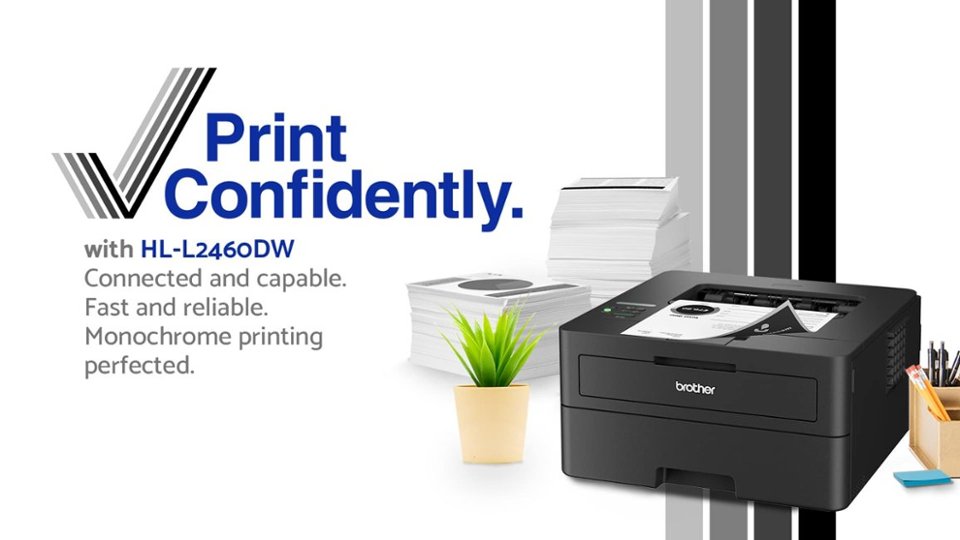
- Model:
- HL-L2405W
- SKU:
- 6569815
Rating by feature
- Value
Rating 4.7 out of 5 stars
- Quality
Rating 4.7 out of 5 stars
- Ease of Use
Rating 4.6 out of 5 stars
Customers are saying
Customers frequently mention the impressive print quality and ease of use of the HL-L2405W printer. They also appreciate its overall reliable performance and super easy setup. The printer's perfect wireless connectivity and great size are additional benefits, and users find the noise levels to be very low.
This summary was generated by AI based on customer reviews.
- Pros mentioned:Ease of use, Print quality

Worth the cost, gets the job done
|Posted .This reviewer received promo considerations or sweepstakes entry for writing a review.reasonable monochrome printer, Brother Mobile Utilities” from google play store for android devices and save allot of time getting this printer working on Android phones. Run a firmware updaBrte and pray. Brother pr5ints are still incompatible w/o latest fixes and driver. Unpacking this item surprised me when I saw a laser printer so small. I wondered what kind of a drum is used since letter size printouts require significant width and size, this is very compact and fits on a small desk. its pros were made obvious printouts easy to read no smudges no smears the drum is removable very easily. I'm guessing the lack of moving parts may be significant in the duration of this printer and the possible output quantity since it is built very well in my opinion. The cons are also obvious as well; first the lack of reasonable instructions included in the box 2nd does not have a scanner 3rd that it doesn't seem to come with the USB cord for direct connection now I've printed about 15 pages, and they are all beautiful in quality. The printer is very quiet it operates with no noise level whatsoever it's slim so it fits well in my current condition and environment. The Android I've installed but support is lacking it wasn't designed for an Android if you have an iPhone, it probably works like a charm. Another gripe I have is it I spent two to three days searching for drivers and software to access the quality of this printer on my mobile device when the computer took minutes, not to mention scanning QR codes in hopes of unlocking something to make my life easier, The only thing that seems to appear is a program called refresh. Refresh from some perspectives is excellent hardware based app that you buy new ink cartridges that have a chip encoded that sends this app a complete breakdown of your printer status for someone who wants to plug and play and never touch their printer again except to remove/insert work results and supplies, This is an exceptional service offered by brother, the smart cartridge can report errors low supplies pages printed. With the nominal fee you can buy how many pages you wish to print a month and exceeded by reasonable amount but when you begin to run out of ink a new cartridge of INK would be sent to you automatically the cartridge is Designed for the modular structure so it's a simple to use I personally like the printer, it serves its purpose I don't need color, I do miss the scanning feature but when functional the printer has tremendous potential. Being such a easy printer to install and maintain with quality andpeed these features easily make up for the fact that I won't be using my phone with Android to do much if anything on the printer. I think I can find this seriously wacky USB-c cable to the square USB-b 2 plug on the printer; me thinks just sending stuff from the phone to the computer when needing printing is a better option especially with a laptop And when windows 11 edge works without issues, I would rate it better.
I would recommend this to a friend - Pros mentioned:Connectivity, Print quality
Solid B&W Printer Option
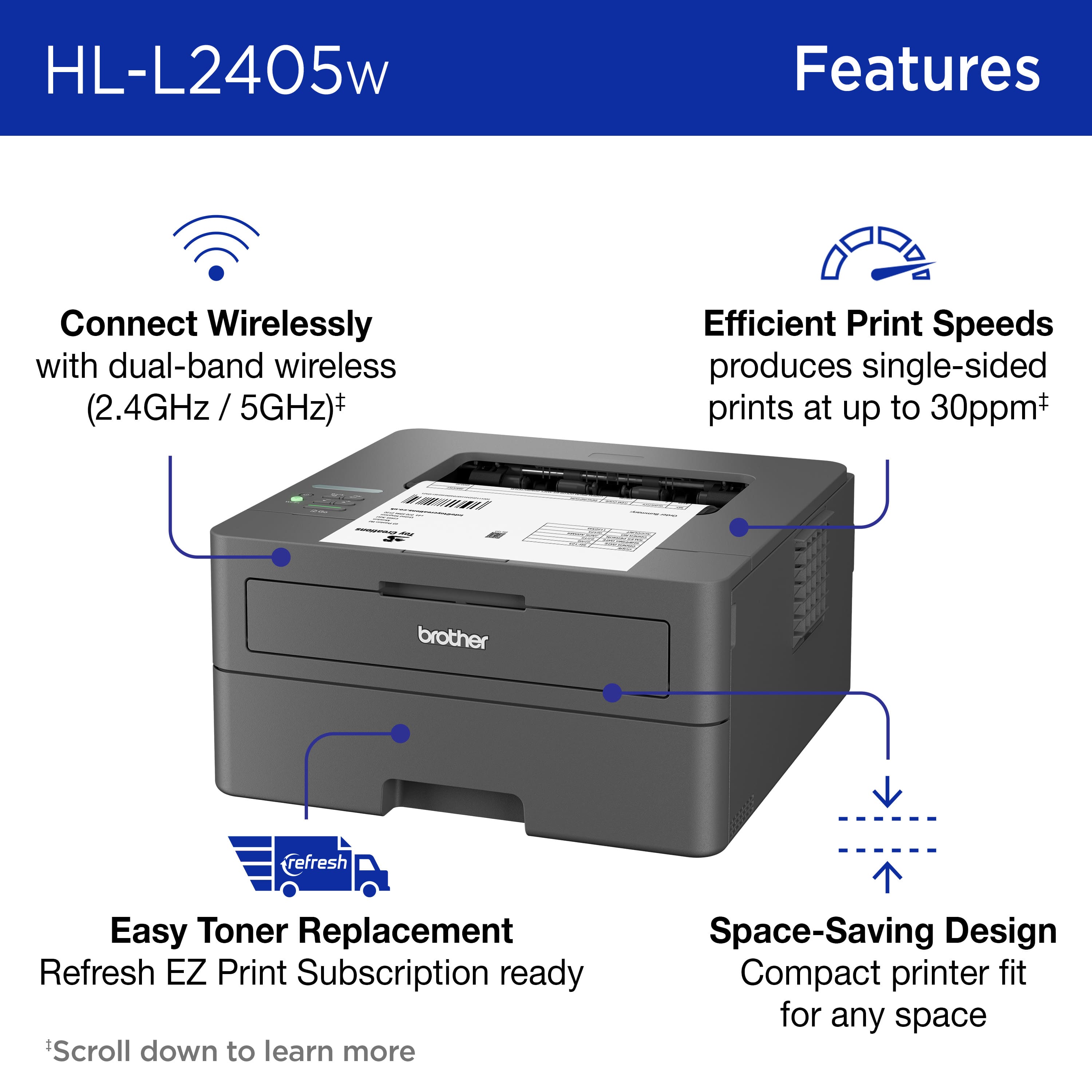
|Posted .This reviewer received promo considerations or sweepstakes entry for writing a review.Based on the look, design, button placement, and functionality, this seems to be a new or upgraded version of the older L2360. It's list as having a bit faster print speed in terms of pages per minute, which seems to be true from what I can tell. It also has the upgraded capability to not only connect to 2.4GHz networks, but also 5GHz networks. Unfortunately, while I was able to discover the 5GHz networks with the printer, I was not able to actually connect to it. I used it from the same position as I did for the 2.4Ghz network, and only the 2.4Ghz was able to connect to the printer. I was not able to connect to a 5Ghz network after multiple attempts. On initial startup in the settings, the printer does not standardly have the ability to print duplex, but it easy enough to turn on if you go through the printer settings and set it up to allow and install the duplex printing option. As for the printing itself, documents come out pretty quickly and they come out clean and crisp, no smudging or bleeding. It's definitely a document printer over an image printer, especially since it's only capable of black and white. Not specific to this printer, but included, it would be nice if printers included an indicator of how the pages will print out based on placement in the tray. Overall, worth the cost if you're going to be printing a lot of textual documents.
I would recommend this to a friend - Pros mentioned:Ease of use, Print quality
Great Office Printer
|Posted .This reviewer received promo considerations or sweepstakes entry for writing a review.Out of the box the printer is very easy to unpack and set up. Instructions are very clear and very easy to follow. There are a few ways to get started. I elected to set up the wifi. Scanned the QR codes in the instructions and on the printer. Downloaded the app and was able to set up the wifi with little confusion. The footprint is pretty small. There is no scanner and no color printing. Its has an easy front loading tray that fits up to 8.5x11 sheets of paper. It printed quick and didn't need to calibrate to get started. The one downside that I wish it had the automatic capabilities for is double side printing. I could not figure out how to print on both sides without having to print out all the front pages, reload them into the printer and print on the back. Took a couple tries to get this right. This printer is perfect for the office or home office for quick word documente, pdfs, and school work. Prints out crisp, quietly, and quickly. Easy to use and easy to change out the ink tray. Overall great printer for what it is. Of you need color, double sided printing, then this is not it. If you need quick, efficient document printing, this is a great option.
I would recommend this to a friend - Pros mentioned:Print quality
Basic printer for basic printing.
|Posted .This reviewer received promo considerations or sweepstakes entry for writing a review.This is my first laser printer at home. I’ve used them at work plenty but always bought inkjet multifunction devices. This printer is going to allow me to stop using so much expensive ink and save it for printing photos or in color. My first impression on unboxing is pretty much right down the middle. The printer is not particularly heavy and the plastics used feel fairly sturdy, but it’s clearly a basic, entry-level unit that is function first – exactly what I would expect. It doesn’t have any squeaks, rattles or loose bits that make it feel cheap. Setup was easy for me, but I have a lot of practice setting up printers, networked or otherwise. One helpful thing to remember is that you are doing the first time setup once, so it’s good to take your time and read everything thoroughly, it will save you a lot of headaches and having to post a review about how horrible it is and you can’t make it work. Setup for a non-experienced user will most likely just stop cold at trying to set up the wireless connection. Connecting to Wi-Fi seems to be something folks are complaining about, and I think the app is at fault for not explaining clearly what you are expected to do in the very first step. Everyday people are not used to changing their phone Wi-Fi to connect to anything but a router for internet access when they go somewhere new or get a new router; the concept of connecting to the printer’s network needs to be introduced before the connection instructions. This is assuming you’re using the app to do the initial Wi-Fi setup, as the PC software is a different process. So, to connect to your network, you’ll need to have your Wi-Fi network name and password to give to the printer so it can join. In the first screen of the setup process in the app, you will see the instruction to push and hold the Wi-Fi button for more than 2 seconds, you’ll then see a message on the little LCD screen that says “Check PC/Device”, all just like the instructions, now the next step, which in the app isn’t listed as a step, but a note under the steps even though it’s THE step. In the next screen, the app will search for the Wi-Fi network your PRINTER is broadcasting – just be patient, it can take a few breaths to get the connection message, but your phone should prompt you to join the printer’s network. If you don’t get the prompt to join the printer’s network after a minute of waiting, you need to then go into your PHONE Wi-Fi settings and search for the network the printer has started broadcasting, which will be named “_SETUP-printermodelname_somerandomnumber”. Once you’re connected to the printer, go back to the app and it will move to the next step when it sees the printer on the network. Once this is done, the printer will stop broadcasting that network and your phone will rejoin your usual Wi-Fi. The next step was a “Setting up…” screen that went through three actions for the app to connect the printer to my home Wi-Fi network. It then said I needed to do a firmware update, I tapped continue, then it redirected me to a web page that went nowhere. After doing this twice, I went to the computer, went to the support page for the printer, downloaded and installed the Windows 11 full software package. There is no problem with the desktop software, the issues I had were my fault for not letting the printer sit on the network for a bit. On my second try, I let the printer just sit on the network for about 15 minutes while I got some coffee, then it showed up in the software setup immediately. The waiting firmware update worked from the PC, and I’m not sure if the strange web link the phone app took me to is something temporary on Brother’s side, but with the firmware updated, I moved on to checking out some other stuff, I don’t like using phone apps for hardware anyway. In the app settings it had “Connect Advanced Settings” (remote access) and “Data Collection” (Brother has the printer report how you use the printer to the company) were both enabled, and I was not prompted to agree to the “Brother Product Research and Support Program” (Data Collection), nor the “Connect Advanced” (remote access), yet the app had both enabled. This was not a mistake as I installed the app on another phone and got the same result with both data collection options enabled without explicitly asking my permission. Whether shady or lazy, it’s not what I would expect from Brother. The desktop software does ask if you want to participate in either of the data collection programs and lets you opt out during setup. The reason I think these things are important to us is that this printer is on your network, not just plugged into your computer. This allows us to print wirelessly, which is convenient, but it also potentially exposes your devices to outside access if there is a software problem or breach of the company’s customer information (which is basically nonstop now). There is a web server in your printer, that’s where you can access the settings page; and even though Brother has password protected access to the printer and done what they can to make it secure, it’s always a better idea to not have the printer’s remote access features enabled at all if you aren’t going to use them. I think having the app default to sharing information and enabling remote access must be a mistake or was just overlooked, I disabled these options on the desktop software, then when I accessed the printer on the app while on my own Wi-Fi, it changed the settings to enable the data collection and remote access was re-enabled. Yick. The other thing that might be helpful for people is to know you CAN set up the sleep and power off features on the settings web page of the printer. By default, the printer is set to sleep after 10 minutes, which turns off the droning fan. You can set the printer to not shut down after 8 hours in the printer web interface if you want to have it available all the time. PRINTING THINGS: The printer specifications indicate it prints up to 24 pages per minute and I believe it, it’s quite fast. The print quality is excellent with sharp text, graphics, and even does a good job printing photos embedded in documents, just as good as you would expect from a laser printer. Then the nuisances crop up. Two-sided printing is not built into this machine, it does support manual two-sided printing, which means you will have to interact with the printer to prepare for two-sided printing before hitting print. If you do much two-sided printing at all, you’ll want to go with one of the models that has it built in. The process for two-sided printing starts with loading paper into the manual feed slot on the front of the machine. The little tray that drops down seems much more appropriate for envelope printing -which it does perfectly- and maybe printing on letterhead or fancy paper, it seemed silly hanging 50 pages of paper off the front of the printer, but whatever. I tried to use the two-sided printing process three times and wound up with jams three times when feeding from the manual tray. I gave up on trying out the two-sided printing after 6 tries, three with 28lb and three with 24lb (which jammed on try 1 and 3). Yes, I did fan the paper before loading. When printing straight from the tray, the printer puts a distinct curl on the pages and a few pages appear as if they had been lightly steamed or something. It’s not horrible, but not what I expected at all. Maybe this is just a small laser printer thing? The printer is also supposed to be able to handle 16-28lb paper, I think it’s going to be much happier in the middle of that range, using 20 or 22lb paper will probably give you much less trouble with the paper handling than I had. In my experience anything below 20lb is like tissue paper and you wind up with tears and jams in any printer, but I don’t have any of the light stuff to try, so I can’t speak to this one’s ability to handle lighter paper. There is a fan on the side of the printer that runs when it is on and “awake”, that is not loud, but is not a pleasant sound to listen to for any extended period of time, the 10 minute sleep timer seems to be serendipitous, since it shuts off the fan when it’s sleeping. I would never want this printer on my desk within earshot if it was being used frequently, say, in a shared office environment. I had no problems printing from my iPhone or PC or Mac when the printer showed “Deep Sleep” on the display, so perhaps the firmware update will help if you’re having trouble with the printer not responding from “Deep Sleep”. For reference, the unit came with 1.06 in the box and updated to 1.08 when I set it up. The software/app is almost good enough, but the user experience with the software/app is not as frictionless as modern users expect. It seems really interested in getting me to sign up for services that will continue to keep Brother’s marketing team in my face rather that just buying a great printer and having a great experience with it…. I use a Brother inkjet next to my desk, and it has been nothing but stable and reliable. The printer lets me know when it is low on ink, then I order some and put it in, then the problem is solved. I have bought, used, and recommended Brother printers to anyone who asks, but this experience has left me wondering if Brother might be losing the plot as well. User experience makes or breaks a printer, they’re all really good at spitting out high quality pages now, and without a more seamless and trouble-free setup process (never mind the paper handling), I can’t recommend this to a friend or family member unless I’m setting it up. I really hope I can take back that statement soon. I would not recommend this printer beyond the most basic of uses – on one side of the page.
No, I would not recommend this to a friend - Pros mentioned:Print quality
Affordable laser printer
|Posted .This reviewer received promo considerations or sweepstakes entry for writing a review.I have been looking to acquire a new printer for some time, but didn’t need anything too fancy. I just wanted something to print the occasional receipt or document, this Brother HL-L2405W printer fits the bill for me and my family. Set up via the Brother Mobil Connect app was quick and easy, the instructions were simple to follow and understand. All we did was plug the printer into the power outlet, followed the set up instructions on the app to connect to our WiFi network and we ready to print in less than 15mins. The paper tray is great and holds a whole ream of paper to keep you printing for some time, depending on how much you need to print each day. The quality is better than I expected at the price point, as I just needed a black and white document printer. (It can print photos, but that is not where this printer shines at all.) The Brother HL-L2405W is fast and efficient, works well and does the job I hoped it would do. It’s quiet and doesn’t take up too much space on my desk. I would recommend to those wanting a good quality laser printer.
- Pros mentioned:Connectivity, Print quality
Excellent
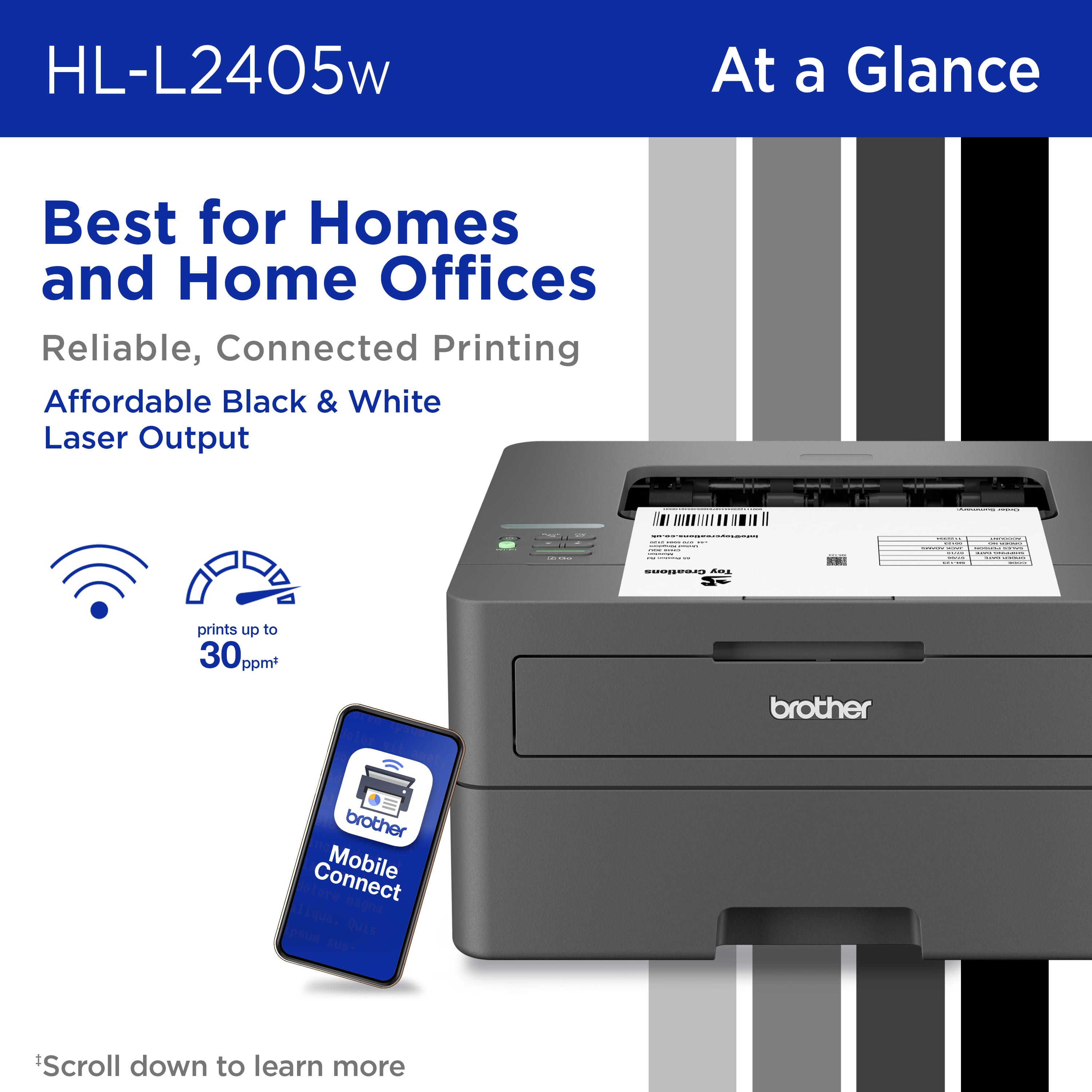
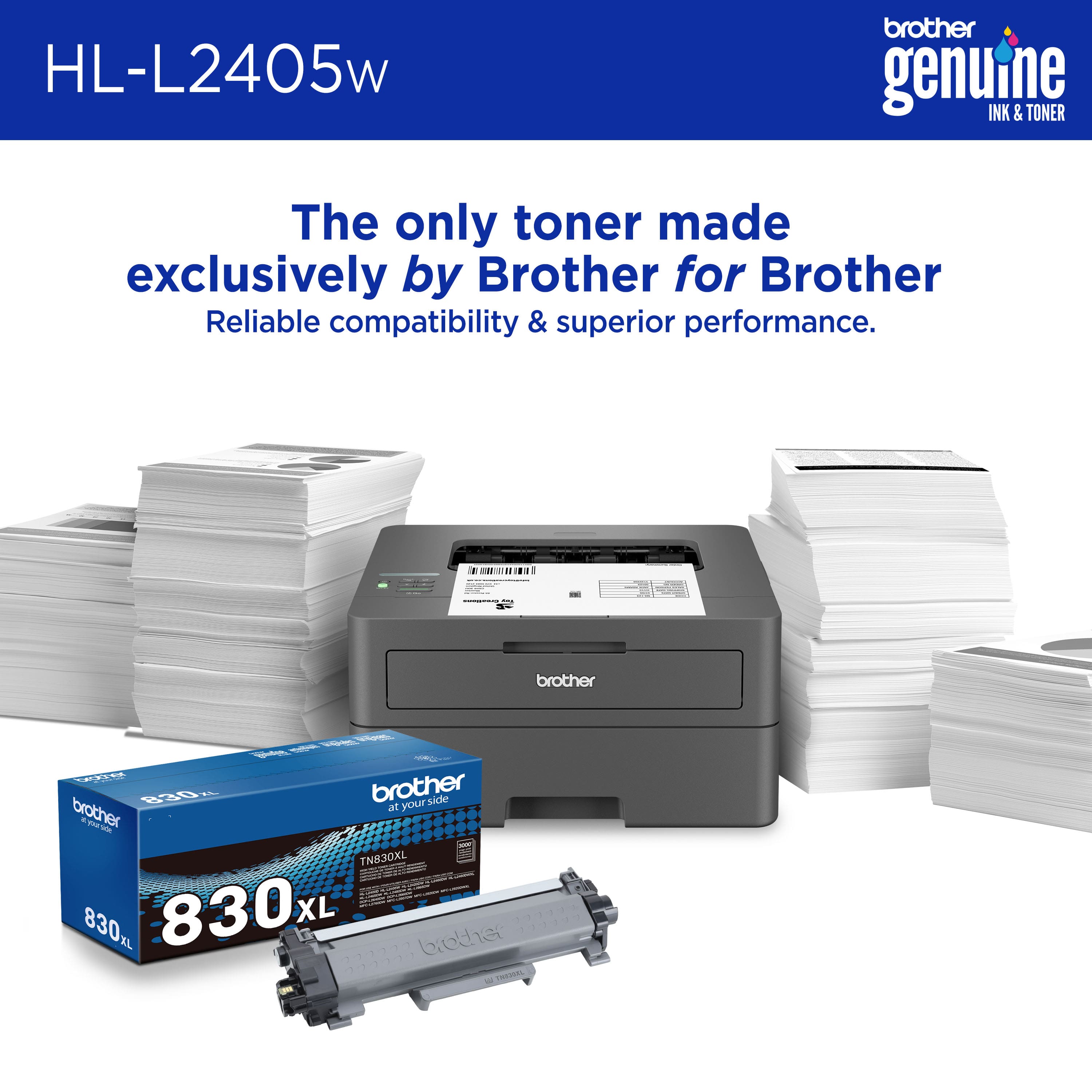
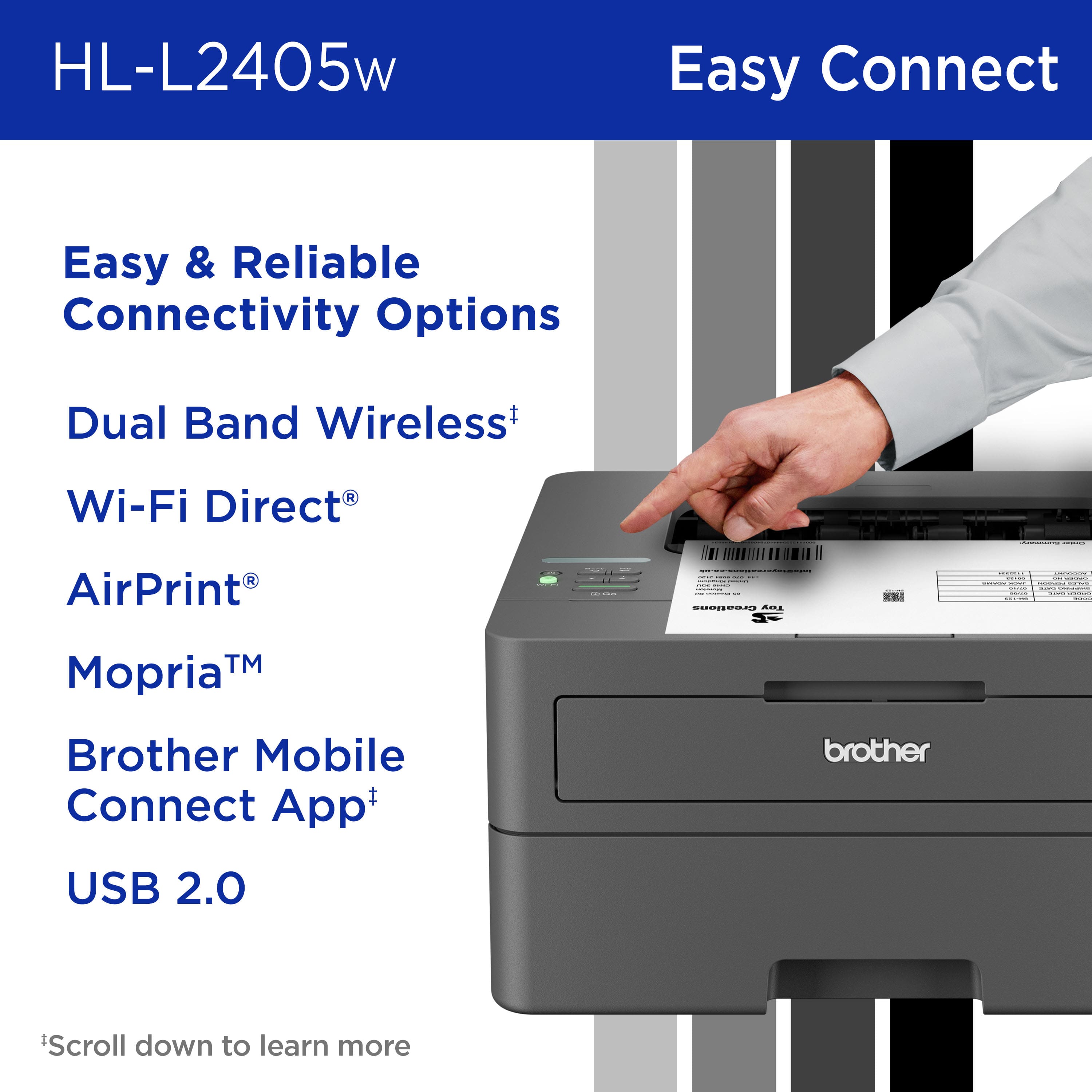
|Posted .This reviewer received promo considerations or sweepstakes entry for writing a review.Brother HL-L2405W wireless Black and White laser printer is exactly what I needed, I don't do a lot of color printing while working on certain things so when I need to do just black and white this printer is excellent. The tray holds up to 250 pages to don't have to constantly put paper in and can print up to 30 pages per minute. You can print wirelessly from any phone, laptop, iPads etc you can print remotely also. Connecting to the internet was quick and easy you can also connect wired via USB if needed. The black is dark compared to other printers I have. I already have the brother app which you will need to download in order to use wirelessly. It prints in 4 shades from dark black to light grey. The toner ink lasts I feel longer the regular ink cartridges or a black and color printer. The quality of the print is sharp and clear ever time. It does have security features which will come in handy if you need them if using at an office. The toner that's included with your purchase says it prints up to 700 pages but you can purchase higher yielding toner the price is about average as other inks. I'm highly happy with this printer and would recommend
I would recommend this to a friend - Pros mentioned:Print quality
You Can Not Go Wrong With The Brother HL-L2405w!!
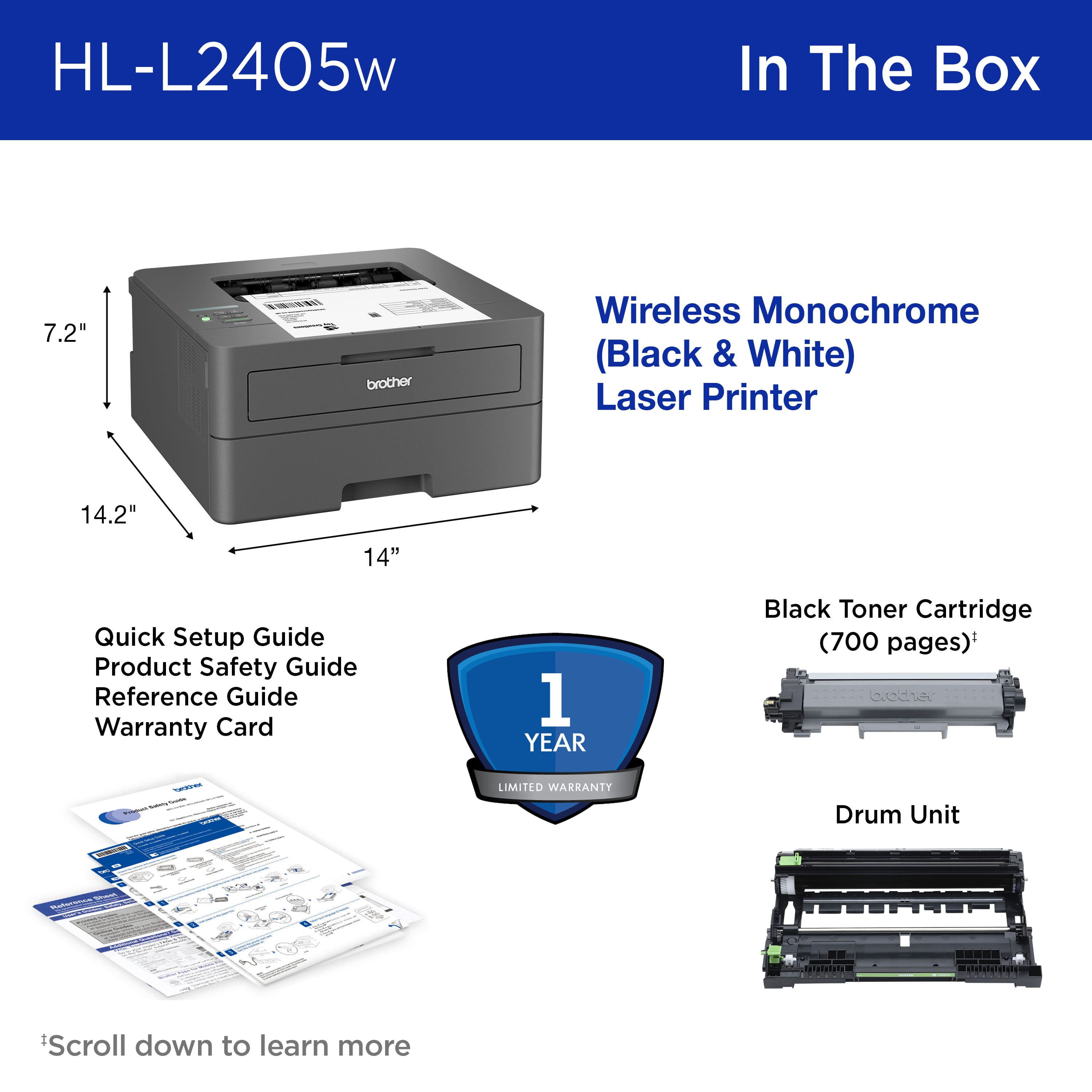
|Posted .This reviewer received promo considerations or sweepstakes entry for writing a review.As most people probably would be, I was a bit concerned about such a low price point on the Brother HL-L2405w Monochrome laser printer. My concern didn’t last long. The printer arrived at my doorstep in perfect condition, in spite of the shipping company’s seeming attempts to do otherwise. The shipping box had suffered a few good gouges and drops, but Brother thoughtfully designed both the shipping box and product box to withstand everything thrown at it. A big thank you to Brother for that! Unpacking the box was easy and uncomplicated. The box included the printer, toner cartridge, power cord and manuals. The printer feels quite ridged and very well-built…not made out of cheap plastic. It’s a nice dark gray color and looks good on the counter. All that was required to get it all set up and ready to connect was removing some tape, inserting the toner cartridge, and plugging it in. Continuing to follow the quick start guide, it was time to connect the wi-fi. This is probably the only issue I had during setup. For some reason my computer and printer didn’t want to communicate, and I eventually had to go to the Brother website and download a suite of software that, once installed, fixed all the connection issues. I know I called this an issue, but it was a relatively minor inconvenience, and was solved with little effort. After everything was set up and connected, it was time to see what this printer could do. As I started off with this review, I was concerned with how well this Brother printer would perform due to its low price point. I chose a document to print first, and was curious to see how quickly the print would start. I was very pleased to see that the printer cued up and began printing in just a couple of seconds. The Brother HL-L2405w boasts of being able to print up to 30 ppm. That’s not overly fast, but it is just fine for home or small office workers, which is apparently who this printer is targeting. I tried several other print jobs and every one of them worked just great. I was curious to see if there would be any connection issues if I restarted my computer, so I shut it down, and after about ten minutes turned my computer back on. Zero issues and everything works. I do want to add that the print quality is top notch…crisp, clean, and clear. I did print a photo or two, and even though the results were okay, laser printers just aren’t made for photo printing. I did it more out of curiosity than anything else. Now I mentioned one very minor issue during setup, but there was one more I encountered when it came to using the mobile feature. I couldn’t get it to work. It just would not connect to the printer. Brother does footnote in their literature and information pages on their site that connectivity depends on several factors. I visited several forums and tried several solutions, but nothing helped. I guess there are still some compatibility issues that need to be addressed. But mobile printing isn’t high on my list so this isn’t a big deal to me, even though I know it might be to others. I can’t speak yet of the print yield, as I’ve only had the printer a few days, but if the manual is accurate, it should be a good while before I have to consider replacing the cartridge. Overall I think the Brother HL-L2405w is an excellent choice for anyone looking for a very good, high-quality laser printer. It performs very well, is well-built, and produces great quality printing results. It’s fairly quick in both startup and printing. It is absolutely perfect for home, home office, or small business. And Brother is one of the legends of high-quality printers. I would highly recommend the HL-L2405w Monochrome printer to anyone who wants a whole lot for a great price.
I would recommend this to a friend - Pros mentioned:Print quality
Exceptional Small+ business printer.
Posted .This reviewer received promo considerations or sweepstakes entry for writing a review.This printer has been with me for a year, and I have to admit that I bought it in the wrong way. I used to own a business on an online auction site, but that was ethnically cleansed in 2021. But now, one of my clients uses this printer to run his business with my help, which is extremely infrequent given how dependable and self-sufficient this printer is. The mistake I made was to think that capitalism would come back to the US and replace imperialism, but that was just wishful thinking. This printer speed is remarkable. Its ink usage is beyond remarkable Its support program fills the need of almost any business, as well as pricing ink replacements competitively and alerting you to when your ink is low. This printer is just what you need if you are a small business owner and want a small, powerful printer that can complete tasks quickly, reliably, and affordably.
I would recommend this to a friend - Pros mentioned:Overall performance
Brother Review
Posted .This reviewer received promo considerations or sweepstakes entry for writing a review.The printer is great. Brother needs better directions for setup. That would earn 5 stars.
I would recommend this to a friend - Pros mentioned:Print quality
Brother - HL-L2405W Wireless B/W Laser Printer
|Posted .This reviewer received promo considerations or sweepstakes entry for writing a review.Brother - HL-L2405W Wireless B/W Laser Printer is a very nice printer. Packaging - The printer comes in a nice sturdy box with everything secured as expected. Hardware - The printer is very durable and feels very solid. I like the grey color, it will be easy to keep clean. Toner cartrige is very easy. I was able to unpack and not get any ink spill from the cartridge. I placed it in the Printer and then connected to the Brother setup app. App - The Brother setup app for the printer was very simple and straight forward to find using the QR code. Once located, I installed within seconds and followed the prompts. The first attempt to didn't work, but the troubleshooting tips were most useful. I restarted my phone as suggested and was able to connect the second time I ran the setup app. Once the system found the printer, it was easy to setup the Wifi and then add it to my windows machine as well as my mac. Print Quality - Great results and fast. I printed several pages over the weekend without fail. Clear and crisp print easy to read and dried instantly. I was able to take the page off the printer with no smudges. Highly recommend this printer. Wifi easy setup, app made it a snap.
I would recommend this to a friend I like it
Posted .This reviewer received promo considerations or sweepstakes entry for writing a review.I love this little dude I do mild printing and the starter toner is still going strong. Its very baseline and works with apple, if you don't need anything fancy and can find it on sale its a great bargain.
I would recommend this to a friend- Pros mentioned:Print quality
Reliable Printing And Rock Solid WIFI Connection
|Posted .This reviewer received promo considerations or sweepstakes entry for writing a review.When it comes to printer recommendations, Brother is my go-to brand. I've been testing the HL-L2405W Wireless Black-and-White Laser Printer for the past week. Overall, this is a perfect solution for someone who needs fast monochrome printing and long-lasting toner. The box included the power cable, printer, roller, and toner cartridge. Setup was a breeze - I plugged into the wall, connected to my Wi-Fi, and the printer was immediately ready to use by any computer on my network. All that was left to do was add paper. In terms of performance, the HL-L2405W does an excellent job. Shortly after hitting print on my computer I can hear the printer spooling up spitting out sheets of paper. One major thing I love about this printer is that it never dropped network connection. It was always available and ready to start printing when I needed it. As for print quality, The text is crisp and clear, with seamless shading, and pages are instantly smear-proof. With that said, This is a great reliable printer and I highly recommend it.
I would recommend this to a friend - Pros mentioned:Print quality
Brother Printers are still top
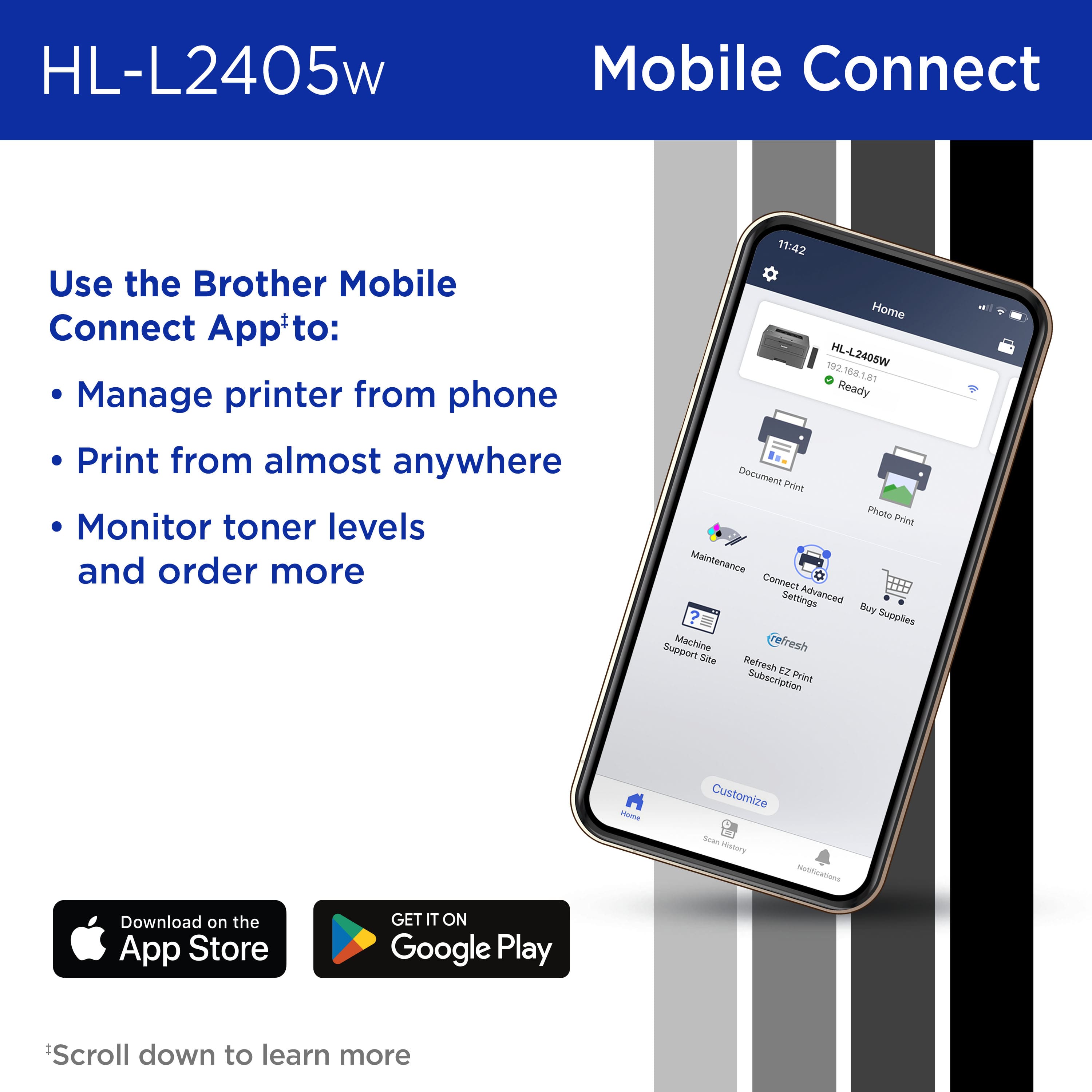
|Posted .This reviewer received promo considerations or sweepstakes entry for writing a review.I’ve had the best time with brother printers. I’ve switched from another brand and this is my second one that I own. I have to print a lot of documents for my Church duties mostly and this printer is perfect for the job Some of the reasons I like brother more then other brands are: 1. The brother mobile connect app. This app is perfect. Gives you all the info you need it’s easy to understand and can help you set up getting ink cartridges delivered timely if you choose it. With my iPhone the app works so much better then other apps so kudos to Brother for a great job designing and keeping it working well. 2. Build Quality. Both Brother printers are so well made and feel solid. They are also compact enough to put in area where they are not seen but are easy to use thanks to WiFi and the mobile app. 3. Whole picture. The pages always come out so nice! It’s easy to do minor maintenance when needed but with this printer it just looks great, is not overly loud and is sooooo fast too. Love it!
I would recommend this to a friend - Pros mentioned:Setup
Brother printer
Posted .This reviewer received promo considerations or sweepstakes entry for writing a review.Plugged it in, connected to the computer, and it was ready to use.
I would recommend this to a friend Ser Up Challenges
Posted .This reviewer received promo considerations or sweepstakes entry for writing a review.Finally got it set up and it seems to be working well. The problem was getting it set up. The easy set up mode didn't work. A lot of problems connecting to the internet. Finally had to add the printer manually which was cumbersome. I didn't think the directions were well done. I have set up other printers and this one was the most difficult. From a performance standpoint I would have rated it higher,
I would recommend this to a friend- Pros mentioned:Setup
Brother
Posted .This reviewer received promo considerations or sweepstakes entry for writing a review.Just what I needed and easy to install. Plus made locally.
I would recommend this to a friend Great printer
Posted .This reviewer received promo considerations or sweepstakes entry for writing a review.Great printer. The ink lasts a long time. I haven't needed to change it yet and it's been months.
I would recommend this to a friendSolid Printer Minus a Bit of Functionality
Posted .This reviewer received promo considerations or sweepstakes entry for writing a review.This is a very good printer. It does what it needs to do. My only gripes with it come from seeing whats it's bigger brothers can do. Setting it up was a bit of a hassle and printing via Wifi wasn't something that I was able to get done so I use a cable instead. But it's still a very reliable and solid printer. I would recommend it.
I would recommend this to a friend- Pros mentioned:Setup
ok
Posted .This reviewer received promo considerations or sweepstakes entry for writing a review.works well setup is easy, their software sucks though if duplex printing (printing on both sides) is important to you do not buy this printer.
No, I would not recommend this to a friendBrand response from Brother
Posted .We would like to take this opportunity to thank you for your feedback. At Brother, customer satisfaction is something we take seriously. Your feedback is important to us and will be reviewed.
Thank you for being a Brother customer. Please know that we will be here, should you need to contact us in the future. Please contact us directly at:
https://www.brother-usa.com/support/HLL2405W
Grab toner when you buy it!
Posted .This reviewer received promo considerations or sweepstakes entry for writing a review.Bought this to replace older Brother laser printer. Finally got the wifi setup and started to print. Got about 100 pages printed and wow the toner is empty! Seriously Brother, could you not include a regular cartridge with purchase????? Now I have to go to store tomorrow and spend $50 more to get a cartridge. What a scam! Make sure to buy a cartridge when you the printer!
I would recommend this to a friend