Customer Ratings & Reviews


- Model:
- B11B242201
- SKU:
- 5705396
Rating by feature
- Value
Rating 4.2 out of 5 stars
- Quality
Rating 4.5 out of 5 stars
- Ease of Use
Rating 4.0 out of 5 stars
Customers are saying
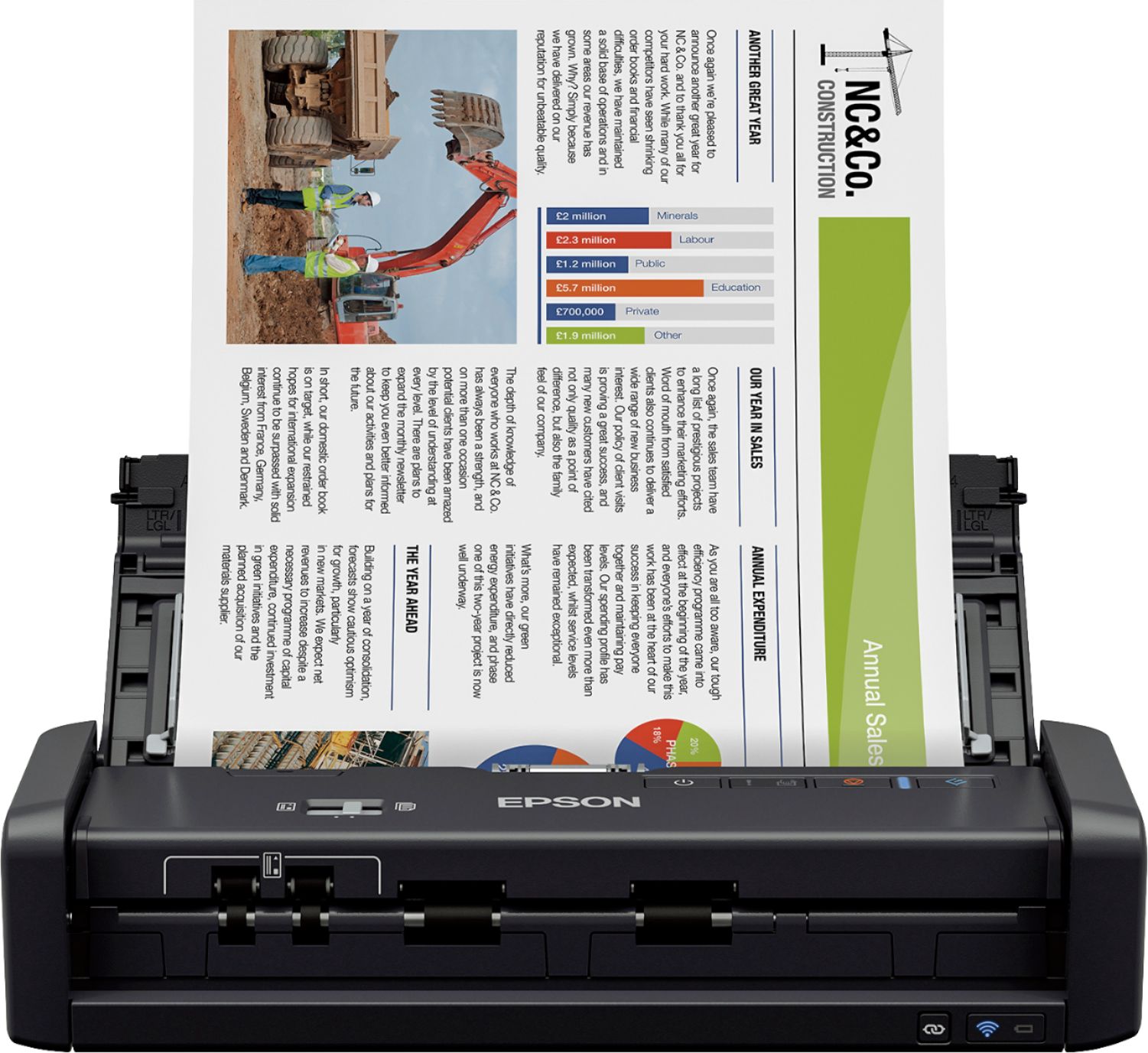
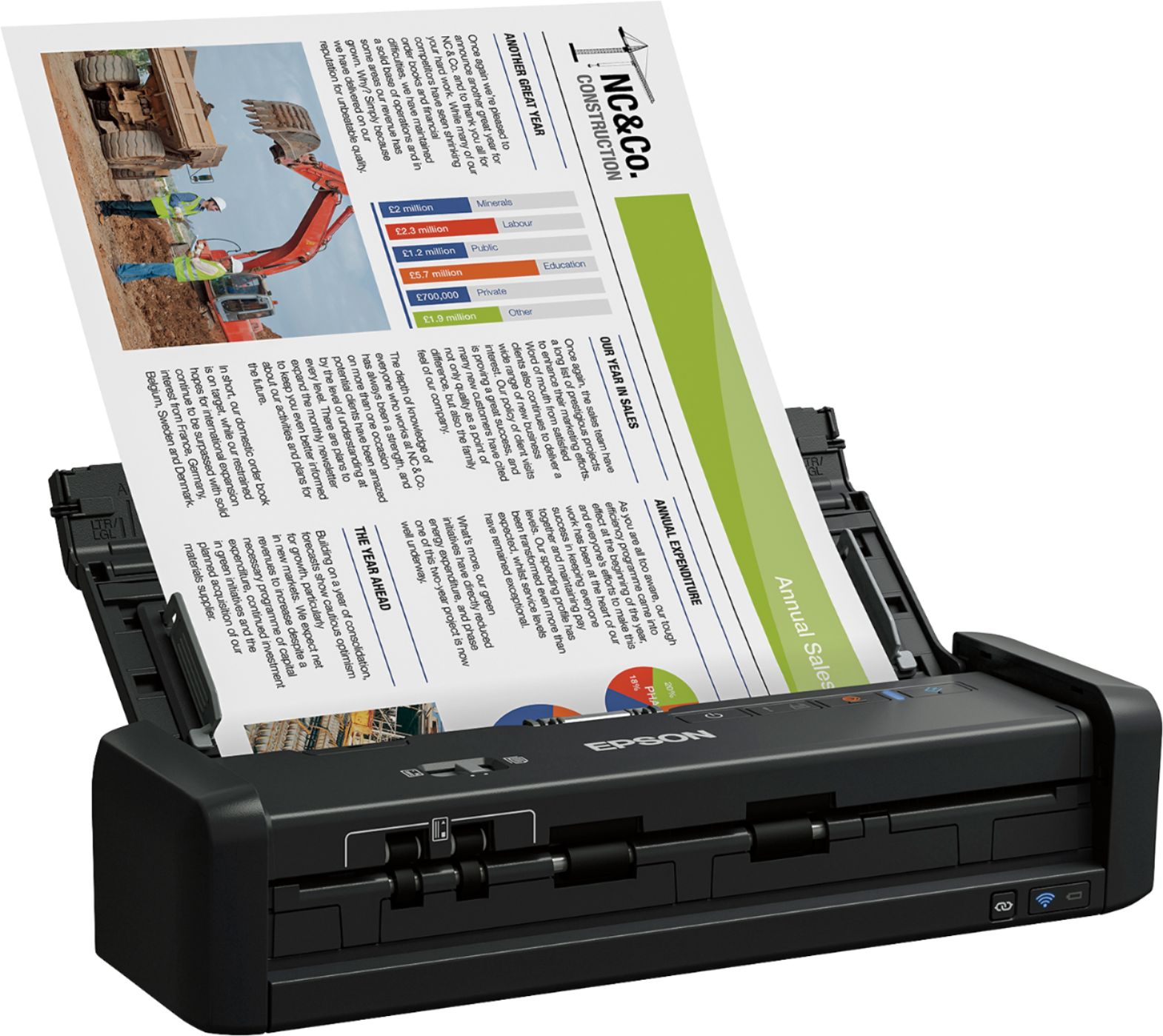
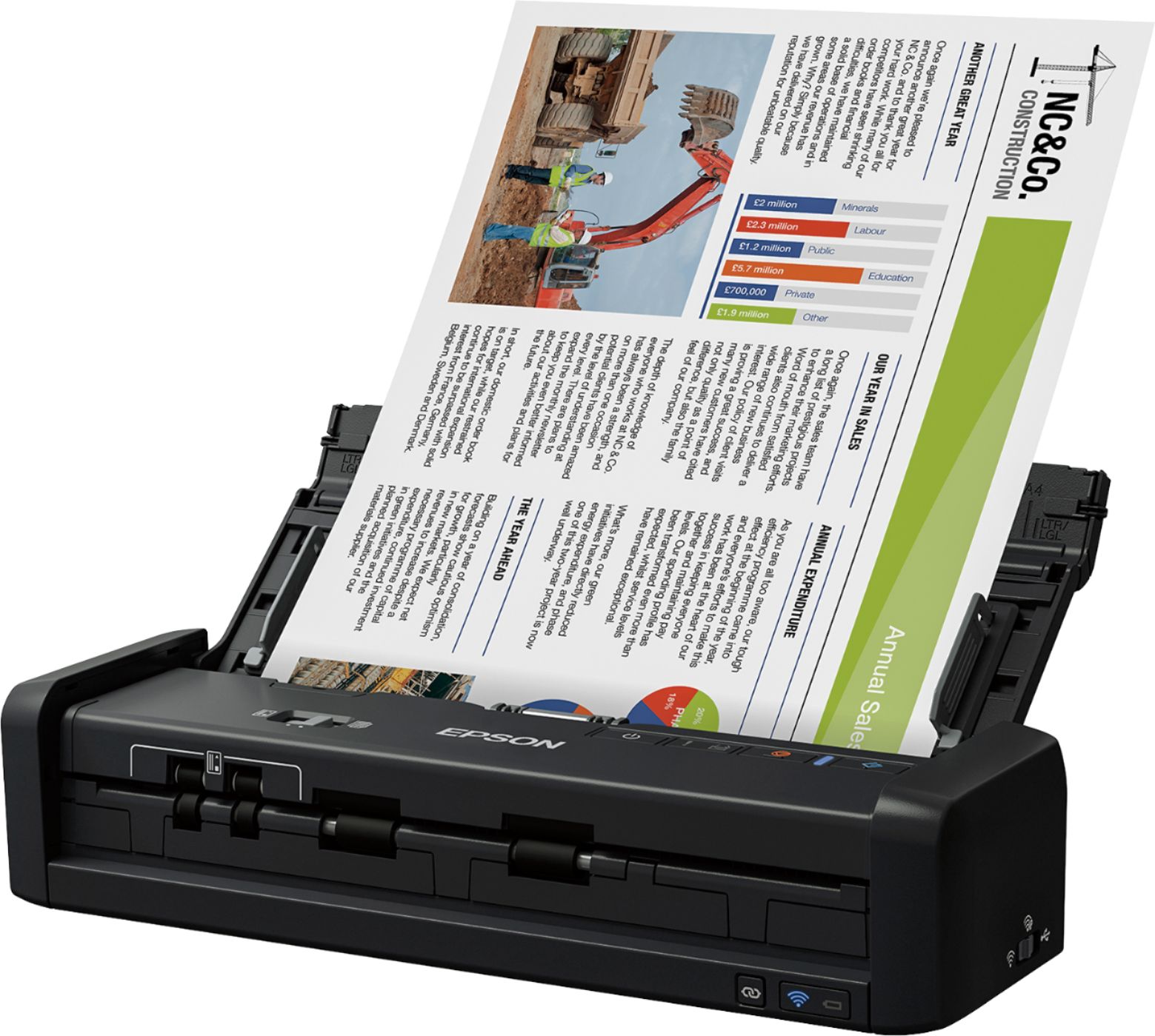
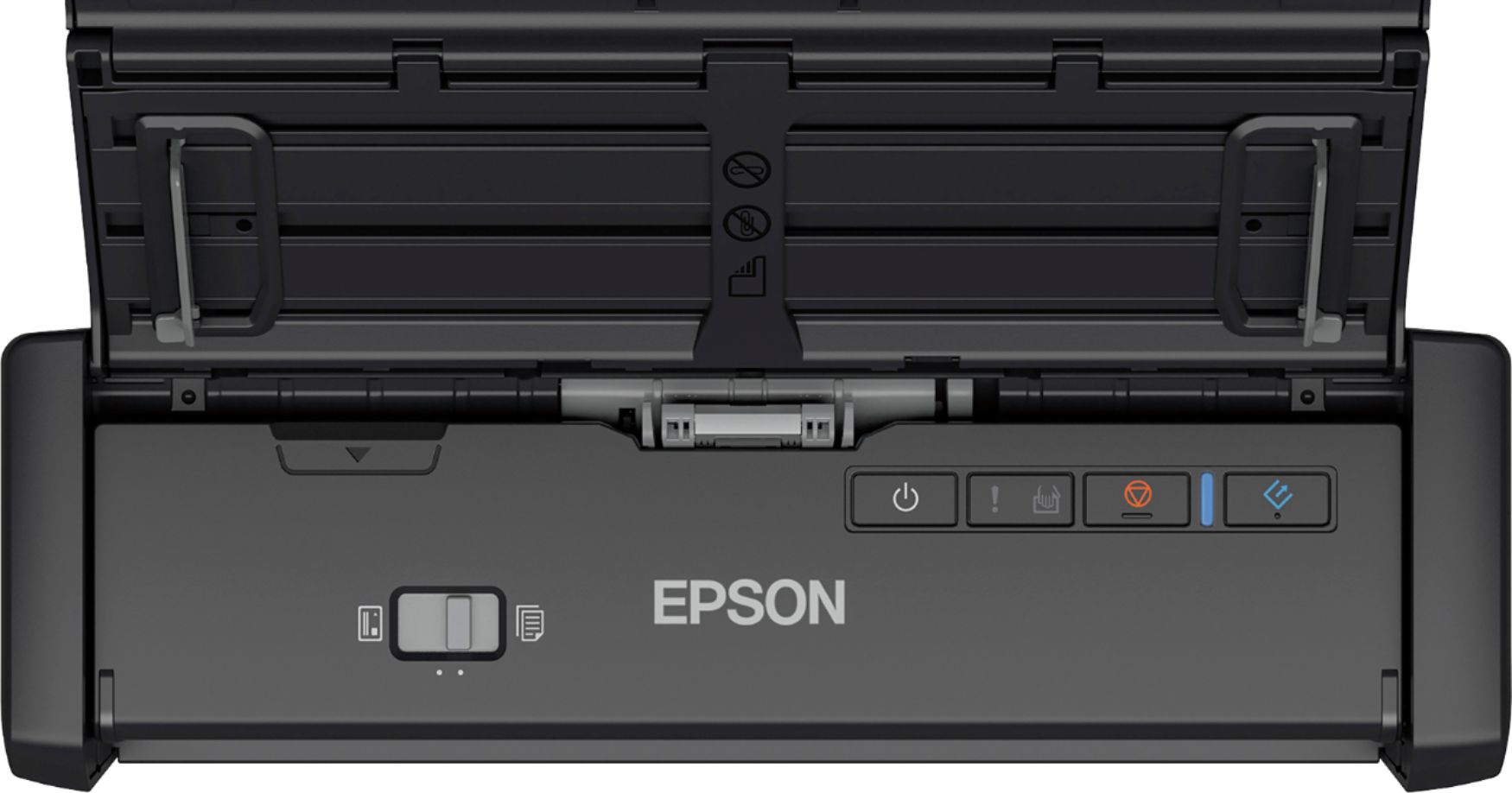
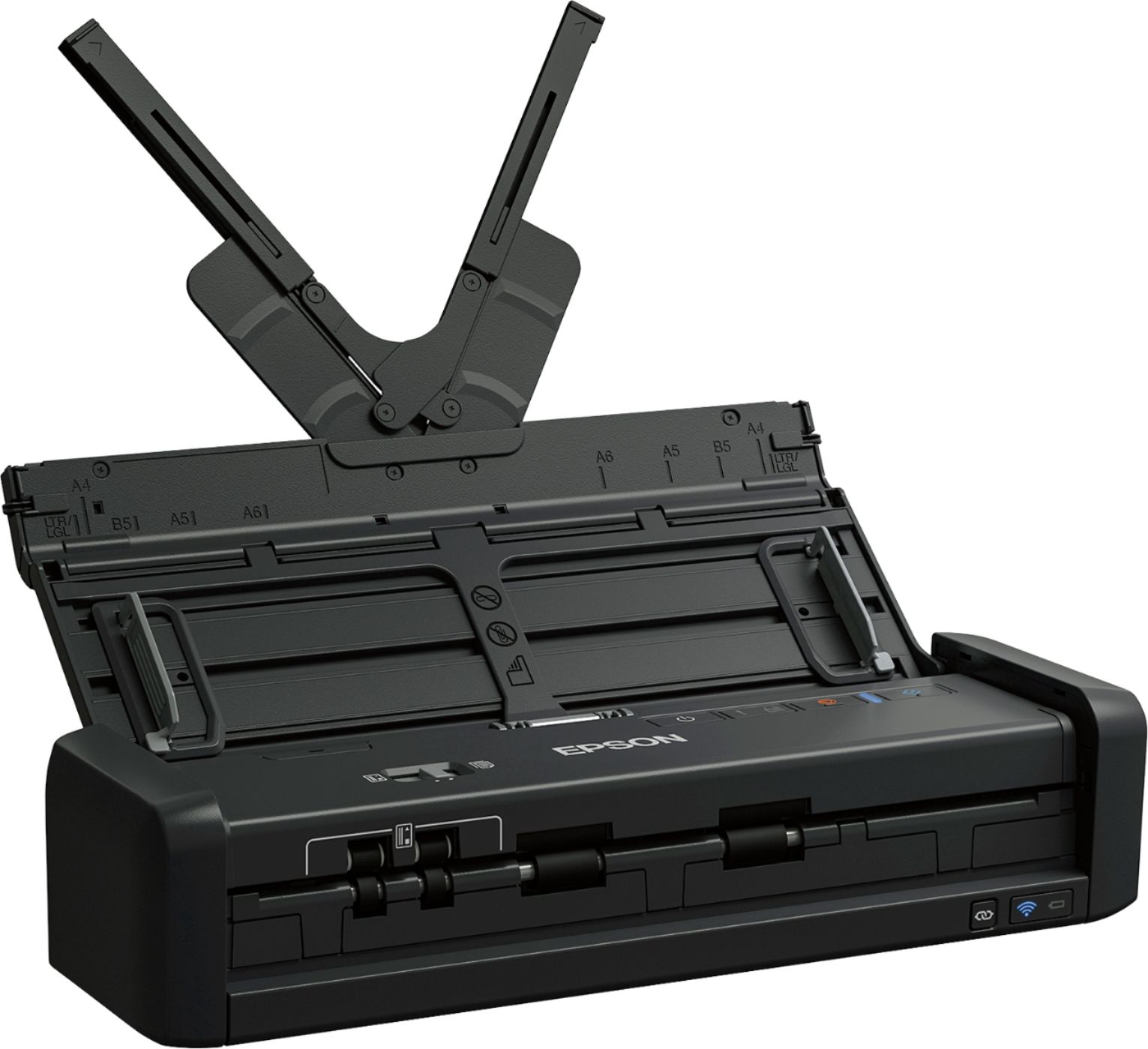
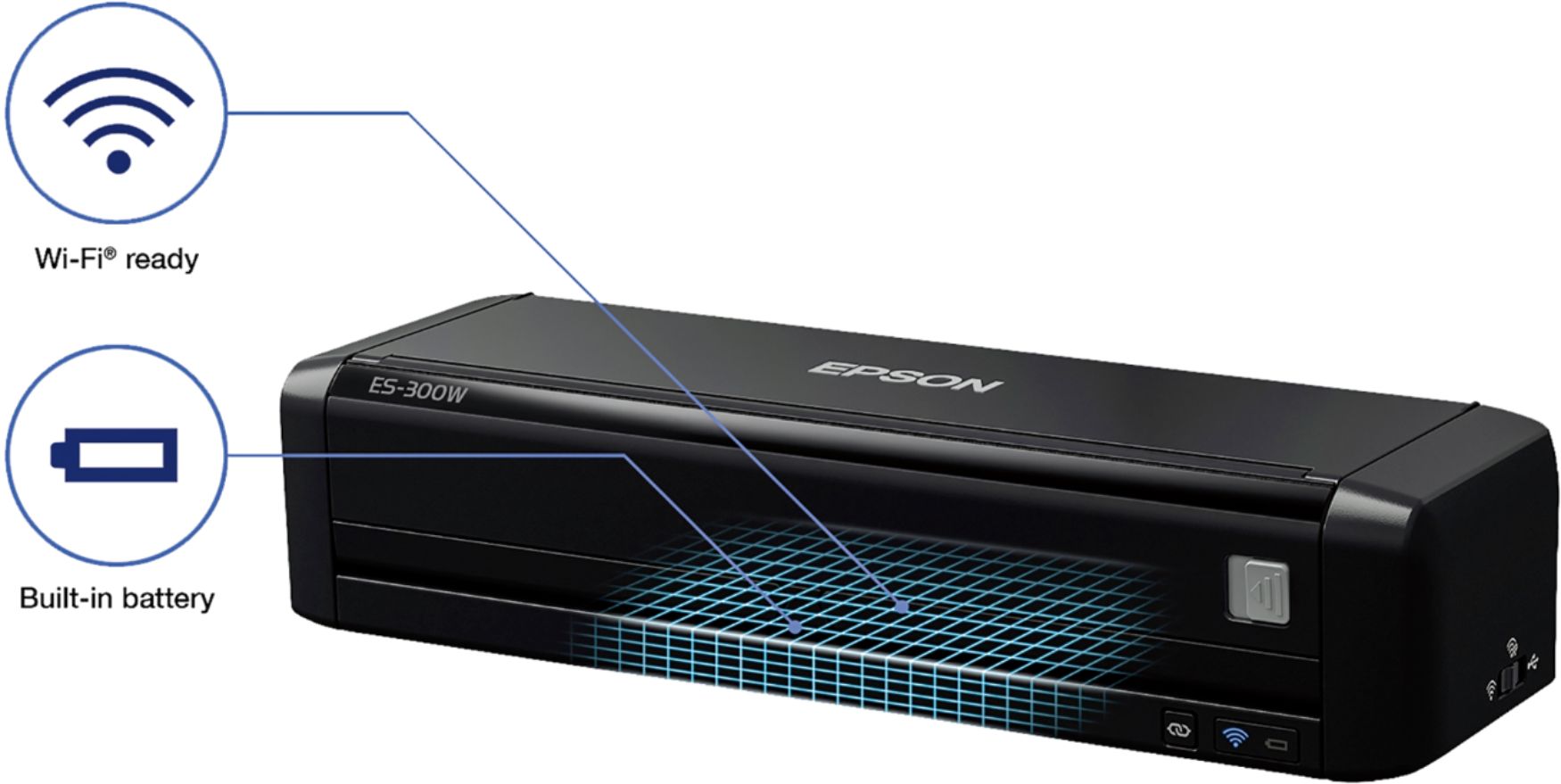
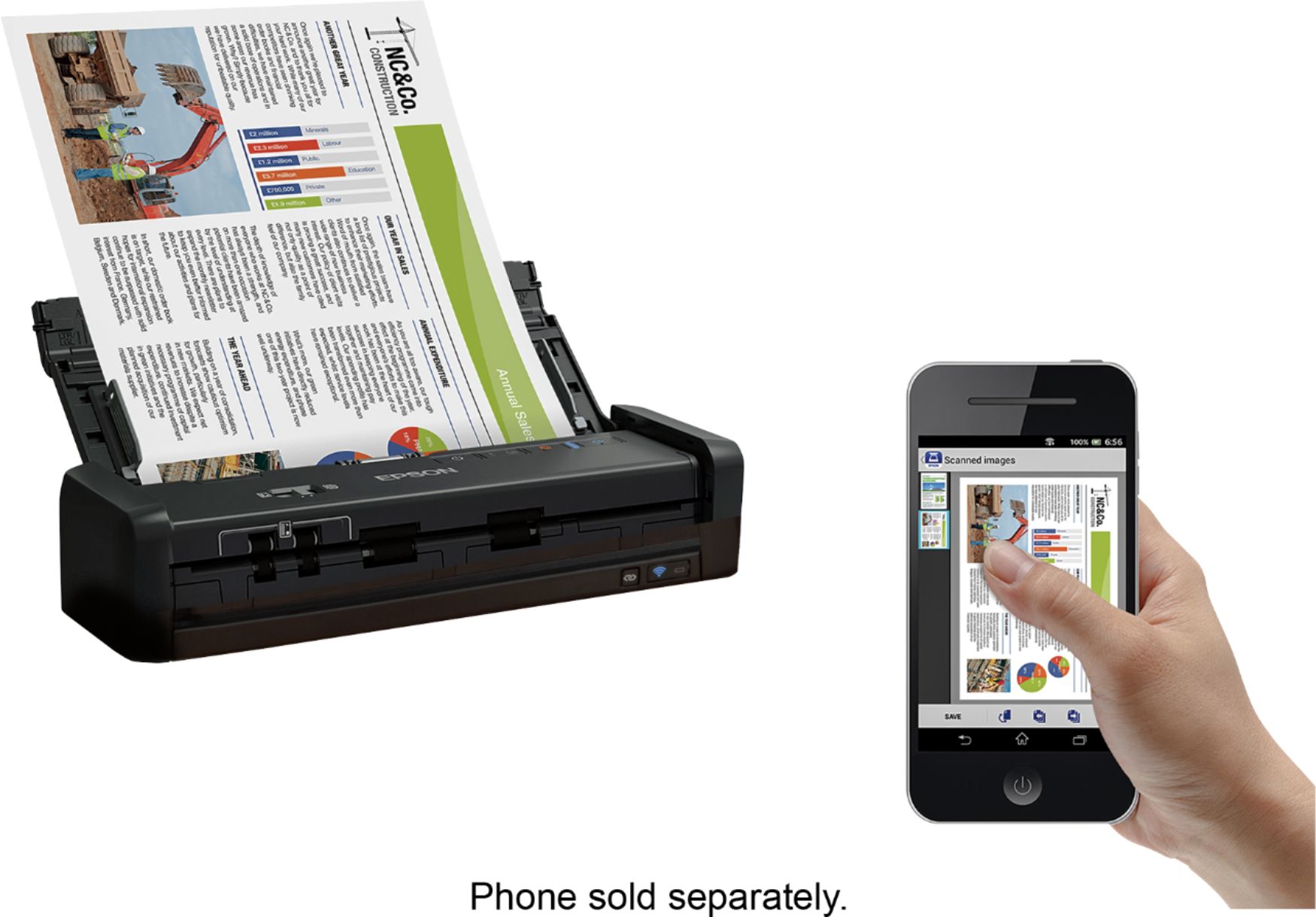
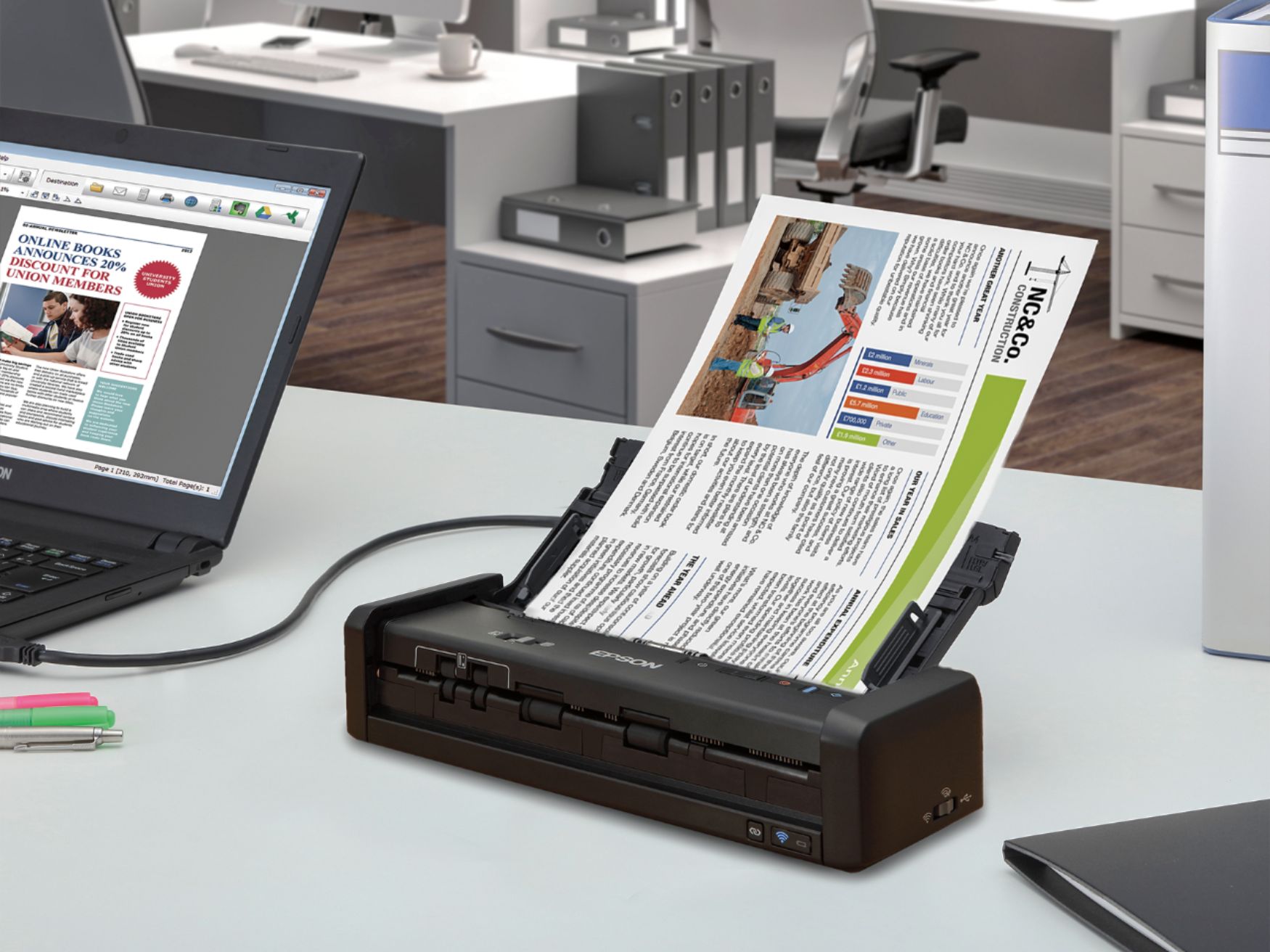
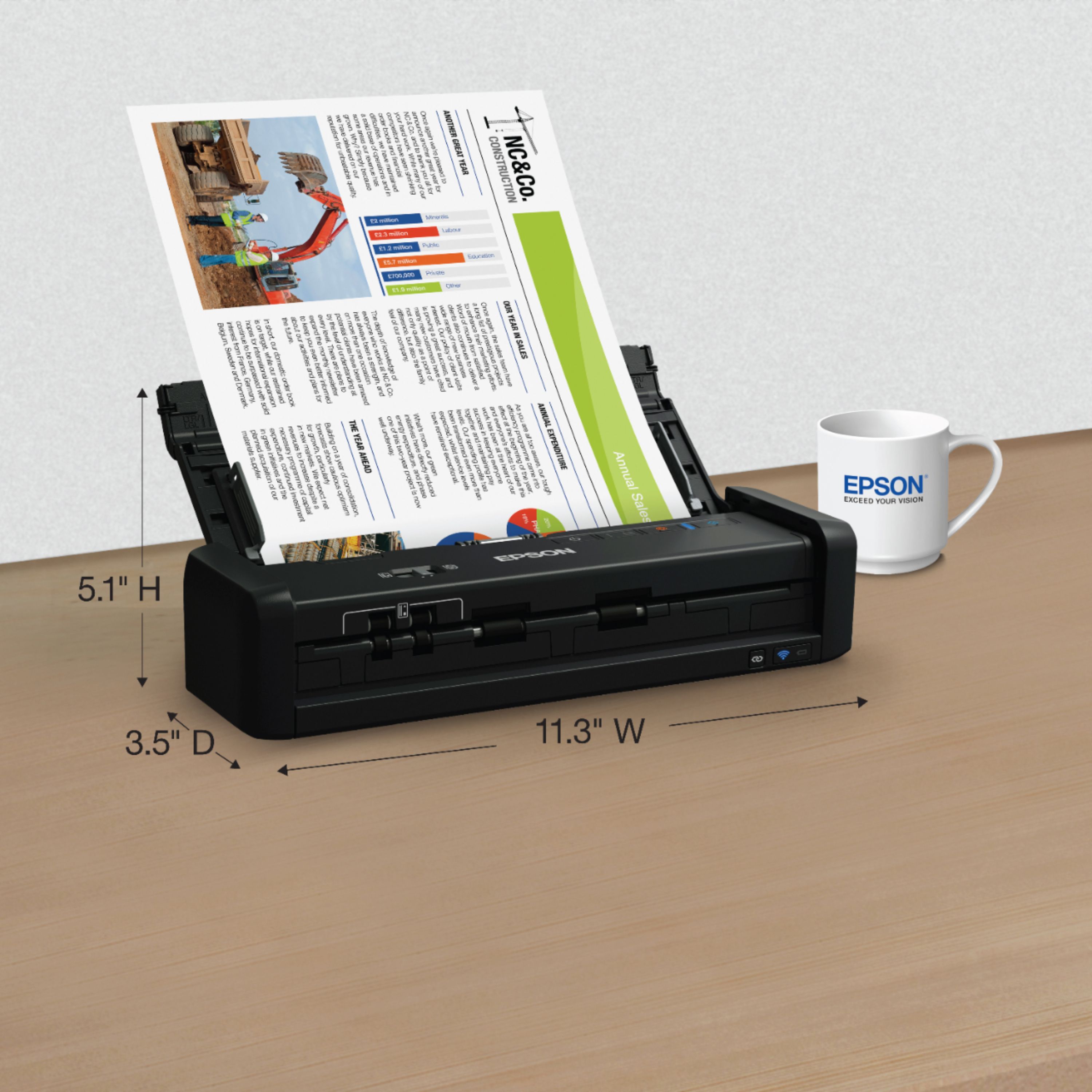
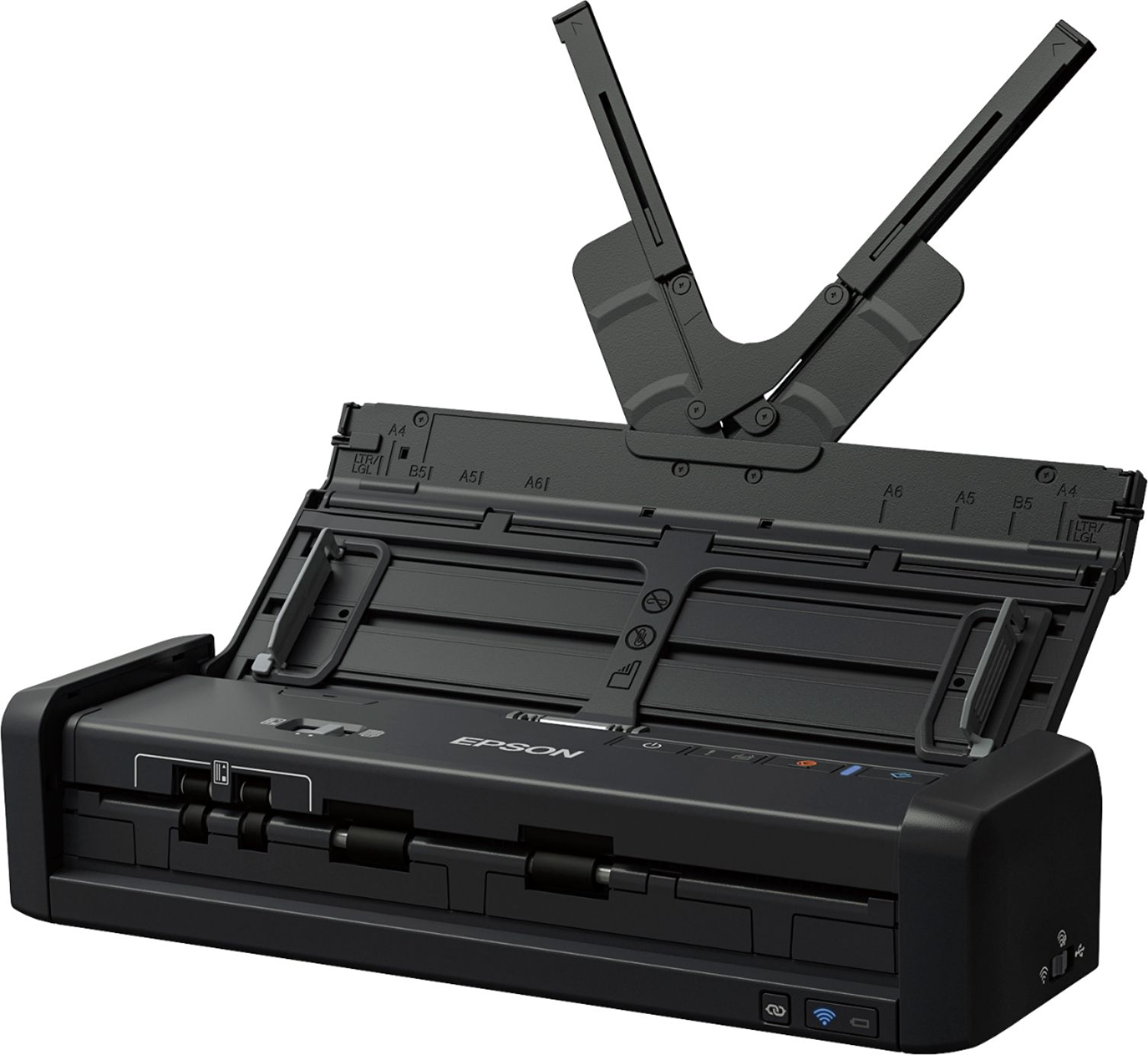
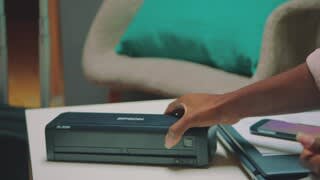
Customers praise the Workforce ES-300W Wireless Duplex Mobile Document Scanner for its excellent scan quality, ease of use, and compact size, making it ideal for portability. Positive feedback also highlights the long battery life and convenient features such as the adjustable paper feed and card slot. However, some users experienced challenges with the wireless setup process.
This summary was generated by AI based on customer reviews.
- Pros mentioned:Scan qualityCons mentioned:Wireless setup
Neat but hard to set up
Posted .This reviewer received promo considerations or sweepstakes entry for writing a review.I really want to like this portable scanner. But it's been very love-hate since the beginning. I had a very hard time setting it up and even after that I still have problems getting it to show up on my network, and I am by no means in Augus I really want to like this portable scanner. But it's been very love hair since the beginning. I had a very hard time setting it up and even after that I still have problems getting it to show up on my network, and I am by no means a novice. However, when I do get it to work it works brilliantly. It scans extremely clear images both front and back and comes up easily on my iPhone 7. Hopefully they can get the kinks worked worked out and it will be a very good product. I've never owned anything like it it seems very unique and kind of futuristic. This is a review for the ES-300W Wireless Portable Duplex Document Scanner that I received free of charge to do a beta test and review
I would recommend this to a friend - Pros mentioned:Ease of use, Scan quality
Fantastic concept - needs help
||Posted .This reviewer received promo considerations or sweepstakes entry for writing a review.I REALLY wanted this to work for my situation. I currently use a Fujitsu ix500 and a small router that I plug into the wall at whatever appointment I am at so the scanner and my phone can communicate without needing another wifi source or a laptop. It works great but I wanted to be able to use this at home and get something smaller for appointments. The ES-300W fits perfectly into my work bag without having to carry a separate bag for the larger scanner. It has a built in router and rechargeable battery. Between these features and the size of the scanner, I have less to carry and less to set up at appointments. (You will have to test for yourself how many pages it can scan on one battery charge, as I didn't test that and can not find the answer in any of the literature on the product.) OK - unfortunately there are problems that make this unit impossible to use for me. I HATE to say this because it is small, fast, portable, etc. #1 I put in several stacks of test pages (legal, letter, mixed), and all were perfectly flat with no wrinkles or tears. ALMOST EVERY page consistently went in at the slightest angle and showed on the PDF that way. If you use this scanner with a laptop or desktop, the software will correct skewed pages in the PDF. If you use this scanner with your phone and the app from the manufacturer, there is no way to correct the skew. #2 Every 20 to 30 pages, two pages would pull through at the same time. This was pretty consistent, and I used different stacks of paper in the test. Sometimes this caused an error so I could catch when it happened and make sure I went back and got both in the scan. Sometimes they just went though together and, unless I was watching it happen, I would have never known. #3 For the scan quality (different dpi's) the PDF sizes were a little larger than with other scanners I have used. #4 Those little flip up guides to hold the paper straight as it is going through the scanner are a concern. They are a little floppy and small. I don't feel like they guide the paper as well as they could, and they seem like they will need to be replaced every so often if the scanner is used much. Try it for yourself. I hope it works well for you, as I think the concept is great. I am going to continue to use my current scanner until Fujitsu comes out with a similar product. Their current small scanner with ADF is only 12 pages a minute and does not have a built in router, so I would still have to use a separate router and would go down by half in the speed. In my opinion, Fujitsu has a much better mobile app than either Epson or Brother. They must be due any time now for some newer, faster products.
No, I would not recommend this to a friend - Pros mentioned:SizeCons mentioned:Wireless setup
The Jury Is Out
||Posted .This reviewer received promo considerations or sweepstakes entry for writing a review.I still can't get the wireless set up. Actually haven't been able to get it set up at all. Have yet to scan an item. Maybe I can get to it today. There are only so many hours in a day. Nice size. Fits on the desk nicely and lloks like it will be easy to take with in a pinch. The learning curve is a bit much. The printed instructions are like a recipe with something missing.
I would recommend this to a friend - Pros mentioned:Scan quality
Average Scanner
||Posted .This reviewer received promo considerations or sweepstakes entry for writing a review.I enjoy this scanner but still needs to improve on scanning capability. The Scanner auto detect does not work for all receipts, especially long receipts. I wish there is a capability to crop images using the software where it cannot crop a good scan for receipts. I get a majority of my scan of receipt good, but there is still a small percentage that I have to use other applications to scan the way I wanted it. I believe the scan feeder could be improve in handling long receipts as well as software reading the edge of a receipt. I am unsure if this scanner can ready long receipts. I had a jam occurred while scanning a long on using auto detect. I would believe it could scan long receipts if I use the standard template to scan long documents. The software is not full proof. Still needs to work on this.
No, I would not recommend this to a friend - Pros mentioned:Size
Just OK
||Posted . Owned for 1 month when reviewed.This reviewer received promo considerations or sweepstakes entry for writing a review.It has a very nice slim look to it. It takes up very little space. When it works, it works great, but it does sometime have issues with the feeder and you need to download a software to use it. I can take it or leave it but it's definitely not the best.
No, I would not recommend this to a friendBrand response from Epson
Posted .Hello fansygal, we appreciate your feedback on the ES-300W scanner. Epson considers all feedback to improve the performance and quality of our products. Epson also provides helpful information on FAQs and self-help tools on the product support web page at https://epson.com/Support/Scanners/ES-Series/Epson-WorkForce-ES-300W/s/SPT_B11B242201#questions. Additionally, your scanner includes a 1-year Limited Warranty, plus free lifetime technical support. Please get in touch with our support team directly at (562) 276-4382 between 7 am - 4 pm (PT), Monday - Friday if you need further assistance.
Sincerely, Sam - The Epson Team
- Pros mentioned:Scan quality
ok
||Posted . Owned for less than 1 week when reviewed.This reviewer received promo considerations or sweepstakes entry for writing a review.Scan faster but have problem staying connect to wifi. Only downside don't know what the battery percentage. It is portable.
I would recommend this to a friendBrand response from Epson
Posted .Hi Missy, thank you for your feedback on the battery life. If you ever need assistance, your Epson ES-300W scanner includes free lifetime technical support, and our support team can be reached by phone at (562) 276-4382, Monday - Friday, 7 am - 4 pm PT; or by email at https://epson.custhelp.com/app/ask/p_model_name/Epson%20WorkForce%20ES-300W. We'll pass along your feedback to the relevant departments as we're always looking to improve our products. Kind Regards, Bobby D. - The Epson Team.
Not bad for a portable
||Posted . Owned for 2 weeks when reviewed.This reviewer received promo considerations or sweepstakes entry for writing a review.When it works, it works well. Nice that you can save scans as Word or Powerpoint documents. But I still can get it connected to my wireless printer. Instructions for connecting wirelessly are misleading unless you read the manual and not the quick installation instructions. Difficult to get documents aligned properly in the ADF. Wouldn't rely this as my primary scanner. Good on the road or in a pinch. Battery seemed to run out quickly.
I would recommend this to a friendBrand response from Epson
Posted .Hi FrankZ7, we appreciate your feedback, and we would like to hear more about the issues that you're experiencing with the wireless connectivity to your printer. Your Epson ES-300W is backed by a 1-year Limited Warranty and includes free lifetime technical support. Please call our Advanced Support Team for assistance at 1-800-241-5794 between 7 am - 4 pm (PT), Monday - Friday. We look forward to your call. Sincerely, Bobby D. - The Epson Team.
Great when it works!
||Posted . Owned for 1 month when reviewed.This reviewer received promo considerations or sweepstakes entry for writing a review.I bought this scanner to use while on the road. Sometimes it works & sometimes it doesn’t! When it will connect it’s awesome & saves me so much time. But lots of times I keep trying to get it connected & it never does connect & that does nothing but waste a whole lotta time!!
No, I would not recommend this to a friendBrand response from Epson
Posted .Hi SSZD, we thank you for your feedback and apologize for the disappointing experience you’re having with your Epson ES-300W. Please make sure the product’s latest driver is installed. Uninstall the driver and visit https://epson.com/Support/Scanners/ES-Series/Epson-WorkForce-ES-300W/s/SPT_B11B242201 to download and install the latest driver from your product’s support page. If those issues persist or you need further assistance, please call the Epson Support Team at (562) 276-4382 between 6am – 8pm (PT), Monday – Friday, or from 7am – 4pm (PT) on Saturdays. Sincerely, Matt S.– The Epson Team
i bought the wrong on
||Posted . Owned for 2 months when reviewed.This reviewer received promo considerations or sweepstakes entry for writing a review.i bought the wrong on now i got other one small epson es-w i do used just about every day
I would recommend this to a friendBrand response from Epson
Posted .Hello missdi, thank you for your continued business. If we can help you with anything else, your WorkForce scanner includes free lifetime technical support, and our support team can be reached by phone at (562) 276-4382 or by email at https://epson.custhelp.com/app/ask/p_model_name/Epson%20WorkForce%20ES-300W; Hours: Monday - Friday, 7 am - 4 pm PT. Once again, thank you and have a beautiful day. Kind Regards, Bobby D. - The Epson Team.