Customer Ratings & Reviews

- Model:
- C11CK63201
- SKU:
- 6516130
Rating by feature
- Value
Rating 4.1 out of 5 stars
- Quality
Rating 4.0 out of 5 stars
- Ease of Use
Rating 4.0 out of 5 stars
Customers are saying
Customers are impressed with the WorkForce WF-2930 All-in-One Inkjet Printer's print quality and ease of use. The printer is also praised for its convenient size, affordable price, and various functionalities like scanning and faxing. Some customers suggest improvements to the control panel's visibility. Overall, the printer's design and connectivity options are well-received, making it a suitable choice for home offices.
This summary was generated by AI based on customer reviews.
Disappointed seemed it was a returned item
||Posted . Owned for less than 1 week when reviewed.This reviewer received promo considerations or sweepstakes entry for writing a review.Came in a package that seemed it was opened before. Of late Best Buy seems to be reselling refurbished items for the price of new
I would recommend this to a friendBrand response from Epson
Posted .Hello ChiazokamO, we apologize for your disappointing experience with the WF-2930 printer. Epson considers all feedback to improve the performance and quality of our products. Epson also provides helpful information on FAQs and self-help tools on the product support web page at https://epson.com/Support/Printers/All-In-Ones/WorkForce-Series/Epson-WorkForce-WF-2930/s/SPT_C11CK63201#questions. Your printer also includes a 1-year Limited Warranty plus free lifetime technical support. Please contact our support team at (562) 276-4382 between 7 am - 4 pm (PT), Monday - Friday, if you need further assistance.
Sincerely, Sam - The Epson Team
- Pros mentioned:Print quality
Too much of a bad thing.
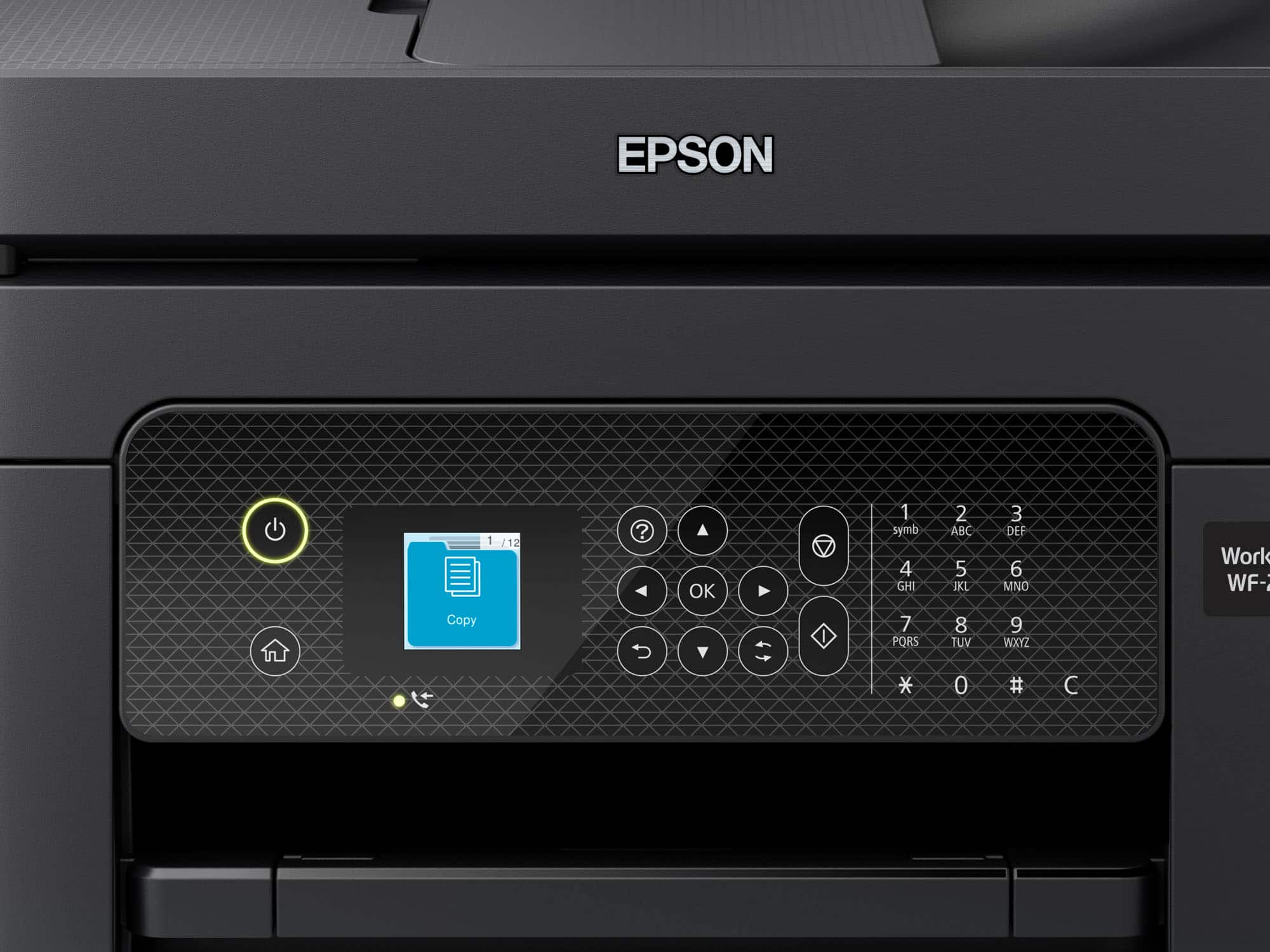
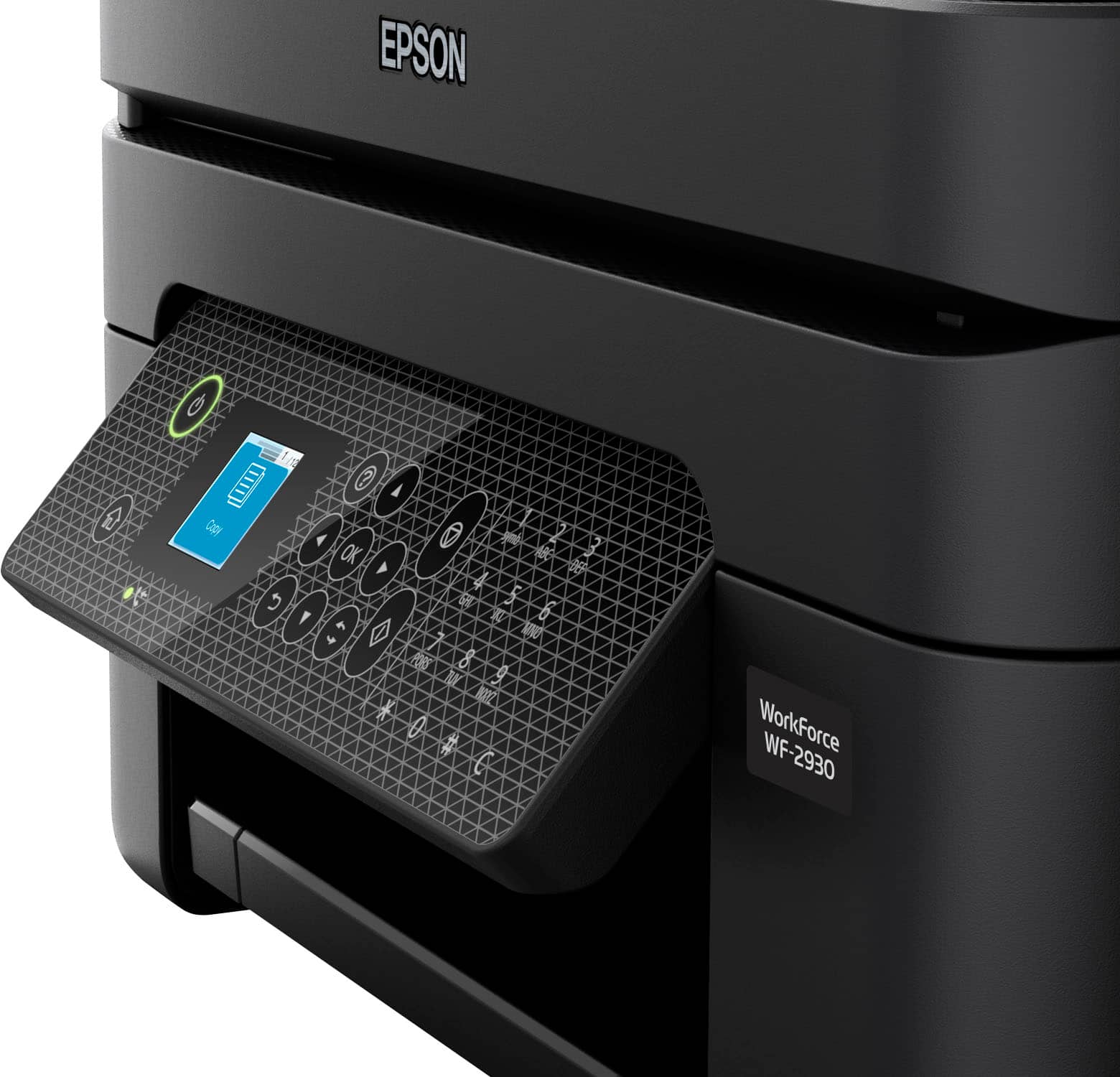
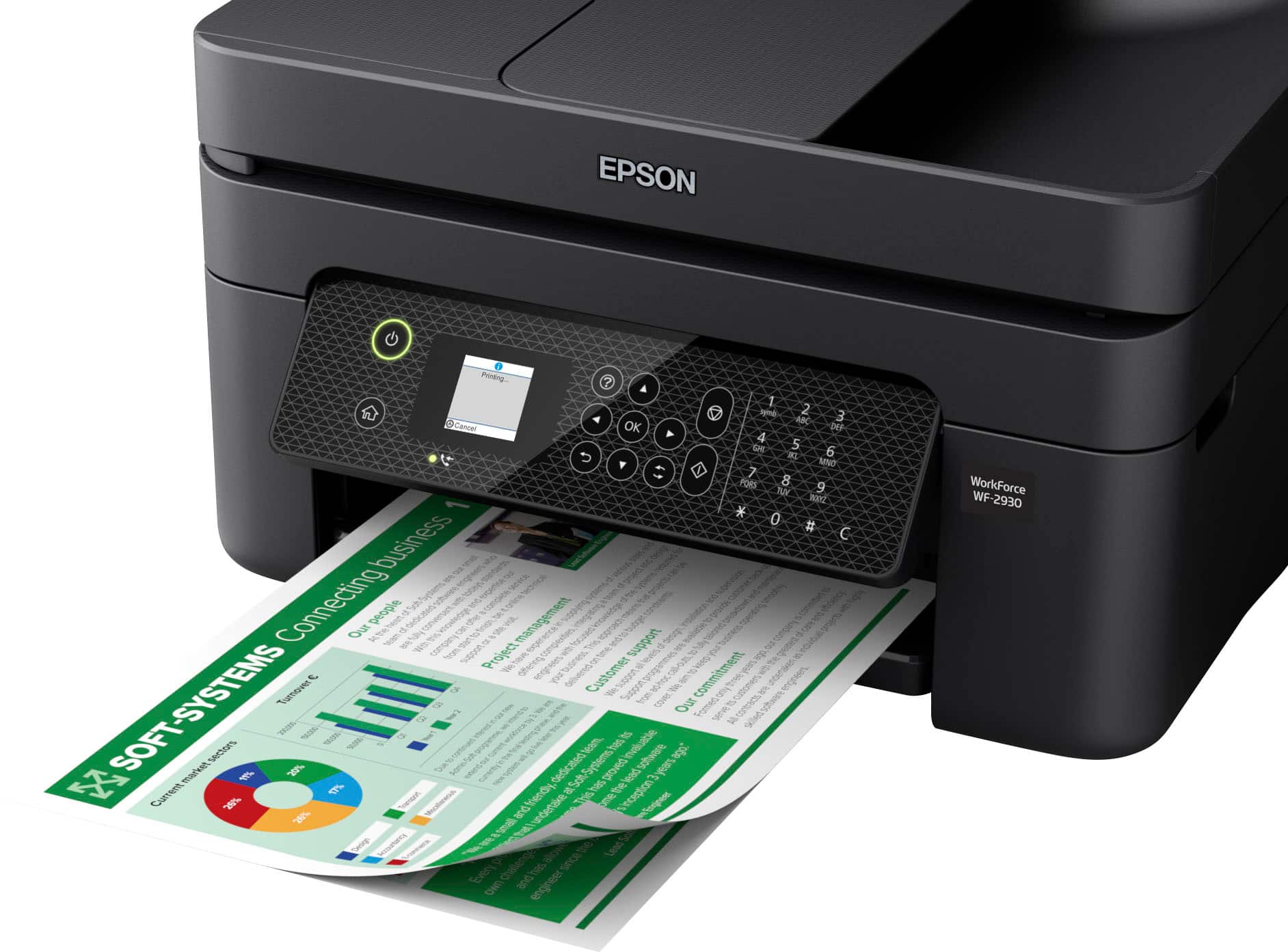
||Posted . Owned for 2 months when reviewed.This reviewer received promo considerations or sweepstakes entry for writing a review.The print quality was decent but I don't print that much and I've already spent over $100 in ink after 3 months. I just wanted a bluetooth printer that woudl print when I hit the print button. Every time I print there's some sort of issue that requires I take out my readers to read the itty bitty screen and to tell the difference between the button that has a circle and a triangle as opposed to the button with the diamond and the line. I don't know what either is supposed to represent but without my readers they could all say "OK" which is actually it's own button. Too confusing, too much work, too small screen, and too much money spent on ink.
No, I would not recommend this to a friend Epson Warranty BAD
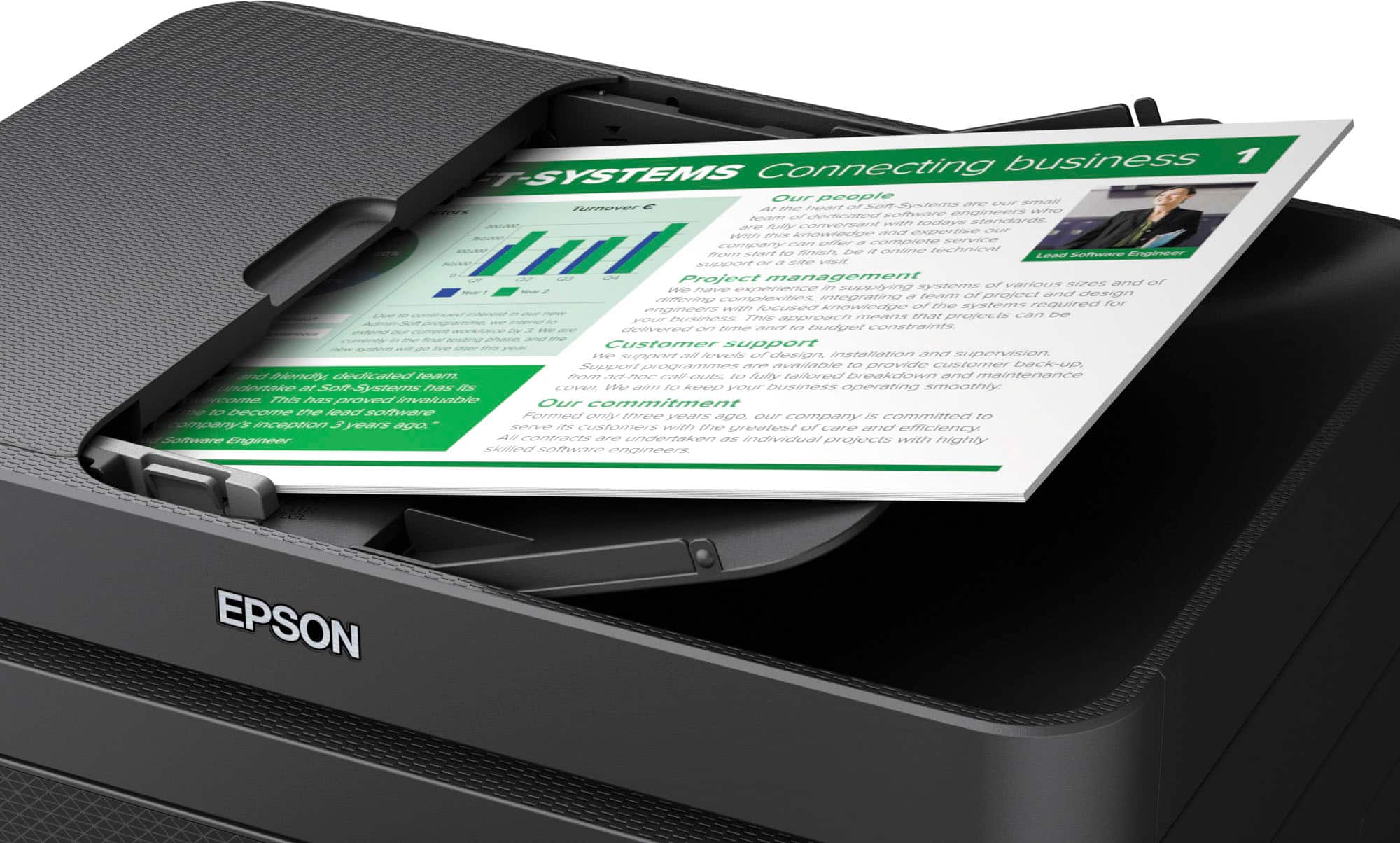
||Posted .This reviewer received promo considerations or sweepstakes entry for writing a review.ADF did not work out of box. Epson Warranty is TERRIBLE. They don't advertise external paper tray. Printer works ok.
No, I would not recommend this to a friendBrand response from Epson
Posted .Hi JohnS, we are sorry to hear you are having issues with your Epson printer. Your WF-2930 includes a 1-year limited warranty plus free technical support for the life of your product. Our Epson Support Team would be happy to hear from you and can be reached at (562) 276-4382; Hours: Monday – Friday, 7 a.m. to 4 p.m. (PT). Sincerely, Joseph – The Epson Team.
- Pros mentioned:Print quality
disappointed
||Posted . Owned for 1 month when reviewed.This reviewer received promo considerations or sweepstakes entry for writing a review.I'm quite disappointed with it because, #1 it didn't come with a CD; and #2 when i did finally get it installed, which was a real pain, when I turned it off, then turned it on again it would not work. the printing was good though
No, I would not recommend this to a friendBrand response from Epson
Posted .Hello clockchargingstation, we apologize for your disappointing experience with the WF-2930 printer. Epson considers all feedback to improve the performance and quality of our products. Epson also provides helpful information on FAQs and self-help tools on the product support web page at https://epson.com/Support/Printers/All-In-Ones/WorkForce-Series/Epson-WorkForce-WF-2930/s/SPT_C11CK63201#questions. Your printer also includes a 1-year Limited Warranty plus free lifetime technical support. Please get in touch with our support team at (562) 276-4382 between 7 am - 4 pm (PT), Monday - Friday, if you need further assistance.
Sincerely, Sam - The Epson Team
Not worth the money
||Posted . Owned for 1 year when reviewed.This reviewer received promo considerations or sweepstakes entry for writing a review.I would have given his more stars if not for the amount of ink it uses. I love everything else about it but the amount of ink it goes though is a real turn off. I have never had a printer that goes through this much ink. The ink is expensive. To give an example. 2 boxes of colors to print less than 100 pages. My last Workforce printer never used this much ink. I could print a ream of paper (500 pages) pr more before having to replace the ink. Very dissatified with this one. If had the money I would buy me a different printer.
No, I would not recommend this to a friendInk Hog
||Posted . Owned for 1 year when reviewed.This reviewer received promo considerations or sweepstakes entry for writing a review.Seems to print ok- hooked up to Mac ok— but Sucks through the ink like crazy! I have spent more money on ink cartridges in the last 6 years than in the last 5 years! I would not recommend this for that reason!!
No, I would not recommend this to a friendBrand response from Epson
Posted .Hi Linda, you can find product information, including FAQs and recommended settings on how to optimize ink usage, in the product User’s Guide at www.epson.com/support/wf2930 . If you continue to experience this issue, our Epson Support Team would be happy to help you and can be reached at (562) 276-4382; Hours: Monday – Friday, 7 a.m. to 4 p.m. (PT). Sincerely, Joseph – The Epson Team.
Poor performance
||Posted . Owned for 1 year when reviewed.This reviewer received promo considerations or sweepstakes entry for writing a review.Not happy with this printer. I’ve had it a year and it won’t connect to WiFi. In the off chance I do connect, i find it disconnected the next time I try to use it. I converted from an HP printer and I miss it dearly
No, I would not recommend this to a friendBrand response from Epson
Posted .Hello JessMe, we apologize for the disappointing experience you’ve encountered with your Epson printer's wireless connection. Your WF-2930 includes free technical support for the life of your product. Please call and let our Epson Support Team assist. Our support number is (562) 276-4382. Our support hours of operation are Monday – Friday, 7 a.m. to 4 p.m. (PT). We’re here to help. Sincerely, Joseph – The Epson Team.
Good printer, but ink runs out FAST
||Posted . Owned for 6 months when reviewed.This reviewer received promo considerations or sweepstakes entry for writing a review.Sucks up ink like crazy!! I printed maybe 20 pages on here of black and white, plus a few color text documents and I ran out of ink. Hesitating to buy more so this printer has been a waste of money for me overall. You could probably find one much more efficient on ink
No, I would not recommend this to a friendSoftware issue
||Posted . Owned for 1.5 years when reviewed.This reviewer received promo considerations or sweepstakes entry for writing a review.The ink cartridge not recognized . Was the error I had .
No, I would not recommend this to a friendBrand response from Epson
Posted .Hello SamTesla, the Epson WF-2930 is designed to use only genuine Epson-brand ink cartridges. Other brands of ink cartridges, and ink supplies, are not compatible, and even if described as compatible, may not function properly or at all. Please ensure you have installed Epson genuine cartridges. If you are still having problems, you may contact our Epson Advanced Support Team at (800) 241-5794; Hours: Monday – Friday, 7 a.m. to 4 p.m. (PT). Sincerely, Joseph – The Epson Team
Don’t waste the money
||Posted . Owned for 9 months when reviewed.This reviewer received promo considerations or sweepstakes entry for writing a review.Trash. I haven’t had it for a year and now the scanner isn’t working. Some how two plastic brackets and a wheel came off during scanning
No, I would not recommend this to a friendSlooooooooowwwwwwww
||Posted . Owned for 1 month when reviewed.This reviewer received promo considerations or sweepstakes entry for writing a review.Slow printing. This will be going back because I don’t have 15 minutes to print 1 page. I’m not even exaggerating. It takes too long to print a page.
No, I would not recommend this to a friendBrand response from Epson
Posted .Hello MelanieK, we apologize for your disappointing experience with the Wf-2930 printer. Epson considers all feedback to improve the performance and quality of our products. Epson also provides helpful information on FAQs and self-help tools on the product support web page at https://epson.com/Support/Printers/All-In-Ones/WorkForce-Series/Epson-WorkForce-WF-2930/s/SPT_C11CK63201#questions. Your printer also includes a 1-year Limited Warranty plus free lifetime technical support. Please get in touch with our support team directly at (562) 276-4382 between 7 am - 4 pm (PT), Monday - Friday, if you need further assistance.
Sincerely, Sam - The Epson Team
Epson ink
||Posted . Owned for 9 months when reviewed.This reviewer received promo considerations or sweepstakes entry for writing a review.Very slow printer and consume ink very much . Pi am not happy and I like some compensation for excessive use of ink.
No, I would not recommend this to a friendBrand response from Epson
Posted .Hi MirjalaledinS, we are sorry you are disappointed with your Epson printer. Your Epson WorkForce WF-2930includes free technical support for the life of your product. Our Epson Support Team may be able to help you customize your settings for a more efficient performance. Please contact us at (562) 276-4382; Hours: Monday – Friday, 7am – 4pm PT. We look forward to your call. Regards, Tony – The Epson Team.
Ink always out
||Posted . Owned for 1 month when reviewed.This reviewer received promo considerations or sweepstakes entry for writing a review.Ink runs out so fast it is not worth the printer. Not happy with it this product.
No, I would not recommend this to a friendBrand response from Epson
Posted .Hi KylahW, we are sorry you are disappointed with your Epson printer. Your Epson WorkForce WF-2930 includes free technical support for the life of your product. Our Epson Support Team may be able to help you customize your settings for a more efficient performance. Please contact us at (562) 276-4382; Hours: Monday – Friday, 7am – 4pm PT. We look forward to your call. Regards, Tony – The Epson Team.
Not as expected
||Posted . Owned for 1 month when reviewed.This reviewer received promo considerations or sweepstakes entry for writing a review.Bought for fax feature but didn’t work despite multiple attempts. Paper is also prone to jam.
No, I would not recommend this to a friendInk problematic
||Posted . Owned for 1 year when reviewed.This reviewer received promo considerations or sweepstakes entry for writing a review.Ink is to expensive and needs to be replaced often
No, I would not recommend this to a friendEpson printer is junk!
||Posted . Owned for 1 month when reviewed.This reviewer received promo considerations or sweepstakes entry for writing a review.Finicky, Hp more friendlier to use. Coping should be an easy task, it was not. While printing I should not be asked what size paper to print my subject on, especially if there's only one size paper in printer.
No, I would not recommend this to a friendBrand response from Epson
Posted .Hello CalvinJ, we apologize for your disappointing experience with the WF-2930 printer. Epson considers all feedback to improve the performance and quality of our products. Epson also provides helpful information on FAQs and self-help tools on the product support web page at https://epson.com/Support/Printers/All-In-Ones/WorkForce-Series/Epson-WorkForce-WF-2930/s/SPT_C11CK63201#questions. Additionally, your printer includes a 1-year Limited Warranty plus free lifetime technical support. Please contact our support team directly at (562) 276-4382 between 7 am - 4 pm (PT), Monday - Friday, if you need further assistance.
Sincerely, Sam - The Epson Team
An ok printer, but the ink is too expensive.
Posted .This reviewer received promo considerations or sweepstakes entry for writing a review.The ink cartridges are too expensive and you can not refill them or use generic. I will be looking for a new printer soon. Epson cleverly makes the black ink cartridge more expensive, because people can avoid color printing but you can't avoid printing in black. So, I do not recommend people buy Epson printers, not just this model.
No, I would not recommend this to a friendBrand response from Epson
Posted .Dear UserFromTyngsboroughMA, we appreciate your business and are sorry to hear you are not completely satisfied with your purchase. Your Epson WorkForce WF-2930 includes free technical support for the life of your product. Please reach out to our Epson Support Team for assistance at (562) 276-4382; Hours: Monday – Friday, 7am – 4pm PT. We’re here to help. Sincerely, Tony – The Epson Team.
Epson ink cartridges deletes quickly.
Posted .This reviewer received promo considerations or sweepstakes entry for writing a review.We do not use very often and seems to run out of ink very fast. All printing is done B&W and colored inks are being used apparently during B&W printing. Cannot get ink quick enough from Epson before the printer completely stops letting us print once we are warned that ink is low.
No, I would not recommend this to a friendDon't do it.
Posted .This reviewer received promo considerations or sweepstakes entry for writing a review.Worst printer I ever owned. Eats ink, will not stop print black lines and spaces in printing, even after many cleanings, with minimal use after a year or 2.
No, I would not recommend this to a friendBrand response from Epson
Posted .Hello MrTech, we apologize for your disappointing experience with the WF-2930 printer. Epson considers all feedback to improve the performance and quality of our products. Epson also provides helpful information on FAQs and self-help tools on the product support web page at https://epson.com/Support/Printers/All-In-Ones/WorkForce-Series/Epson-WorkForce-WF-2930/s/SPT_C11CK63201#questions. Your printer also includes a 1-year Limited Warranty plus free lifetime technical support. Please get in touch with our support team at (562) 276-4382 between 7 am - 4 pm (PT), Monday - Friday, if you need further assistance.
Sincerely, Sam - The Epson Team
Don’t recommend
Posted .This reviewer received promo considerations or sweepstakes entry for writing a review.I still am unable to use this it printed one time ever since then I have had issues I’m annoyed at this point
No, I would not recommend this to a friendBrand response from Epson
Posted .Hello user980715, we apologize for your disappointing experience with the WF-2930 printer. Epson considers all feedback to improve the performance and quality of our products. Epson also provides helpful information on FAQs and self-help tools on the product support web page at https://epson.com/Support/Printers/All-In-Ones/WorkForce-Series/Epson-WorkForce-WF-2930/s/SPT_C11CK63201#questions. Your printer also includes a 1-year Limited Warranty plus free lifetime technical support. Please contact our support team at (562) 276-4382 between 7 am - 4 pm (PT), Monday - Friday, if you need further assistance.
Sincerely, Sam - The Epson Team