Customer Ratings & Reviews

- Model:
- B0B6GLQJMV
- SKU:
- 6539948
Rating by feature
- Value
Rating 4.8 out of 5 stars
- Quality
Rating 4.8 out of 5 stars
- Ease of Use
Rating 4.8 out of 5 stars
Customers are saying
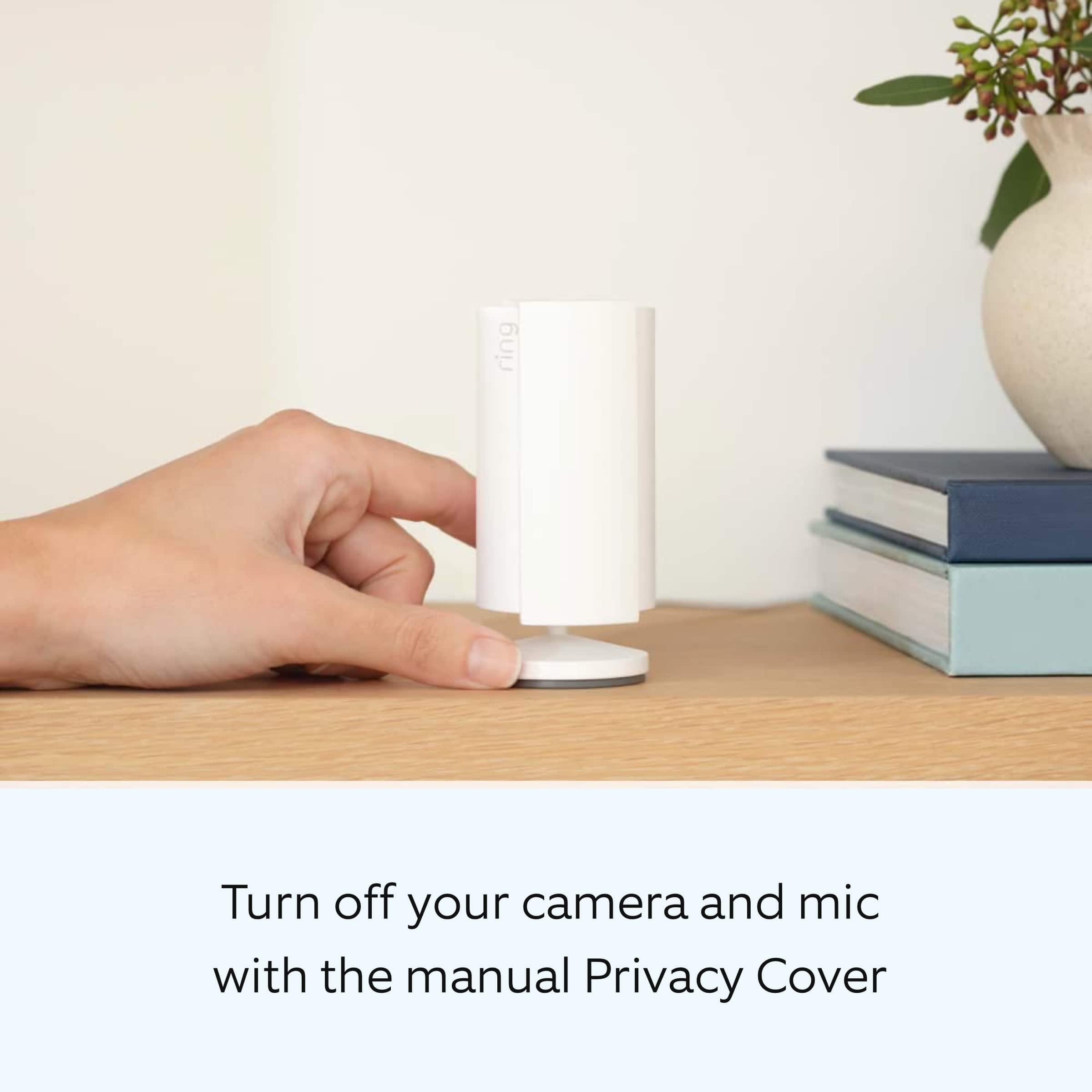
Customers are pleased with the camera's impressive quality, ease of use, and overall performance. Many appreciate the inclusion of a privacy cover, compact size, and reasonable price point. While the motion detection and night vision are well-received, some customers have expressed concerns about the need for a wired connection and potential connectivity issues.
This summary was generated by AI based on customer reviews.
- Pros mentioned:Camera qualityCons mentioned:Connectivity
Ring
||Posted . Owned for 1 month when reviewed.This reviewer received promo considerations or sweepstakes entry for writing a review.I love my ring indoor camera. I just hope that the feature inverse will be on outdoor camera too. The only thing I don’t like it is the lag but they said it’s not the camera but my WiFi. I used this camera to monitor my dogs when Im out of town. Love love love it.
I would recommend this to a friend - Cons mentioned:Connectivity
Ring indoor camera
||Posted . Owned for 2 months when reviewed.This reviewer received promo considerations or sweepstakes entry for writing a review.I technically cant really give a review bc i cant get it connected to my internet. For some reason it wont except my internet password yet everything else i connect will
No, I would not recommend this to a friendBrand response from Ring
Posted .Hi Josie.
Thank you for taking the time to share your experience with us. We understand the importance of a seamless setup process so that you can begin using your Ring Indoor Cam (2nd Gen.) right away. The features and technology provided by the Ring Indoor Cam (2nd Gen.) are incredibly valuable and help provide you with peace of mind about your home security. We are eager to provide you with a solution for the connection concern mentioned in your review.
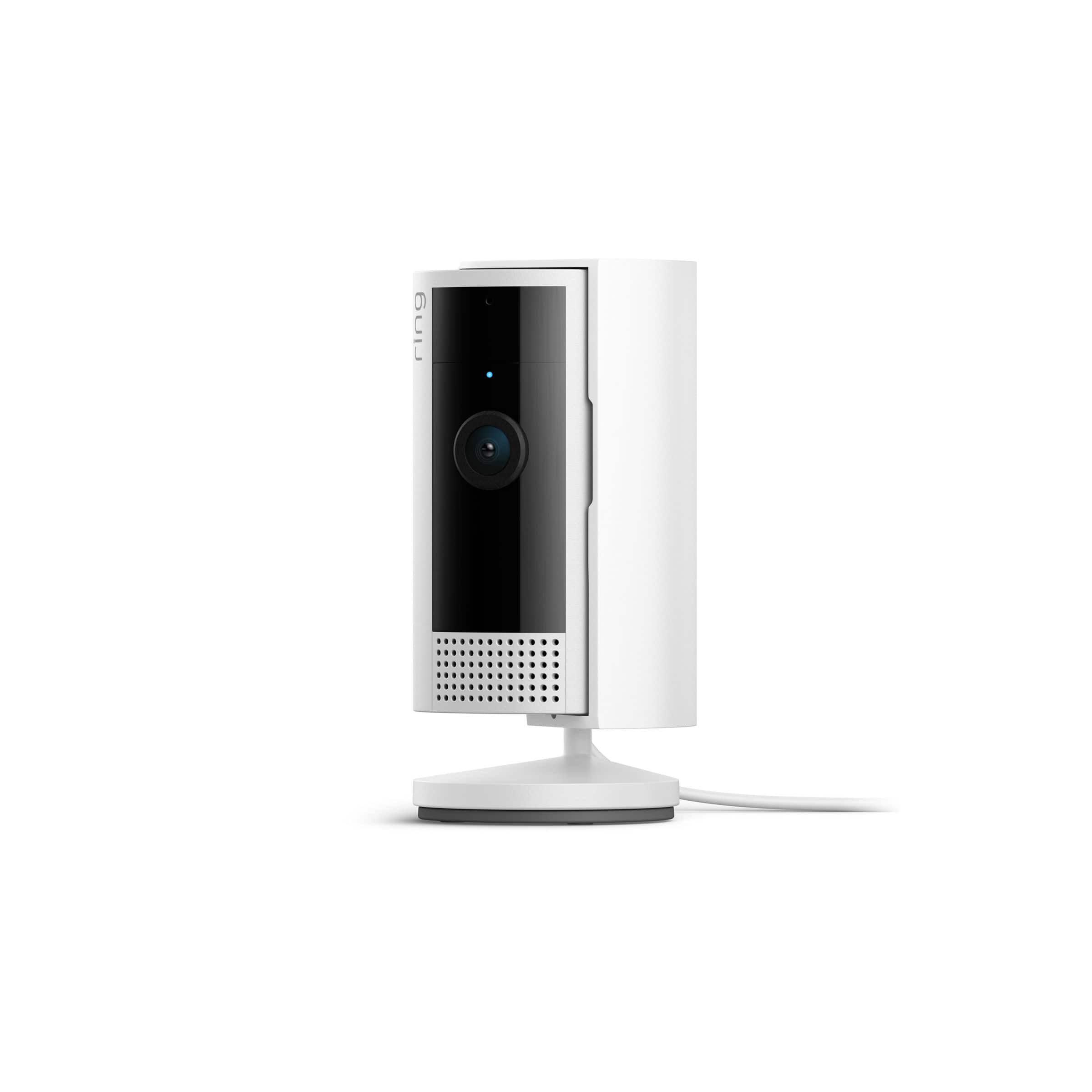
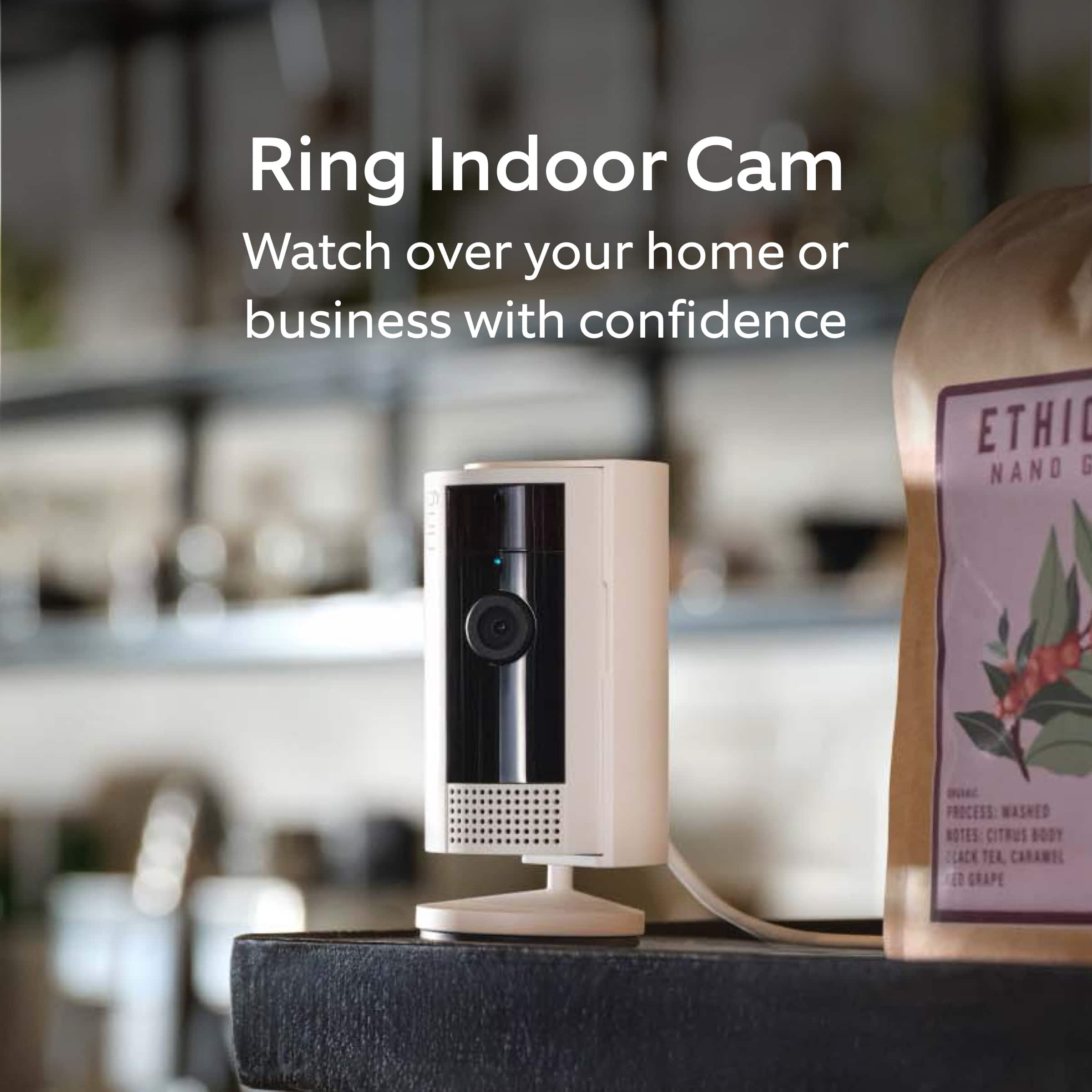
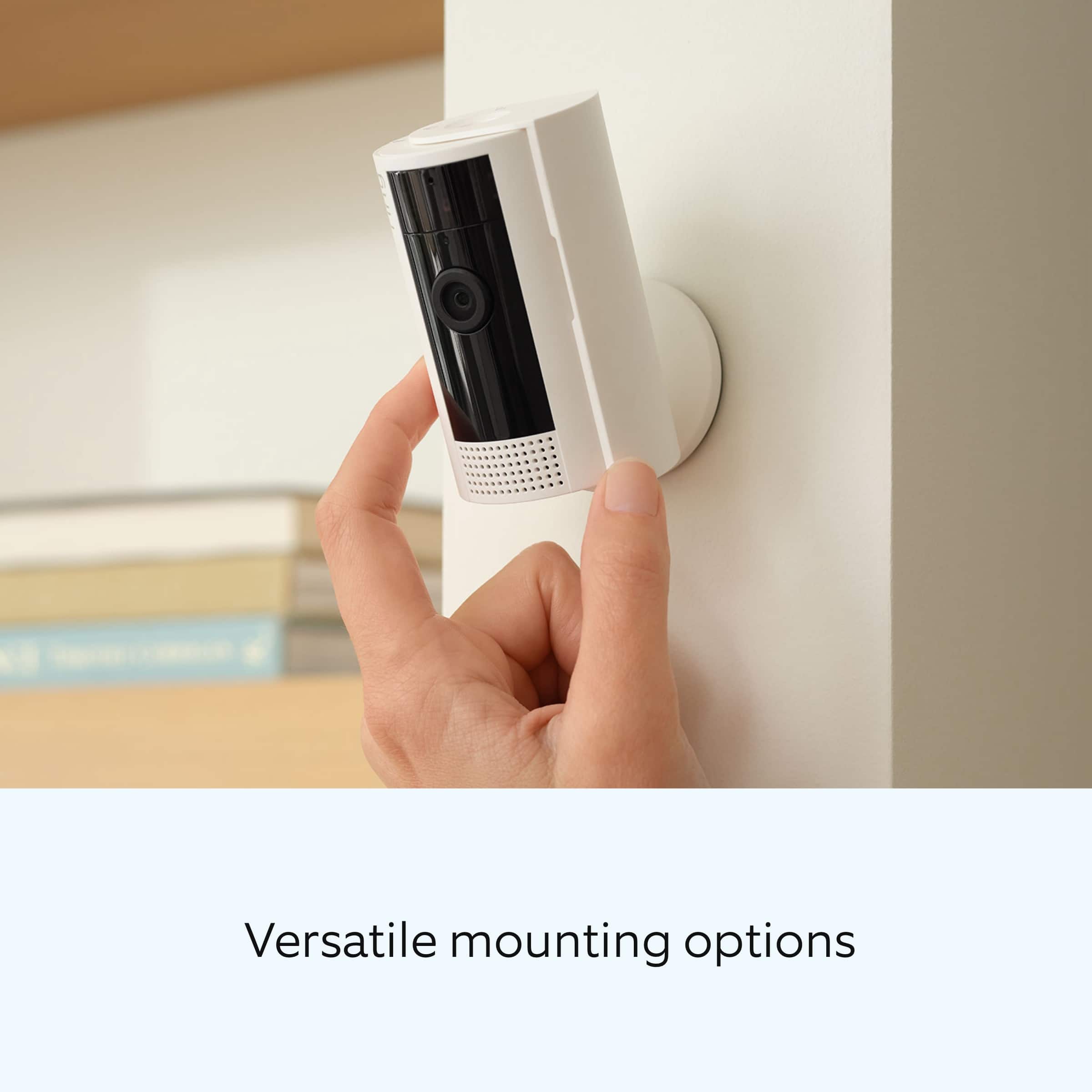
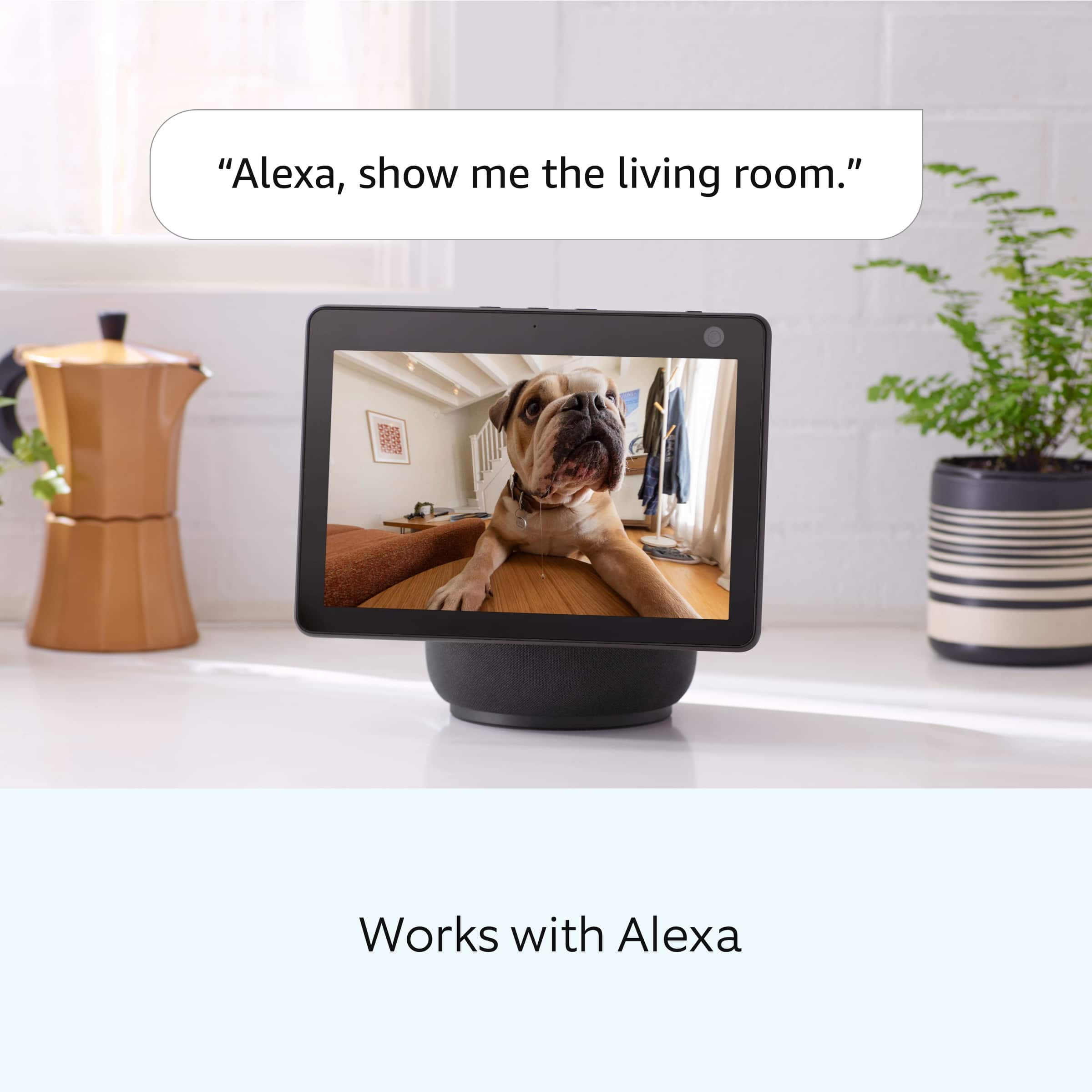
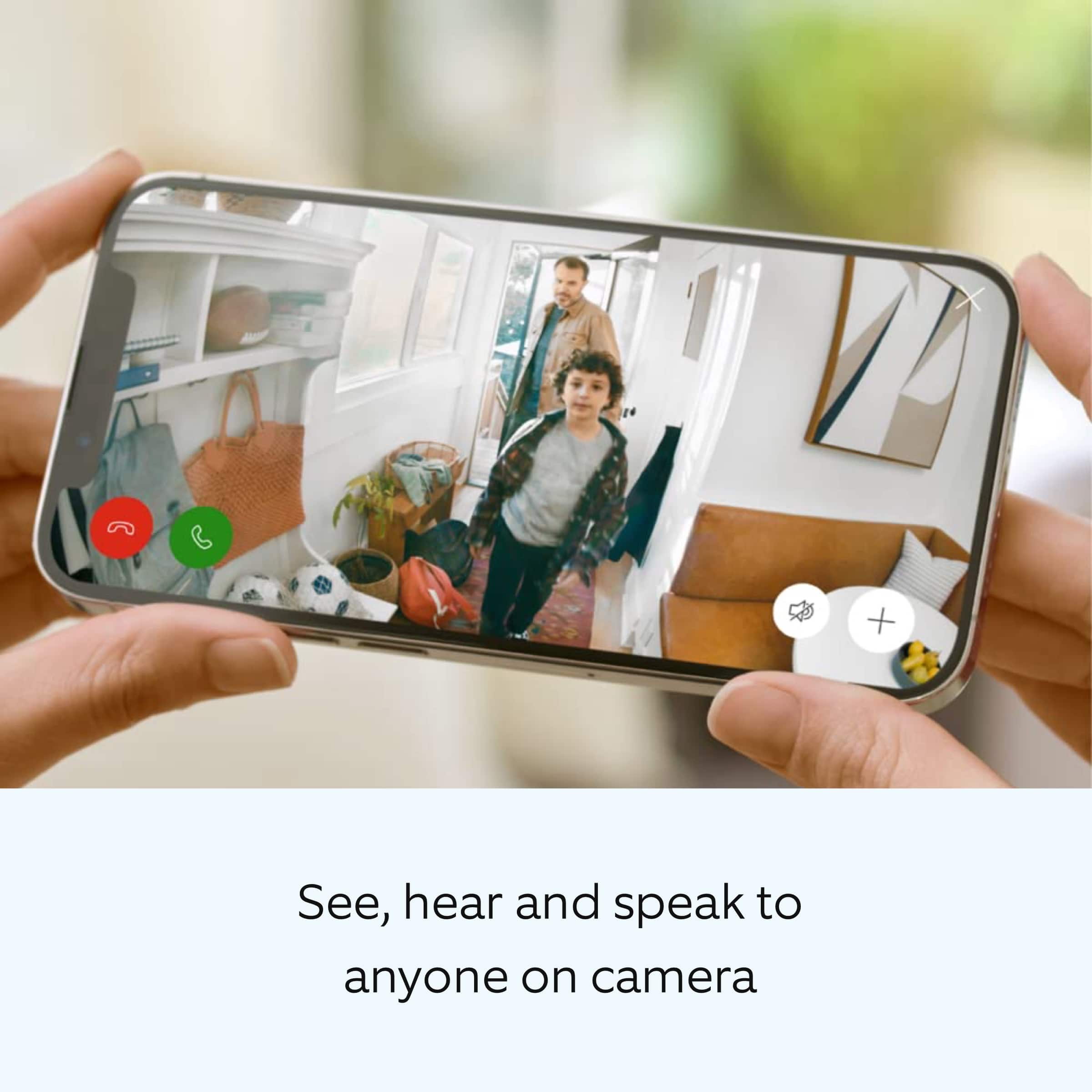
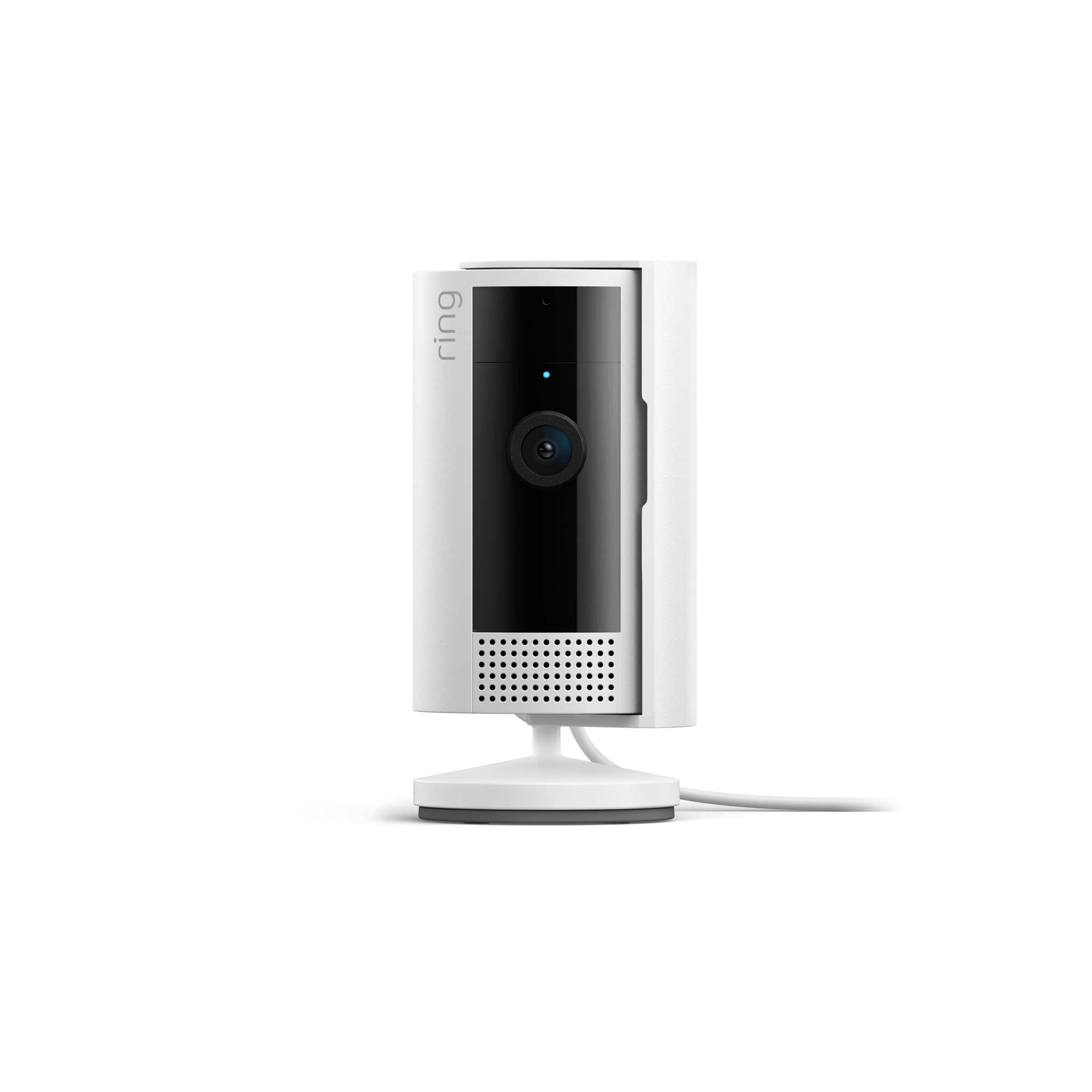
It sounds like the device is not performing as expected. Indoor Cam (2nd Gen.) is a small, lightweight security camera with flexible mounting options specifically designed to be used indoors. Indoor Cam features 1080p HD video recording, two-way audio with noise cancellation, a wide viewing angle, a built in siren, and a removable privacy cover. A tone will sound when the cover is secured and active. It is also compatible with connected Echo devices.
The Ring Indoor Cam (2nd Gen.) is designed to work with your home's wifi network and is compatible with b/g/n wifi networks operating on 2.4 GHz frequencies. If you're receiving a 'Setup did not complete' message and cannot finish setup, it could be due to one of these common causes of setup failures:
* Your Ring device is too far from your wifi router. Ideally, your router should be within 20 feet of your Ring device.
* There's a possible problem with your internet connection.
* There's a possible issue related to your wifi modem or router.
Make sure your wifi router is off the floor.
Walls, floors, and furniture can interfere or weaken your router’s wireless signal. Choose an elevated, central, open location.
Make sure you're entering the correct password. Passwords are case sensitive and do not include spaces. Your network password can often be found on the bottom or side of your router.
Wifi passwords are case and special character (such as *,@,$, or #) sensitive. Double check letter capitalization and placement.
If you haven't changed your wifi password since your router was installed, it may be on a sticker on the underside of your router.
Connect other devices to your wifi network using your last remembered password to verify it is still correct.
If you have multiple networks or a wifi extender, confirm you are connecting to the correct one.
Make sure to connect to the 2G (2.4 GHz) network, not 5G (5 GHz). All Ring devices can connect to 2.4 GHz, while only select Ring devices have Dual-Band Wifi to be able to connect to either.
If you’re still having issues, try holding down the reset button on top of the camera for 20 seconds. Before you reset your device, make sure to download any videos in your account.
We invite you to reach out to our Community if any additional information is needed regarding your Ring Indoor Cam (2nd Gen.). The Ring Community is our first peer-to-peer community forum, giving our customers the ability to help one another by sharing their feedback and experiences with each other.
Thank you,
Melissa from Ring.
- Cons mentioned:Connectivity
Home camera
||Posted . Owned for 3 weeks when reviewed.This reviewer received promo considerations or sweepstakes entry for writing a review.Wouldnt recommend this camera it runs off 2.4ghz internet which some internet providers wont work on this also is slow and not that great of quality the membership you need for it to work is also a downside
No, I would not recommend this to a friendBrand response from Ring
Posted .Hi Ab04.
Thank you for taking the time to share your experience with us. We understand the importance of having a consistent wifi signal on the Ring Indoor Cam (2nd Generation). Having a solid connection ensures you do not miss any activity around your home. We are here to provide you with some information to resolve the connection issue you mentioned in your review.
It sounds like the device is not operating as intended. Ring devices require high-speed internet to bring you crisp, clear video and audio. Poor network connectivity can affect the performance of your Ring device. Identify and troubleshoot what is causing connectivity issues for Ring devices to give you the best possible video and audio experience.
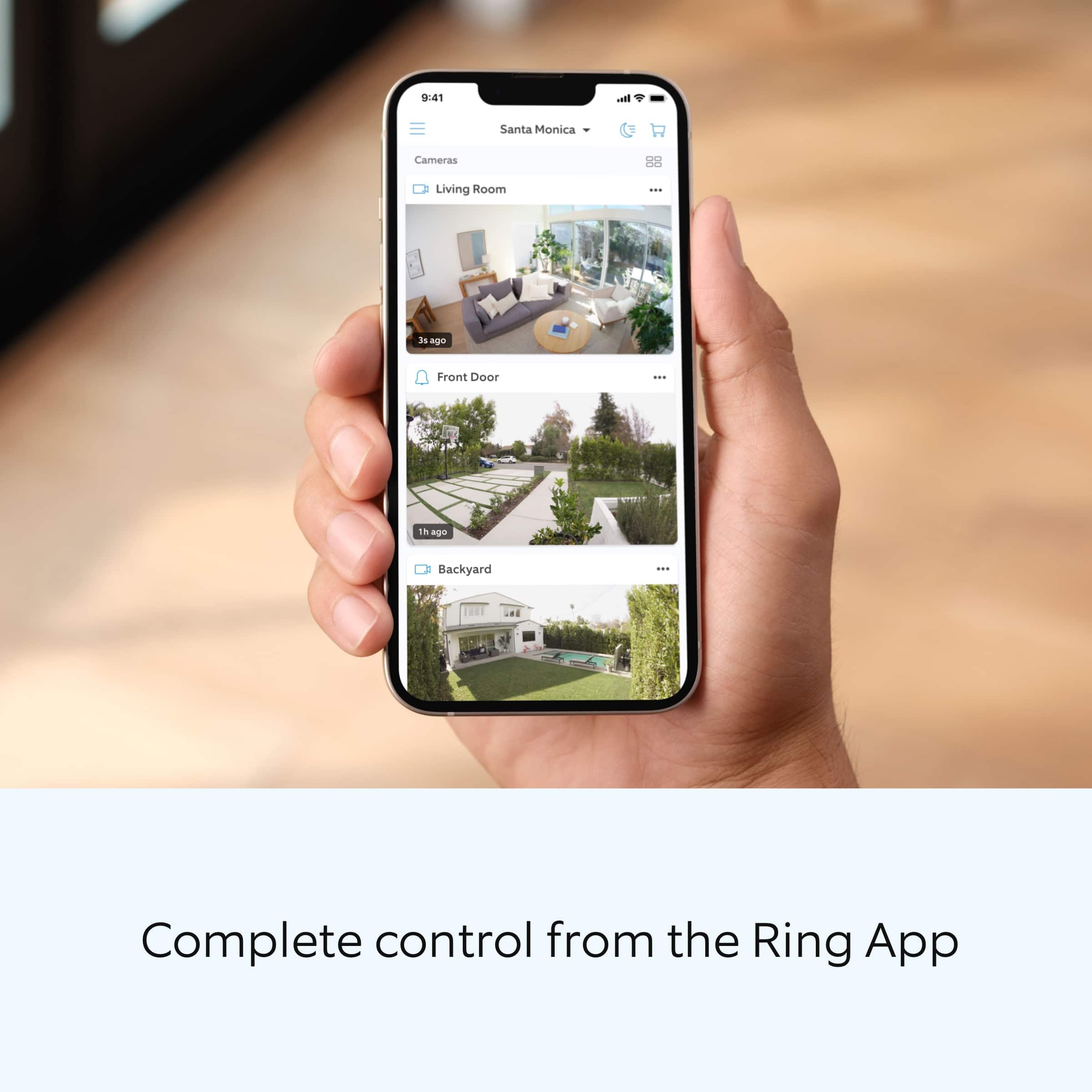
To determine whether or not the problem is caused by poor upload speed, run a speed test to determine if your network can support Ring devices. The Ring Indoor Cam (2nd generation) requires a minimum upload speed of 2 Mbps for optimal performance. In addition to ensuring that you have sufficient wifi speeds, you will also want to check the signal strength of your device. A poor wifi signal can cause connectivity with your Ring device to be unreliable. Check the Device Health section of your Ring app to ensure the device’s RSSI is within an acceptable range. The recommended range for optimal performance is 0 to -60 for the RSSI.
Ring products provide their standard features such as instant alerts, live view, and two-way talk without any subscription. Ring Home Plans offer downloading and sharing video capabilities and additional features for those who want them.
For more information on your Ring Indoor Cam (2nd Generation), we invite you to reach out to our community. Ring Community is our first peer-to-peer community forum, giving our customers the ability to help one another and share their personal feedback and experiences with Ring. We look forward to hearing from you if we can be of any further assistance!
Thank you,
Amilia from Ring.
- Cons mentioned:Connectivity
Ring indoor camera
||Posted . Owned for 2 months when reviewed.This reviewer received promo considerations or sweepstakes entry for writing a review.I really cant give a review bc i cant get it connected to my wi fi bc it wont connect to my password. If i could get it connected id gove a higher review
No, I would not recommend this to a friendBrand response from Ring
Posted .Hi Josie.
Thank you for taking the time to share your experience.
We understand the importance of a seamless setup process so that you can begin using your Ring Indoor Cam right away. The features and technology provided by the Ring Indoor Cam are incredibly valuable and help provide you with peace of mind about your home security. We want to ensure your device is working as intended by providing you with solutions to resolve the concern you mentioned in your review.
It sounds like your Ring Indoor Cam is not connecting to your home's wifi network. If you have issues connecting to your home wifi, try making sure your password doesn't have any special characters. If your password contains characters like an asterisk (*), pound sign (#), or exclamation mark (!), remove them by changing the password in your router's settings. If you do not have access to these settings, contact your internet service provider to change the password.
Ring Community was launched to help deliver the most current news and educational information to our neighbors. This online forum is divided into four categories: Product Boards, Ring Updates, Tips + Tricks, and a Moderators’ Corner. The Product Boards are where you can begin new topics with your questions or feedback; there is also a search option that helps you find topics that have already been posted by other neighbors.
All the best,
Nicole from Ring.
- Cons mentioned:Connectivity
Worst ring product
||Posted . Owned for 1 month when reviewed.This reviewer received promo considerations or sweepstakes entry for writing a review.It constantly disconnects from my WIFI. Image quality is worse than my original which I had for ~8 years.
No, I would not recommend this to a friendBrand response from Ring
Posted .Hi RWD3.
Thank you for taking the time to share your experience with us. We understand the importance of having a consistent wifi signal on the Ring Indoor Cam (2nd Generation). Having a solid connection ensures you do not miss any activity around your home. We are here to provide you with some information to resolve the connection issue you mentioned in your review.
It sounds like the device is not operating as intended. Ring devices require high-speed internet to bring you crisp, clear video and audio. Poor network connectivity can affect the performance of your Ring device. Identify and troubleshoot what is causing connectivity issues for Ring devices to give you the best possible video and audio experience.
To determine whether or not the problem is caused by poor upload speed, run a speed test to determine if your network can support Ring devices. Ring devices with 1080p video require at least 1 Mbps upload and download speeds, though 2 Mbps is recommended for optimal performance. In addition to ensuring that you have sufficient wifi speeds, you will also want to check the signal strength of your device. A poor wifi signal can cause connectivity with your Ring device to be unreliable. Check the Device Health section of your Ring application to ensure the device’s RSSI is within an acceptable range. The recommended range for optimal performance is 0 to -60 for the RSSI.
For more information on your Ring Indoor Cam (2nd Generation), we invite you to reach out to our community. Ring Community is our first peer-to-peer community forum, giving our customers the ability to help one another and share their personal feedback and experiences with Ring. We look forward to hearing from you if we can be of any further assistance!
Thank you,
Amilia from Ring.
- Cons mentioned:Connectivity
No good
||Posted . Owned for 3 months when reviewed.This reviewer received promo considerations or sweepstakes entry for writing a review.This camera keeps shutting down, the router is literally next to it and yet it can’t find signal
No, I would not recommend this to a friendBrand response from Ring
Posted .Hi dee1.
Thank you for taking the time to share your experience with us. We understand the importance of having a consistent wifi connection to your Ring Indoor Cam (2nd Gen.). Having a solid connection ensures you do not miss any activity around your home. We are here to provide you with some information to resolve the connection issue you mentioned in your review.
It sounds like the device is not operating as intended. To determine whether or not the problem is caused by poor upload speed, run a speed test to determine if your network can support Ring devices. Ring devices with 1080p video require at least 1 Mbps upload and download speeds, though 2 Mbps is recommended for optimal performance. In addition to ensuring that you have sufficient wifi speeds, you will also want to check the signal strength of your device. A poor wifi signal can cause connectivity with your Ring device to be unreliable. Check the Device Health section of your Ring application to ensure the device’s RSSI is within an acceptable range. The recommended range for optimal performance is 0 to -60 for the RSSI.
For more information on your Ring Indoor Cam (2nd Gen.), we invite you to reach out to our community. Ring Community is our first peer-to-peer community forum, giving our customers the ability to help one another and share their personal feedback and experiences with Ring. We look forward to hearing from you if we can be of any further assistance!
Thank you,
Melissa from Ring.
- Cons mentioned:Connectivity
Ring camera
||Posted . Owned for 1 month when reviewed.This reviewer received promo considerations or sweepstakes entry for writing a review.Not able to connect, to wifi, tried everything re-booting still not working, all other ring cameras working great
No, I would not recommend this to a friendBrand response from Ring
Posted .Hi GGarcia.
Thank you for sharing your experience with us.
We understand the importance of a seamless setup process so that you can begin using your Ring Indoor Cam right away. The features and technology provided by the Ring Indoor Cam are incredibly valuable and help provide you with peace of mind about your home security. We want to work with you to make sure we get your device working as intended. We are confident we can resolve this together today.
It sounds like your Ring Indoor Cam is failing to connect to your home's wifi network. We recommend restarting your router. If you still have issues connecting to your home wifi, try the steps below.
Make sure you're entering the correct password. Passwords are case-sensitive and do not include spaces. Your network password can often be found on the bottom or side of your router.
Make sure your password doesn't have any special characters. If your password contains characters like an asterisk (*), pound sign (#), or exclamation mark (!), remove them by changing the password in your router's settings. If you do not have access to these settings, contact your internet service provider to change the password.
Visit our support center if additional troubleshooting steps are needed.
Ring Community was launched to help deliver the most current news and educational information to our neighbors. This online forum is divided into four categories: Product Boards, Ring Updates, Tips + Tricks, and a Moderators’ Corner. The Product Boards are where you can begin new topics with your questions or feedback; there is also a search option that helps you find topics that have already been posted by other neighbors.
All the best,
Nicole from Ring.