Best 1440p Gaming Monitor
Find the best 1440p gaming monitor for your setup by comparing screen size, refresh rate, and response time. QHD (2560 x 1440) resolution offers more detail than Full HD, while your gaming system’s performance helps determine which refresh rate makes sense for you. Check each model’s ports and adaptive sync compatibility to choose a display that works with your PC or console.
What to look for in a 1440p gaming monitor
Find the best 1440p gaming monitor for your setup by comparing screen size, motion performance, picture quality, and connectivity.
1. Screen Size and Resolution
2. Refresh Rate and Response Time
3. Panel Type and Picture Quality
4. Connectivity and Compatibility
-
1

ASUS - TUF Gaming 34" 1440P 1500R Curved Monitor - 180Hz, 1ms, Freesync Pro, HDR, 3 Year Warranty - Black
About this product
A black ultrawide curved gaming monitor with 180Hz refresh rate, 1ms response, and HDR support.
(0)$269.99Your price for this item is $269.99SAVE $55.22 -
2

Z Z-Edge - UG40S 40" 21:9 WQHD 3440x1440 144Hz 1ms IPS Gaming Monitor, FreeSync, Height/Tilt/Swivel Adjustable - Black
About this product
An ultrawide black IPS gaming monitor with 3440x1440 WQHD resolution, 144Hz refresh rate, and FreeSync support.
(0)$469.99Your price for this item is $469.99SAVE $130.00 -
3

AGEX - AG34P 34" UWQHD 3440x1440 21:9 Ultra Wide 240Hz 1ms Curved Gaming Monitor, 1.07 B Colors, 100% sRGB - Black
About this product
An ultrawide black curved gaming monitor with 3440x1440 resolution, 240Hz refresh rate, and HDR10 support.
(0)$249.99Your price for this item is $249.99SAVE $20.00 -
4
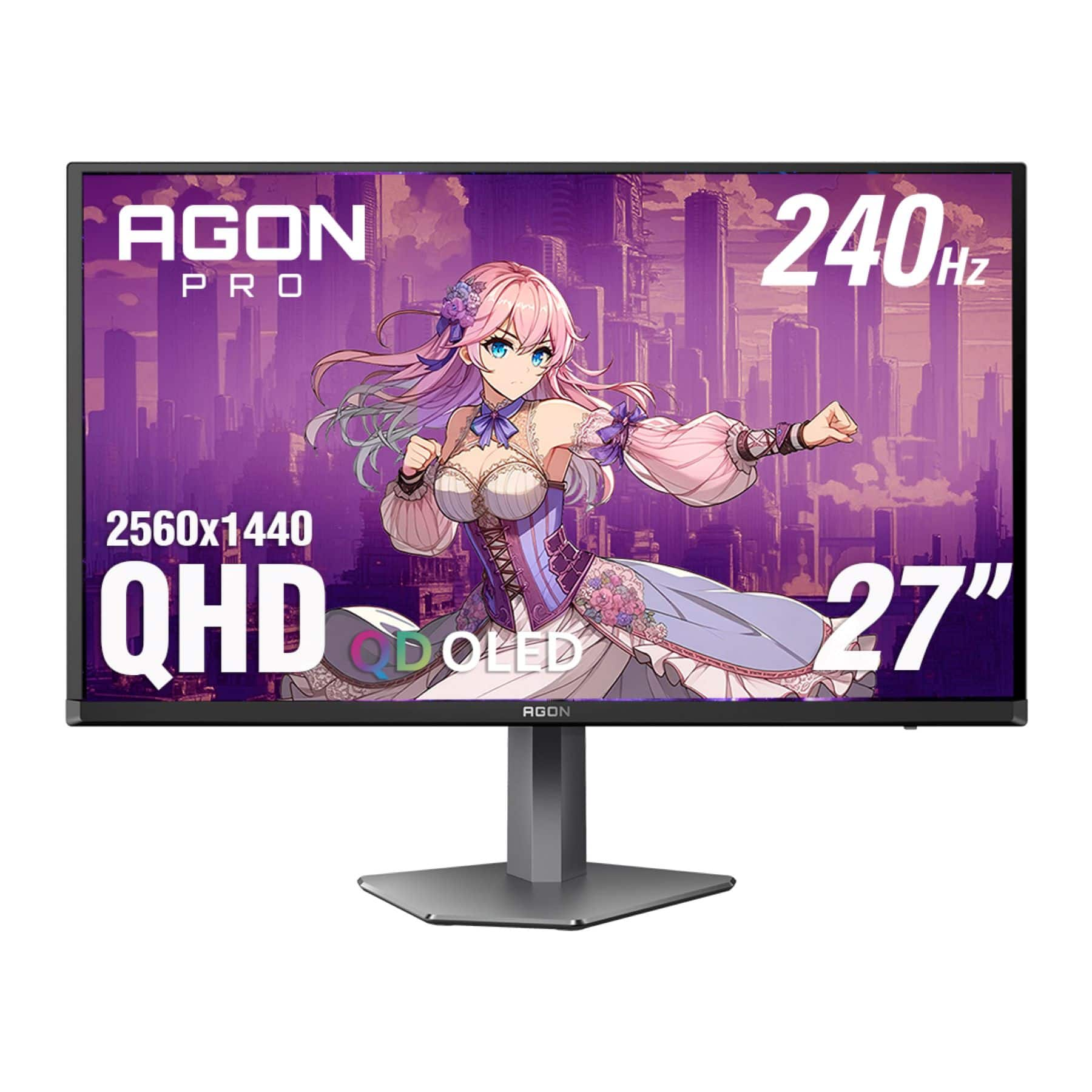
AOC - 27" QD OLED 240Hz 0.03ms Gaming Monitor - Black/Purple
About this product
A black and purple QD OLED gaming monitor with 240Hz refresh rate, 0.03ms response, and HDR10 support.
What customers like
(25)$519.99 Your price for this item is $519.99 -
5
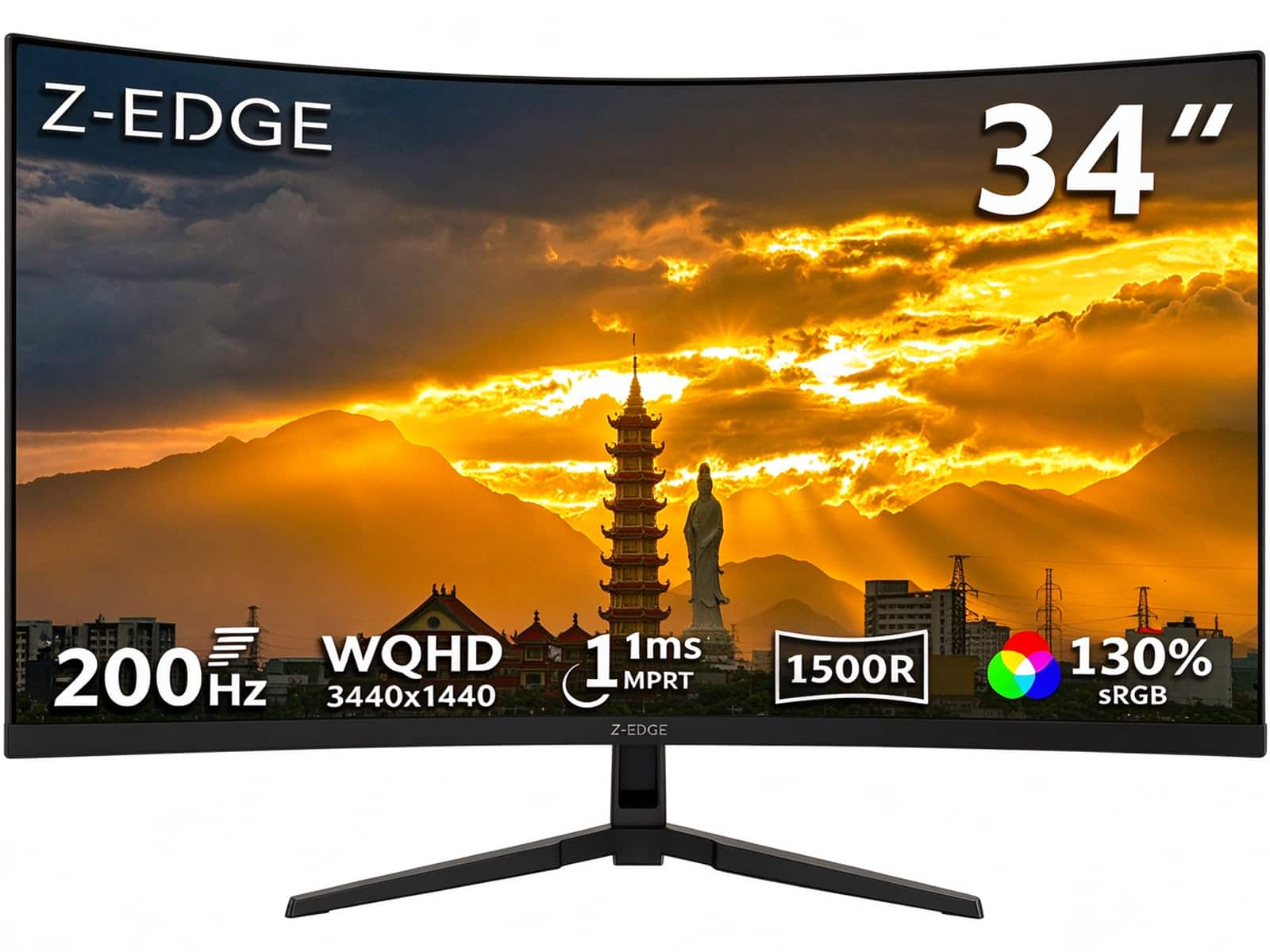
Z Z-Edge - 34" 21:9 UWQHD 3440x1440 200Hz 1ms Curved Gaming Monitor, FreeSync, HDMI x2, DP x2, PBP & PIP Mode - Black
About this product
A black curved gaming monitor with UWQHD resolution, 200Hz refresh rate, 1ms response, HDR10, and FreeSync.
(1)$229.99Your price for this item is $229.99SAVE $20.00 -
6

Acer - Nitro XV2 Gaming 27" Monitor UM.HX2AA.201 - Black
About this product
A black IPS gaming monitor with 240Hz refresh rate, 0.5ms response, WQHD resolution, and AMD FreeSync Premium.
(0)$247.23 Your price for this item is $247.23 -
7
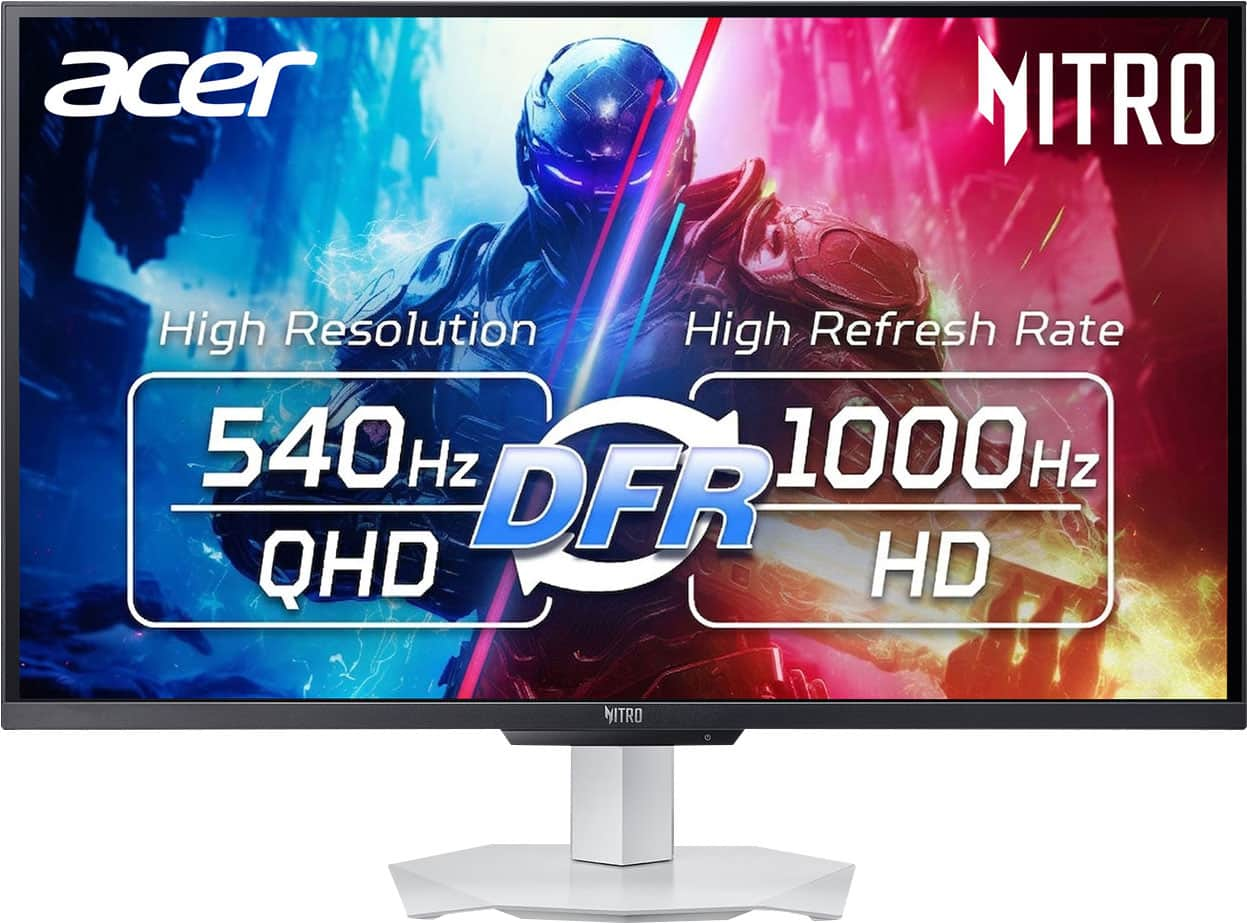
Acer - Nitro 27" IPS WQHD (2560 x 1440) LCD,IPS 540Hz AMD FreeSync Premium Gaming Monitor with HDR 600 (DisplayPort, 2 x HDMI) - White
About this product
A white IPS gaming monitor delivering WQHD resolution, 540Hz refresh, HDR 600, and AMD FreeSync Premium.
(0)$499.99 Your price for this item is $499.99 -
8

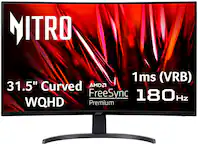
Acer - Nitro XZ2 - 31.5" Monitor WQHD 2560x1440 144Hz 16:9 400Nit - Black
About this product
A black WQHD gaming monitor delivering 144Hz refresh rates, 400-nit brightness, and a 16:9 aspect ratio.
(0)$399.99Your price for this item is $399.99SAVE $100.00 -
9

MSI - MAG 272QPW QD-OLED X28 27" QHD 280Hz 0.03ms Gaming Monitor with G-SYNC FreeSync Premium Pro TB 400 (HDMI, DP) - White
About this product
A white QD-OLED gaming monitor with 280Hz refresh rate, 0.03ms response, and FreeSync support.
What customers like
(49)$572.49Your price for this item is $572.49SAVE $6.45 -
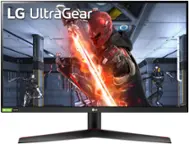
10
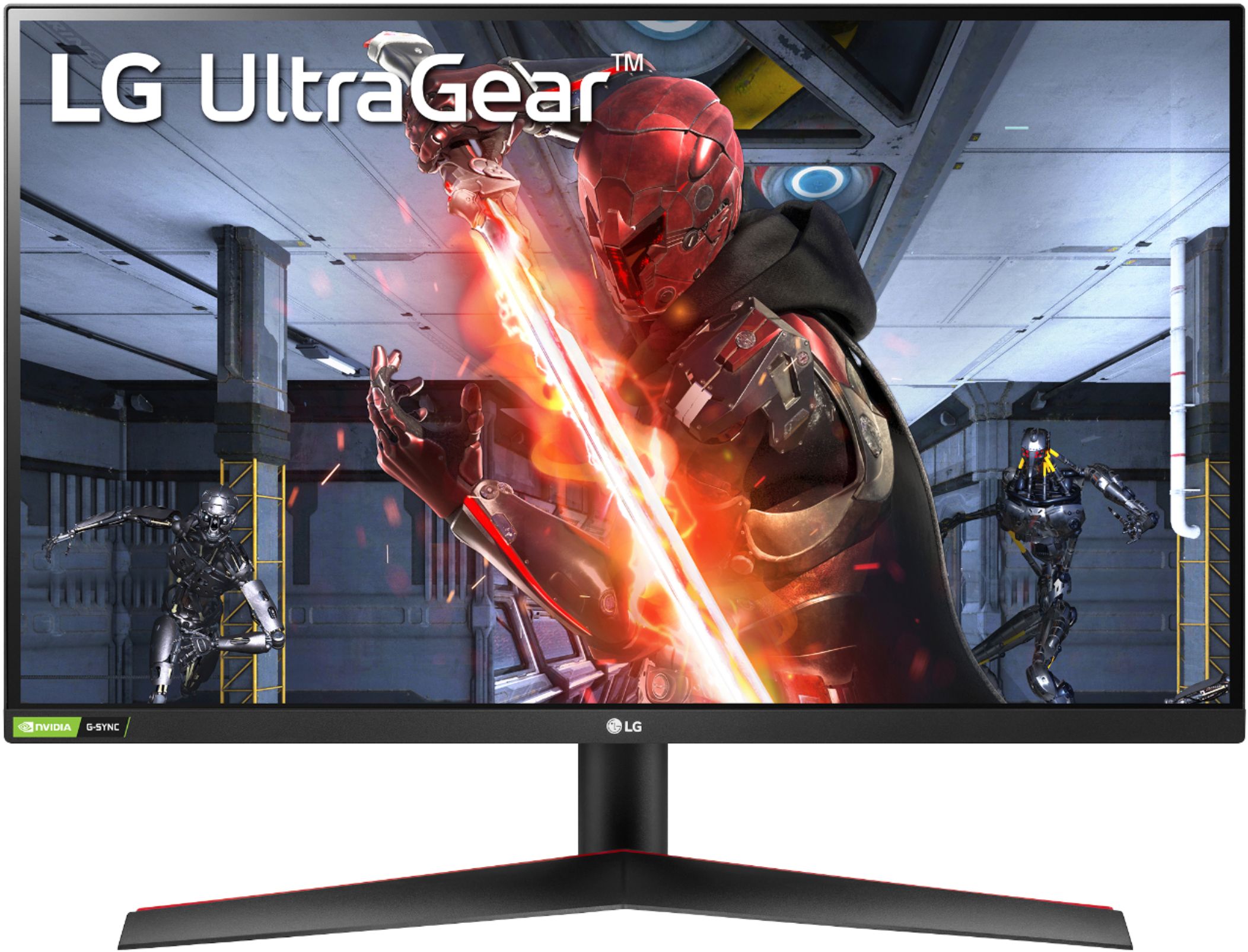
LG - UltraGear 27” IPS QHD 144Hz 1ms G-SYNC Compatible Gaming Monitor with HDR (HDMI, DisplayPort) - Black
About this product
A black IPS gaming monitor delivering QHD resolution, 144Hz refresh, 1ms response, HDR, and adaptive sync.
What customers like
(781)$349.00 Your price for this item is $349.00
Best 1440p Gaming Monitor
FAQs
Refresh rate, measured in hertz (Hz), describes how many times the monitor can update its image each second. Response time, measured in milliseconds (ms), describes how quickly pixels change between colors. When comparing specifications, check whether response time is listed as gray-to-gray (GtG) or moving picture response time (MPRT), since these measurements are not interchangeable.
Common panel technologies include IPS, VA and OLED. IPS panels are known for wide viewing angles, while VA panels typically offer higher native contrast than IPS panels. OLED panels use self-emissive pixels rather than a separate backlight. Color specifications, refresh rates and other features vary by monitor, so compare more than panel type alone.
Adaptive sync allows a monitor’s refresh rate to vary with the frames supplied by a compatible graphics processor. Specifications may reference AMD FreeSync, NVIDIA G-SYNC or VESA Adaptive-Sync. Check compatibility with your graphics card, the supported refresh-rate range and which monitor inputs support the feature.
Compare the monitor’s HDMI and DisplayPort specifications with the outputs on your computer or console. Supported refresh rates at 1440p can differ by input, source device and cable. If you want a USB-C connection, confirm that the port supports video input; USB data connectivity and laptop charging are separate features.
Look at HDR format support, peak brightness, color gamut and any VESA DisplayHDR certification. For LCD monitors, local dimming is another specification to review. An HDR-compatible label alone does not describe all of these capabilities, so compare the detailed specifications and confirm that your gaming device and content also support HDR.