Questions & Answers
- Model:
- 17Z90P-K.AAB8U1
- |
- SKU:
- 6450707
Highly rated by customers for: Screen, Weight, Lightweight
Page Showing 21-26 of 26 questions
Q: QuestionWhich brands of Thunderbolt 4 devices are compatible with the LG-GRAM 17" WQXGA laptop computer?
Asked by AuntOrcus.
- A:Answer Please clarify your question so that I can provide an accurate and helpful response. Thank you. ^Daphane
Answered by LG Digital Customer Care

Q: QuestionWhat is the TPM version on this model?
Asked by RAK.
- A:Answer There is no TPM chip in gram 2021 models with Windows 10 Home. ^Daphane
Answered by LG Digital Customer Care

Q: QuestionDoes anyone have battery issue? My Gram 17 Evo (Costco, 500 GB SSD) drains 50% of battery in 2 hours. I don't want to exchange it and then run into the same issue (setting up a laptop/weeding out junk soft is tiresome).
Asked by Gr17.
- A:Answer Please seek help on the LG Community Forum at https://lgcommunity.us.com/. The LG Community Forum is a great resource for getting help from other LG customers. ^Venette
Answered by LG Digital Customer Care

Q: QuestionMY new LG Gram 17-inch WQXGA doesn't seem to have TPM 2.0 installed and Security Processor does not show up under Settings > Update & Security > Windows Security > Device Security panel. Also 'Compatible TPM cannot be found on the TPM Management panel.
Asked by Elliott.
- A:Answer All the new LG gram laptops are equipped with the TPM 2.0. Please reach out to our technical support team via private message on Facebook @LGUSSupport and use #VOC in your first message to our social media support team or call at 800-243-0000. Also, be sure to provide your contact information, model/serial numbers and date of purchase. ^Daphane
Answered by LG Digital Customer Care

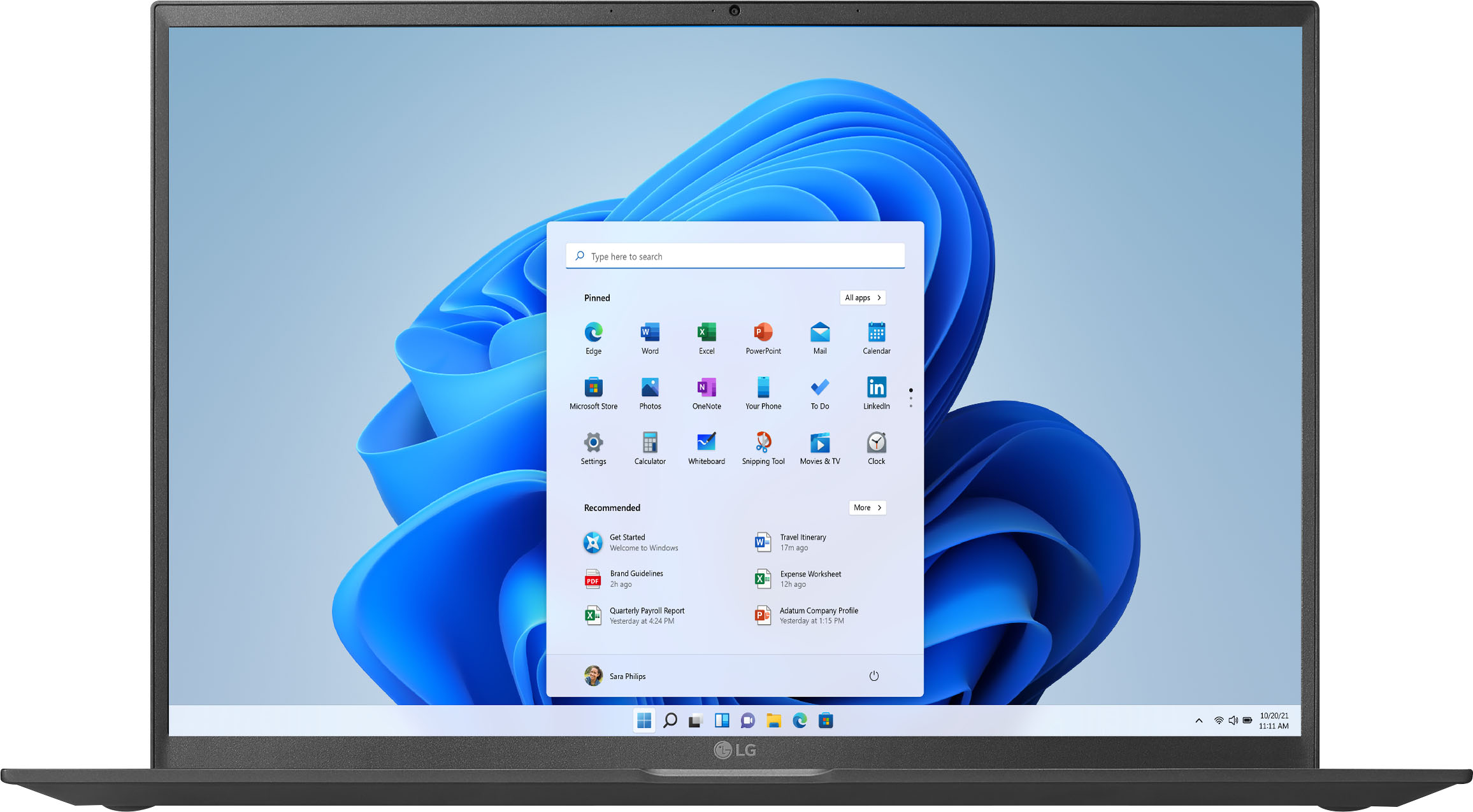
Q: QuestionDoes the 17Z90P meet the required specifications for upgrading to Windows 11 when it is released later this year?
Asked by LW01.
- A:Answer I bought this model (17Z90P-K.AAB8U1 ) 10/9/21. It came installed with Windows 10 Home, but with a Windows 11 upgrade option in the setup which I chose. Once the desktop came up, Windows 11 started loading and ultimately installed with no issues so am not sure about the LG answer.
Answered by OldnAchy
Q: QuestionHow do we enter the advanced BIOS settings? Online suggests CTL+ALT+F7 when in the Advanced settings section, but this does not work on the 2021 LG Gram 17 I installed Linux, and want to control some of the power settings


Asked by Castillan.
- A:Answer Your LG Gram model uses CTRL+ALT+SHIFT+F7 to toggle the advanced settings in BIOS.
Answered by HolyJoe
Page 2, Showing 21-26 of 26 questions
Top Rated
- Tech Fest Deal$99.99