Customer Ratings & Reviews
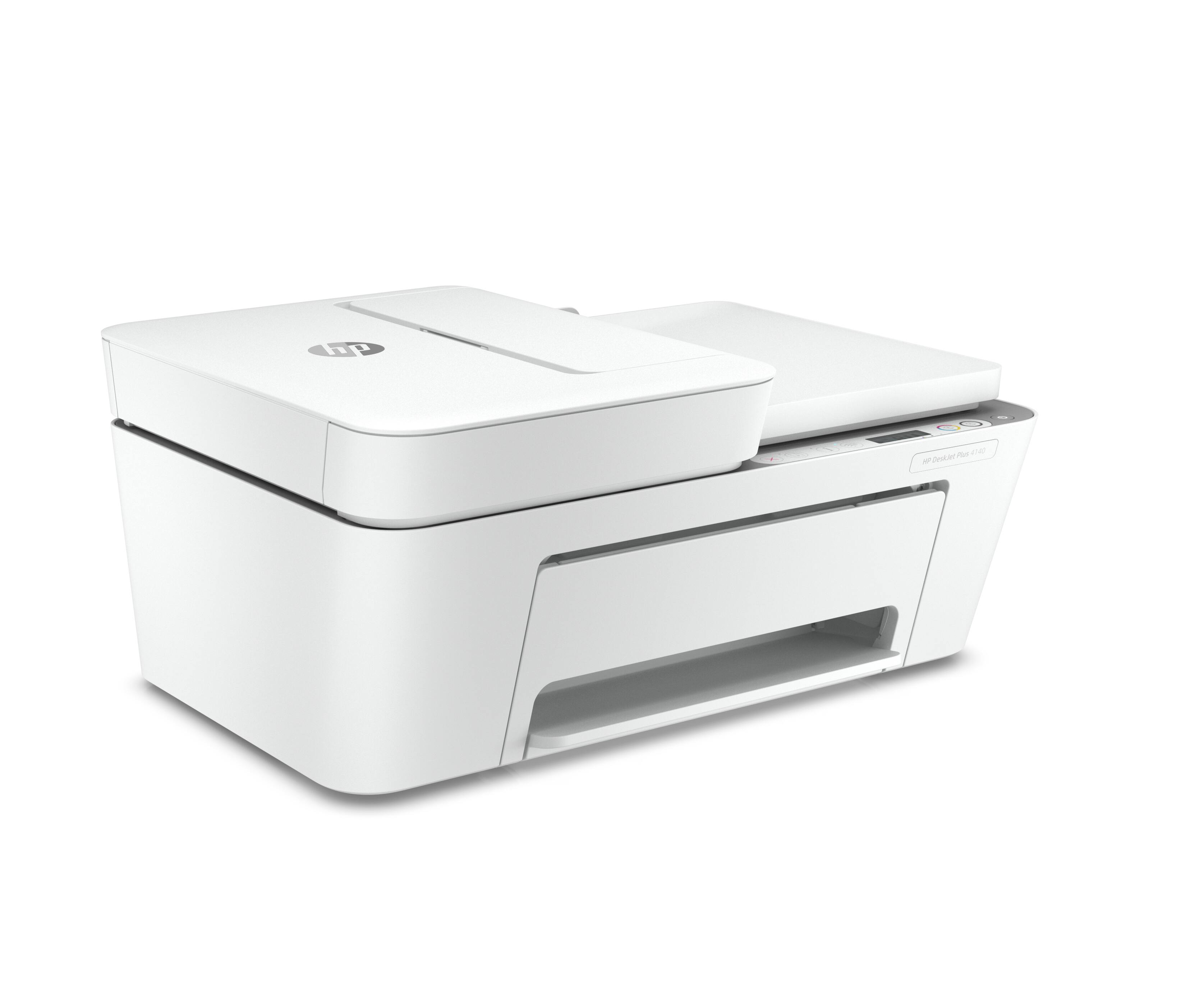
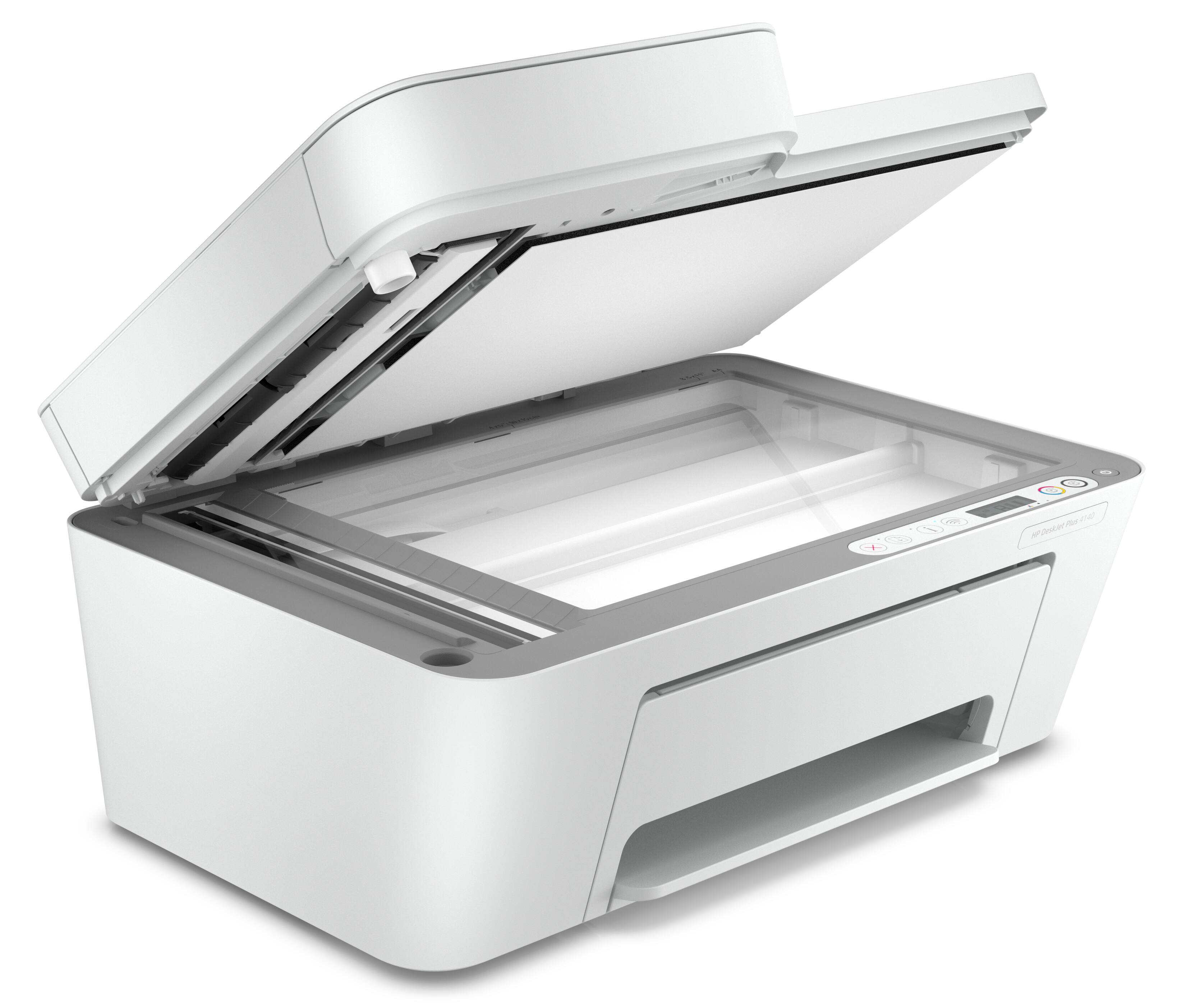
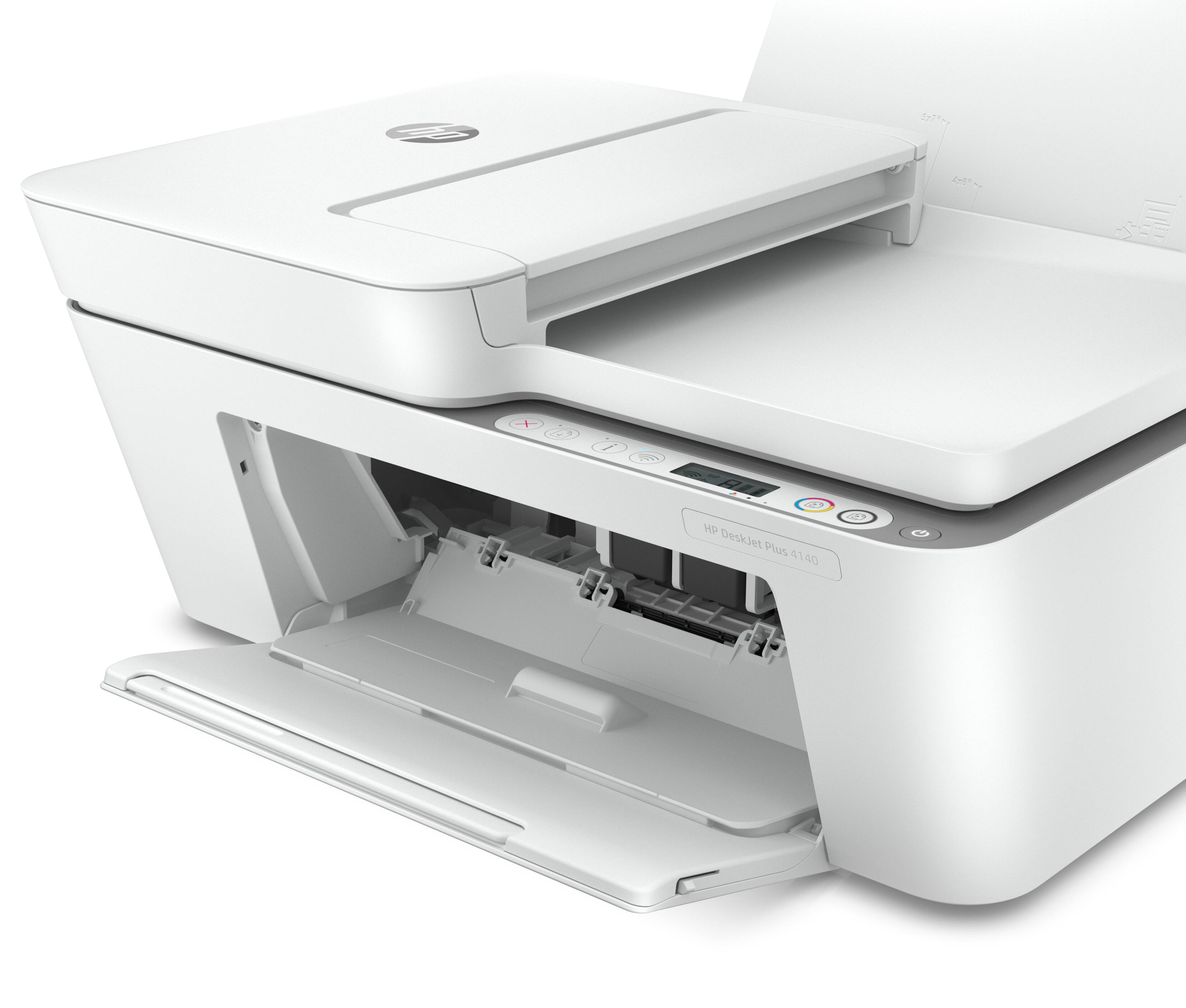
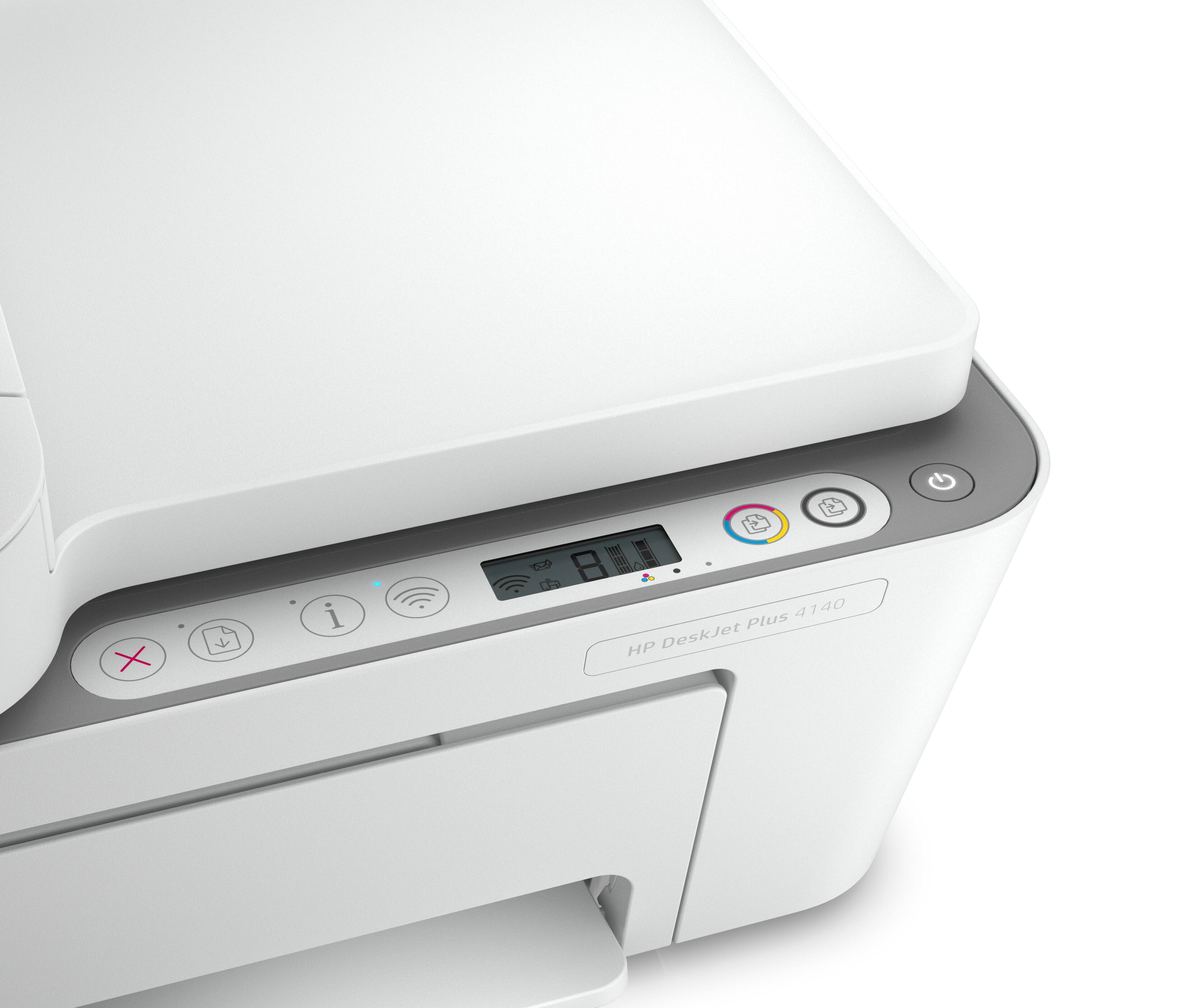
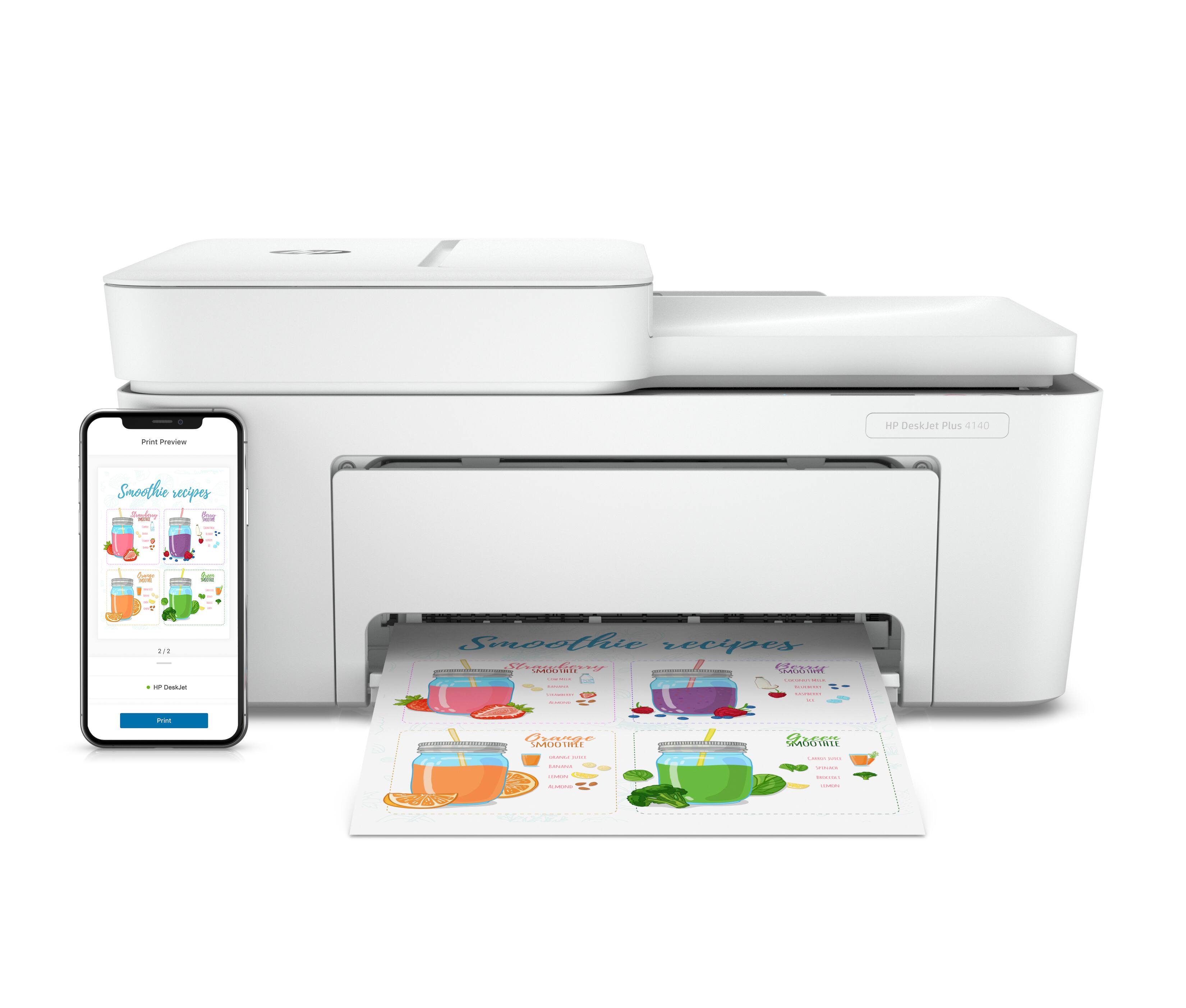
- Model:
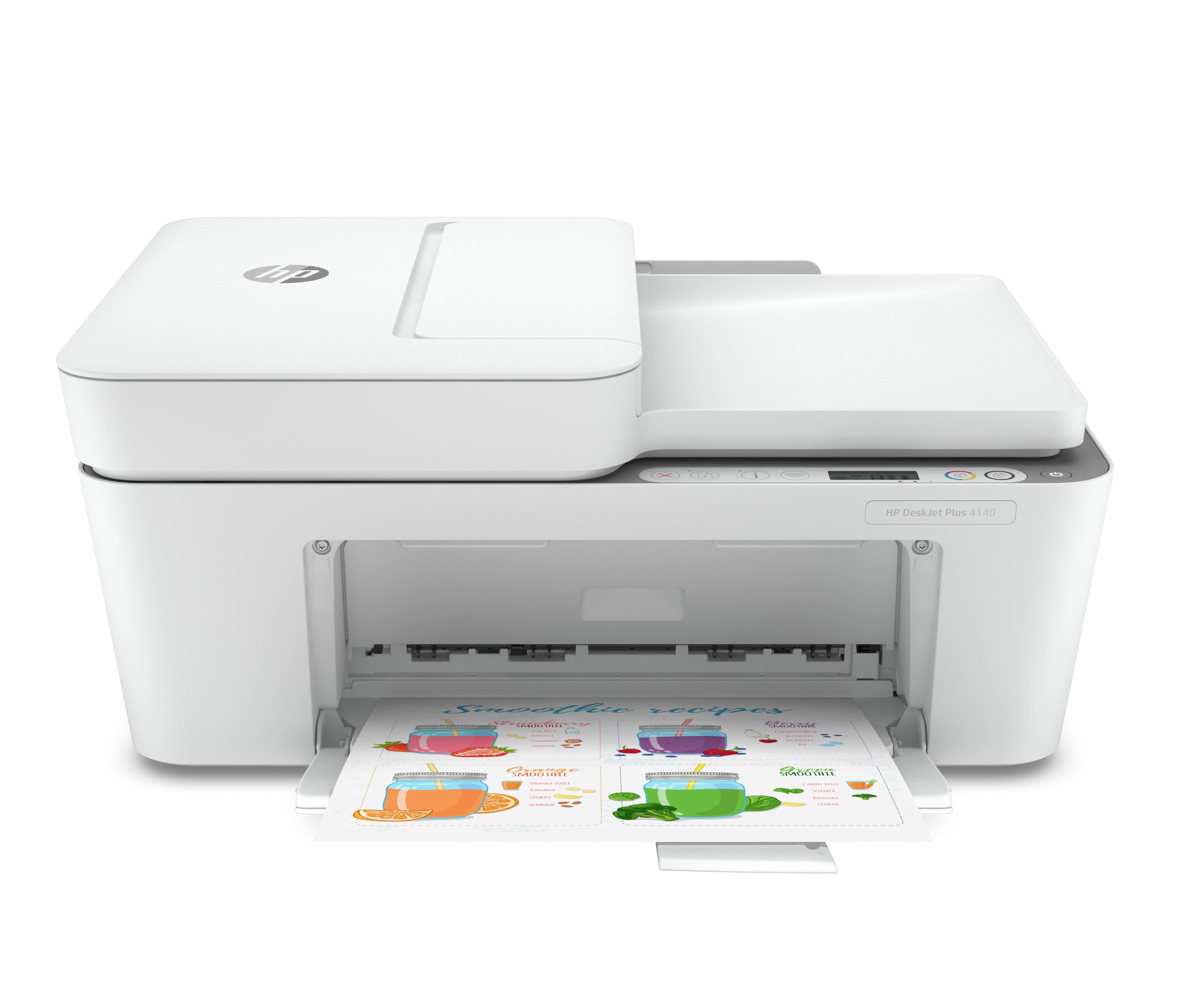
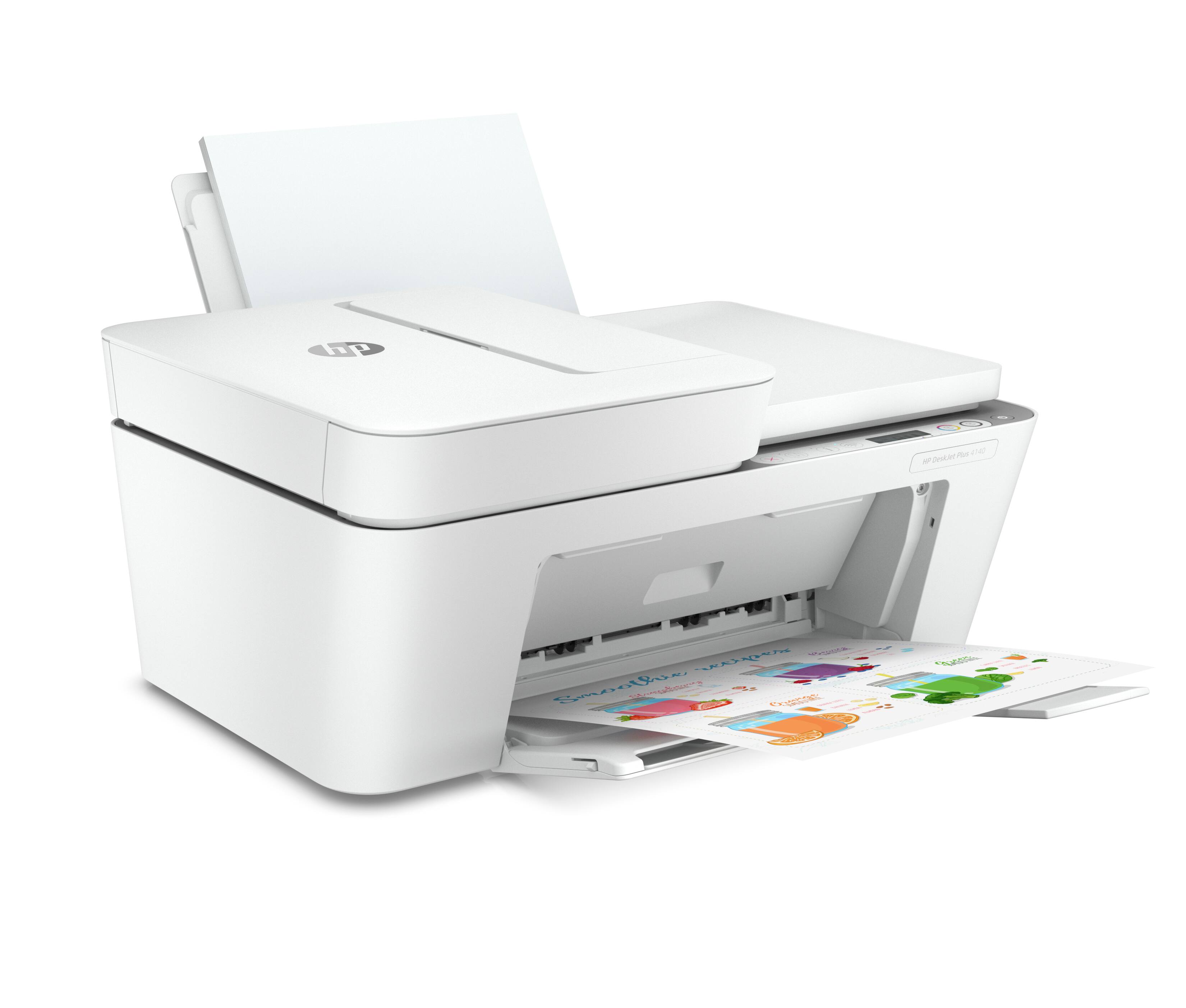
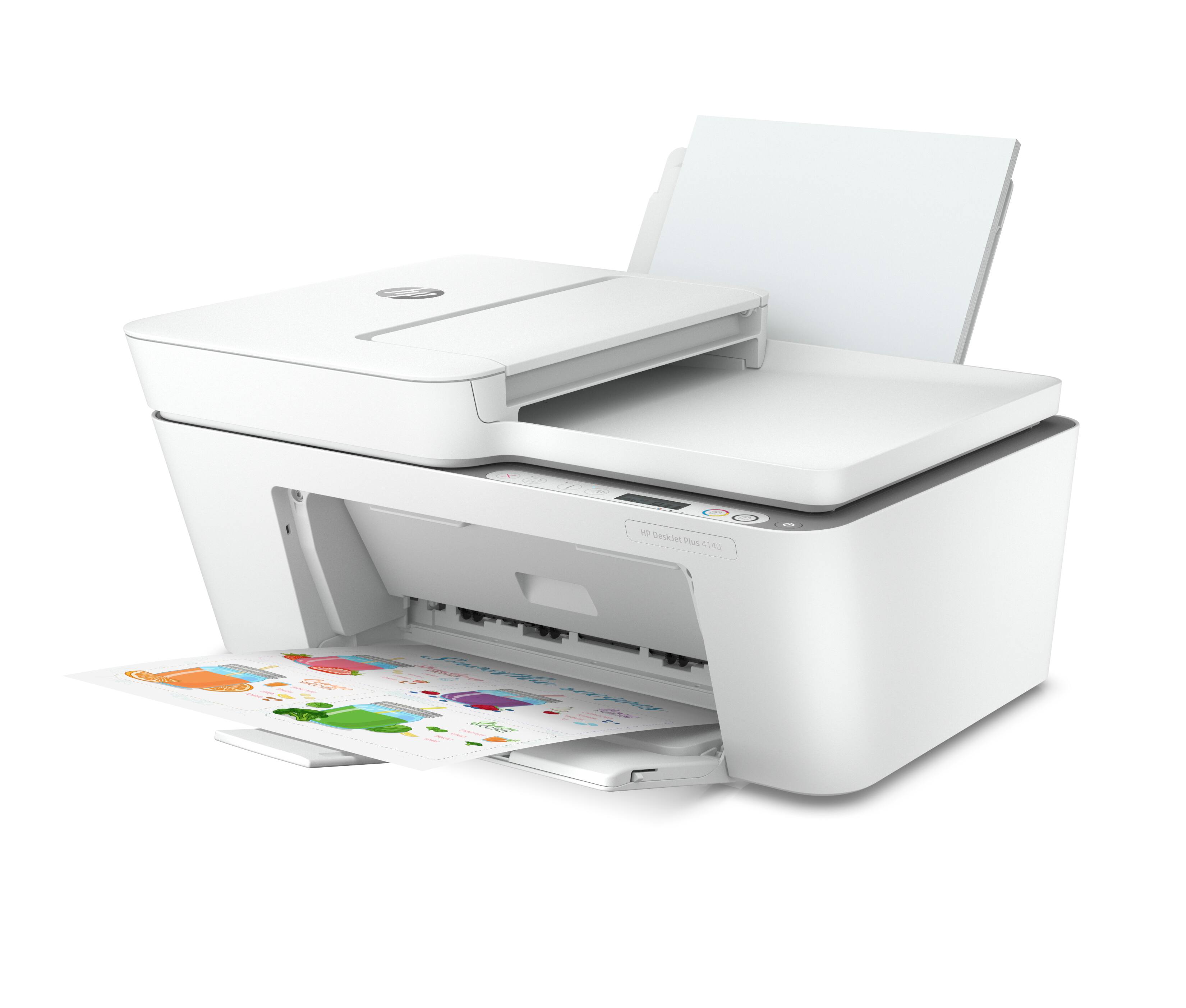
- DesktJet Plus 4140
- SKU:
- 6485536
Rating by feature
- Value
Rating 4.2 out of 5 stars
- Quality
Rating 4.1 out of 5 stars
- Ease of Use
Rating 4.0 out of 5 stars
Customers are saying
Customers regard the DeskJet Plus 4140 as an easy-to-use printer with excellent print quality. Many appreciate its affordable price and convenient wireless capabilities, including the ability to scan and print from mobile devices. The printer's compact size is also frequently praised. Overall, the feedback highlights the printer's value and user-friendliness.
This summary was generated by AI based on customer reviews.
Printer
||Posted . Owned for 3 weeks when reviewed.This reviewer received promo considerations or sweepstakes entry for writing a review.Excellent printer. It does everything i need it to do
I would recommend this to a friendGreat!
||Posted . Owned for 1 month when reviewed.This reviewer received promo considerations or sweepstakes entry for writing a review.works great for home use when working from home! very efficient
I would recommend this to a friendGet what you pay for
||Posted . Owned for 5 months when reviewed.This reviewer received promo considerations or sweepstakes entry for writing a review.Works, but only for bare necessities. Prints very slow, but makes copies and prints when in a pinch.
No, I would not recommend this to a friendA must buy!
||Posted . Owned for 1 week when reviewed.This reviewer received promo considerations or sweepstakes entry for writing a review.I bought this for my sister for her birthday and she loved it
I would recommend this to a friendNew printer
||Posted . Owned for 3 weeks when reviewed.This reviewer received promo considerations or sweepstakes entry for writing a review.Everything went very well very knowledgeable works great
I would recommend this to a friend1 word
||Posted . Owned for less than 1 week when reviewed.This reviewer received promo considerations or sweepstakes entry for writing a review.Run (sums this up) On the phone with tech support after billions of hours try to get through to tech support and there demanding model number or threatening to hand up them does even though I just bought it sane day. Printing 1 page takes hours and special me was trying to print duplex for 575 pages would take about 1 or 2 years to accomplish this. The agent had no clue and when spoke to manager was on the phone for almost 3 hours trying to fix paper getting stuck, only have page printing on top of manually duplex where you have to insert the next part of the page, the printing stopping half way for 20 minutes and flashing power light manager say its not supposed to do that press the power button. Ok I do and respond nothing happens. Randomly shutting off and manager advising tine to replace...
No, I would not recommend this to a friendcheap but not made for much paper storage
||Posted . Owned for 1 month when reviewed.This reviewer received promo considerations or sweepstakes entry for writing a review.there is no paper drawer the salesman was annoyed to answer questions i grabbed one he pointed out and left
No, I would not recommend this to a friendGood printing
||Posted . Owned for 1 month when reviewed.This reviewer received promo considerations or sweepstakes entry for writing a review.Great printer. Does the job very well, without issues.
I would recommend this to a friendOK for the price.
||Posted . Owned for 1 month when reviewed.This reviewer received promo considerations or sweepstakes entry for writing a review.A light weight. Hope it holds up. A little complicated to set up.
I would recommend this to a friendDisappointed
||Posted . Owned for 1 month when reviewed.This reviewer received promo considerations or sweepstakes entry for writing a review.The machine really doesn't do what I want it to do.
No, I would not recommend this to a friendBad Decision
||Posted . Owned for 8 months when reviewed.This reviewer received promo considerations or sweepstakes entry for writing a review.I wish that I never purchased this printer! Purchased the printer in December and have had issues ever since.
No, I would not recommend this to a friendlook out for this item
||Posted . Owned for 1 month when reviewed.This reviewer received promo considerations or sweepstakes entry for writing a review.it is not user friendly,where is scan button?will not comply with windows 10 to print to pictures or documents.the help is not helpful
No, I would not recommend this to a friendBrand response from HP Team
Posted .Hi there.
I’m sorry that your printer has failed to perform reliably and that you’ve not received the support you need. I can’t tell from your review what’s causing the printing difficulty that you describe, but I’ll nonetheless offer some resources that I hope will help you resolve the situation.
First, I suggest you visit a page on our support site that has diagnostic tools for various issues, including wireless connectivity, which might play a role in what you’ve encountered. Otherwise, on the same page you’ll find our Windows 10 Support Center for operating-system compatibility issues, and a general-purpose tool called the HP Print and Scan Doctor. If you use Windows, the tool will help identify and guide you through solutions to a wide range of common printing and scanning difficulties. You can find that page here:
- support.hp.com/us-en/topic/diagnostics
If any problem persists, I suggest that you contact us directly at +1 800-474-6836 so we can help you assess the situation and find the best course of action. (Please note that because of restrictions on personal movement and workplace attendance associated with the COVID-19 pandemic, wait times for agents are longer than normal. Thanks in advance for your understanding.) To expedite the process, I recommend gathering the following information before the call:
- Model number
- Serial number
- Your location
- Case number (from any previous contact with HP support)
Keith
HP Care
hp.com/support
Poor product
||Posted . Owned for 3 weeks when reviewed.This reviewer received promo considerations or sweepstakes entry for writing a review.It was not easy to set up and use. I have nothing good to say about the printer
No, I would not recommend this to a friendBrand response from HP Team
Posted .Hi there.
I’m sorry to learn that your printer was so difficult to set up. Your review is brief, but it’s no surprise that you feel put off here. I want to help you have a better experience with the printer from here forward, so I’ll direct you to some resources aimed at meeting that goal.
To learn more about your printer and all its features, or for help solving problems, you can access user manuals, how-to documents, troubleshooting guides and software updates here:
- support.hp.com/us-en/product/model/33238515
You can also visit a page on our support site that has diagnostic tools for various tasks and issues, including cartridge installation, print quality, operating-system compatibility and connectivity. There you can find a general-purpose tool called the HP Print and Scan Doctor. If you use Windows, the tool will help identify and guide you through solutions to a wide range of common printing and scanning issues. You can find the page here:
- support.hp.com/us-en/topic/diagnostics
If you need further assistance with anything, I suggest that you contact us directly at +1 800-474-6836 so we can help you assess the situation and find the best course of action. (Please note that because of restrictions on personal movement and workplace attendance associated with the COVID-19 pandemic, wait times for agents are longer than normal. Thanks in advance for your understanding.) To expedite the process, I recommend gathering the following information before the call:
- Model number
- Serial number
- Your location
- Case number (from any previous contact with HP support)
Keith
HP Care
hp.com/support
stay away
||Posted .This reviewer received promo considerations or sweepstakes entry for writing a review.not good printer, printing is off light and dark spots. hard to keep on the internet, stops letting my computer print. one minute it works next page will not work.
No, I would not recommend this to a friendTerrible wifi printing process
||Posted . Owned for 2 months when reviewed.This reviewer received promo considerations or sweepstakes entry for writing a review.Wifi printing is so complicated. Connecting to printer is always a problem. Makes you use their HP app which needs your location and is impossible to install on pc.
No, I would not recommend this to a friendBrand response from HP Team
Posted .Hi there.
I’m sorry to learn that your printer has failed to maintain a reliable wireless connection, and that you’ve experienced difficulty with the HP Smart App. I can wholly understand why this combination would quickly become aggravating. I want to help you remedy these problems, so I’ll provide some resources I hope will reach that end.
First, I recommend you visit a page on our support site that has diagnostic tools for various issues, including wireless connectivity. You can find that page here:
- support.hp.com/us-en/topic/diagnostics
You might also gain useful information by following a guide on our support site to installing and using the HP Smart App, especially the FAQ portion, which covers common questions as well as difficulties users have encountered. Choose the link to whichever document matches your operating system:
- Windows 10: support.hp.com/us-en/document/c04675142
- Mac OS: support.hp.com/us-en/document/c06188214
- Android and iOS: support.hp.com/us-en/document/c03561640
If any problem persists, I suggest that you contact us directly at +1 800-474-6836 so we can help you assess the situation and find a solution. (Please note that because of restrictions on personal movement and workplace attendance associated with the COVID-19 pandemic, wait times for agents are longer than normal. Thanks in advance for your understanding.) To expedite the process, I recommend gathering the following information before the call:
- Model number
- Serial number
- Your location
- Case number (from any previous contact with HP support)
Keith
HP Care
hp.com/support
- Pros mentioned:Ease of use
Cheap Printer
Posted .This reviewer received promo considerations or sweepstakes entry for writing a review.The printer is cheaply made of plastic. Very fragile. Set up is easy. Minimal instruction provided. Was able to connect two laptops and cellphones to print via Wi-Fi. Once you press the On button, it would not turn off unless you unplug the cord. Pressing the On button again only makes it blink and the entire printer freezes. The HP Smart app will show the printer status as Unknown. No outlet to connect to a phone jack to send fax. Digital documents only.
No, I would not recommend this to a friendBrand response from HP Team
Posted .Hi, Fred.
I’m sorry to hear that your printer has performed so poorly. While I’m glad that setup was easy, I can certainly see why a malfunctioning power button and problematic usability of the HP Smart App would be tremendously frustrating. I want to help you resolve the situation, so I’ll provide a resource and some information aimed at making that happen.
I can’t tell why your printer has performed this way, but the power button issue concerns me especially. I recommend that you contact us directly at +1 800-474-6836 so we can help you assess the situation and find the best course of action. (Please note that because of restrictions on personal movement and workplace attendance associated with the COVID-19 pandemic, wait times for agents are longer than normal. Thanks in advance for your understanding.) To expedite the process, I recommend gathering the following information before the call:
- Model number
- Serial number
- Your location
- Case number (from any previous contact with HP support)
I'll also mention that HP printers have a one-year warranty from their purchase date that covers hardware as well as ink supplies, so if it comes to that, you might consider making use of it. You can verify the warranty using the following link:
- support.hp.com/us-en/checkwarranty
Keith
HP Care
hp.com/support
- Pros mentioned:Print quality
Print while on Vacation
Posted .This reviewer received promo considerations or sweepstakes entry for writing a review.I purchased this printer for a condo in FL where we are for the Winter months. Previously I would just wait to print until I got home but this has been wonderful to have down here. It does a great job. The only thing I wish I had thought of would be the ability to print on both sides.
I would recommend this to a friend Don't waste your money - total junk printer
Posted .This reviewer received promo considerations or sweepstakes entry for writing a review.Absolute junk, lasted less than a year and was hardly used at all. No more HP printers for me.
No, I would not recommend this to a friend- Pros mentioned:Ease of use
my HP Deskjet Plus 4140
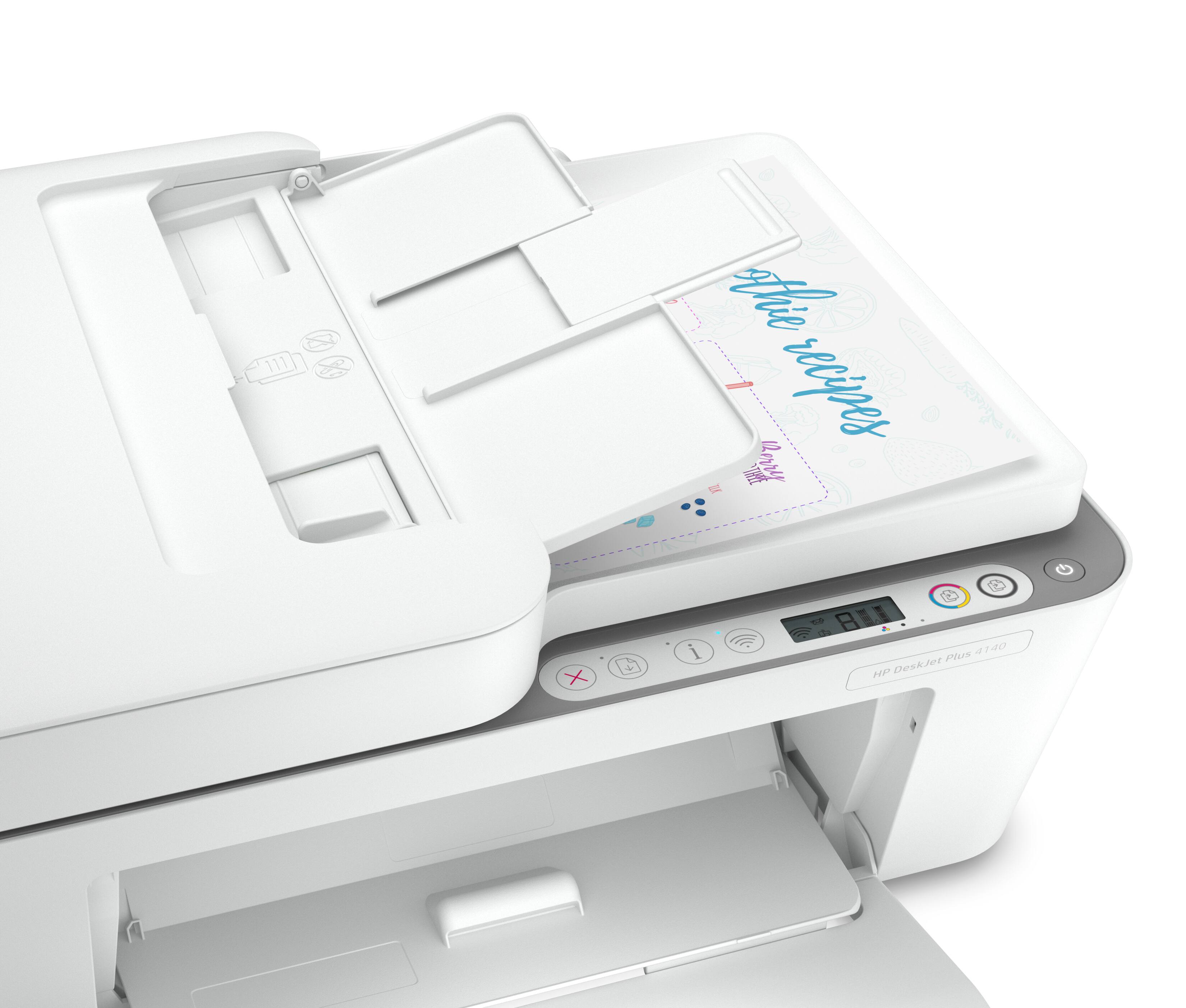
Posted .This reviewer received promo considerations or sweepstakes entry for writing a review.Great machine ...excellent value...easy to navigate control panel...easy to set up
I would recommend this to a friend - Pros mentioned:Print quality
Paper Feed Issues
Posted .This reviewer received promo considerations or sweepstakes entry for writing a review.Paper feed issues, have to print one page at a time while standing over the printer. Bad feed design, would not buy this HP model. When it does print, it is good enough from a $100 printer, text and images are fairly standard quality. I was very disappointed in this HP model.
No, I would not recommend this to a friendBrand response from HP Team
Posted .Hi there.
I’m sorry to hear that your printer has not properly fed paper through to print. I can easily understand why the process you describe of feeding single sheets would quickly become exasperating, especially if multiple-page print jobs are a big part of why you bought the device. I want to help you remedy this problem. I hope the resources below will make that happen.
First, I just checked the product specifications for this printer, and the document feeder has a capacity of 35 sheets. I recommend you follow the steps in this guide to document feeders that pull through too many pages at once or fail to pick up paper at all:
- support.hp.com/us-en/document/c01728503
If the problem persists, I suggest that you contact us directly at +1 800-474-6836 so we can help you assess what’s happening and find the best path to resolution. (Please note that because of restrictions on workplace attendance associated with the COVID-19 pandemic in some areas, wait times for agents are longer than normal. Thanks in advance for your understanding.) To expedite the process, I recommend gathering the following information before the call:
- Model number
- Serial number
- Your location
- Case number (from any previous contact with HP support)
I'll also mention that HP printers have a one-year warranty from their purchase date that covers hardware as well as ink supplies, so if it comes to that, you might consider making use of it. You can verify the warranty using the following link:
- support.hp.com/us-en/checkwarranty
Keith
HP Care
hp.com/support