Customer Ratings & Reviews






- Model:
- DJ 2855E/588S5A#B1H
- SKU:
- 6574145
Rating by feature
- Value
Rating 4.4 out of 5 stars
- Quality
Rating 4.3 out of 5 stars
- Ease of Use
Rating 4.2 out of 5 stars
Customers are saying
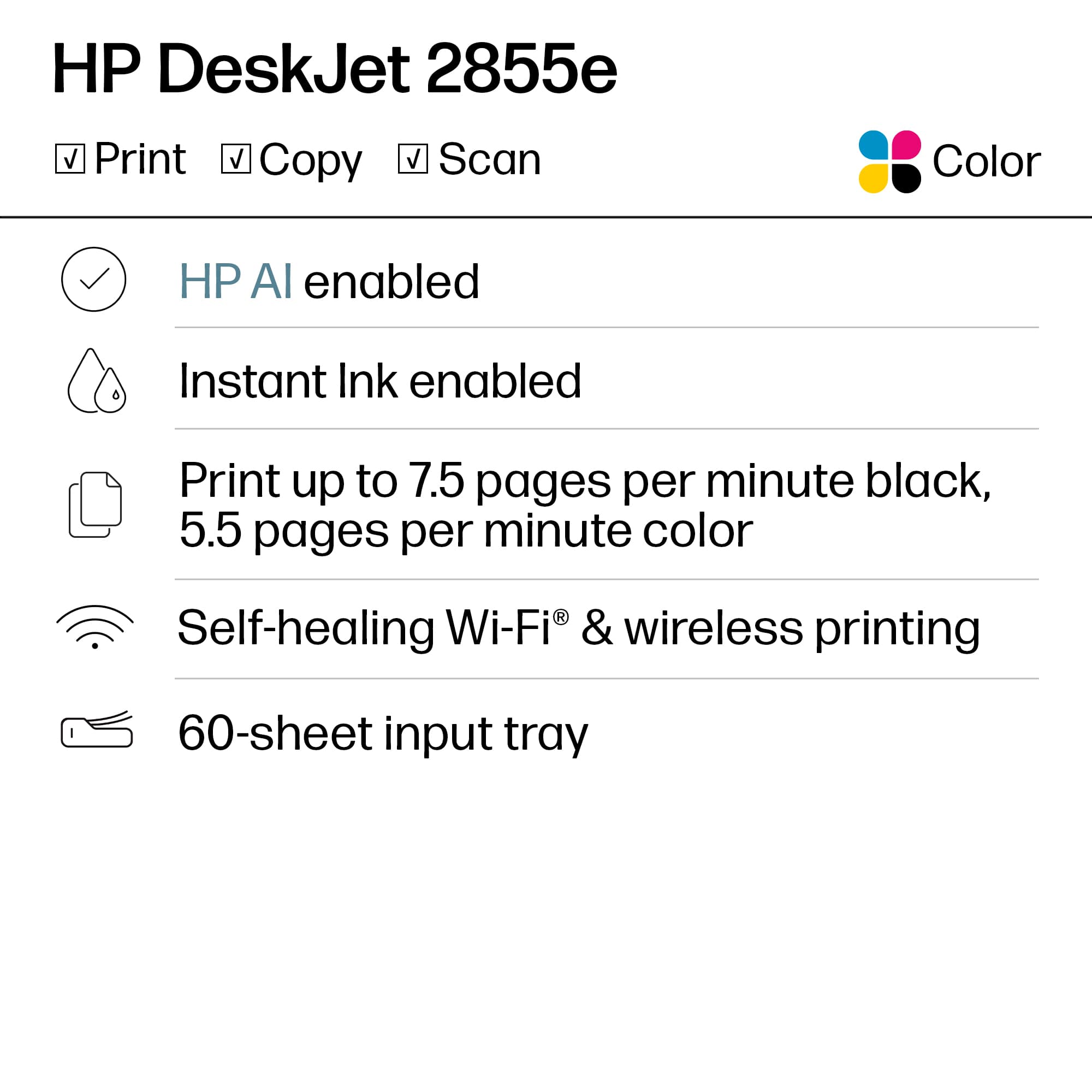
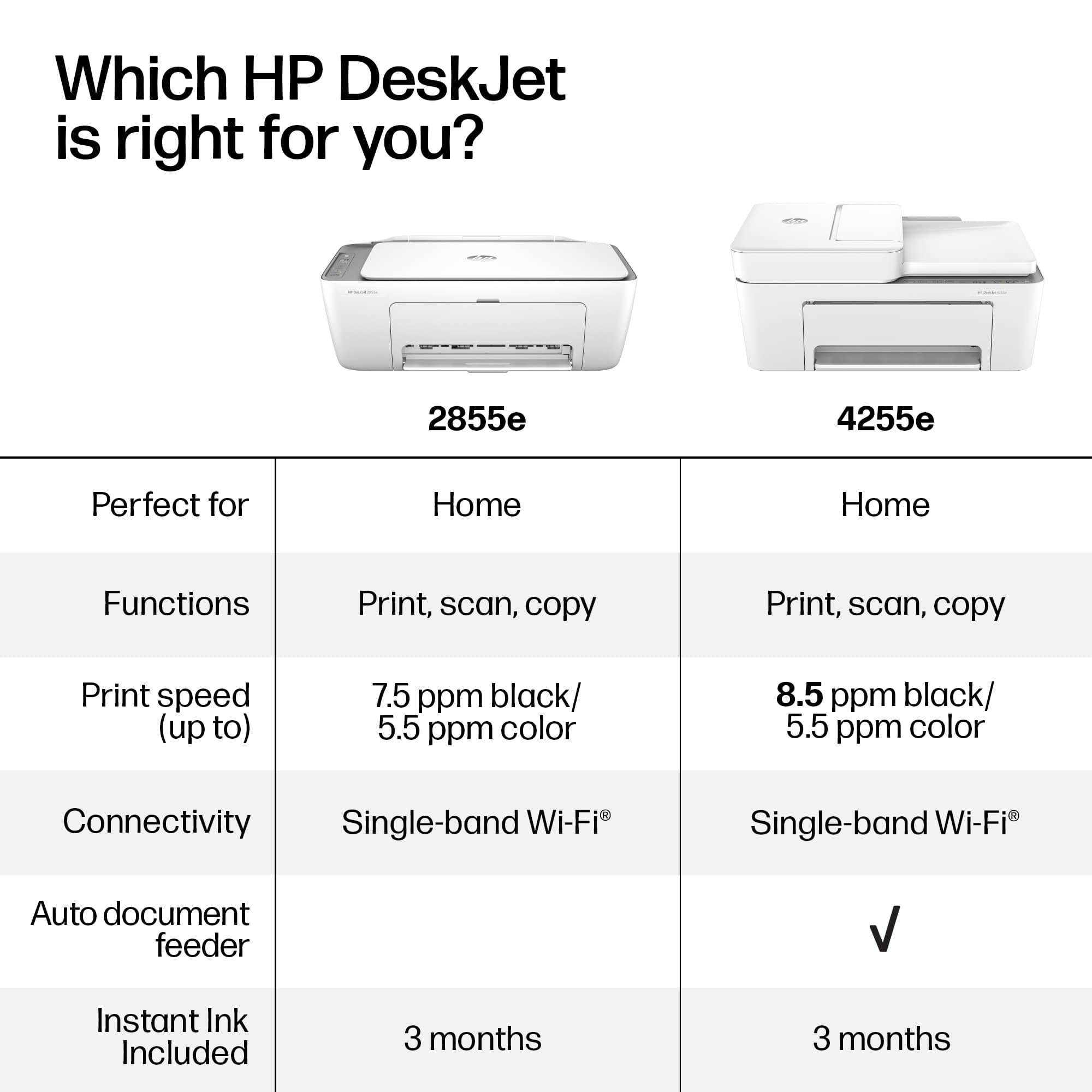
Customers often highlight the DeskJet 2855e for its ease of use, overall performance, and print quality. Its compact size and straightforward setup are also appreciated, along with its wireless connectivity. Users find the printer to be quiet, lightweight, and a great value for the price.
This summary was generated by AI based on customer reviews.
- Pros mentioned:Print quality

Simple printer for basic needs
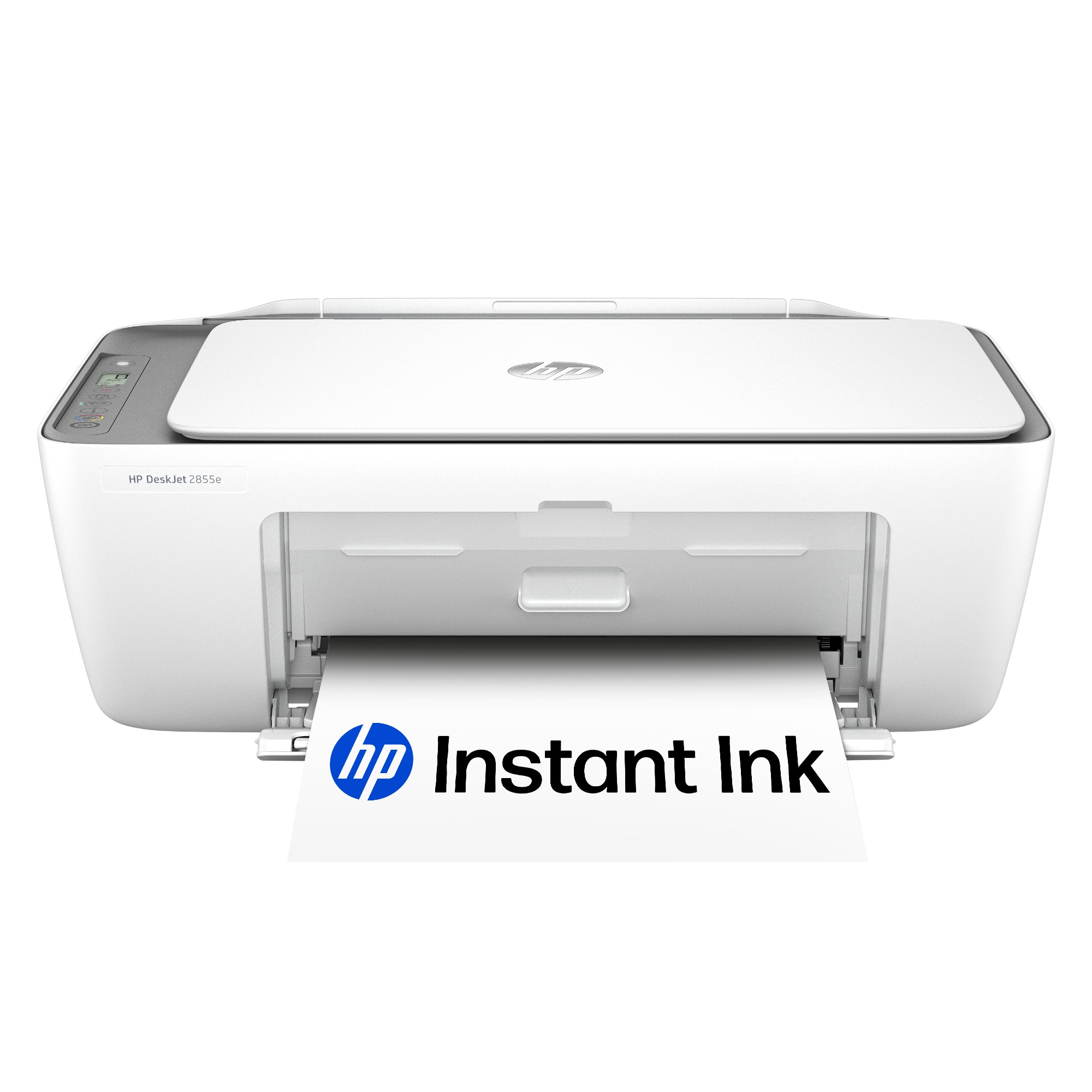
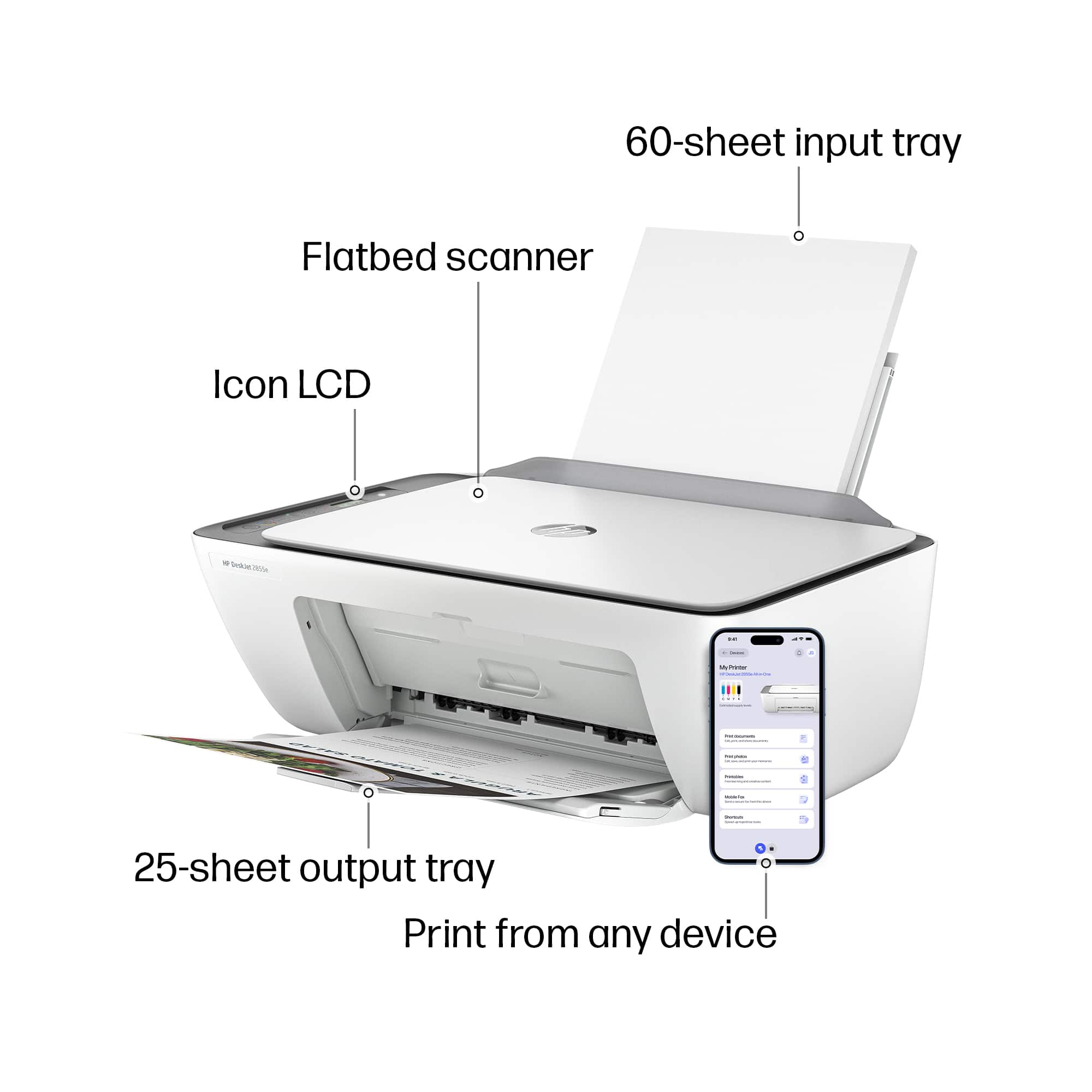
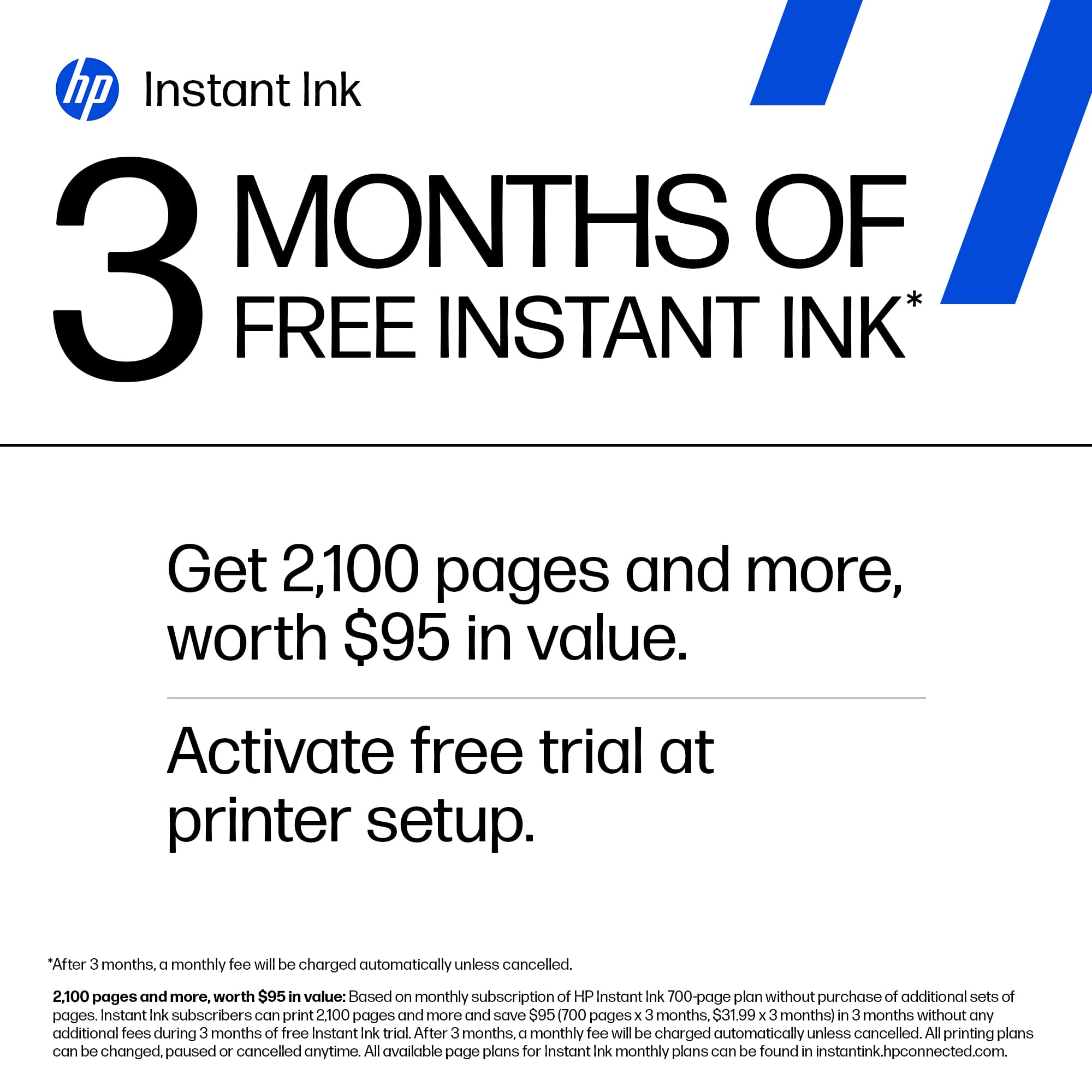
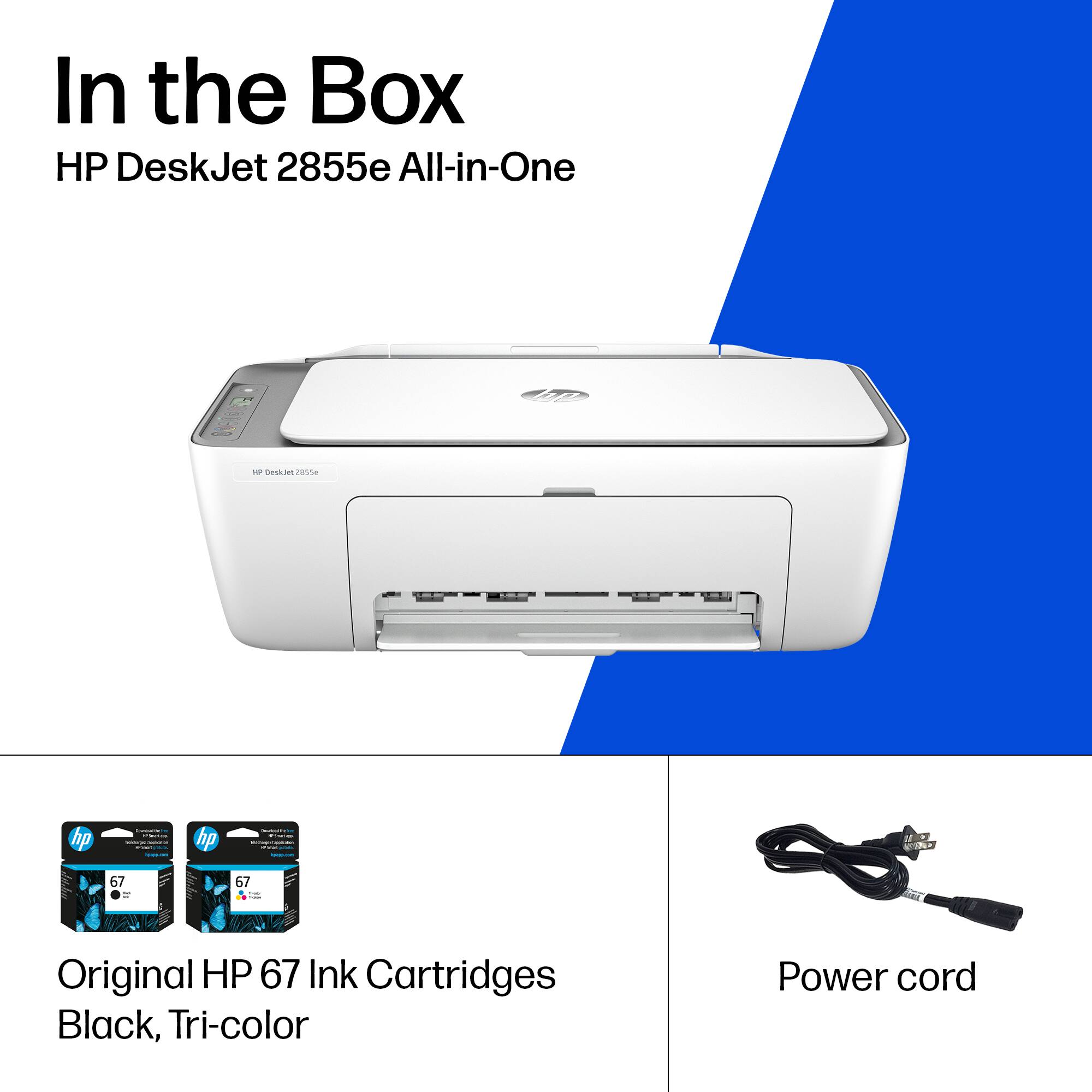
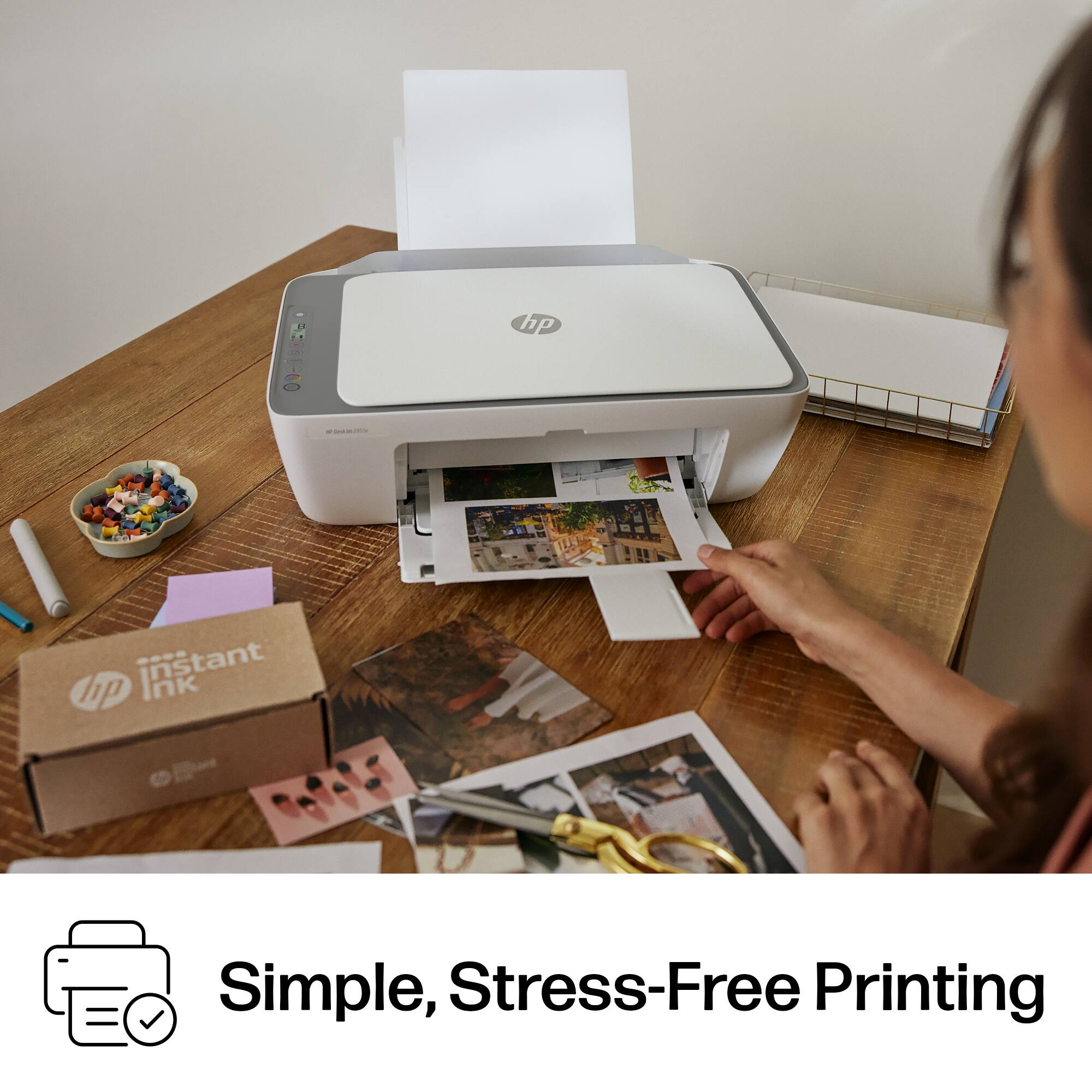
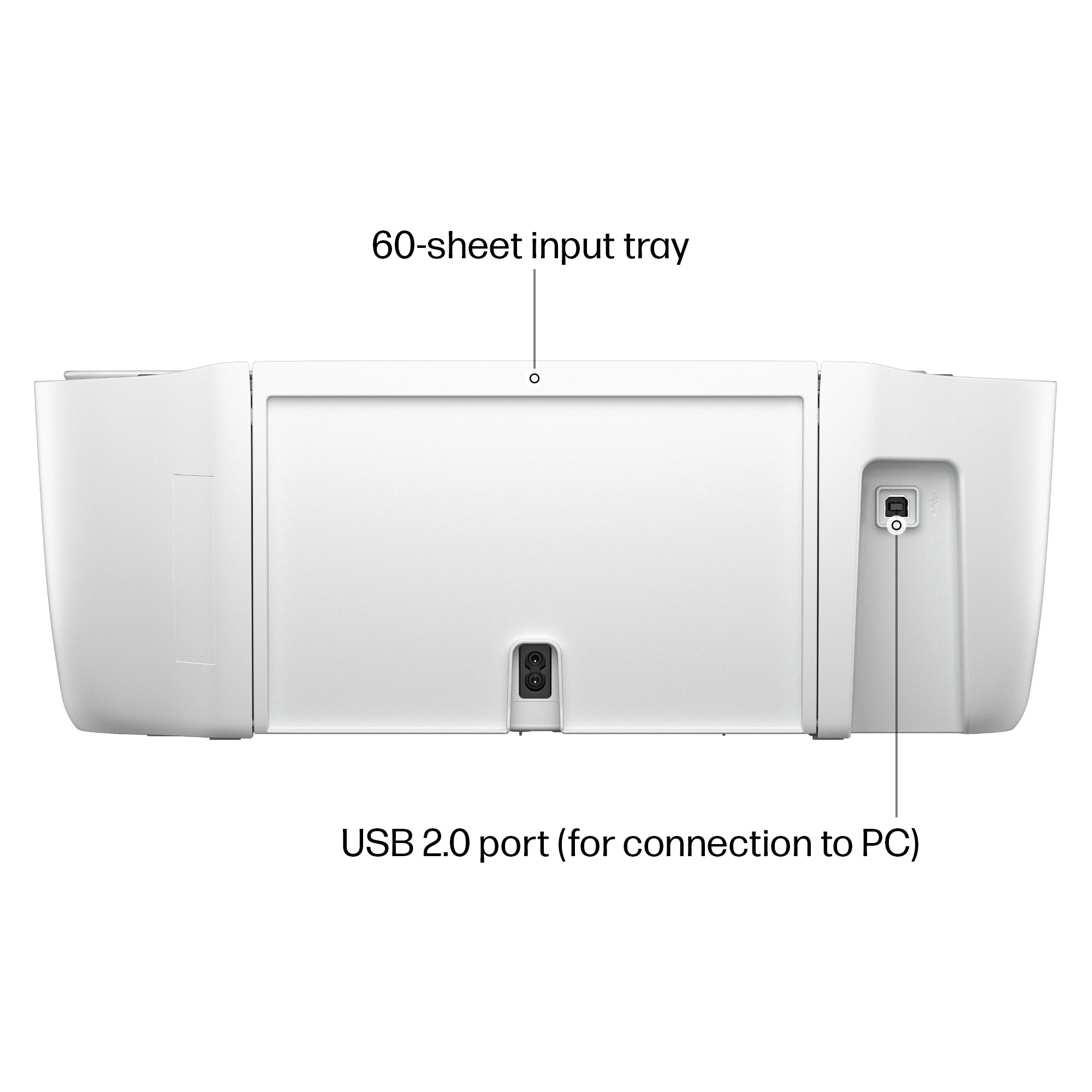
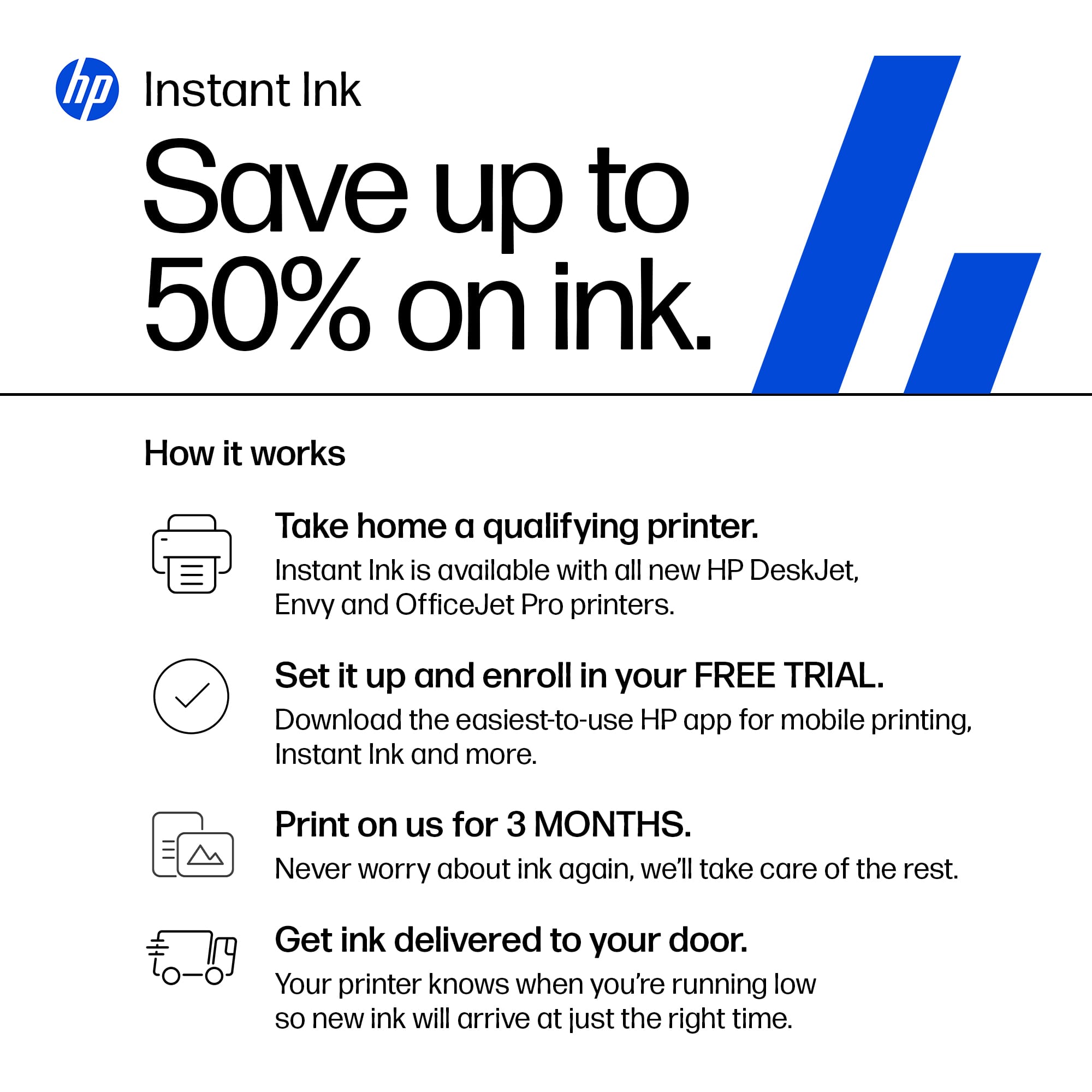
|Posted .This reviewer received promo considerations or sweepstakes entry for writing a review.The HP DeskJet 2855e Wireless All-In-One Inkjet Printer is a basic, lightweight printer for your everyday needs. It does print, copy and scan. The setup is super easy and MUST be done by downloading the HP Smart app found at 123.hp.com. From there, just follow the prompts to set yourself up on your wifi and finish setup. This printer does not have a typical paper "tray" - the paper only loads from the rear. The ink installation was a bit confusing for me as I have never seen a ink access door before. I am used to the top of the printer opening up. You have to bend over to see inside the access door and figure out which ink cartridge goes in which spot. There is a multi-color cartridge and a black one - what comes with the printer are "starter" ink cartridges, so be prepared to get ink sooner rather than later. Another confusing thing is the HP Instant Ink. When you sign up for this subscription service they monitor your ink usage and send ink when they see you are getting low. There is a monthly fee for this based on your best guess of how many pages you will use each month. The box states you will get 3 months free Instant Ink to start, but once setup, it showed me I have access to only 2 months of free Instant Ink. I declined to sign-up at that point. Also, HP will update your printer automatically to make certain you are not using any ink other than genuine HP ink cartridges. It is my understanding that you can, however, refill the HP ink cartridges. As for the print quality, I would say that printing is absolutely acceptable, but it is slow. Oh, another quick point, this printer does NOT offer duplex printing. If you want to print on the back side of a paper, you must do that manually. Copying is a different story - the copy quality is much inferior to the printing. It is not nearly as dark in copy mode. There are some environmentally sound things HP has done with this printer: it is made with 60% recycled plastic; it is Energy Star and EPEAT certified. All in all, I would say this HP DeskJet 2855e Wireless All-In-One Inkjet Printer would be useful for those using it infrequently or possibly school age children who wouldn't necessarily need duplex printing. It is quite basic but the printing quality is acceptable. I would recommend it based on its simplicity and print quality.
- Pros mentioned:Ease of use, Size
Perfect Printer for Home Office
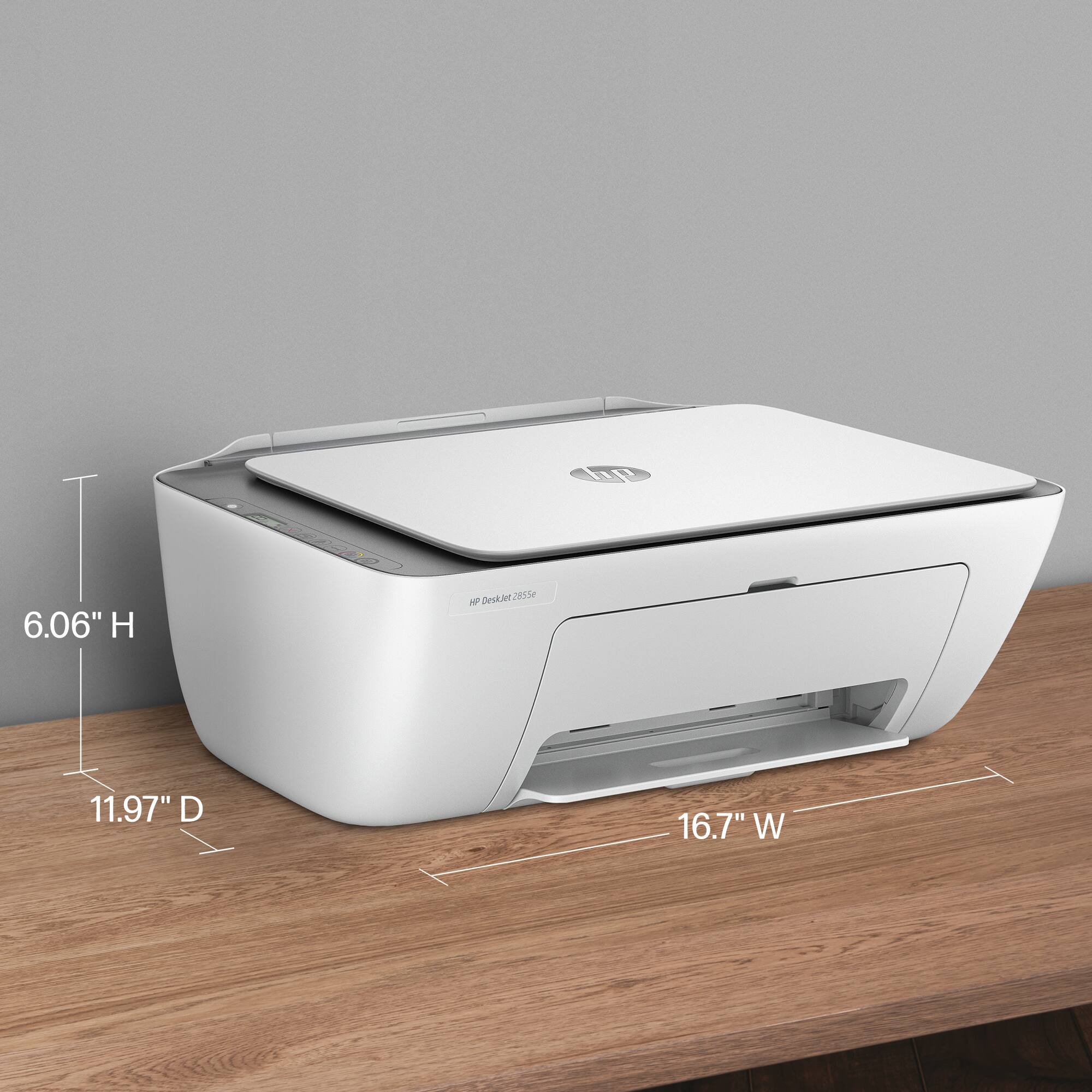
Posted .This reviewer received promo considerations or sweepstakes entry for writing a review.I love this printer. It fits on my desk and I have easy access to scan documents and print documents with ease. I love the wireless aspect and I have it set up where if my ink is low HP will send me new ink.
I would recommend this to a friend - Pros mentioned:Print quality
Low-end basic printing
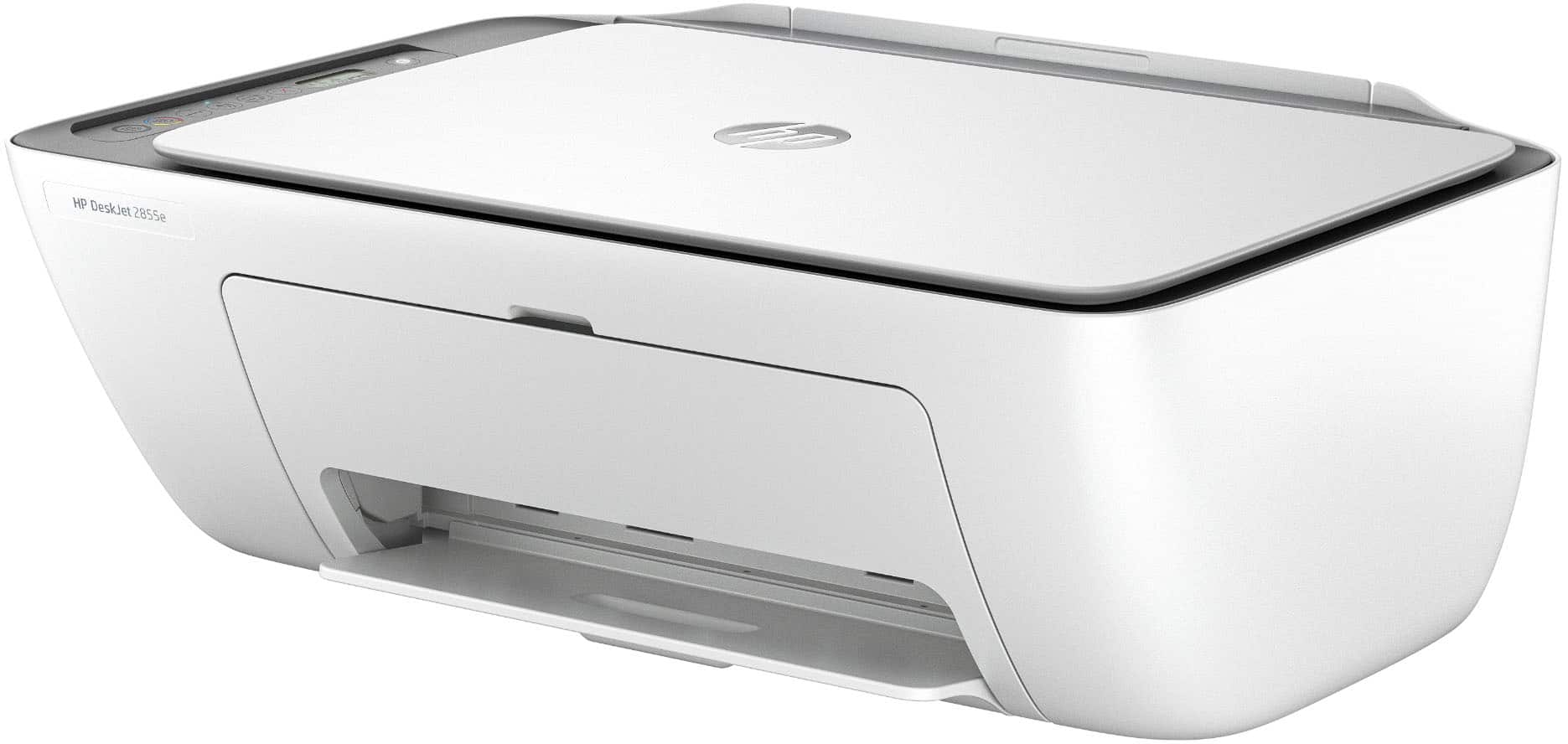
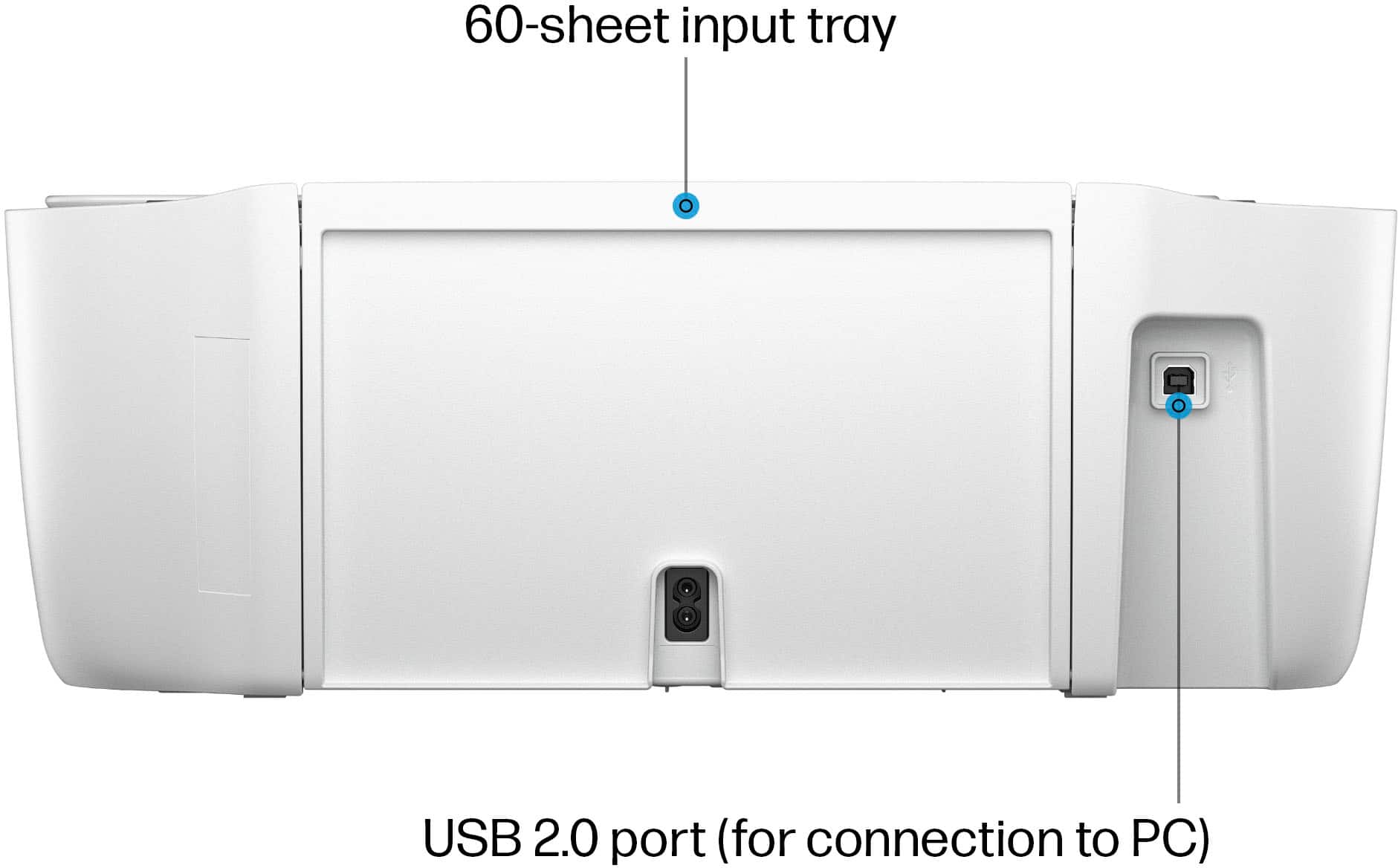
|Posted .This reviewer received promo considerations or sweepstakes entry for writing a review.I was looking for a very basic printer for my daughter to use for schoolwork. I have a business-class color laser printer, but I don’t like her using it due to the cost of toner, plus it’s in my work-from-home office and I don’t need any distractions. This printer looked like a good option as it has a small footprint, includes a scanner, and the ink is not terribly expensive. The printer does look nice. It’s very modern looking with simple control buttons. I like that it uses an AC power cord instead of having to deal with an external transformer “brick”. It has a USB connector for direct connection to a PC, and that’s what I thought I’d use so that it wasn’t taking up any Wi-Fi bandwidth. Unboxing and physical setup was easy, but getting it up and running was not. While I really like HP equipment and I have a laptop and two desktops, I have never been a big fan of HP printers. They just don’t seem to be competitive in terms of value and quality. For this one, I think it’s a good value and the quality is reasonable for the price, but HP has done something that I just find unforgivable. Specifically, they require a smartphone app for setup. Instead of just being able to plug the printer into the computer and go, it seems to require configuration via the app, and of course that process is full of plenty of advertisement for automatic ink re-ordering. I know that the app can offer a good setup experience, but I am a bit old-school and prefer that this be done on my PC. Also, I had several issues with the app and printer communicating and completing the setup. It finally worked, but it was much more trouble than it was worth. As for print quality, it’s decent. The output is very good and on par with other inkjet printers I’ve used. Photo quality is not great. It’s OK for kids wanting to print out pictures to stick to a bulletin board, but that’s about it. Photos are very slow to print and not worth the wait. Printing text documents and simple graphics, it does a good job and is reasonably fast. It is noisy and shakes a lot during printing. The scanner is slow and the quality is not great. It’s probably best for making a quick copy and not for scanning photos. The paper feeder claims it holds 60 sheets, and that’s about right, but the output tray will begin to balk at more than 12 pages. It will push existing pages out of the tray and so you loose collation. Overall, this is a typical low-end inkjet that’s acceptable for printing simple documents. Its best features are its size and price, but when required to deal with HP’s confound “app” and lots of compromises, there are likely better choices, especially if you are willing to spend maybe $30 more.
No, I would not recommend this to a friend - Pros mentioned:Ease of use
Great basic printer
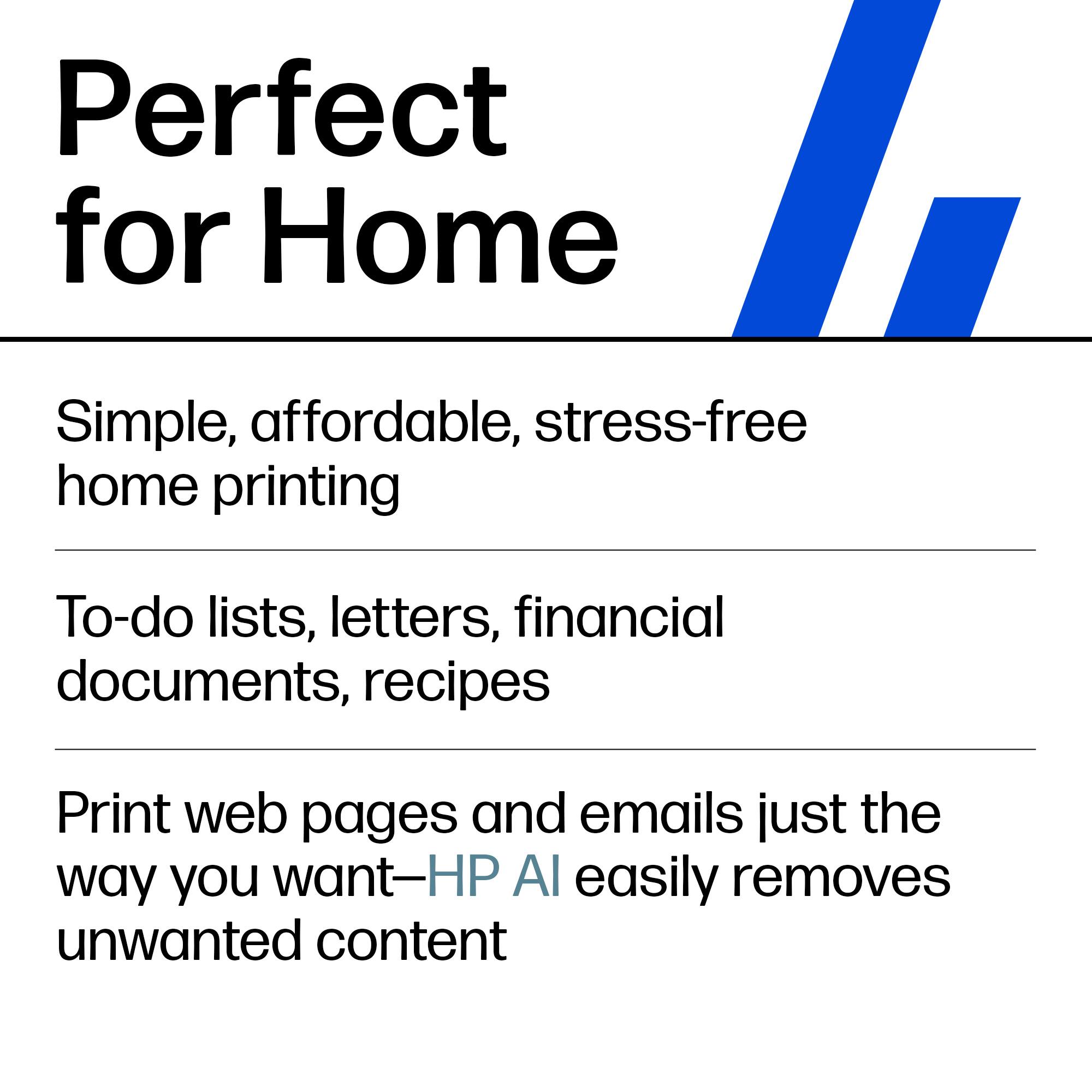
|Posted .This reviewer received promo considerations or sweepstakes entry for writing a review.This is a great basic printer. My son recently has gotten into drawing and coloring more. I wanted something easy to use and could connect to my phone easily to print things quickly. He loves those books that teach you step by step to draw and has had fun tracing various things. It's been easy to find random coloring pages for him that relate to his interests and print them to keep him busy throughout the day now that school is out. The scanner seems to work OK, we've been using it to scan some of his drawings and I'd eventually like to make a slideshow or some type of digital way for him to keep his designs longterm. I feel like this is easy enough for just about anyone to use and loved that I could complete setup from my phone and not have to rely on my computer for those steps. I'm interested to see how long it takes before we need refills but if you want easy this is a great basic printer. It's probably not meant for office use if you would need tons of copies but for a home printer it gets the job done.
I would recommend this to a friend - Pros mentioned:Ease of use
found value with quality in 2025
Posted .This reviewer received promo considerations or sweepstakes entry for writing a review.does exactly what we need. excellent price, easy purchase and shipping. set up with good instructions. compact,quiet, simple and easy to use.
I would recommend this to a friend - Pros mentioned:Ease of use, Print quality
Excellent little printer
Posted .This reviewer received promo considerations or sweepstakes entry for writing a review.Love my new printer. Very easy to set up. Prints very well. Despite reviews saying otherwise I felt sample ink was definitely enough to get you started.
I would recommend this to a friend - Pros mentioned:Print quality
Looks Good But Look Elsewhere for a Printer
|Posted .This reviewer received promo considerations or sweepstakes entry for writing a review.The HP DeskJet 2855e seemed like it would be the perfect home all-in-one printer. It can print in black/white and color, scan and copy. Supports a wireless connection in addition to USB and looks compact and sleek. Best of all, it even comes with 3 months of free ink! On paper and in person, this printer looks great. Unfortunately, that's literally the case. When it comes to actual use, one starts to discover a bunch of gotchas. The first came with setting up the printer. Unboxing and getting things ready for wireless pairing is pretty straightforward. There isn't much here, just the printer and the protective plastic and a power cable. With no touchscreen, you're relying on the HP Smart app to configure the printer. No biggie though I don't really like vendor lock-in. While technically, this doesn't need to phone home to HP to work, if in the future, I change wifi and HP is out of business, I'm stuck with the less secure wifi direct connection method. Anyway, the pairing process failed on the first and second attempt. Guess the third time was the charm. In the process, I discover that the printer can only connect to 2.4Ghz networks. This is a limitation that I see on really small/cheap electronic devices or old ones. To be fair, this is a compact and cheap printer. In any case, I didn't think too much of it until my test print came out bad. Not slightly misaligned, but quite noticeably so. Hmm, ok, there's some calibration buried in the HP Smart menu which got things better. Noticeable on some prints, but ok. Maybe don't print 20 copies of your resume (print 30, then select the best 20). At this point, I've printed a bunch of things just in black and white. Checking out the ink level in the app, I see that I'm already around 75-80%. Hmm. I tried out a few color prints. They're of ok quality thought the paper definitely gets saturated if there's a lot of solid color. While print speed isn't that fast, and honestly, I don't care too much about waiting a minute for 6 pages, it seems like with this you'd want to avoid printing color photos back to back unless you're going to grab them immediately so the pages don't stack and potentially stick together. So, while I feel fine about the print quality, I also see why HP right out of the gate is offering 3 free months of ink. At first I thought it was a gimmick, how am I going to use up enough ink where I'd be replacing any cartridge in 3 months. But if you have kids at home that still need to submit printed assignments or in generally are printing regularly for things in the home, you're likely going to actually be able to cash in on the offer. So, at the end of the day, the printer functions. It can be set up, calibrated, and it works. But your router needs to support 2.4Ghz mode, you likely can't place this as far away as other devices, and you will burn through ink (I found in the manual that HP recommends powering off the printer when not in use to save toner).
No, I would not recommend this to a friend - Pros mentioned:Ease of use, Overall performance
Must Buy
Posted .This reviewer received promo considerations or sweepstakes entry for writing a review.Printer works great easy to set up great offers on ink
I would recommend this to a friend Difficult to set up, but does the job once up
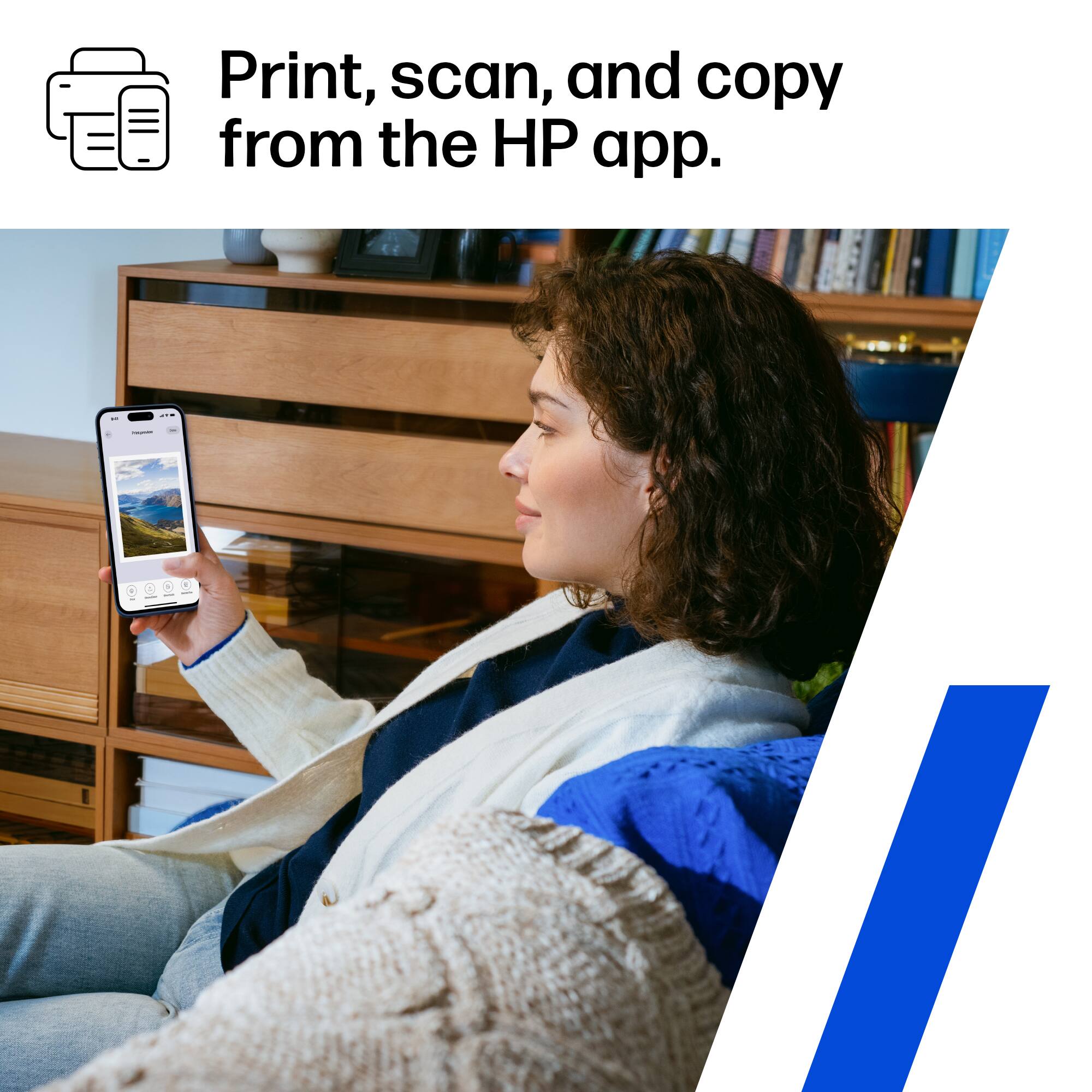
|Posted .This reviewer received promo considerations or sweepstakes entry for writing a review.This is the type of set up for a printer that you would think on the surface would be a breeze. You can do everything through your smartphone, so you don't even have.to fire up your PC. Set up wasn't so easy, however. The app used for set up kept hanging on me and then, for some odd reason, my WiFi simply wouldn't cooperate with this printer. After resting, resubmitting passwords and unplugging, somehow it finally all came together. It was very frustrating The printer, once up and running will do your basics. Every process seems to take a while to get.going and the printing is a little on the slow side. Basic enough for occasional home use, but this wouldn't be a good printer/scanner for frequent use. I do like that I don't have to use my PC to print and can just use my phone. If you ever run into any issues, the app is helpful and will probably be your solution, even for ink maintenance. So overall, you get what you pay for. This is a fairly basic printer/scanner that will deliver what you would expect.from this price.poimt.
I would recommend this to a friendGood budget printer
|Posted .This reviewer received promo considerations or sweepstakes entry for writing a review.Summary ------- Perfect companion for zoom calls when you are working from home. Sometimes when you are using headphones like the airpods or any other true wireless headphones, these are really geared towards music rather than phone calls. The other party can always hear background noise and also the volume is not that clear. its always better to use dedicated headphones for calls. If you work from home or are hybrid, and you dont want to be stuck to the desk on a wired headphone, this is it. Pros ---- 1. Excellent noise cancelling 2. super range, i can walk around with this while connected to the phone or laptop 3. wife range Bluetooth 4. long battery life and standby Cons ---- 1. which they could make the Jabra elite headphones sound like this Details -------- I charged this fully before use. Its easy pairing for the laptop or the phone. The call quality is excellent, and it is a super good range. I can be connected to a computer at 2nd level and still walk over to 1st level and be well connected. The rated battery is 14 hours and standby is 17 days. I think the battery will last close to 12-13 hours. Overall i think for office calls, it is a good buy
Great buy!
Posted .This reviewer received promo considerations or sweepstakes entry for writing a review.Easy wireless set up ! Came with ink carts. Great bang for the buck! Just what I needed
I would recommend this to a friend- Pros mentioned:Ease of use
great printer & scanner !!
Posted .This reviewer received promo considerations or sweepstakes entry for writing a review.the order was processed and ready to go in a fast and timely manner. easy set up.
I would recommend this to a friend - Pros mentioned:Ease of use
Nice printer
Posted .This reviewer received promo considerations or sweepstakes entry for writing a review.very easy to use both wireless and hard wire great for low usage people like my self just personal not business
I would recommend this to a friend - Pros mentioned:Ease of use
Priced right and works well.
Posted .This reviewer received promo considerations or sweepstakes entry for writing a review.Priced right and works well. All features work out of the box. Easy setup.
I would recommend this to a friend wireless AIO HP Deskjet
Posted .This reviewer received promo considerations or sweepstakes entry for writing a review.Happy with the printer, easy set up for wireless. I would recommend.
I would recommend this to a friend- Pros mentioned:Ease of use
Perfect printer
Posted .This reviewer received promo considerations or sweepstakes entry for writing a review.Exelent,very fast,work with wifi,an is esay for use
I would recommend this to a friend Fast and easy!
Posted .This reviewer received promo considerations or sweepstakes entry for writing a review.Easy set up and great price. It came right to my door. Loved making this purchase.
I would recommend this to a friendShort life.
Posted .This reviewer received promo considerations or sweepstakes entry for writing a review.Worked well I would say for a solid year. After wards just would not print properly. I did everything from cleaning it from the inside, realigning and ensuring it had new cartridges but just no longer worked at all. Customer service was very difficult to navigate when trying to address the issue. It's an affordable printer but it mat be worth spending more to get something that will last longer.
No, I would not recommend this to a friendBuy this now!
Posted .This reviewer received promo considerations or sweepstakes entry for writing a review.Very happy with the printer! Photographs look great and love the 3 months of ink!
I would recommend this to a friend- Pros mentioned:Ease of use
Feels like a scam
Posted .This reviewer received promo considerations or sweepstakes entry for writing a review.Honestly, the price and ease of use are incredible with this printer. However, I keep getting billed for instant ink, even though I haven’t used this printer in a long time and have canceled the subscription. Quite annoying, I would recommend getting a slightly more expensive printer that does not require some sort of subscription service.
No, I would not recommend this to a friend