Customer Ratings & Reviews





- Model:
- DJ 4255E/588S6A#B1H
- SKU:
- 6575024
Rating by feature
- Value
Rating 4.4 out of 5 stars
- Quality
Rating 4.3 out of 5 stars
- Ease of Use
Rating 4.2 out of 5 stars
Customers are saying
Customers find value in the DeskJet 4255e printer's overall performance and print quality, noting its ease of use and simple setup. The printer's connectivity and compact size are also appreciated. Its design and quiet operation are additional benefits for users.
This summary was generated by AI based on customer reviews.
Printer
||Posted . Owned for 1 month when reviewed.This reviewer received promo considerations or sweepstakes entry for writing a review.Love it but it shuts itself off after every use. Haven't been able to figure it out
I would recommend this to a friend- Pros mentioned:Print quality
HP Printer
||Posted . Owned for 3 weeks when reviewed.This reviewer received promo considerations or sweepstakes entry for writing a review.It's all going smoothly and easy. Good print out, easy scanned and quick copier
I would recommend this to a friend - Cons mentioned:Connectivity
Constant Connectivity issues
||Posted . Owned for 1 year when reviewed.This reviewer received promo considerations or sweepstakes entry for writing a review.I got this printer for my business and this printer has been giving us connectivity issues since we got it. I have a windows 11 desktop and apparently this is a common issue. I wouldn’t recommend it.
No, I would not recommend this to a friend Fantastic printer
||Posted . Owned for 1 week when reviewed.This reviewer received promo considerations or sweepstakes entry for writing a review.Great printer for a low price I replaced an older hp printer with this one it’s a great printer for under a 100 dollars
I would recommend this to a friendHp printer
||Posted . Owned for 3 weeks when reviewed.This reviewer received promo considerations or sweepstakes entry for writing a review.I currently own a HP computer, so went with matching HP printer so far so good have only used it a few times
I would recommend this to a friendHP printer
||Posted . Owned for 3 weeks when reviewed.This reviewer received promo considerations or sweepstakes entry for writing a review.When I went to Best Buy for the printer, salesman was very helpful. Thank you.
I would recommend this to a friend- Pros mentioned:Ease of use, Print quality, Setup

Excellent Office/Home Budget Printer
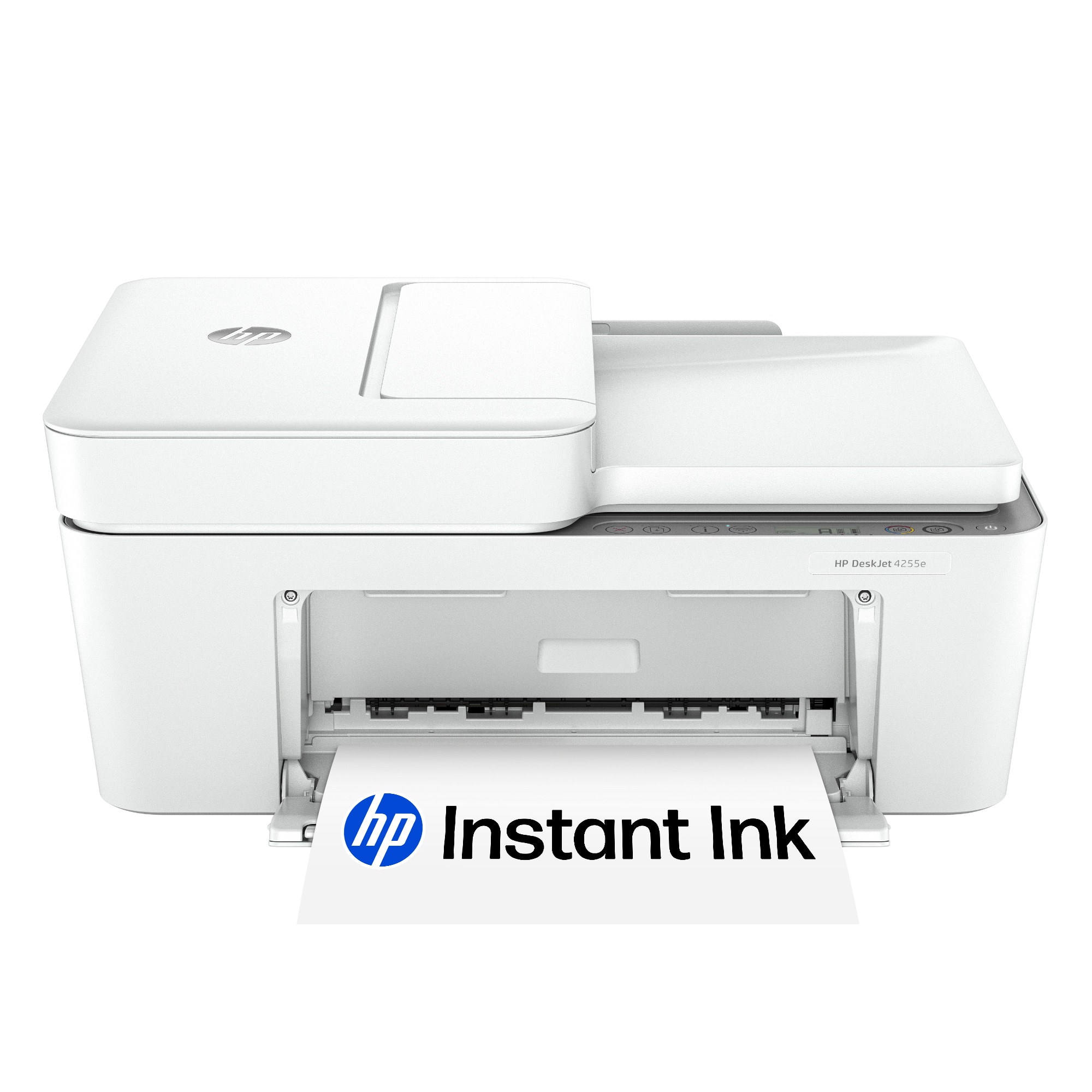
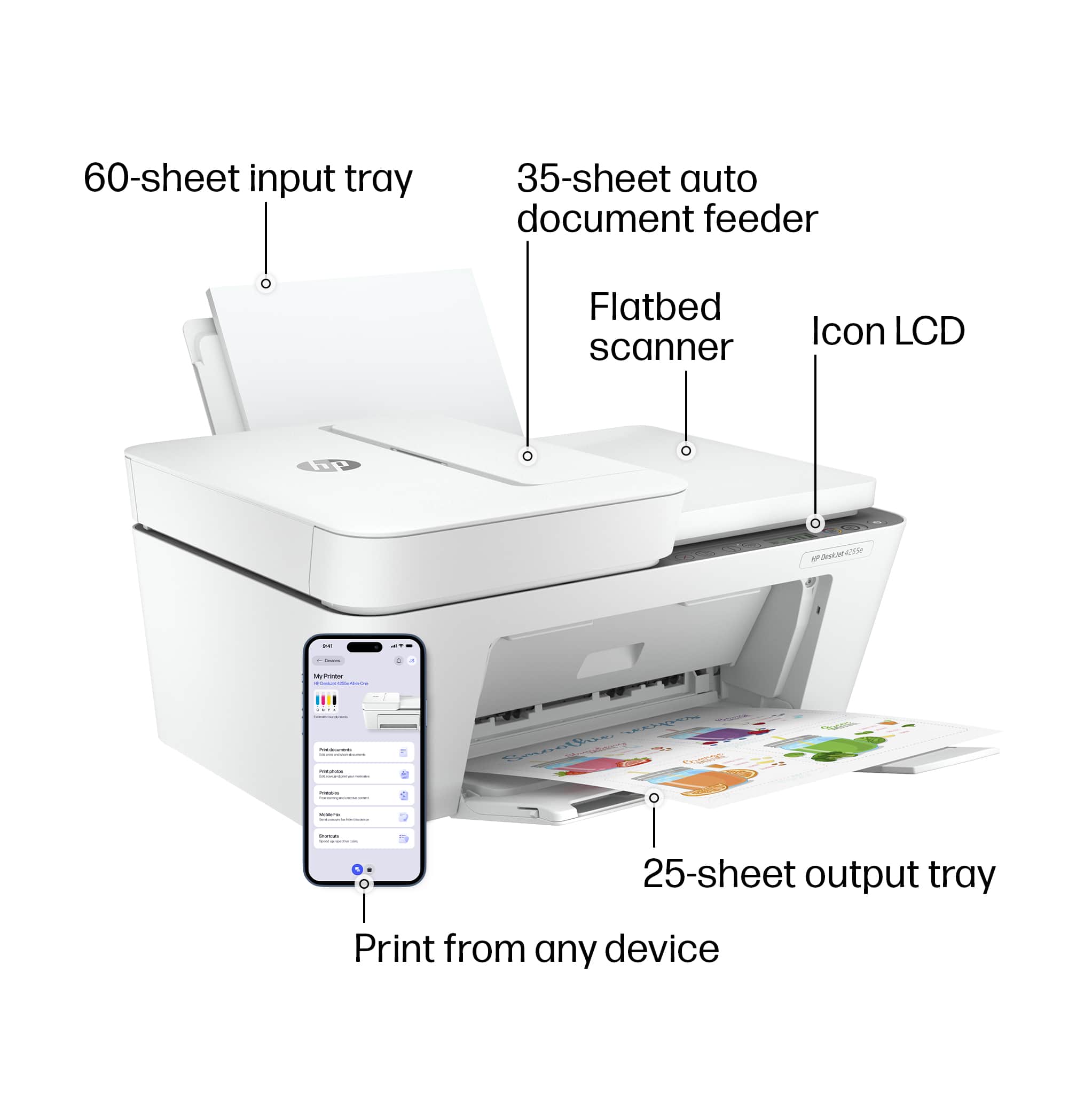
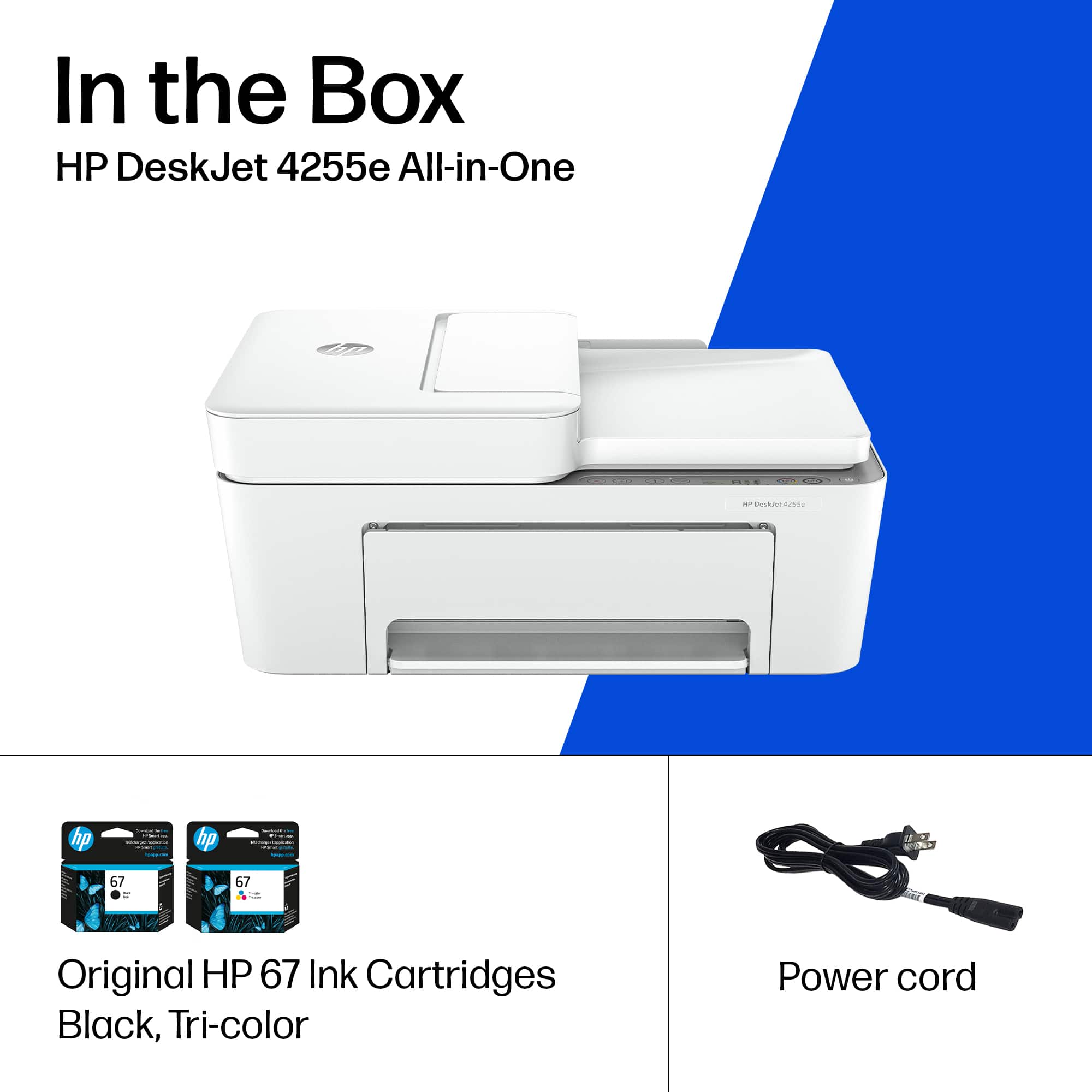
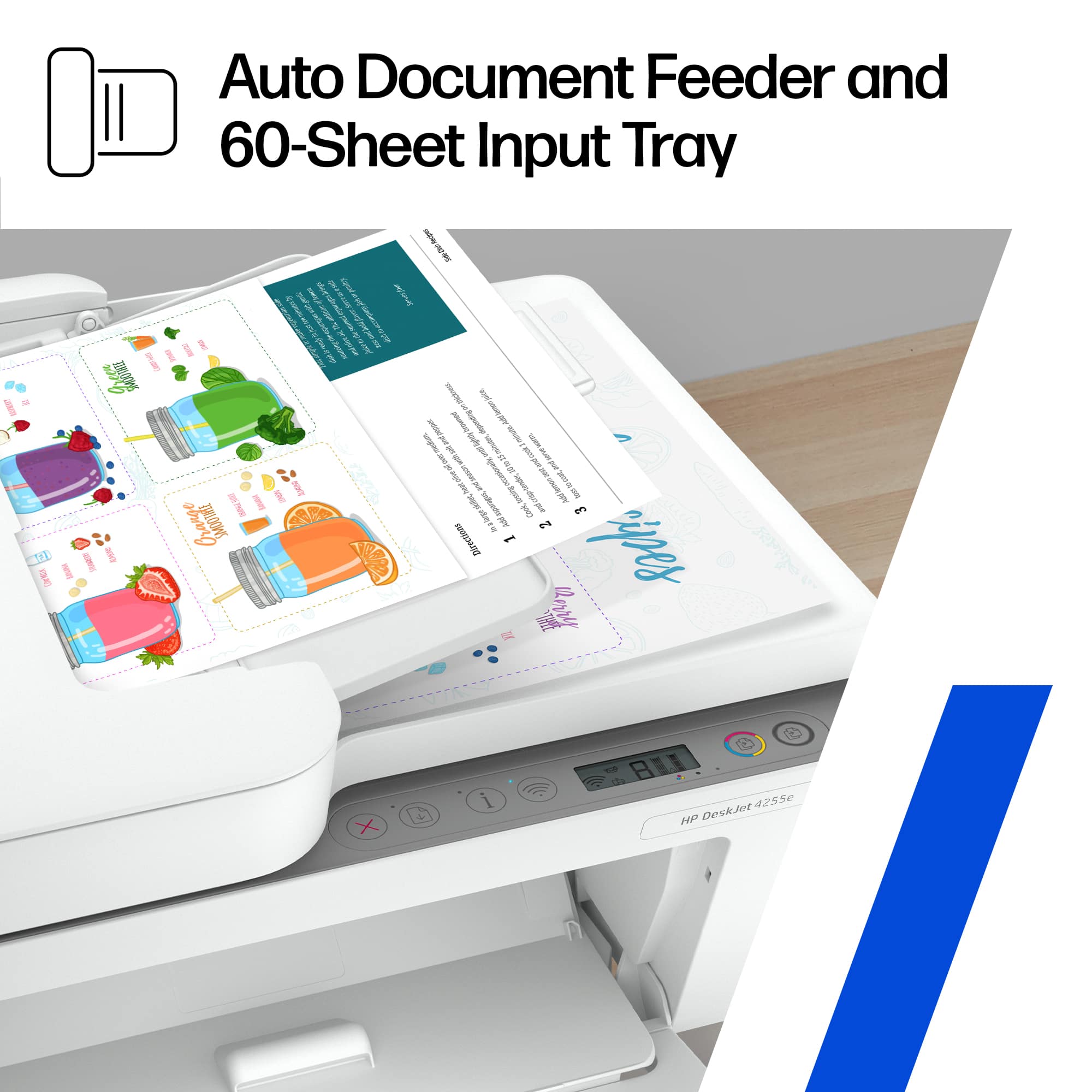
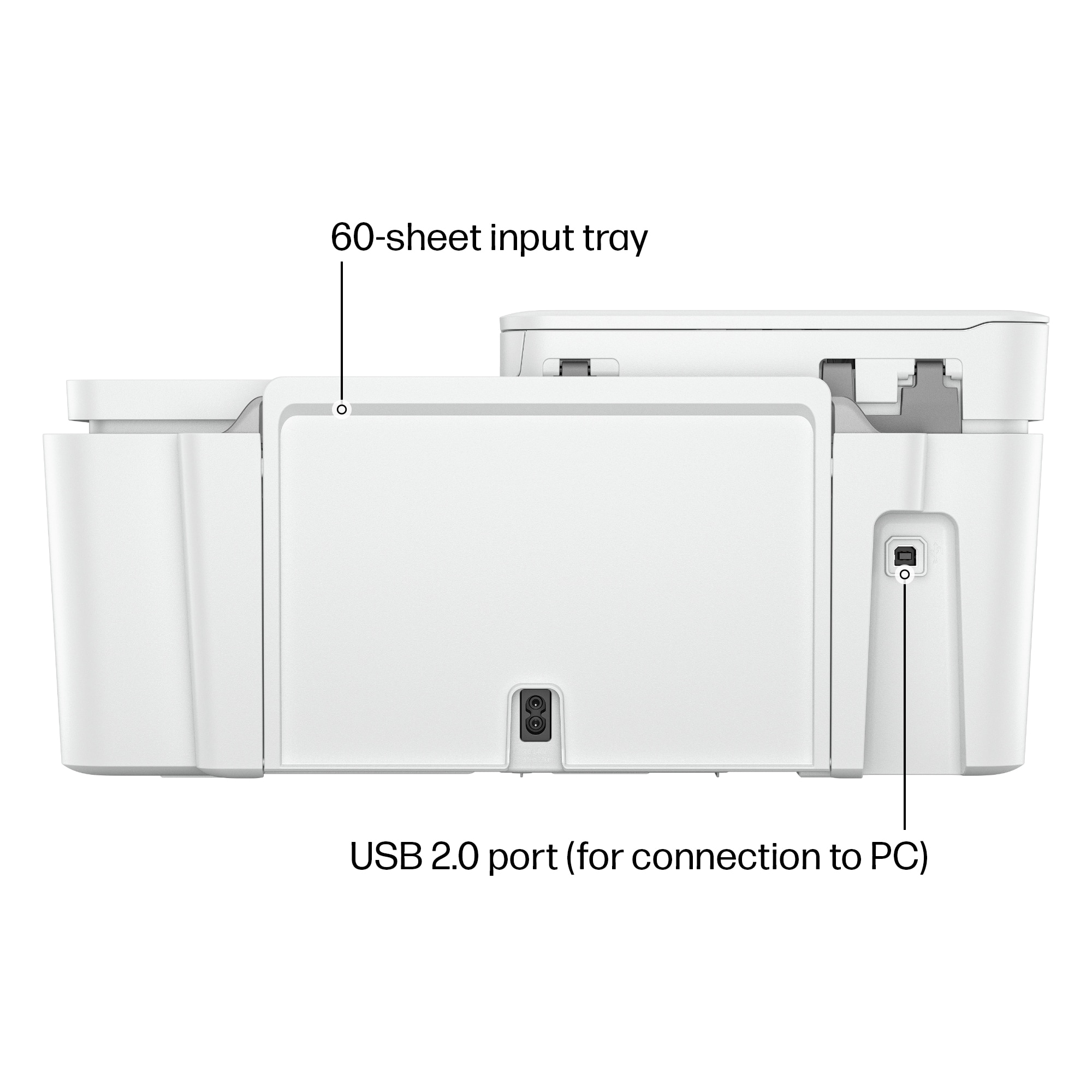
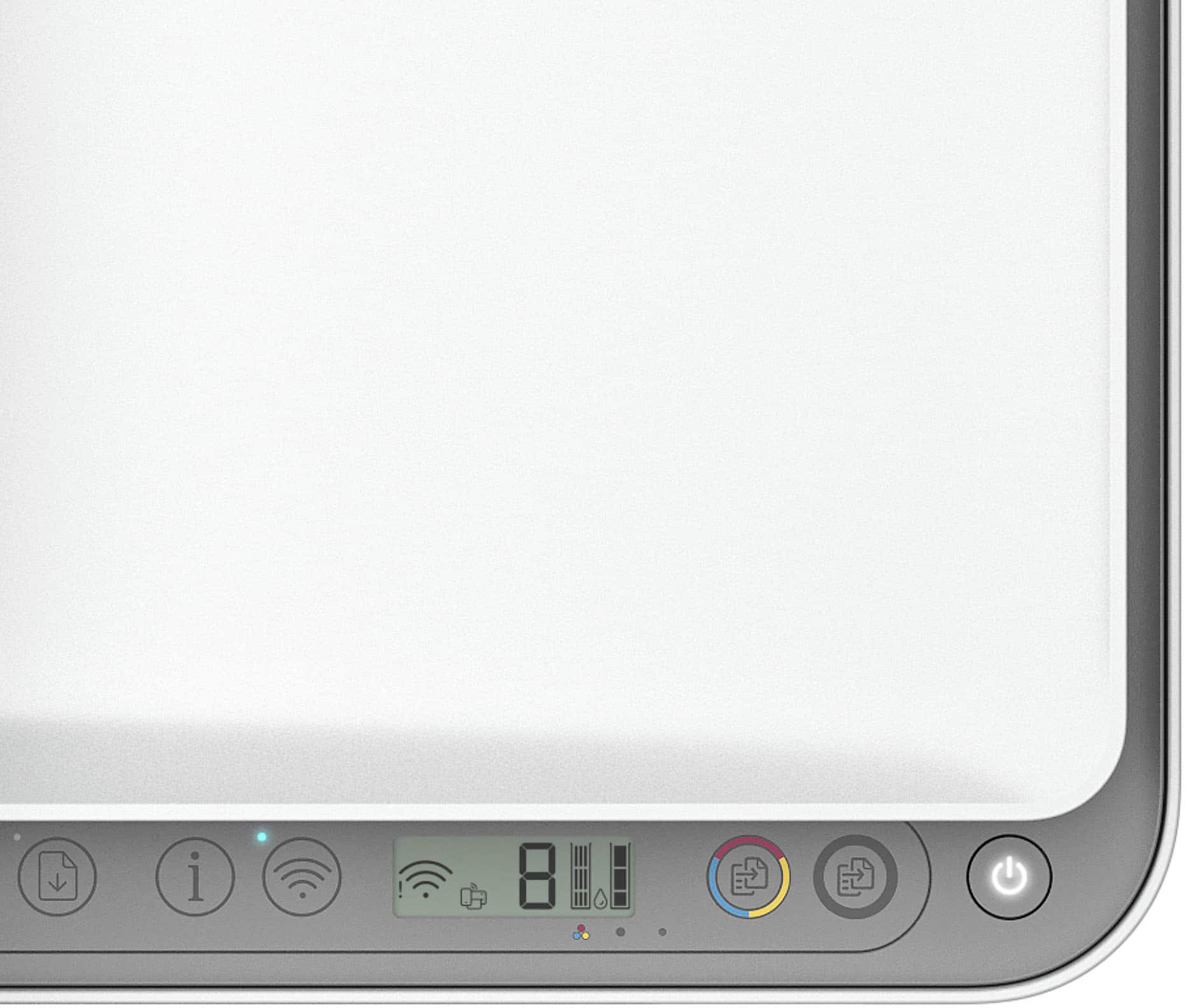
|Posted .This reviewer received promo considerations or sweepstakes entry for writing a review.The HP 4255e all in one inkjet printer is an allround office/home solution. The printer is very well built and is lightweight. It is white in color with a gray accent. It has a small LCD display and several function buttons. It was very easy to set up using the HPSmart app. It comes with two sets of ink, a color cartridge and a black. This printer can be used via USB, Wi-Fi direct, or it can be connected to a network via Wi-Fi. I was able to install it on my Windows PC without the app and Android OS using the HP smart app. If you want to be able to use all the printer features in Windows OS, you will be required to download the HP Smart app. I was not able to use the scanner without the HP smart app. I tried using it with Windows' own scan app, but the printer didn’t even show up on the list. The windows scan app is very limited. Also, you will not be able to scan using HP's own app unless you create an HP account, which I found troublesome. There are two ways to scan, using the automatic feeder or the flat glass. The glass supports paper size up to A4 or Letter 8.5x11. With the ADF you can scan legal size documents. It seems that this scanner does not support dual side scan. The scan quality is pretty good. When scanning you have to manually select the source as the printer is not smart enough to figure where the document is located. Scanning quality is good and goes up to 1200 dpi with the lowest at 300. The scanning speed was fast and very quiet. If you choose a higher quality scan be aware that will affect the scanning speed. At 1200 dpi it took several minutes. Printing is a breeze and it does it really fast with good quality. This printer holds up to 60 sheets of paper on the paper tray and 35 on the ADF tray. The control panel is a small LCD screen and several buttons. It only displays several settings like paper count, brightness and other common features. On the screen you also have an ink level indicator as well. This printer comes with a 30 day trial for ink refills. When the printer detects you are running out of ink it automatically reorder and you get them delivered to your home. Overall this is an HP printer and they are reliable. It does the job well, quiet, fast and it’s cost efficient to maintain. It is easy to use and set up. This printer is 60% made of recyclable plastic. It orders inks automatically if you subscribed to the program and you can recycle the used ink cartridges for free. In the box you get the printer, power cord and manuals and two sets of ink.
I would recommend this to a friend Do Not Purchase
||Posted . Owned for 3 weeks when reviewed.This reviewer received promo considerations or sweepstakes entry for writing a review.Terrible printer. Put in new ink, ran 60 pages, already out of ink again. Some of the pages printed were smeared. No maintenance button plus hard to find online instructions. I purchased this printer on June 9. Now says unable to return. Husband was in Hospice and died June 27th
No, I would not recommend this to a friend- Pros mentioned:Overall performance, Print quality, Setup
Great would recommend
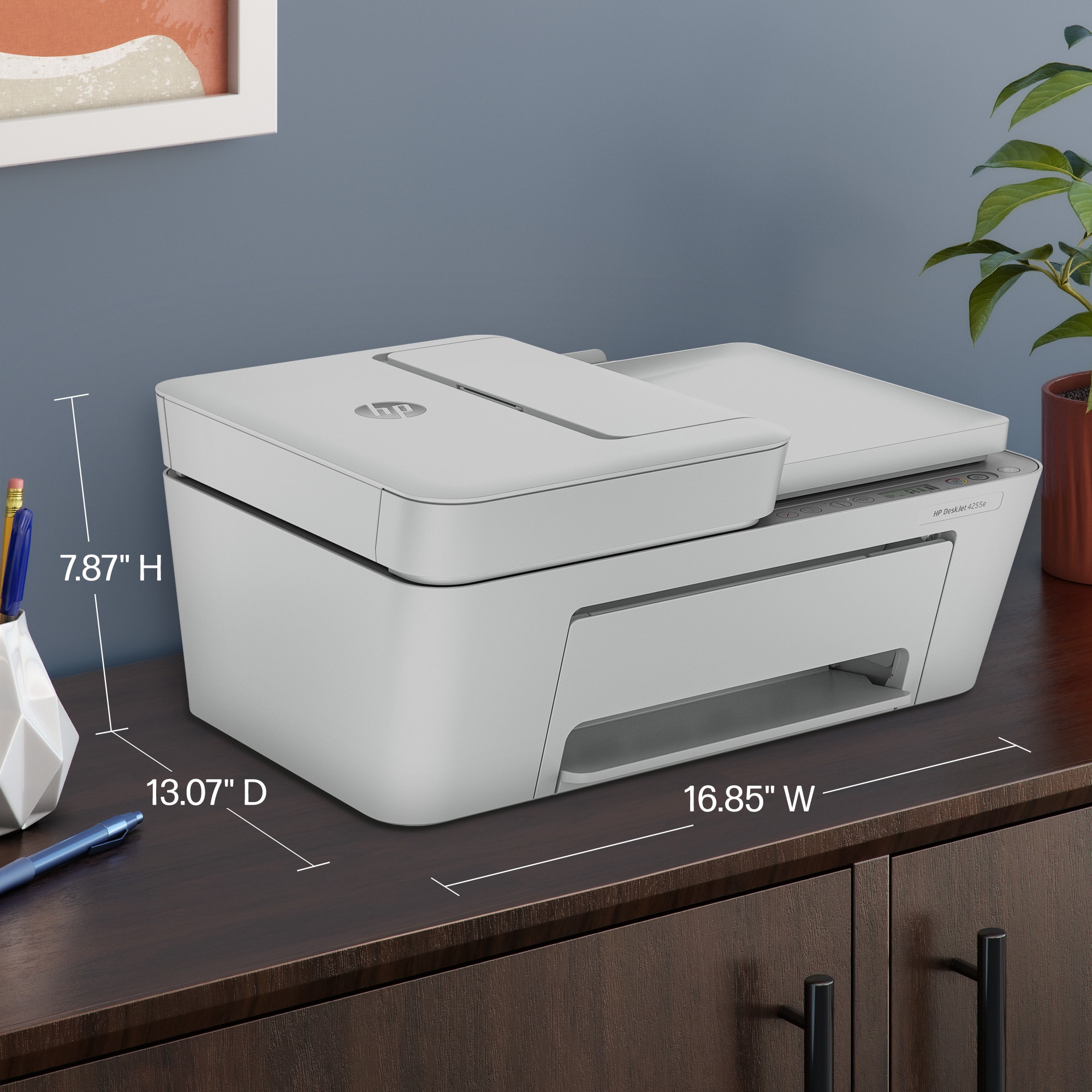
||Posted .This reviewer received promo considerations or sweepstakes entry for writing a review.This printer has been very good so far. It works reliably and prints clearly, which is exactly what I need for school. The app that connects to it is also very good and makes printing from my phone or laptop quick and easy. Setup was simple, and everything runs smoothly. It fits perfectly in my college dorm room without taking up too much space, which is a big plus. The only thing I noticed was that the light inside on the scanner part kept flickering or sometimes staying on. I looked it up and found out that it is normal, so it has not caused any issues. Overall, I am very happy with this printer and would recommend it, especially for students or people who want a fully functioning printer without taking up alt of space.
I would recommend this to a friend - Pros mentioned:Print quality, Setup
A Decent Printer for Home Use
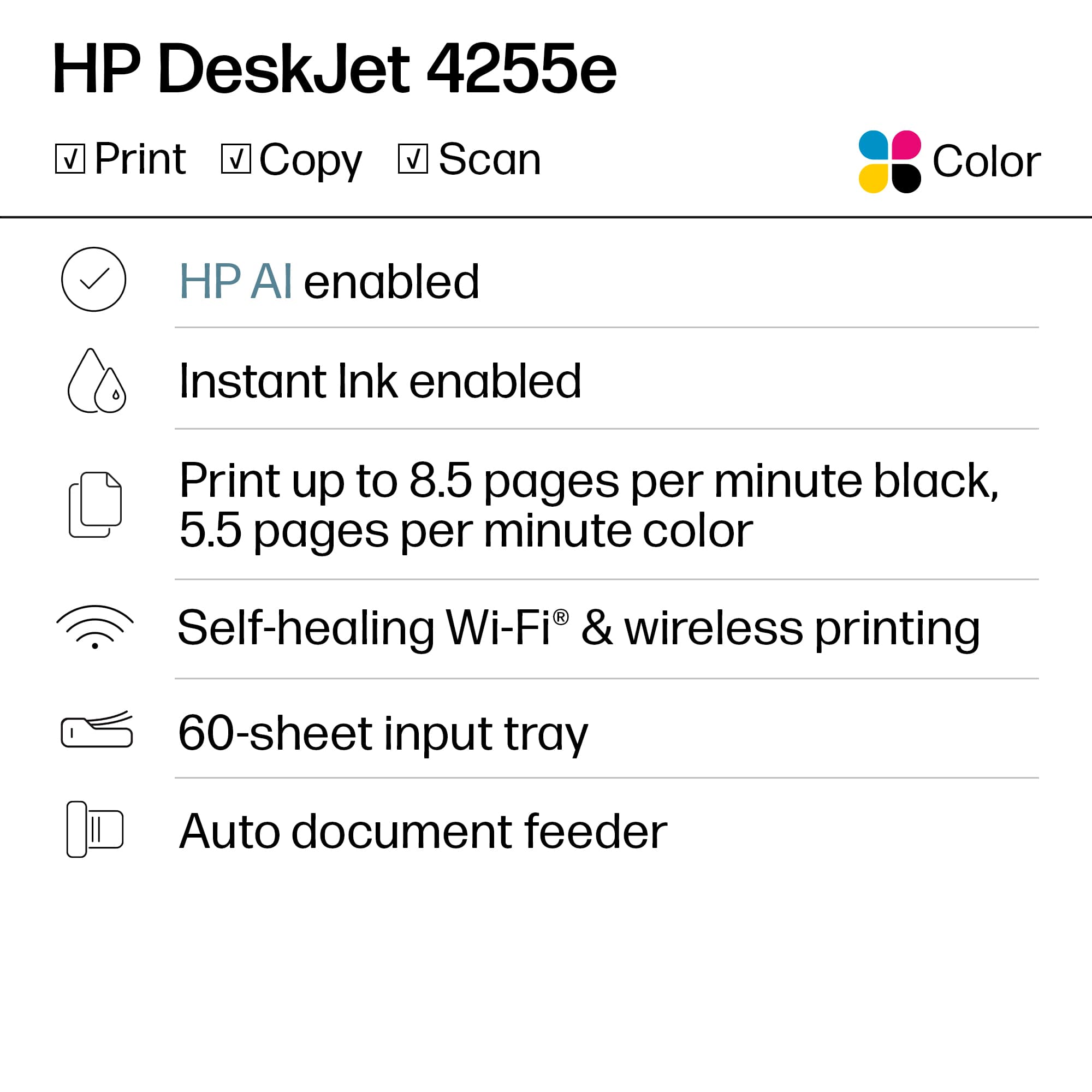
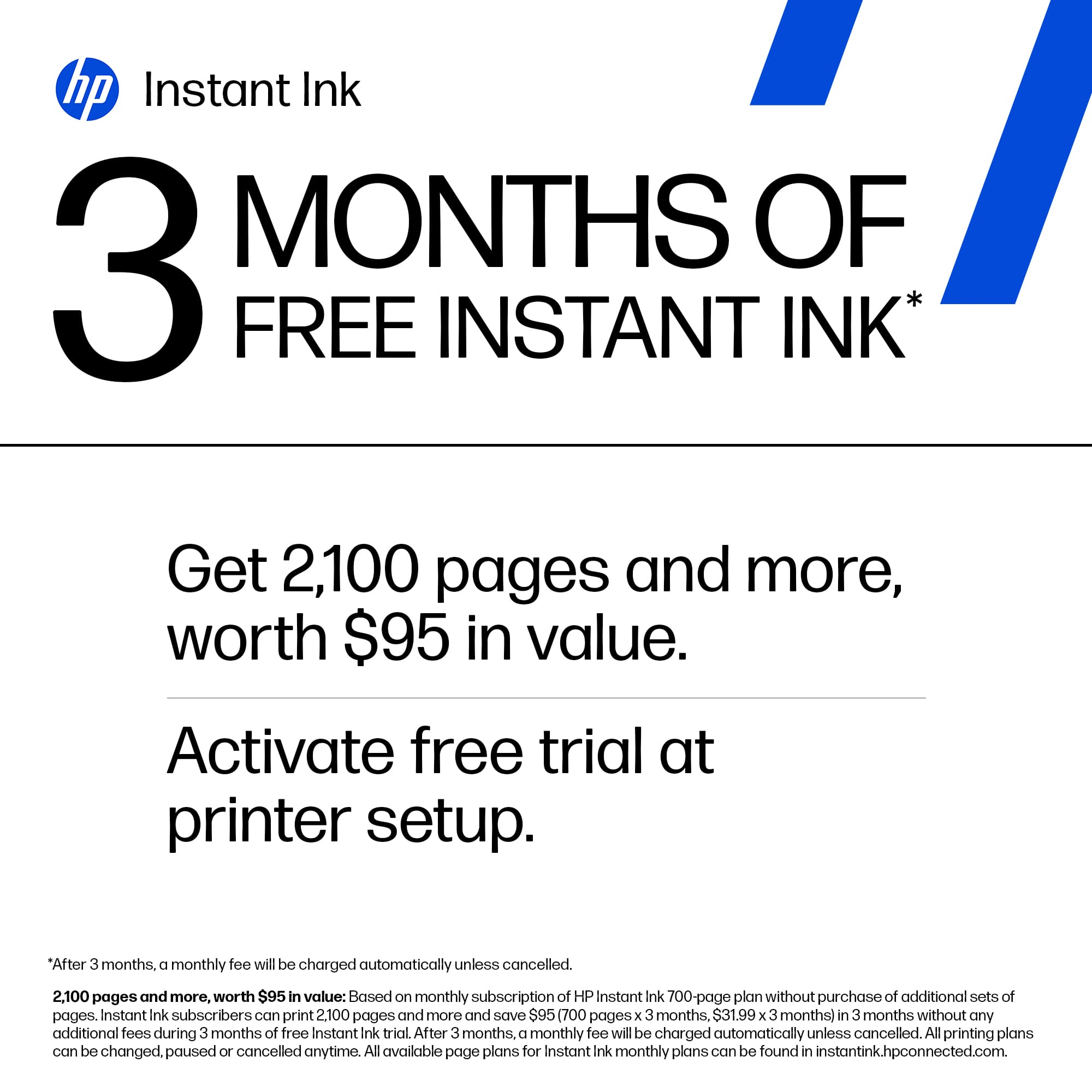
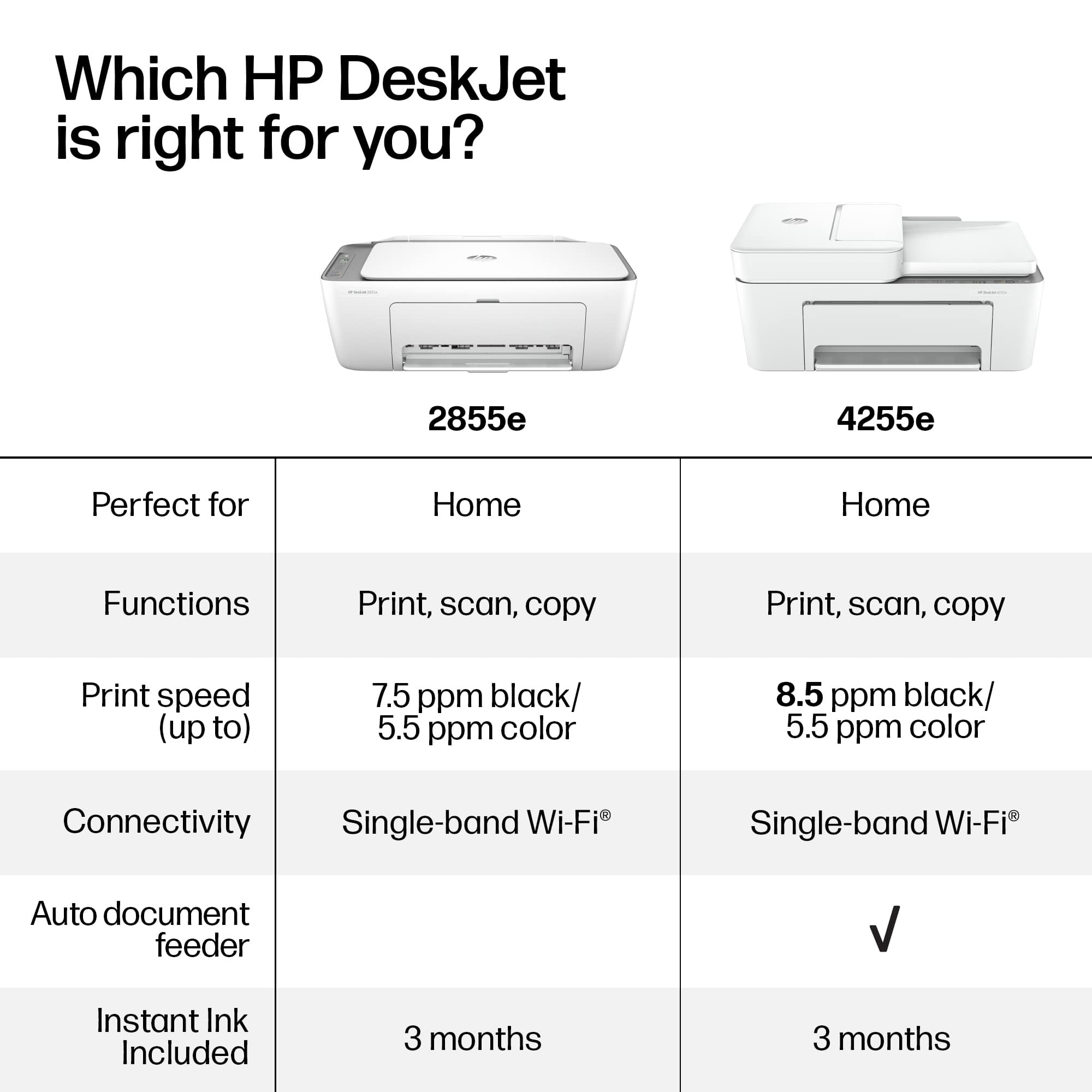
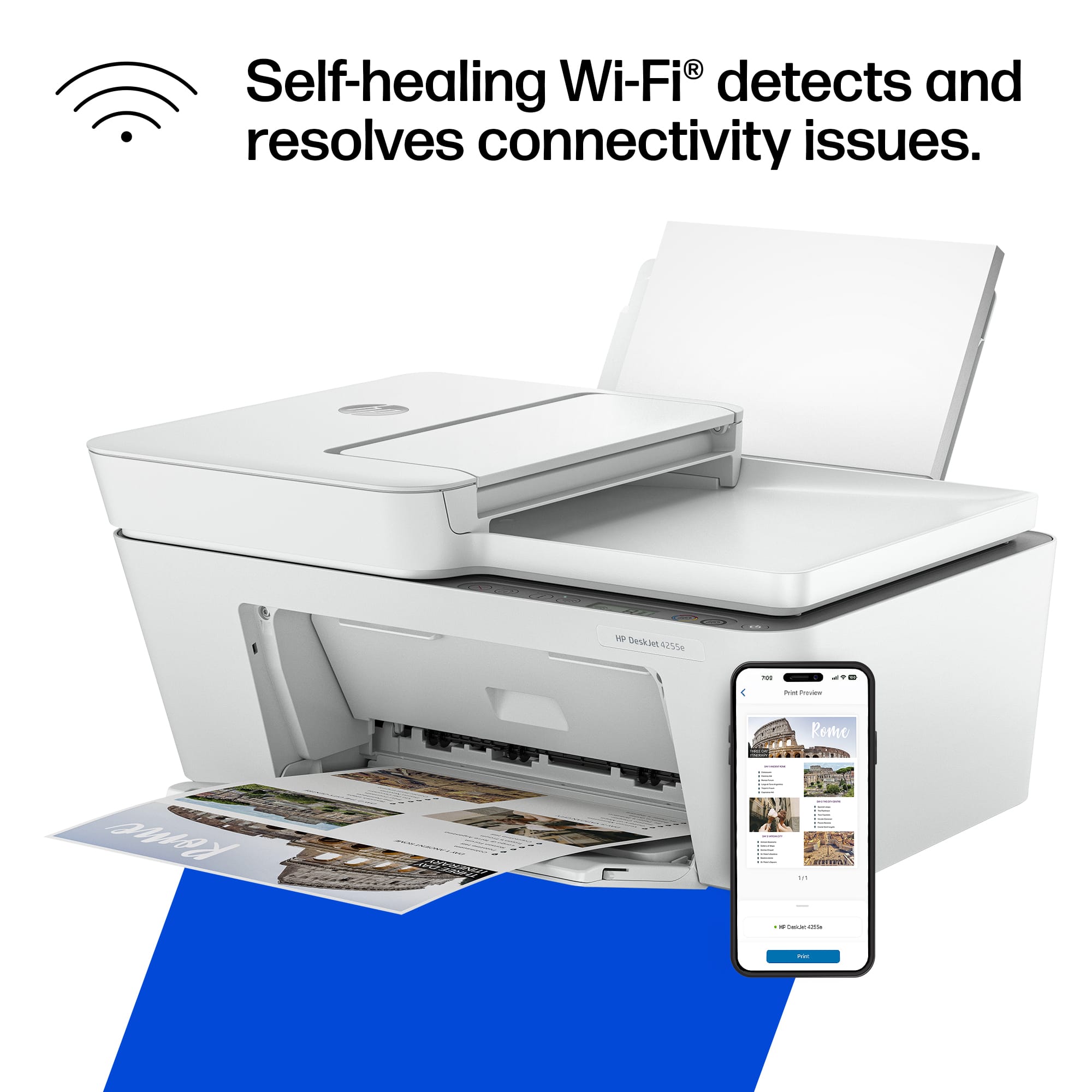
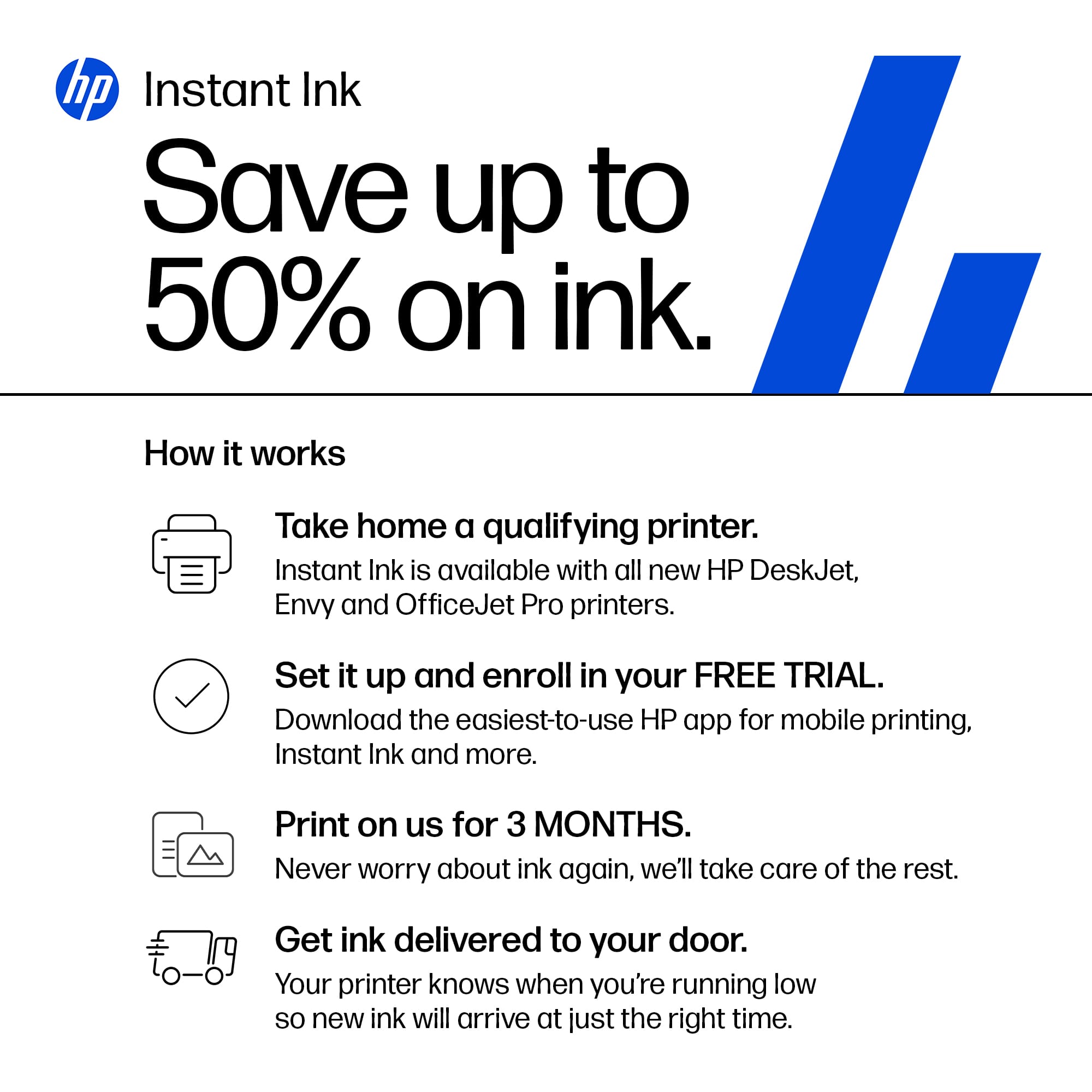
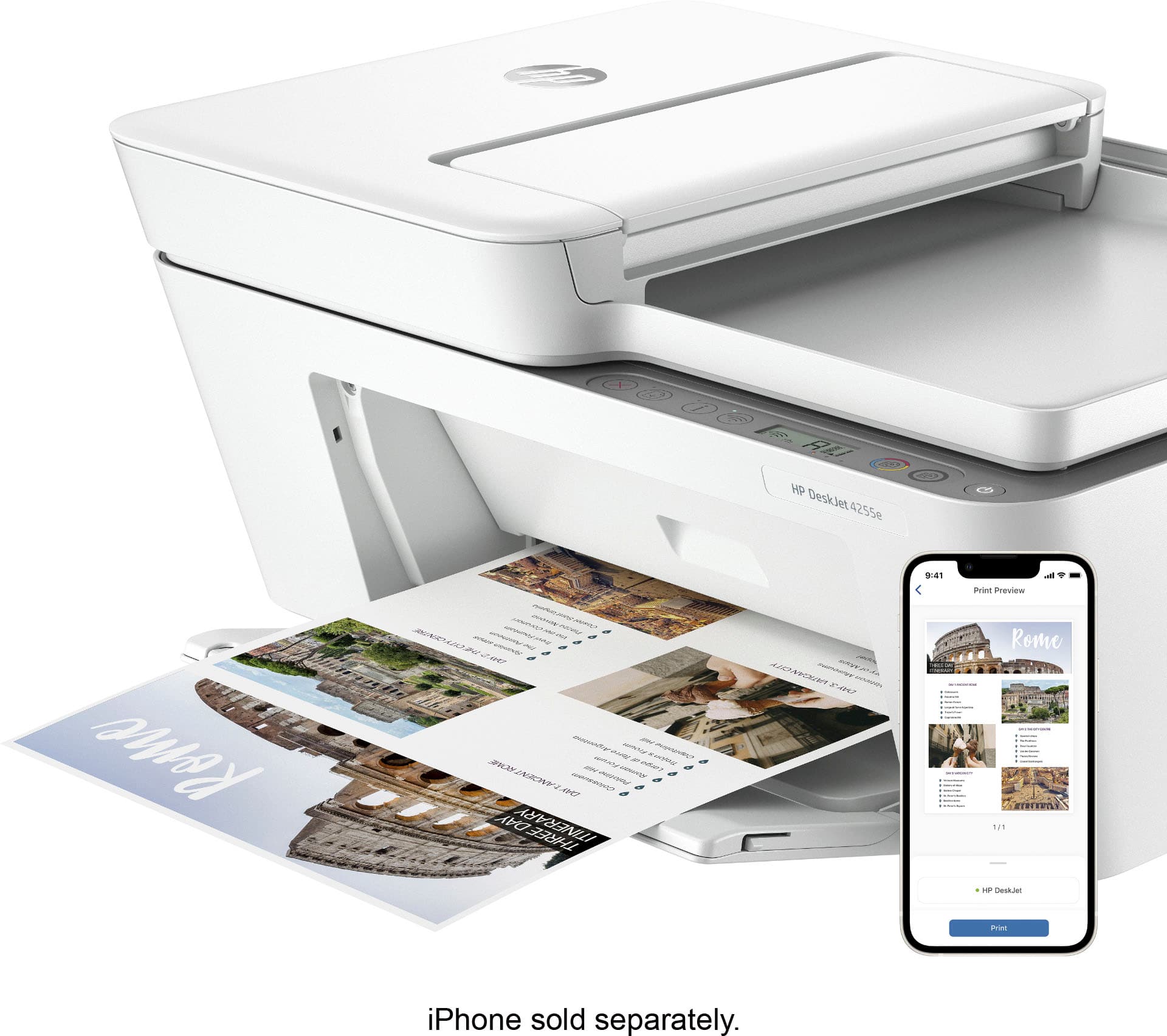
|Posted .This reviewer received promo considerations or sweepstakes entry for writing a review.The DeskJet 4255e is an all in one print/copy/scan machine. It has a traditional design of a rear paper feeder as well as a flatbed scanner with automatic feeder. It does not have fax capability. It accepts two different cartridges; a black ink and a multi-color ink cartridge that are very small. They are small by design as HP anticipates that you will use this printer occasionally. But also, HP is pushing their HP+ ink delivery service that calculates your ink usage and charges you an amount based on how often you use ink. This is offered on most of their printers, so I won’t talk about that so much. But again, the cartridges are small and can be used relatively quickly. I printed a couple of test pages and one document with a photo that took 1/8th of the page, and I've already used 1/5th of the color ink. That is fast. Set up is relatively simple. It comes with a quick start guide to walk you through the WiFi connection process, but what you’ll need mainly is the HP Smart App, either on your Windows PC, iOS or Android. The 4255e will print a set of instructions on how to connect your printer to your network for each OS type. Once you’re connected to the network, HP will then ask you to opt-in on HP Smart Printing as well as offer you 3 free months of ink delivery service. If you decline both, you’ve still a working printer and you are not required to have either service. After I was done following the instructions (holding the WiFi and cancel buttons for a few seconds puts the printer into WiFi setup mode), the printer was now on my home network for other devices to find. As far as print quality, I find it to be nominal for an inkjet printer. You can change print quality to adjust speed as well as ink usage. The better the quality, the more ink is used. I feel that most can get by using the Fast/Economical setting to crank out many documents and save ink. Normal and photo settings will look nicer, but use more ink. You can set these defaults in the HP app. The last cool thing worth mentioning is HP Smart Printing, which allows you to print from any device, even if you’re not on the same network. The 4255e will take advantage of its connection to your WiFi and make itself available to you, no matter where you may be. Now it might be a strange use-case for many considering this printer will probably be used at home, but the benefit is that all your devices don’t have to be connected to the network. You just simply log into your HP Smart account and you will gain access to the 4255e. What you won’t find on this printer is automatic duplex printing. Luckily, there is a manual rendition of it which requires you to take a printed page and re-feed it back into the sheet hopper to print on the back. I can see this being okay for maybe 2-3 pages, but anything more than that can incur a bit of human interaction. Overall, I like what HP did here with the DeskJet 4255e. It’s definitely not the fanciest printer as reflected by its affordability, but it does bring the essential features needed at home. This is most definitely an at-home use printer. We’re not exactly breaking any barriers with 8.5 ppm black/5.5 ppm color, and not to mention the small 60 sheet capacity. This is, in fact, marketed as a monthly-use printer. An “every now and then” kind of printer. And maybe that’s all you really need.
I would recommend this to a friend Waste of money and time
||Posted . Owned for 10 months when reviewed.This reviewer received promo considerations or sweepstakes entry for writing a review.Never used it yet and when I used paper doesn’t feed.went to geek squad today in Best Buy but was turned down since I didn’t get a protection plan even if it’s still less than a year…
No, I would not recommend this to a friendDon't buy
||Posted . Owned for 4 months when reviewed.This reviewer received promo considerations or sweepstakes entry for writing a review.The printer started to break down after printing less than six sheets of paper.It doesn't work well, and the printing is incomplete.
No, I would not recommend this to a friend- Pros mentioned:Ease of use, Print quality
A must have for a home office printer
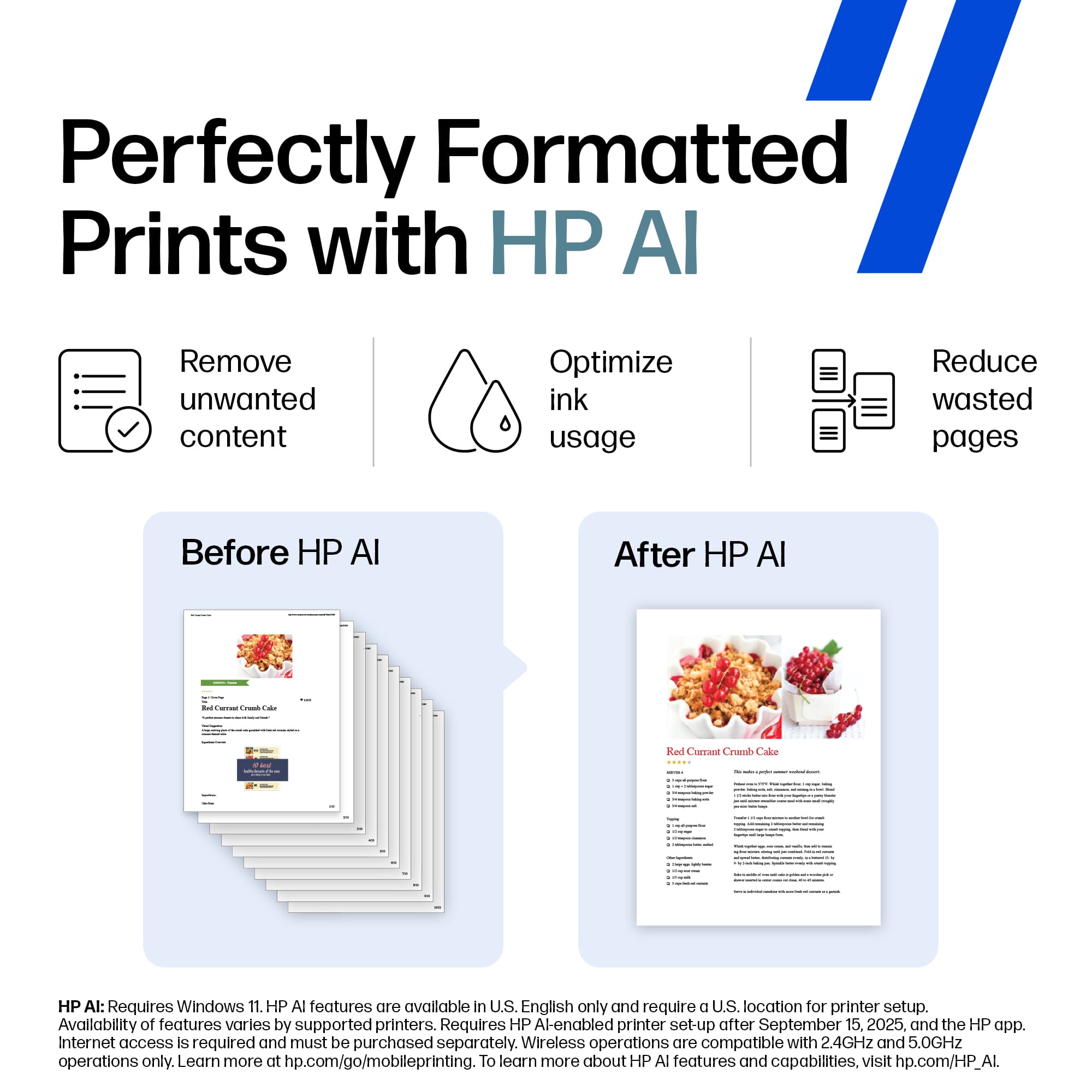
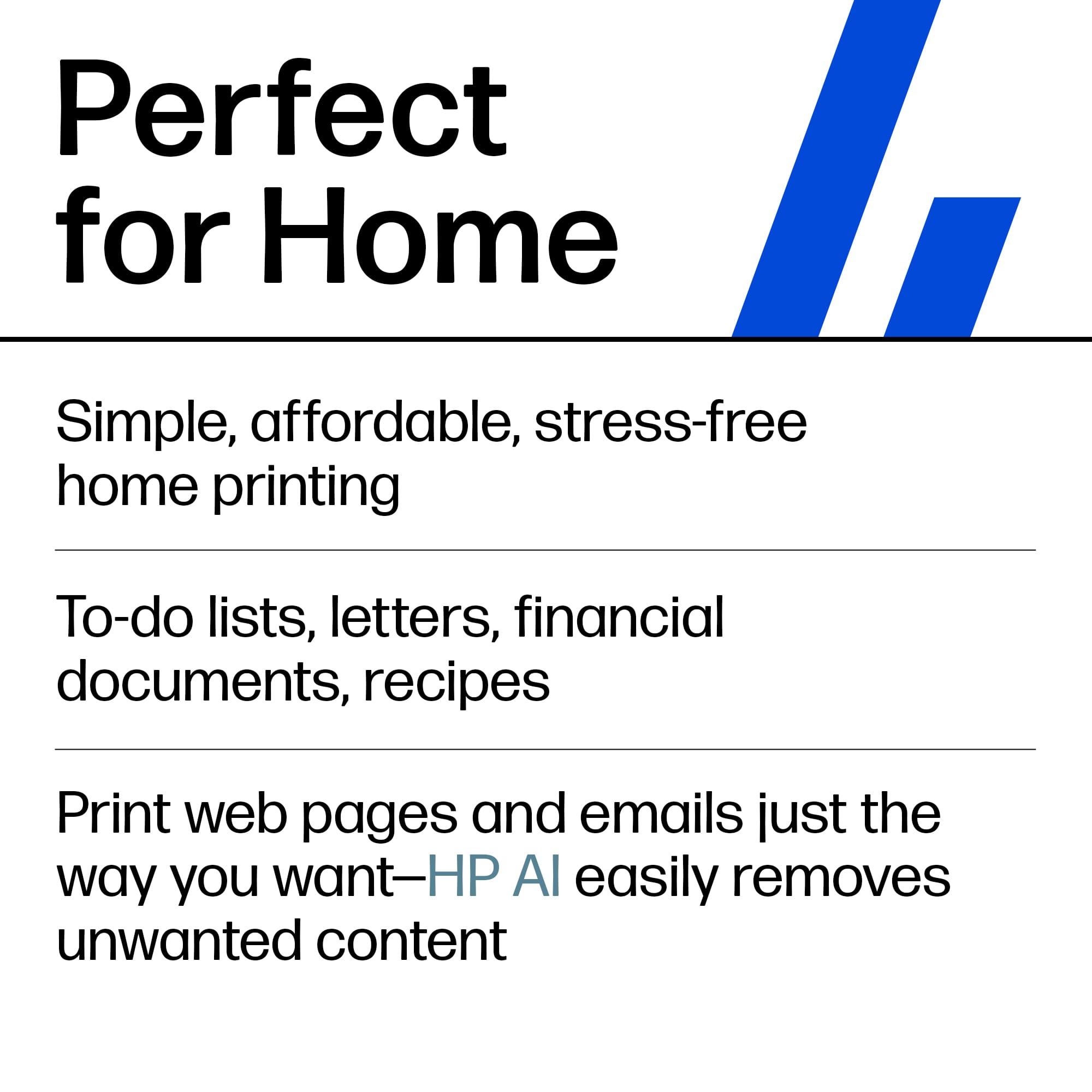
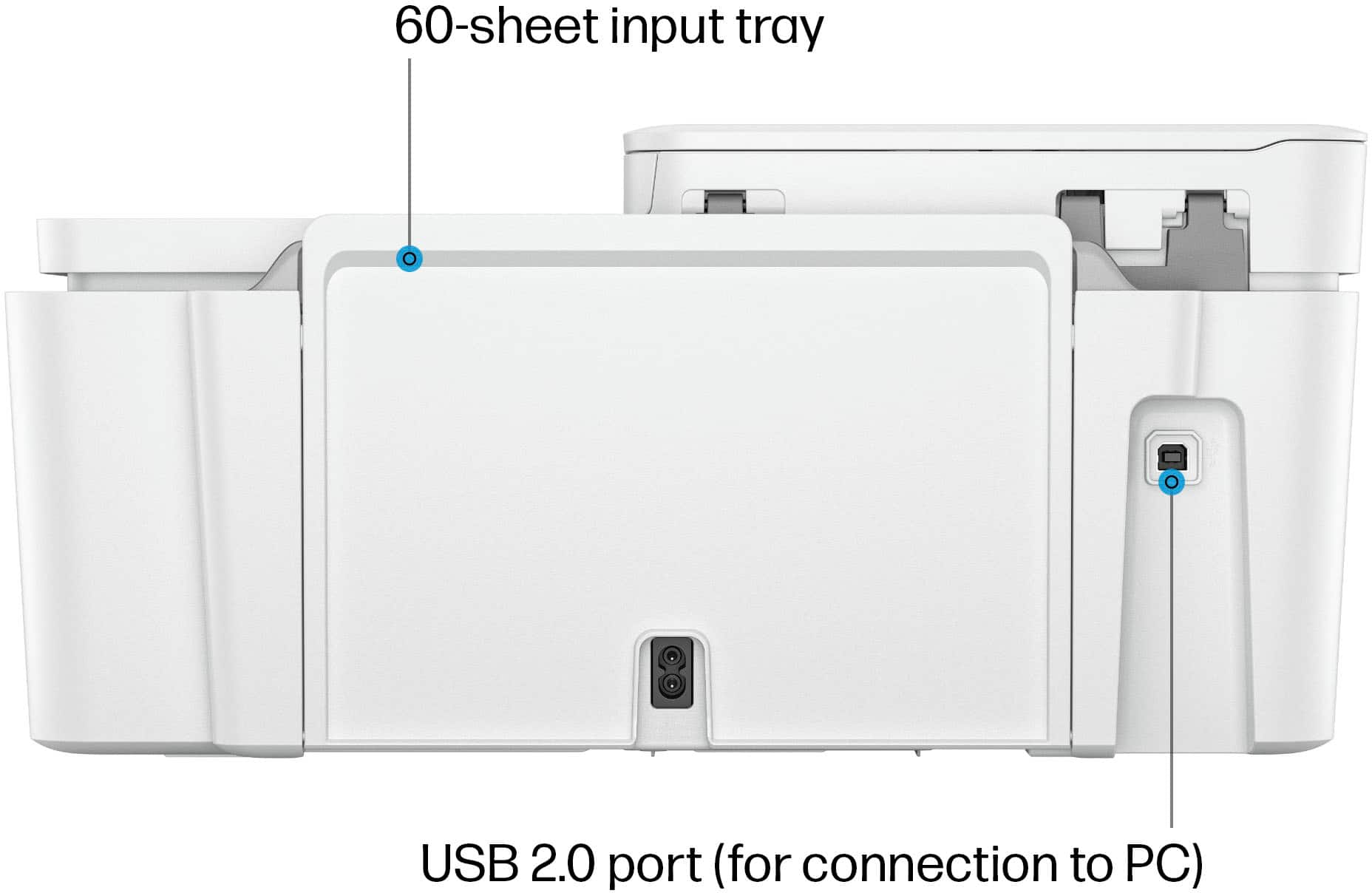
|Posted .This reviewer received promo considerations or sweepstakes entry for writing a review.The HP Deskjet 4255e is not just a multifunction printer, it's a game-changer. With its automatic document feeder, Wi-Fi and USB capabilities, and impressive printing speed of up to 8 pages a minute in black and white or 5 pages a minute in color, It's designed to meet your home and office needs. The printer, which arrives in a secure and well-packaged box, is a testament to HP's commitment to quality. And with features like HP Instant Ink, it's a printer that will serve you for years to come. My experience with the printer's initial setup was glitchy. HP insists that the setup be started on the Wi-Fi connection using a mobile device, be it Android or iOS. I started it on an Android 14 phone but quickly was unable to complete the transaction. The Smart HP app cannot log you into the HP website to complete the HP+ activation. I then had to use my desktop after downloading the HP smart printer app from HP to complete the rest of the process. HP+ is a feature that enables many smart features for the printer and is only available during the first setup. The HP+ features include neat features such as increased warranty, cloud-based printing, and scanning, and Instant Ink. If you want the convenience of having ink delivered to your home at the right time, Instant Ink needs to be enabled through HP+ activation. While HP+ features are free, Instant Ink does cost money. The overall ink costs are not bad, and depending on the amount of printing you do, you may come ahead by using such services. On average, the stock cartridges will run you about 120 pages of mixed text and images. It comes with a free 3-month ink supply that HP+ enables, which can be canceled later if your printing needs not require a subscription ink service. HP+ also updates your printer regularly and will prevent 3rd party cartridges from working on the printer. I’ve always used OEM printer cartridges and never had issues. To live with the printer every day, I must say the printer's printing speed was a tad slow, but the quality is good. An inkjet works so much better if you want to print on transparencies, iron-on transfers, envelopes, or do-it-yourself cards. We have been using this printer to print graduation invites on envelopes and iron-on transfers for ‘team graduate’ tee shirts. In the last few days, we’ve printed enough that we have new cartridges being shipped out to us via Instant Ink. The shipping is free and takes a week or so to get to you. The reality is that this printer is very easy to live with. If you are looking for a low-volume home office printer, this is the one you want. The scanning speed and quality are good; the copy system is easy to use, and the cartridge replacement is very easy. Overall, the printer is a hit! I didnt think we’d love it as much as we do. Apart from the issues with the initial setup process with HP+, rest assured the printer is likely on the network (with a blue LED on the wifi symbol), the printer is then available to your network to print. If not, you may want to use the USB port on the back to directly connect to your desktop.
I would recommend this to a friend - Pros mentioned:Print quality, Size
Great economical printer for the home office
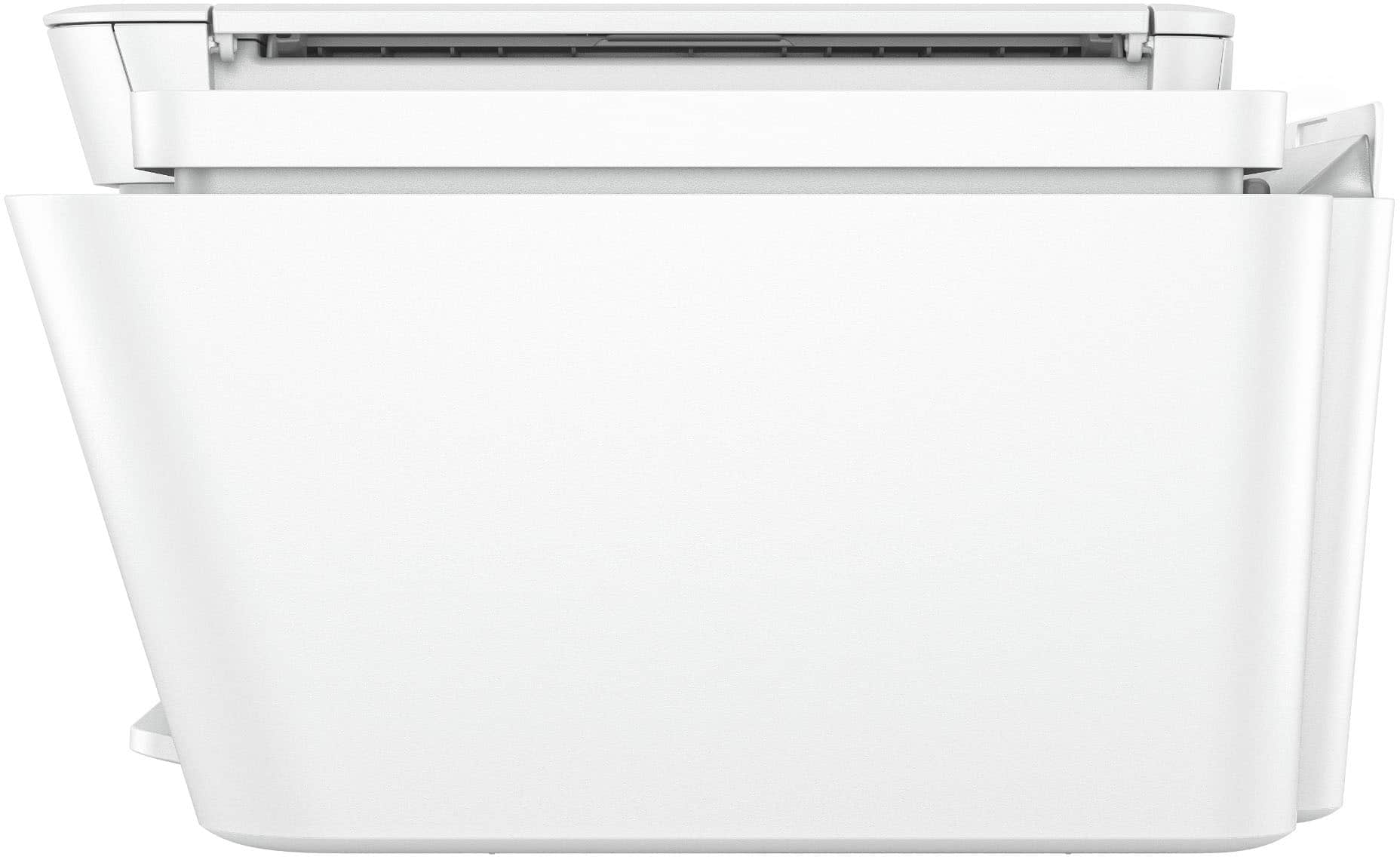
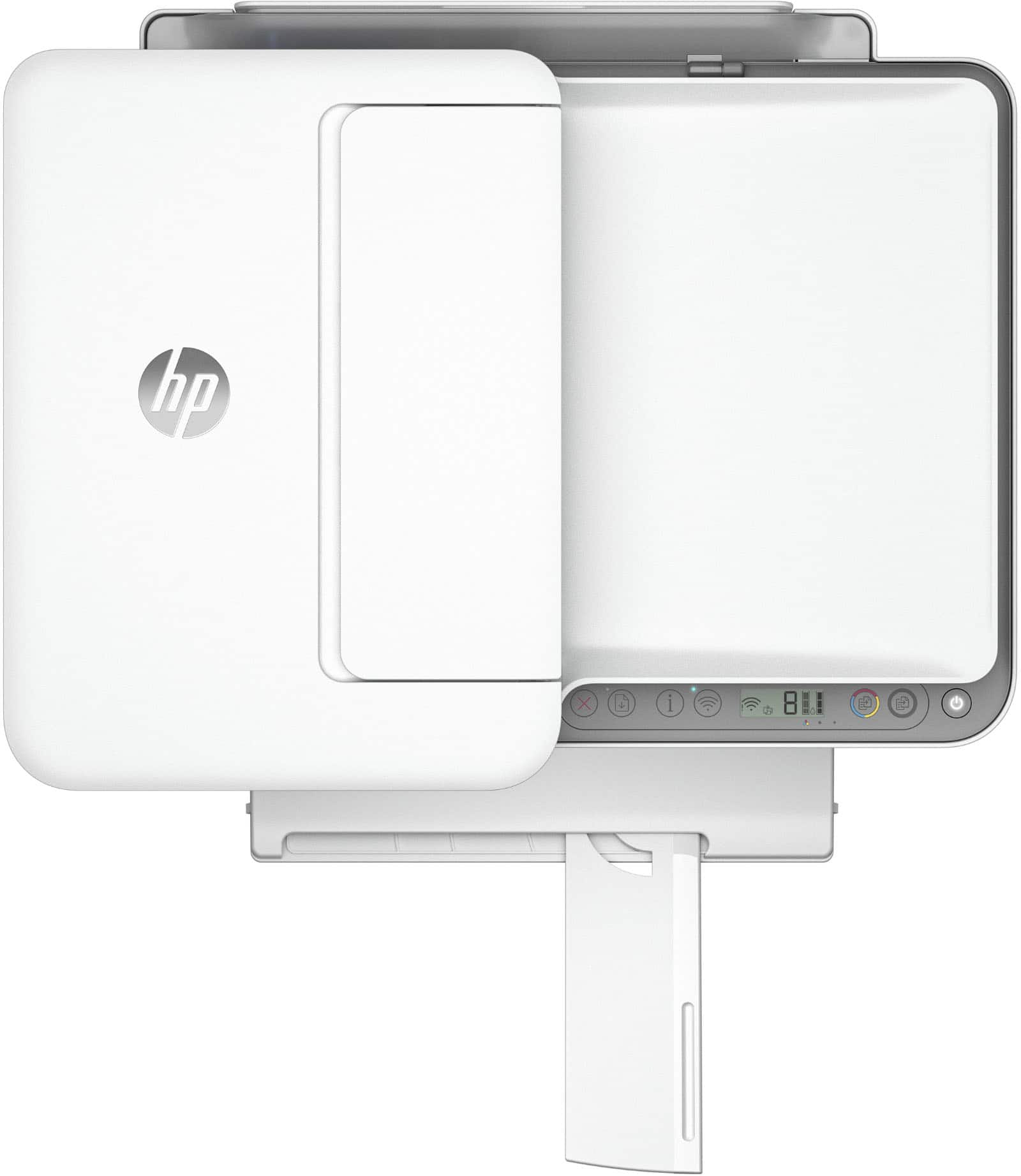
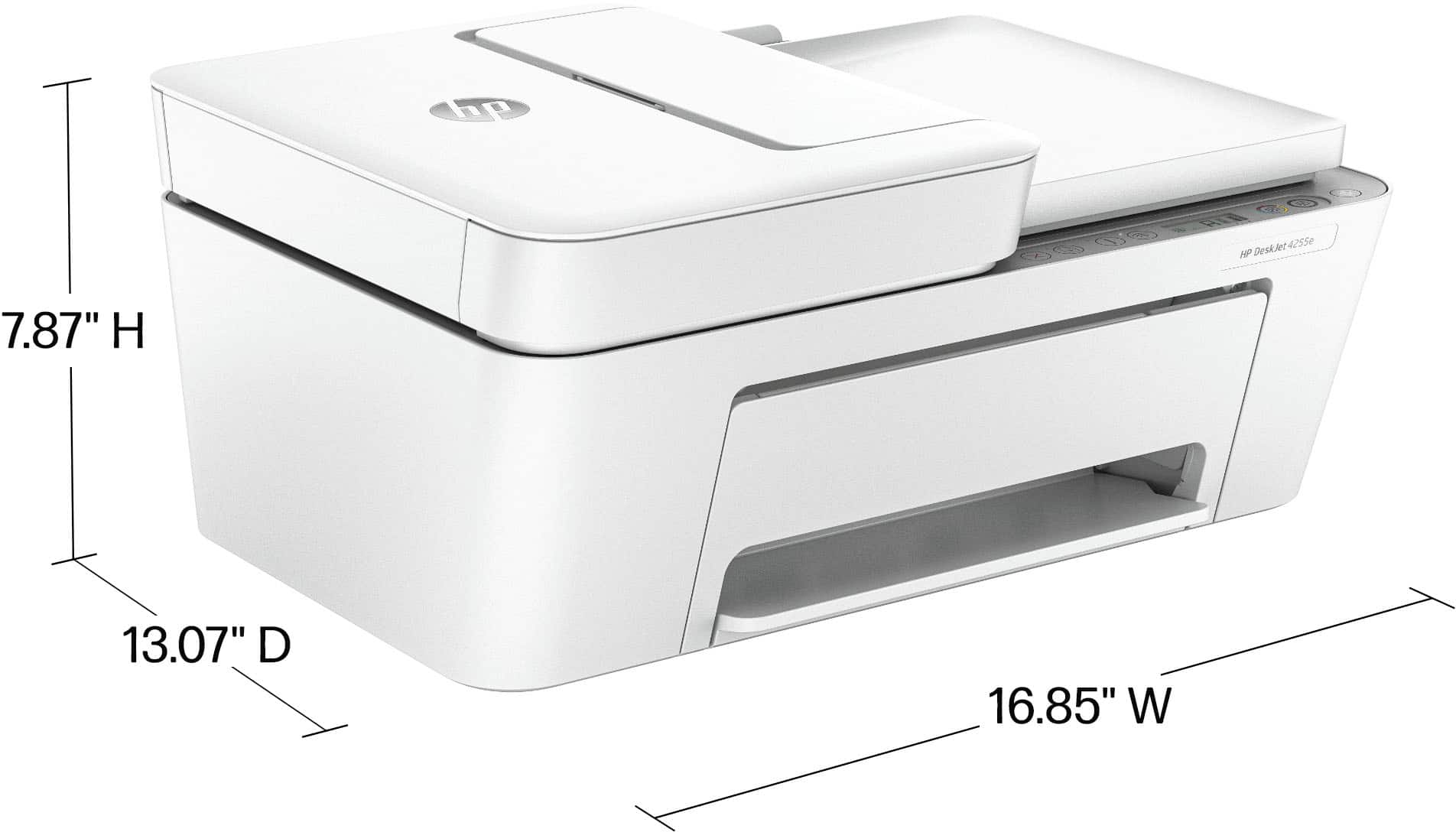
|Posted .This reviewer received promo considerations or sweepstakes entry for writing a review.The HP DeskJet 4255e All-in-One Printer is a pretty good printer for the price and it is really tuned to getting office documents printed quickly and easily. Design and Build Quality The HP DeskJet 4255e is a pretty good looking printer, and it’s small for a printer that also includes a sheetfeeder for the scanner. The printer's build quality is solid, with a sturdy plastic body that feels durable although the plastic seems somewhat textured and that can affect cleaning. The document feeder holds about 35 pages and that’s huge for copying and scanning. One thing that’s really strange about this printer is the fairly tiny access door, which is used to change out ink cartridges, is in the bottom front versus a lift up on top. I’m not used to that and I predict that one day clearing paper jams will be fairly tedious or will cause me to hire someone with little fingers and hands to unclog. Setup and Connectivity Setting up the printer is fairly fast as long as you’re willing to use the HP Smart app. It walks you through the setup of the printer. The setup took about 5 minutes to finish for me on a Pixel phone. If you add printer on the newest MacOS or WindowsOS systems, it will recognize the printer right away and get you started printing. For me, I was up and running in less than 10 minutes. Super benefit. Printing and Scanning Performance I thought the printing performance was just fine for home use and small business as a non-primary printer. It gets print speeds of up to 8.5 pages per minute (ppm) in black and 5.5 ppm in color, which is adequate for one off print jobs. It can spool using the HP software, but this is not really fast enough to be an enterprise printer. The print quality is impressive for basic color documents like recipes, forms, and travel documents, producing sharp text and vibrant colors. Scanning was fairly efficient due to the multi-page document handling. However, it doesn't seem to have duplex scanning, meaning manually flipping pages for two-sided documents. The scan quality is suitable for general use, capturing sufficient detail for documents and simple images. I scanned a photo with the flatbed scanner which was servicable but not really great for production workflows. Ink Efficiency and Cost You get three months of HP Instant Ink service with HP+. This program is designed to deliver ink cartridges to your door before you run out, based on your usage patterns, which can significantly reduce ink costs. After the initial three months, a subscription fee applies based on what amount of printing you expect to use, you pay per page so if the ink dries out, you just ask HP to fix it for you and they’ll send you another cart. I’m not a fan of subscriptions but it’s worth it to try it out because three free months of printing! The printer uses yet another new print cartridge: HP 67 ink cartridges, available in standard, XL, and XXL sizes to hopefully save you some money when you purchase carts outright . Conclusion The HP DeskJet 4255e All-in-One Printer is a really economical home use printer. It’s compact , easy, and efficient. The overall value, makes it a worthwhile purchase for a no nonsense color inkjet printer.
I would recommend this to a friend - Pros mentioned:Overall performance, Print quality
The HP DeskJet 4255e is a great buy
||Posted . Owned for 3 weeks when reviewed.This reviewer received promo considerations or sweepstakes entry for writing a review.The HP DeskJet 4255e is a dependable, budget‑friendly home printer that delivers solid everyday performance without unnecessary complexity. It handles the essentials—printing, scanning, and copying—with reliable quality, easy wireless setup, and a compact design that fits comfortably into small spaces. The included 3 months of Instant Ink plus a bonus month adds real value, especially for households that want predictable ink costs and zero last‑minute cartridge runs. It’s not built for heavy workloads or professional photo printing, and the manual duplexing may slow down certain tasks. But for light to moderate home use, schoolwork, forms, and general daily printing, it’s a smart, practical choice that offers convenience and strong value for the price.
I would recommend this to a friend - Pros mentioned:Ease of use, Print quality, Setup
Easy set up printer
||Posted .This reviewer received promo considerations or sweepstakes entry for writing a review.I am not someone that understands technology and was in a panic when my ancient HP printer finally quit on me. Would I be able to install a new and wireless HP printer without help? This printer came with a printed instruction manual and I also used the HP APP on my iPad. I followed the instructions from both and had no problem setting this new printer up on my iPad and laptop. Print and copy work great, have not used the scan yet. I did not sign up for the Instant Ink as don’t think I need this option.
I would recommend this to a friend - Pros mentioned:Print quality, Setup
Efficient printer
||Posted . Owned for 3 months when reviewed.This reviewer received promo considerations or sweepstakes entry for writing a review.I purchased this printer because I urgently needed to print out documents. The setup was easy and straightforward, and I especially loved the wireless printing feature. This printer connected easily to my devices, including computers and cell phones. So far, I have not run out of ink, but a replacement has already been delivered. The device prints quietly. I usually buy black gadgets to match the theme of my office, but they didn’t have one in that color. Overall, I am pleased with the printer and would recommend it to anyone who needs one for home use or small office printing.
I would recommend this to a friend - Pros mentioned:Print quality, Setup
Great HP Printer!
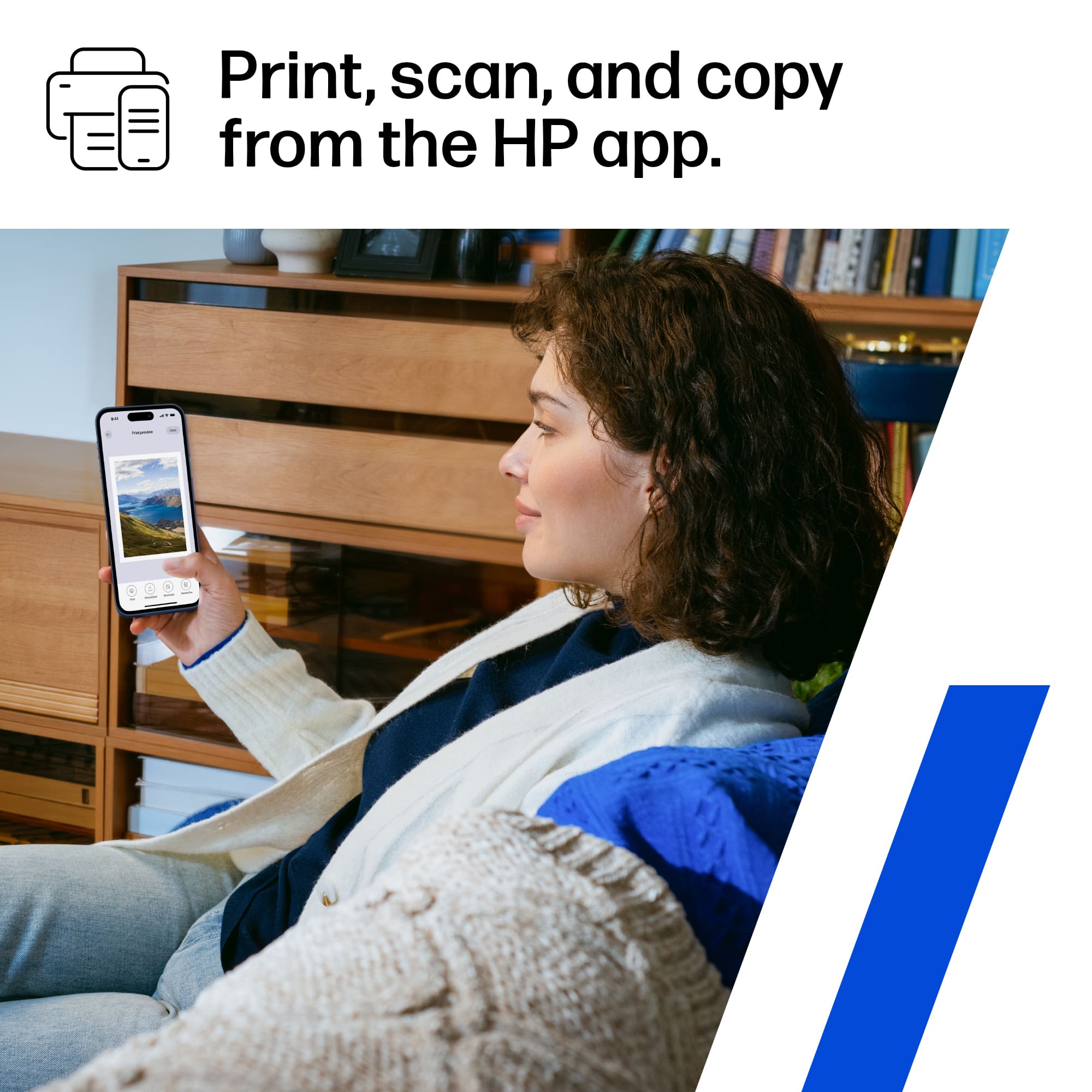
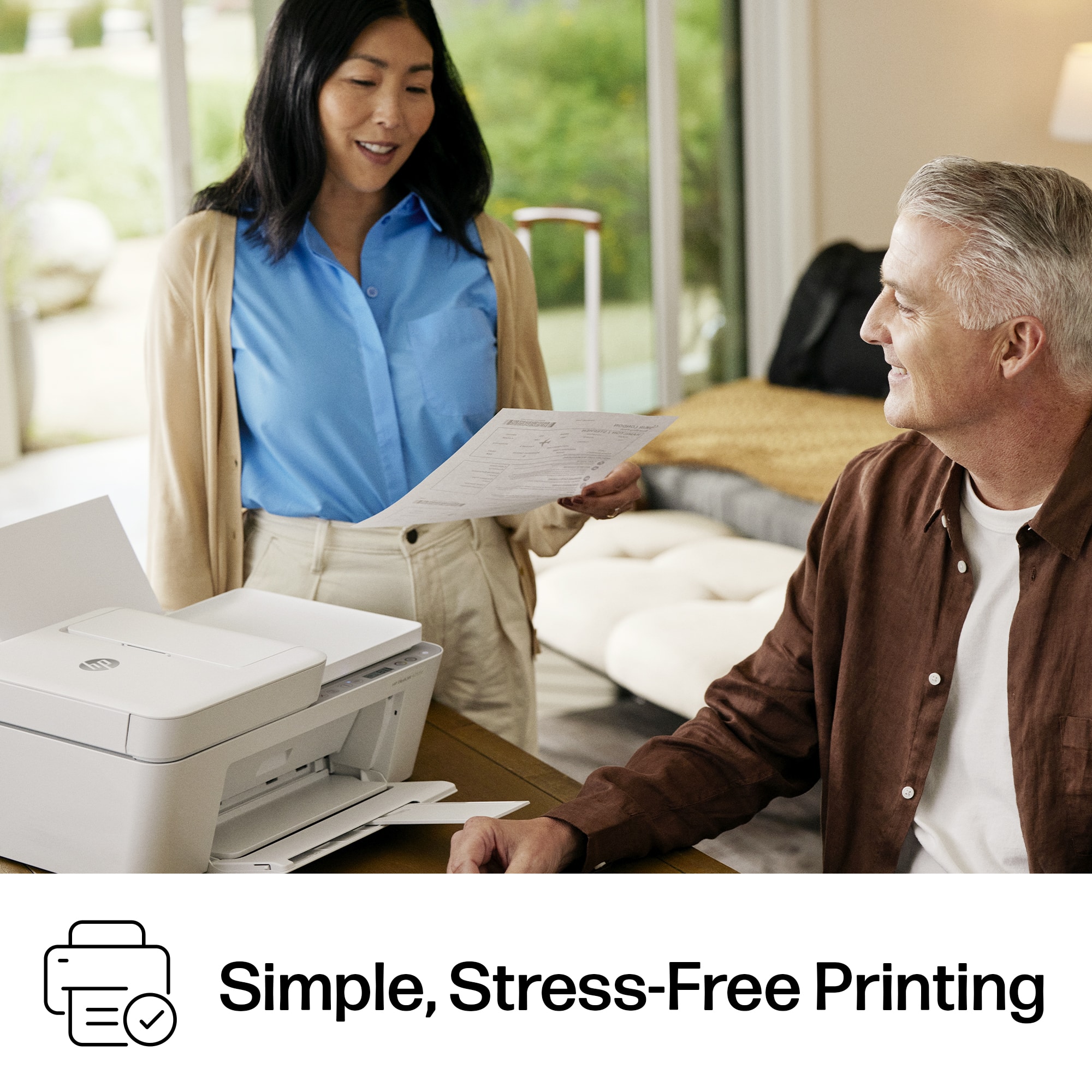
|Posted .This reviewer received promo considerations or sweepstakes entry for writing a review.The HP DeskJet 4255e printer and scanner is a great addition to my home office. First, it's pretty sleek looking, and not too bulky. There's a power button to the right on the top of the printer. Syncing this up to my tablet, phone and laptop was a breeze! You just need to download the HP app. It found the printer immediately and I was up and running in no time. It has scanning capabilities through the document feeder where you can scan multiple pages or on the scanning bed itself, for one sheet. Printing is clear and crisp with nice colors. You can opt in to the never run out of ink option if that's something you'd like to do. Setting this up was super easy, even though it did look a little daunting - it wasn't - at all! Nice little screen tells you what is happening and when you open the app you can see the status of your printer and ink levels. It's fairly quiet when printing. It's not a quick printer, but the quality of the prints is great and it gets the job done for me. This is a nice printer/scanner/copier, that was so easy to set up, I highly recommend it.
I would recommend this to a friend - Pros mentioned:Ease of use, Print quality, Setup
HP Printer
||Posted . Owned for 1 month when reviewed.This reviewer received promo considerations or sweepstakes entry for writing a review.I bought the HPprinter because that is the brand I already have. My old one was 8 years old and i felt it was time for a new one. Love that you can automatically get ink cartridges when they get low. HP watches when they get low and sends them to you. Fast printer, easy set up.
I would recommend this to a friend - Pros mentioned:Ease of use, Overall performance
Great little printer!!
||Posted . Owned for 1 month when reviewed.This reviewer received promo considerations or sweepstakes entry for writing a review.This printer is perfect for small tasks and gets the job done. This is not a printer that you want to run big jobs on and do a lot of color printing or photo printing as color cartridge can run out quickly. But for small stuff in a personal/home office or for school work it is great. I have a laser printer for larger jobs but needed a scanner and color printer for my kids school projects, so the price and quality are great. I did not sign up for the ink service as it is not our main printer, we will only use it for scanner snd color print functions. Set up was easy and the HP app is user friendly. My only wish would be that it be a little slimmer, lower profile as it does sit a little high on our work desk. Other than that its fine.
I would recommend this to a friend











