Customer Ratings & Reviews

- Model:
- S00111
- |
- SKU:
- 5386900
Customer reviews
Rating 4.8 out of 5 stars with 64 reviews
(64 customer reviews)to a friend
Customers are saying
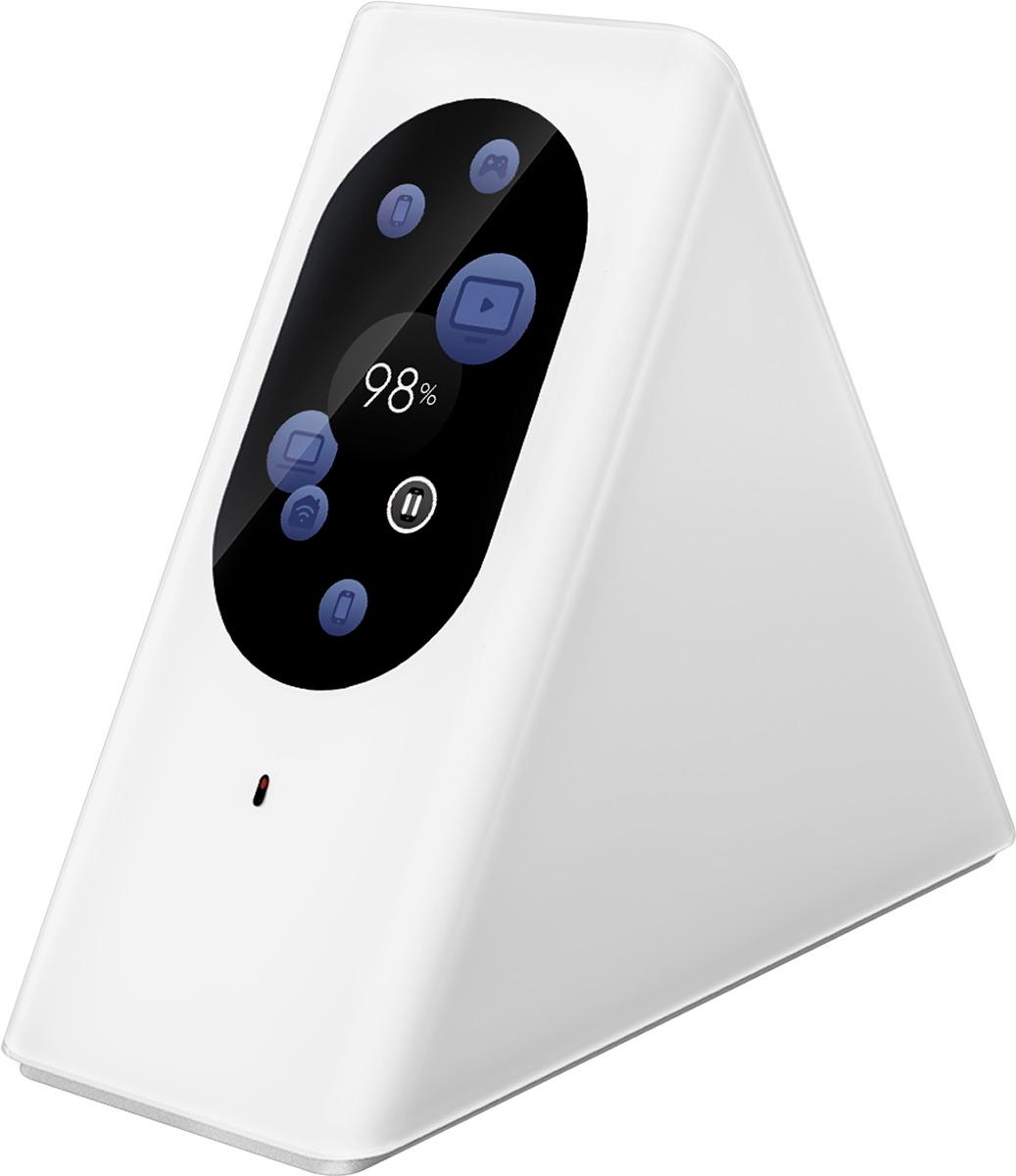
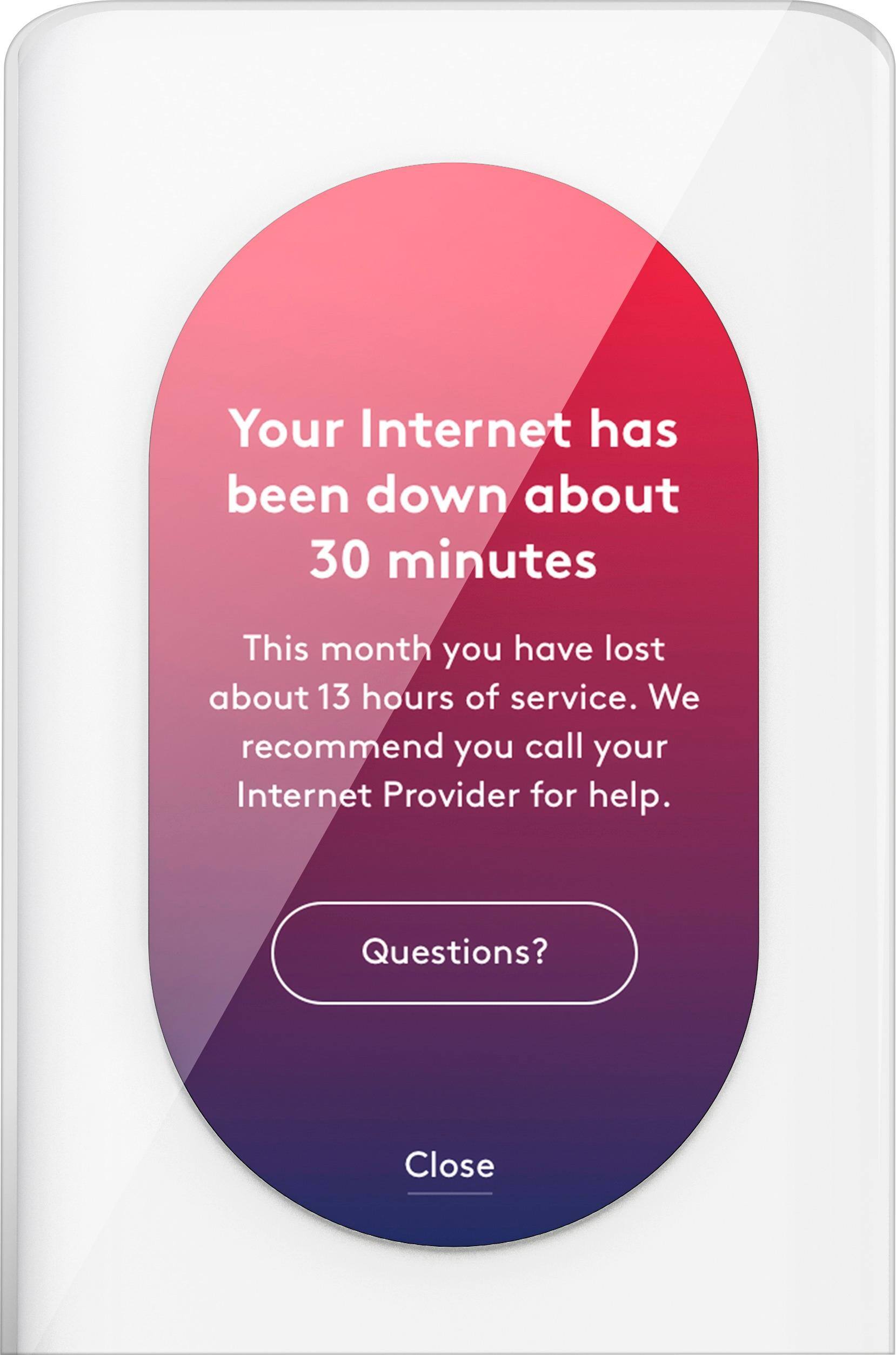
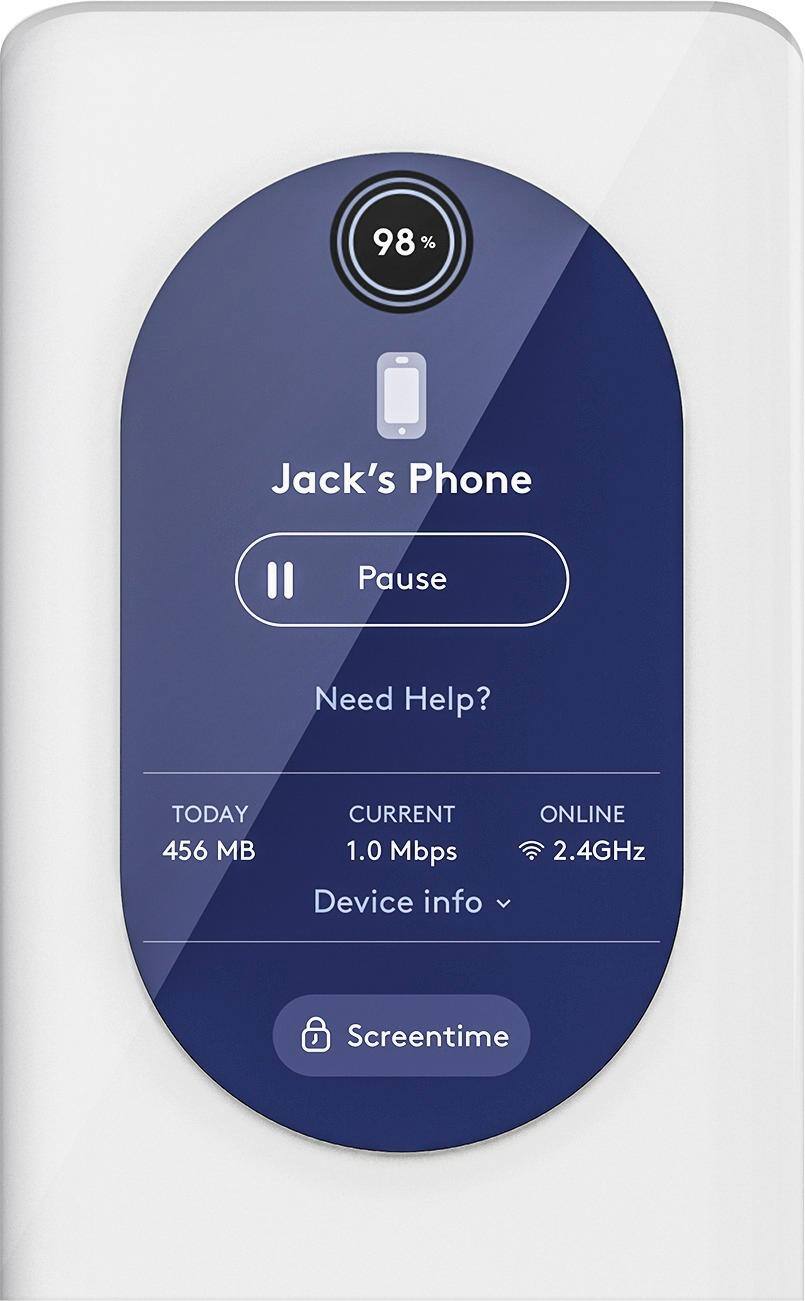
Customers highly value the Starry Station Wireless-AC Dual-Band Wi-Fi Router's ease of use, attractive design, and intuitive touchscreen interface. Many appreciate its strong performance and impressive range, while also noting the helpful parental controls and guest network features. However, some users find the limited number of Ethernet ports and the presence of a small fan to be drawbacks. The setup process is widely praised for its speed and simplicity.
This summary was generated by AI based on customer reviews.
- Pros mentioned:Design, Ease of use, Touchscreen
Rated 4 out of 5 stars
Easy to use and reliable
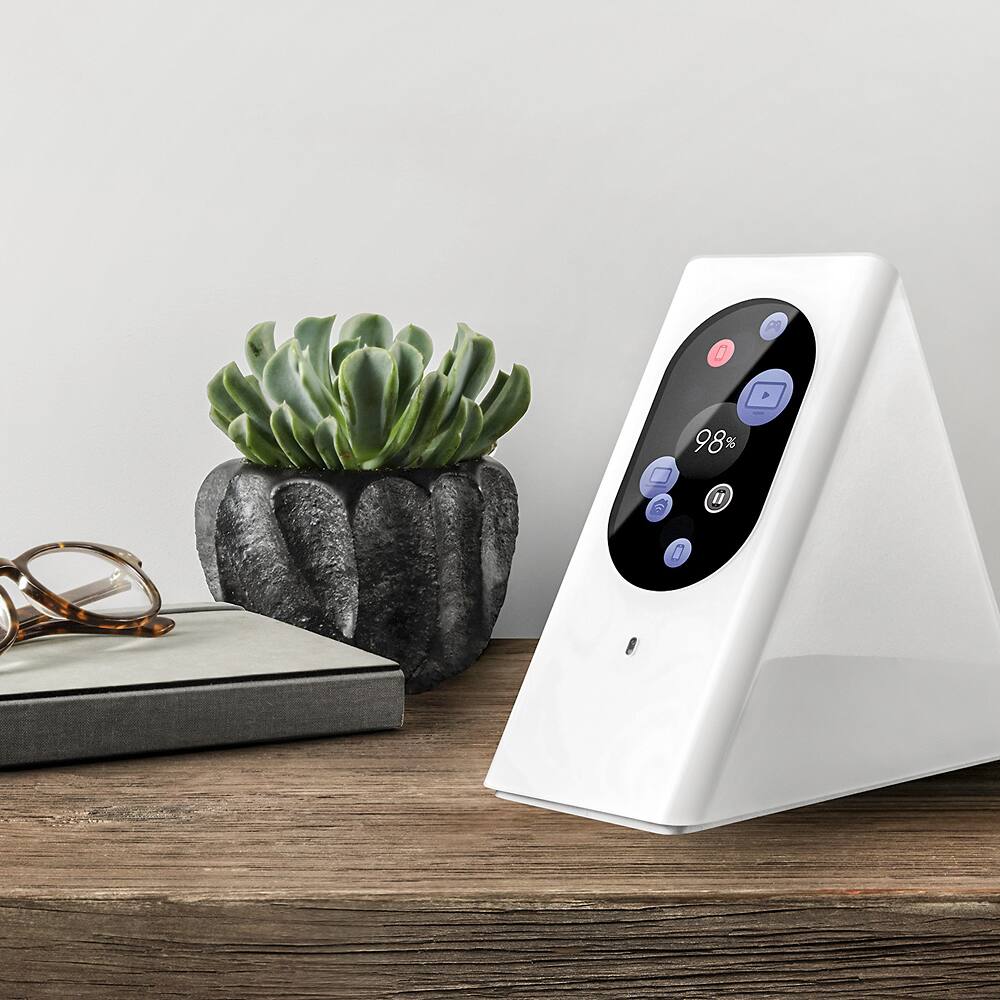
Posted .This reviewer received promo considerations or sweepstakes entry for writing a review.The Starry Station is extremely easy to use. It took about 5 minutes to set it up and instantly I got a snap shot of everything happening on my wifi. I like how it shows the devices currently using the network as well as the network health at a quick glance. It is very reliable. The physical station itself has beautiful design and the touch screen is really great to interact with. I would definitely recommend the Starry Station to anyone looking to monitor their network. I'm giving it a four out of five stars because I don't think the functionality is worth the cost.
I would recommend this to a friend - Pros mentioned:Design, Ease of use
Rated 5 out of 5 stars
Next generation router
Posted .This reviewer received promo considerations or sweepstakes entry for writing a review.Finally the next generation router is here! As soon as you remove it from the packaging its sleek aesthetic design stands out. Most important, is the Starry's usability. As with all routers the simple task of changing a password or managing users was as archaic as it was complex. Managing everything through an intuitive touch screen interface or remotely through the Starry App is a breeze. If you are looking for a cool piece of technology that makes home internet management simple and engaging then the Starry is for you.
I would recommend this to a friend - Pros mentioned:Setup, Speed
Rated 5 out of 5 stars
Awesome!
Posted .This reviewer received promo considerations or sweepstakes entry for writing a review.Amazing product. Setup was a total breeze and I was able to get the station up and running in about 5 minutes, start to finish. The display made the process super easy, as I didn't need to decipher the meaning of random flashing lights or symbols. The speed of the connection is as fast as I would ever need - running Apple TV and several other connected devices across three floors of my home. The station itself looks futuristic and awesome. 100% satisfied.
I would recommend this to a friend - Pros mentioned:Ease of use, Touchscreen
Rated 5 out of 5 stars
easy set up!!!
Posted .This reviewer received promo considerations or sweepstakes entry for writing a review.the router is excellent quality, from the packaging to the unit, super easy set up, love the touch screen. the name and password generator is a real nice touch, range is excellent.
I would recommend this to a friend - Pros mentioned:Ease of use
Rated 5 out of 5 stars
Best router on the market
Posted .This reviewer received promo considerations or sweepstakes entry for writing a review.Bought the new Starry router the other day after reading online reviews. it costs a little more than others but stands alone in features and performance. The on screen display is easy to navigate and clearly shows the speed of your connection and which devices in the house are drawing the most bandwidth. Router sets up in just minutes and doesn't drop connections like my old one. Even comes with an app to manage for my iPhone.
I would recommend this to a friend - Pros mentioned:Ease of use, Speed
Rated 5 out of 5 stars
GREAT WiFi router, VERY easy to install & use!
Posted .This reviewer received promo considerations or sweepstakes entry for writing a review.I am not a technical sort of guy at all but a good friend of mine is, and he owns a Starry Station and recommended it. I was amazed at how easy is was to set up (incredibly user friendly), and I LOVE the data it displays with the touch of a finger. I've doubted my internet speed from time to time, and now I don't have to call the cable company to have it checked. This is a great tool to show which devices are connected, and which ones are not. I am more than pleased with this purchase!
I would recommend this to a friend - Pros mentioned:Speed
Rated 5 out of 5 stars
A new WiFi experience that is incredibly fast.
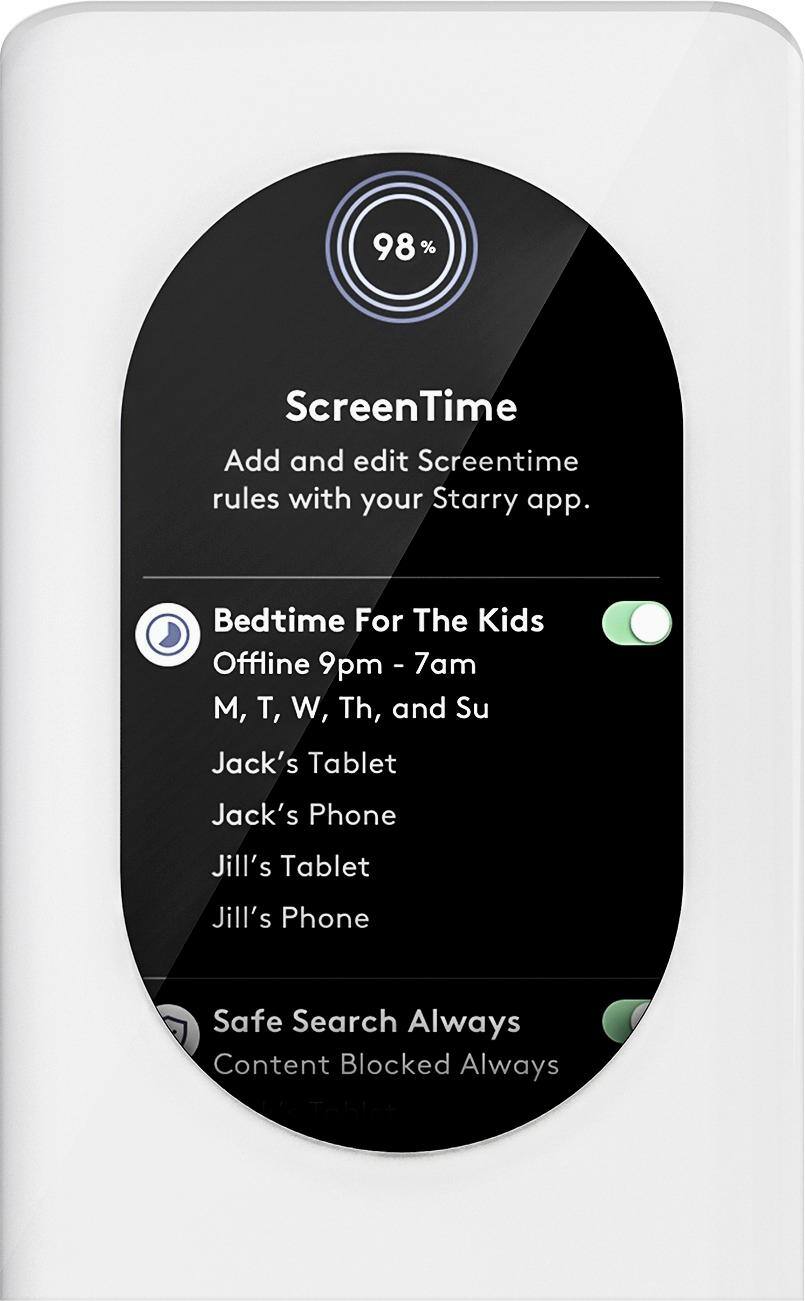
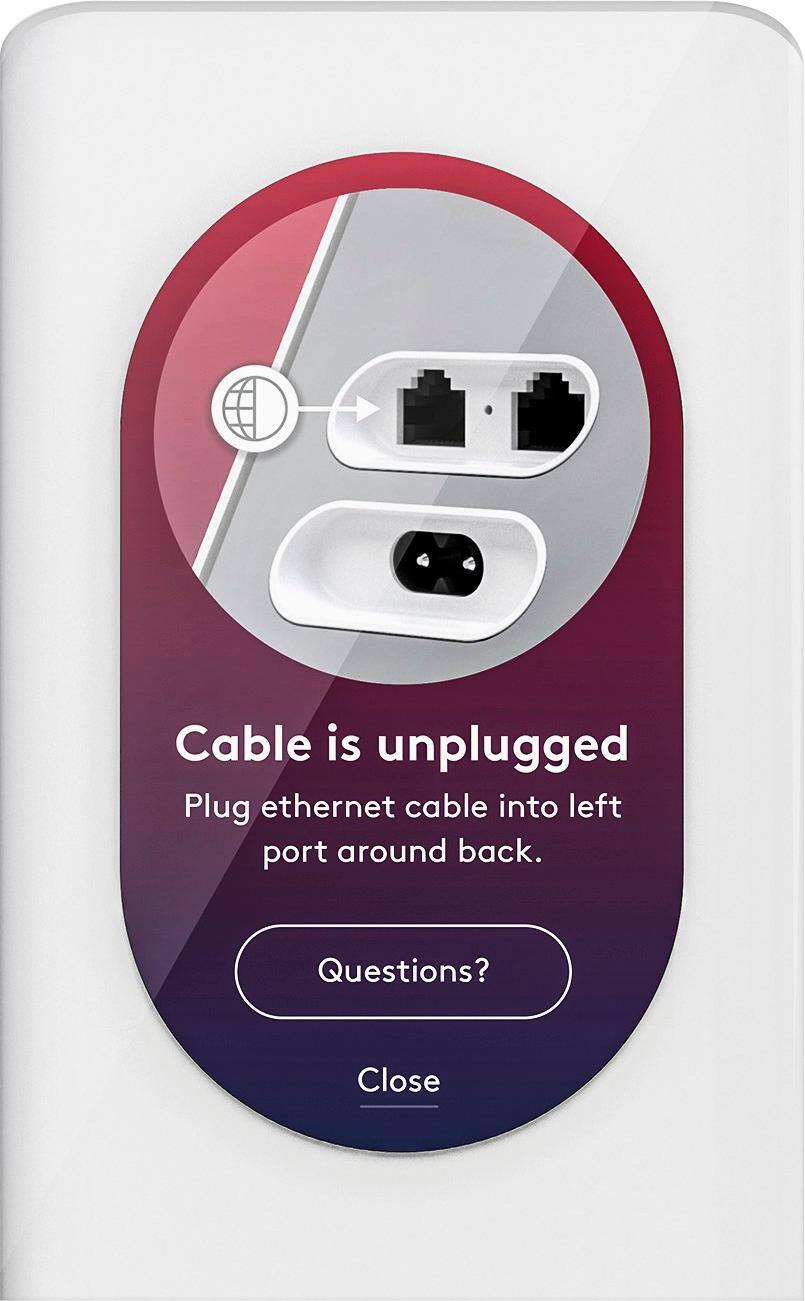
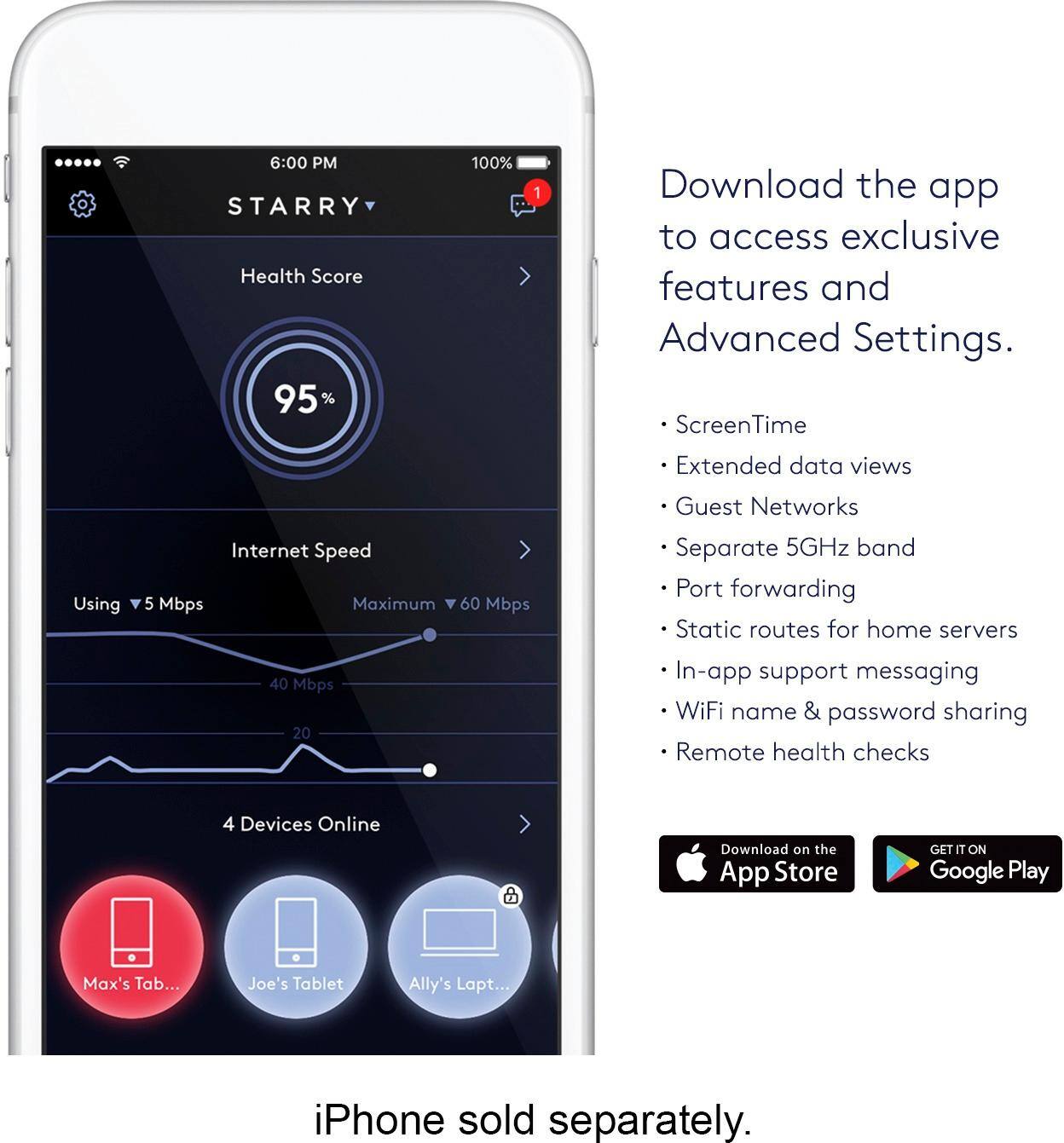
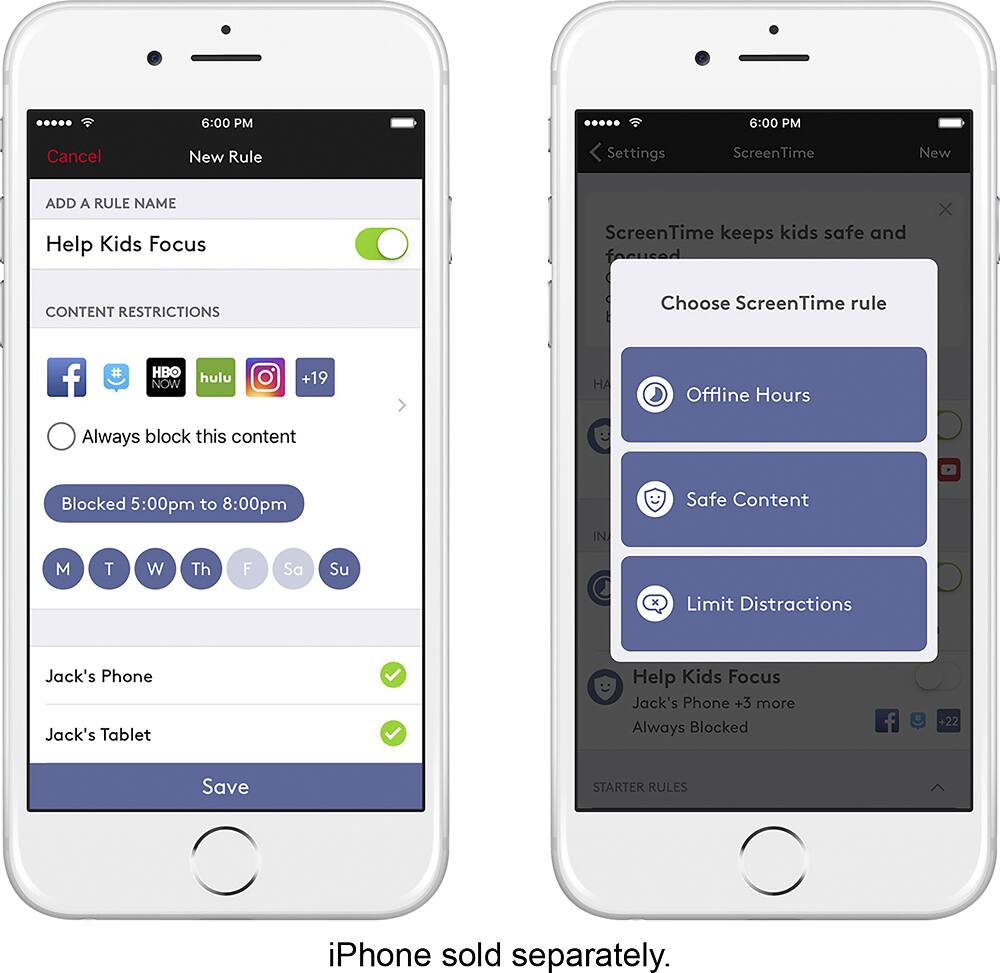
Posted .This reviewer received promo considerations or sweepstakes entry for writing a review.This past week I switched from my old Apple Airport Extreme to the Starry Station. The Station is not only well-built and sleek in design but also features capabilities that go unmatched by other Home WiFi systems. Setup/User Interface: I swapped out my Airport Extreme and “installed” the Starry Station in less than 7 minutes. It was as simple as powering up the Station and connecting the ethernet cable to my Optimum Online modem. The list of network names/password generator is a cool feature that puts an end to long passwords like “MC2XAMB1CK00166TA341.” Internet Speed/Overall Performance/Range: I did not expect the Starry Station to provide adequate WiFi coverage for my 3-bedroom house. I am happy to say that I was wrong. The WiFi range is consistently fast even in the furthest corners of my house. The dedicated 5GHz network is perfect for streaming Netflix and gaming. The ability to troubleshoot internet issues without having to call my internet service provider is fantastic. Not to mention, I am also able to use the Starry Station SpeedTest to keep an eye on the download speeds that my ISP is sending vs. the download speeds that I am actually paying for. App: The Starry App not only provides all of the on-screen features such as device monitoring, port forwarding, remote health checks, SpeedTest, and ScreenTime, but it also provides the user with a wealth of other information and capabilities. For example, I am able to send my guests a network name and password via text so they are able to use the WiFi if they arrive before I make it home from work. Parental Controls/ScreenTime: Although I do not have children, the ability to monitor devices and limit WiFi for certain devices at certain hours is brilliant. (I tested this feature on my girlfriend’s devices). Fan Noise: The idea of having a router with a fan worried me because I have my desk and router setup in my bedroom. The fan is barely audible so I am able to display the Station out in the open. Customer Support: Key features that I have yet to use are the in-app support messaging and the support on demand feature on the Starry Station. Both of these features are intended to connect the user to the Starry Customer Care team in an efficient manner. Recommendations: I would have liked to see another port or two and maybe a USB 2.0 port on the Starry Station but I do understand the industrial design limitations. Besides, you don’t want a bunch of wires from your wired devices out in the open. Buying a cheap ethernet switch will solve this problem. Conclusion: Overall, you are paying for really fast internet, customer care/support, reliability, and a bunch of other features that go unrivaled by competitor Home WiFi routers. ---
I would recommend this to a friend - Pros mentioned:Ease of use
Rated 5 out of 5 stars
Perfect for the modern Wireless family
Posted .This reviewer received promo considerations or sweepstakes entry for writing a review.I used to have a Netgear Nighthawk router. The Starry out performs the Netgear. It took less than 5 minutes to set up and secure the network. You are able to track the devices online and use parental controls to control your children's access to the internet on school nights. Very user-friendly with the touch screen right on the modem. I am extremely happy with the product.
I would recommend this to a friend - Pros mentioned:Ease of use, Speed
Rated 5 out of 5 stars
easy set up, boosted wifi range
Posted .This reviewer received promo considerations or sweepstakes entry for writing a review.this unit has eliminated all the wifi deadspots in our house. our house is older and sort of long which makes it hard for wifi so we just lived with it. this unit has surpassed my expectations. set up took 10mins, it was all intutive to work with the touch screen. Its helpful to see internet speed and know what devices are active.
I would recommend this to a friend - Pros mentioned:Ease of use
Rated 4 out of 5 stars
Impressed but needs manual
Posted .This reviewer received promo considerations or sweepstakes entry for writing a review.I have had my unit for just about a week and I am overall quite impressed. I received it free to use and review. It was easy to setup the instruction were on the side of the box. It took a matter of minutes. I had a few hiccups where my devices IP address' weren't matching up but that is not something specific to this unit it could happen with others as well. My biggest complaint is there is no instruction manual for the features included. How to access the guest wifi and the fast wifi that is setup for streaming. And why I need a pin. I feel a manual is a necessary. But overall am happy with the unit it works well.
I would recommend this to a friend Rated 5 out of 5 stars
Simple Setup - Great For Any Home
Posted .This reviewer received promo considerations or sweepstakes entry for writing a review.Starry Station arrived about a week and a half ago. Got up and running in less than 20 mins with an auto software update upon plugging in. Haven't had any issues just yet. Connecting devices is a breeze. Really enjoyed using the mobile app and guest network feature for a party the other day. Don't have a use case to utilize the screen time feature, but I imagine this will be a god send for any family that needs to monitor device usage. Definitely recommend purchasing if you're looking to enhance your at home wifi. Heck, I may even cancel my time warner wifi when Starry releases their own network.
I would recommend this to a friendRated 5 out of 5 stars
A giant leap forward for home WiFI
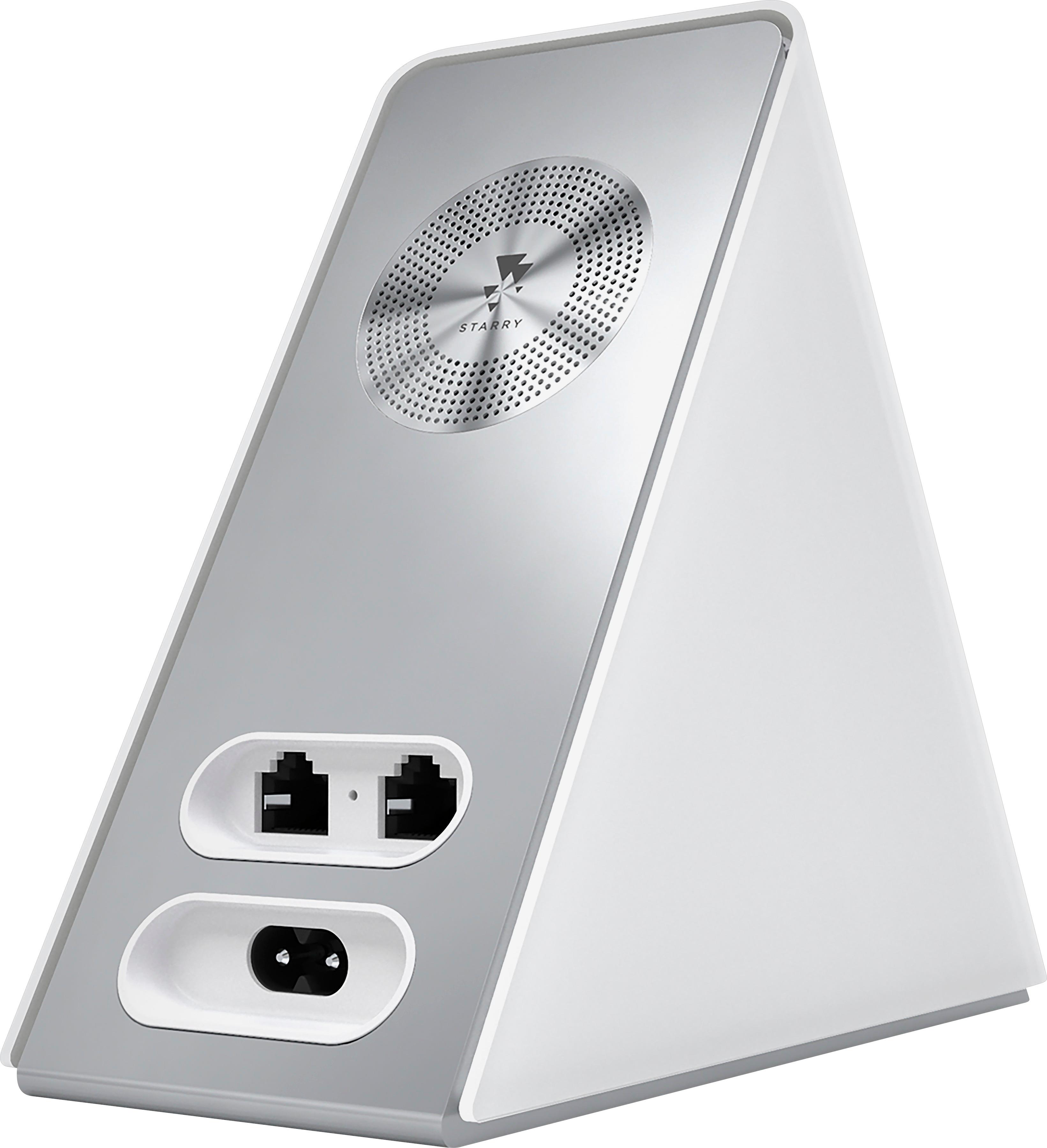
Posted .This reviewer received promo considerations or sweepstakes entry for writing a review.I was fortunate enough to bee given the chance to test out the Starry station, and I will say that it is a leap forward in home internet technology. I'm a pretty technically proficient person, someone who has installed open-source firmware on their router for 10 years. Here's how the Starry Station breaks down: 1) Use / User Interface / Basic Functionality: 6/5 Stars. Yes, it's really that good. It not only look beautiful and is something that you WANT in your home, but it works really well. It's beautiful enough that you're okay with putting it in the middle of your home, on a table or hutch somewhere, which by definition gives you better internet. The touchscreen setup is painless, and once you have it up and running, the app is a welcome addition to be able to monitor your home's internet use. Basically put, this is the router that you should buy for anyone who wants a "set and forget" internet setup. It helps you figure out how to setup everything, and monitors the health of your network. This is great if you're buying this for your mom, and she wants something that's easy to use, or for yourself and you're not a power user. Great performance that's easy to setup. Additionally, they have Starry Support, open 24/7, who the station directs you to who can troubleshoot any problem you're having with your station OR your internet. I think this is actually the most valuable part of this whole package. This makes it even better for the "mom market" who you don't want to be their point of contact and default call if it breaks down - Starry is there for them. Other Features - 5/5: Extended features like "screen time", which are able to limit certain devices' usage, built-in modem-level speedtests, seamless setup of network name and password (suggesting great and humorous names for both!) go way beyond the call of what routers today do. Simply put, if Apple made a router and wifi access point, this would be it. Value - 3/5. I won't lie. This is not a cheap unit. The power and features certainly are there, but this unit competes with many of the other $150 - $200 routers as far as features / power, but is a $150 premium worth it? It depends. If you're a power user who wants / knows how to tweak everything, perhaps not. If you're on a budget, perhaps not. But if an extra $150 for less headache, 24/7 internet support, and a beautiful conversation piece is worth it to you, then DEFINITELY go for it. Power / Reception - I only have 30 down / 6 up Comcast Xfinity internet. Getting this router / AP did not change my life as far as reception / power goes. However, the ac internet is an important standard, and if your internet is getting into the 50+ mbps range (or you are transferring large files over your internal network), then you will most certainly have some improvement in speed. Power is comparable to other high-power routers... but it sure looks a helluva lot better than the alien-cyborg themed routers that are out now. Tweakability - 2/5. As I said up top... I have used DD-WRT on my personal routers for the last 10 years, and am used to setting up dynamic DNS servers, port forwarding, pointing to open DNS servers, etc. This unit has none of these tweaks an extendabilities. Also, there's one ethernet port (presumably for a NAS), but no more. If you wanted to connect a wired device, you would have to buy a $10-$20 switch. If this is a dealbreaker for you... then don't get this unit. If you have no idea of what I just talked about... then get this unit!
I would recommend this to a friend- Pros mentioned:Speed
Rated 5 out of 5 stars
Sleek design & user-friendly
Posted .This reviewer received promo considerations or sweepstakes entry for writing a review.I really like how seamlessly my Starry blends into the area around it unlike my previous modem which was really aesthetically unappealing. The instructions were really simple and the touch screen is just user-friendly in general. With the Starry we now get internet on our deck (which was previously non-existent) and the slow and glitchy internet in the living room, on the opposite side of the house from where we store the modem, now works perfectly. love!
I would recommend this to a friend - Pros mentioned:Design, Ease of use
Rated 5 out of 5 stars
Intuitive router
Posted .This reviewer received promo considerations or sweepstakes entry for writing a review.Works great - was super easy to set up and haven't had any issues with it. Love the modern design. Don't have to hide it away like other outdated tech
I would recommend this to a friend - Pros mentioned:Touchscreen
Rated 5 out of 5 stars
Solid piece of tech
Posted .This reviewer received promo considerations or sweepstakes entry for writing a review.The Starry Station seems a bit pricey at $300, but that might even be ok for how unique and useful a tool it is. I am pretty excited to see how effectively all of my (and my many roommates') devices are connecting to our wifi, whether our neighbors are leeching, and how strong our signal is. It's really helpful that dealing with connection trouble no longer requires theorizing about a black box. Setup was as easy as it should be for any router. The touchscreen is easy to use and the interface is well organized.
I would recommend this to a friend Rated 5 out of 5 stars
The future of WiFi!
Posted .This reviewer received promo considerations or sweepstakes entry for writing a review.I have been using my Starry Station for about a week now and it is easily the best router I have ever used for several reasons: - Ease of setup - Password/network sharing - iPhone app integration - Future potential One of my biggest pain points with traditional routers is all of the hoops I have to go through in obtaining and sharing network information. The little post-it notes strategically placed around my home in order to share my wifi password and the menu-digging required to find those passwords makes the whole process decidedly 20th century. For this feature alone, Starry is a major innovator. The user experience is perfect from the moment you open the box to the second you connect your first device. Starry makes a typically daunting/annoying task into a little adventure. Starry swaps out the post-it-note-on-the-router routine for an incredibly intuitive capacitive-touch interface. This make setting up a new network name and password a breeze. If I want to share my network among friends, all I have to do is send the network information via the highly-integrated Starry app (for iOS and Android). More than anything, the reason I’ve given Starry five “Starries” is because of its future potential. If the current hardware and software is any indication of the future experience (to be enabled by firmware updates), then there are exciting times ahead for all users.
I would recommend this to a friendRated 5 out of 5 stars
Excellent product
Posted .This reviewer received promo considerations or sweepstakes entry for writing a review.The Starry router has truly changed the game for me in terms of my home WiFi experience. All other routers I have purchased in the past have been unnecessarily challenging to configure, ugly enough to need to hide behind some other piece of furniture, and constantly had to be reset. This is the first product of its kind that I have come across that is the first true strong modernization of a dated router found in nearly every home. I highly recommend this product.
I would recommend this to a friendRated 5 out of 5 stars
Fantastic router worth the price
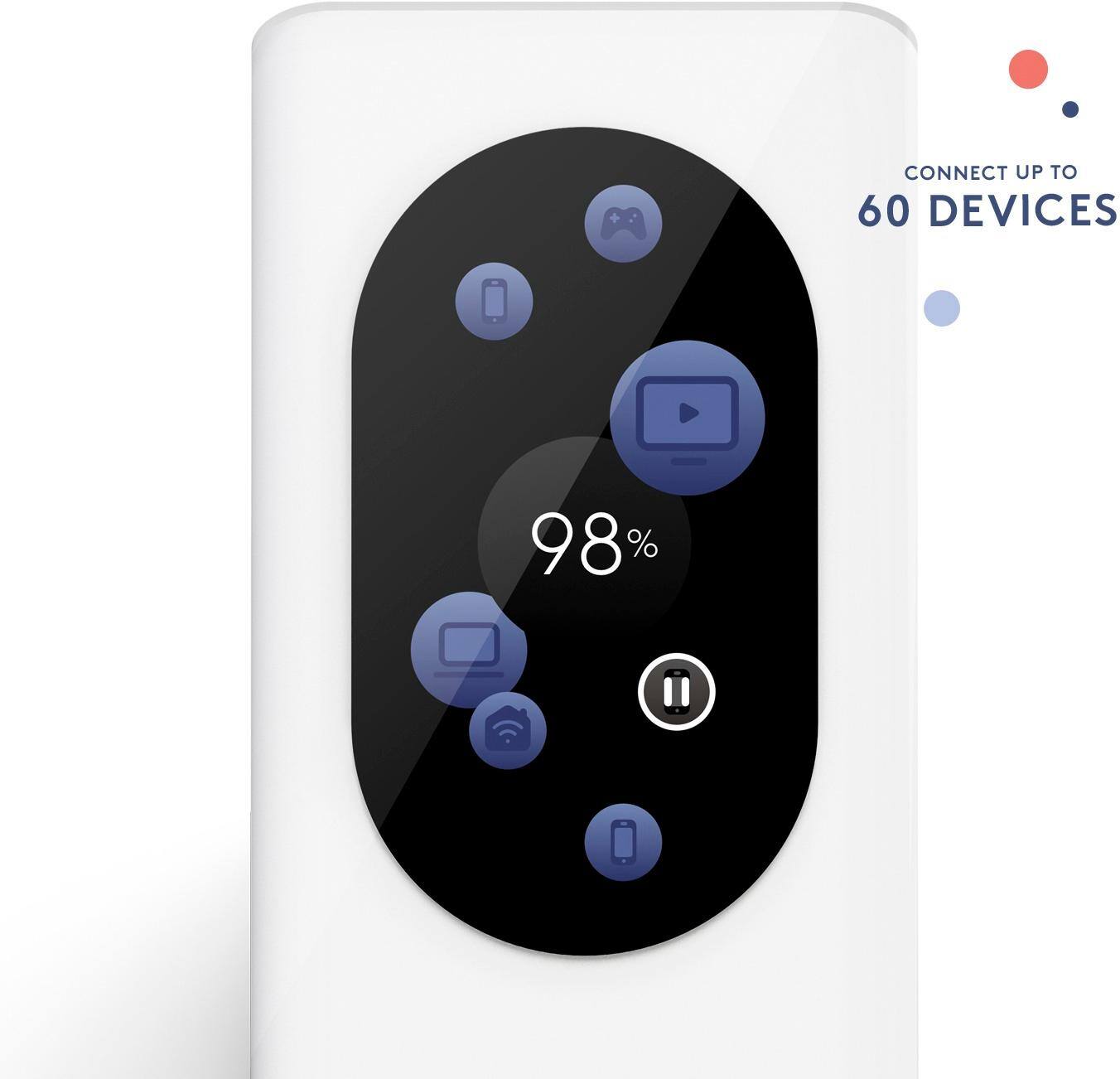
Posted .This reviewer received promo considerations or sweepstakes entry for writing a review.This router simplifies what has always been a complicated process for those of us not very knowledgeable about Modems and Routers and networks. The set-up process is easy as can be, follow the three simple instructions, you may have to reset the Modem which, again, is easy, and it starts working right away. The touch-screen display is great, providing easy-to-understand information about the network at the touch of your fingers. You can see how many devices are on and how much data each device is using. It also gives a health rating that informs you whether your network is healthy and strong or whether its getting bogged down by too many devices doing too many things. Using the Starry App on my smart phone gives me more control over the product and is just a smart, simple way to control it. No more typing in the browser trying to get into your Router's settings.
I would recommend this to a friend- Pros mentioned:Ease of use
Rated 5 out of 5 stars
Starry Station
Posted .This reviewer received promo considerations or sweepstakes entry for writing a review.I have had this item for over a week now, we haven't had any internet drops or decreases in connection. The set up was super easy and I really like having everything at my fingertips like it is!! I would definitely recommend this item!! I look forward to see what they have in store for internet service!
I would recommend this to a friend - Pros mentioned:Speed
Rated 5 out of 5 stars
Best router that I have owned
Posted .This reviewer received promo considerations or sweepstakes entry for writing a review.For months i cursed Mediacom for their bad service, speeds would decrease for no reason then peak! had to reboot it constantly, I decided to invest some money to find a solution after Mediacom was unable to give me a permanent solution! and 6 months later here I am! great speeds at all times! make the investment its worth it!
I would recommend this to a friend